


Global Mapper
Mapper necessary for Windows system
Operating system: Windows
Publisher: Blue Marble Geographics
Antivirus check: passed
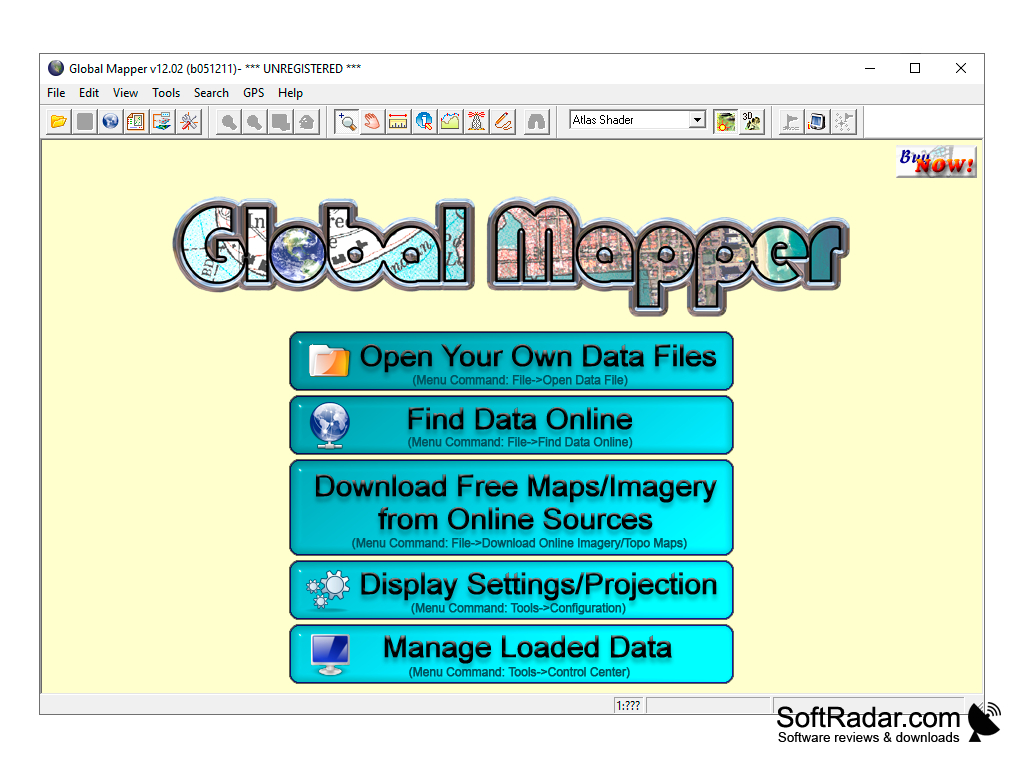
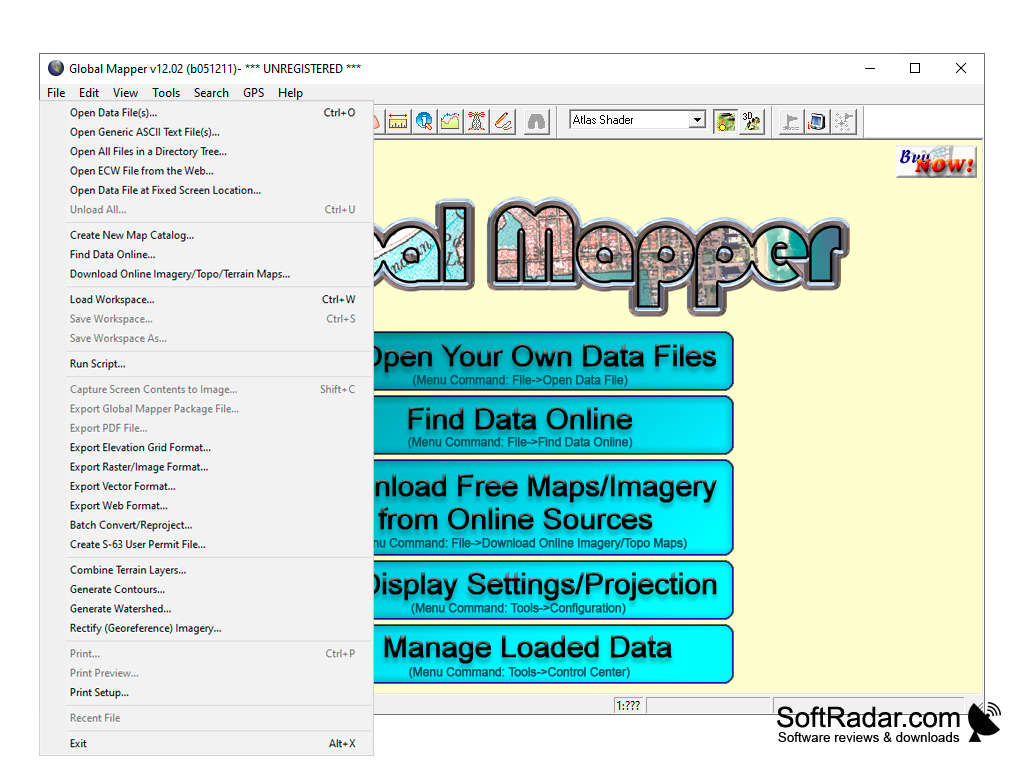
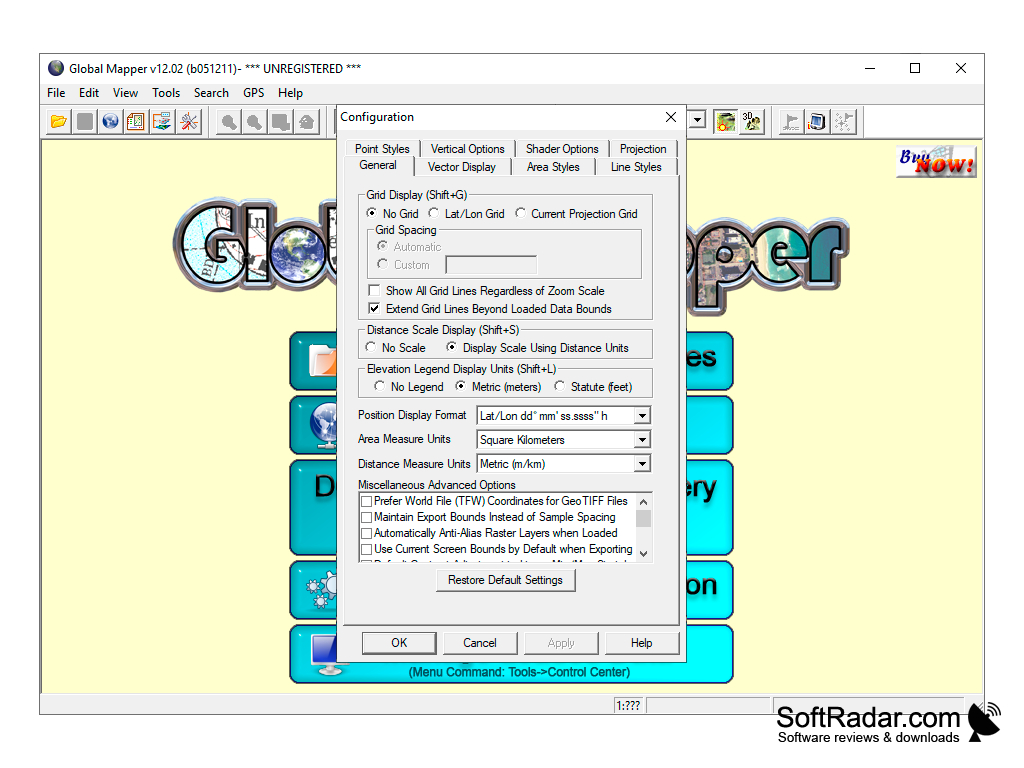
Global Mapper is a geoinformation system that supports a huge number of formats that are widely used in various geographical and geological projects. The program also works with vector and raster images.
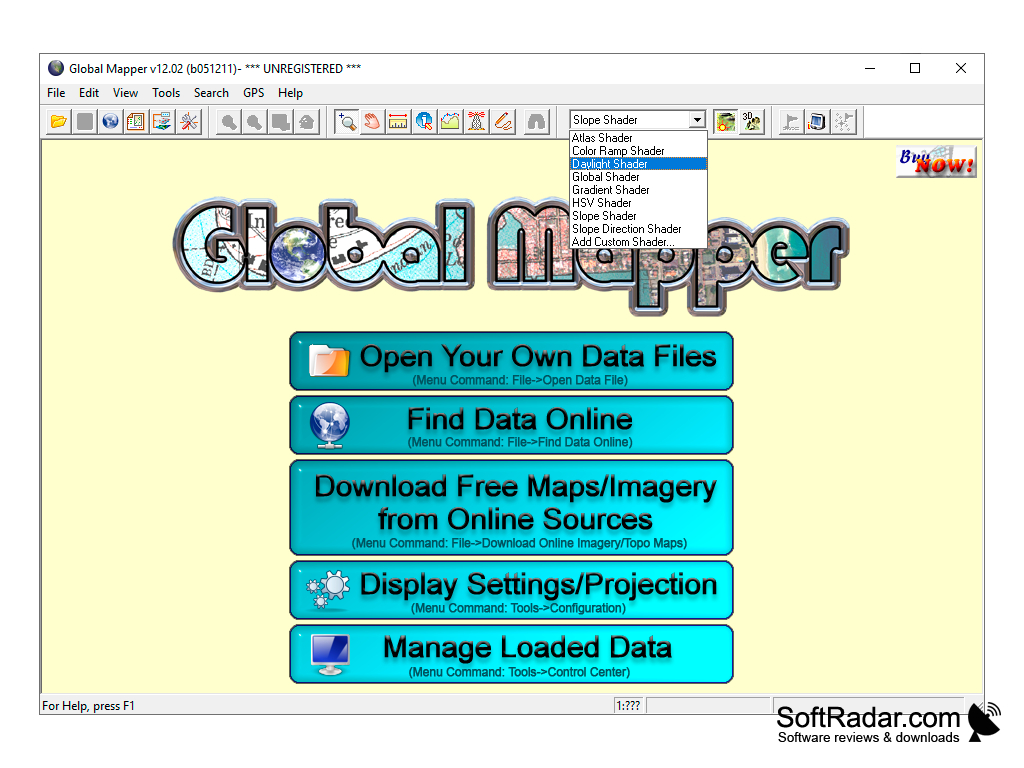
After installation and launch, the project manager will appear, who will ask us to download or find data (or maps) for analysis via the Internet. Built-in tools allow us to start 3D projection of our map with marked elevations and all terrain irregularities in free flight mode. There are several interesting templates for creating a realistic sky.
Global Mapper provides an efficient platform for extensive geospatial data analysis, supporting numerous formats with user-friendly and robust functionalities.
It is also possible to simulate sea level rise, compare soil layers and perform triangulation. Plus, there is an option to generate the contours of territories based on surface analysis. The new LiDAR module (available in version 16) allows you to combine both 2D and 3D viewing functions. Its main purpose is to display the map space realistically. It is for this purpose that new textures of trees and buildings have been added. The authors tried to optimize and accelerate the work of the application with 3D-objects, as well as reduce the time for contour generation.
The main advantage of the program is not so much in the functionality, as in the convenient representation of data and the ability to open almost any mapping file. The developers created this application not only for professionals, but also for beginners.
The program was originally developed for the U.S. Geological Survey, so many functions are focused on North America. After numerous revisions and changes, Global Mapper has gained worldwide recognition.
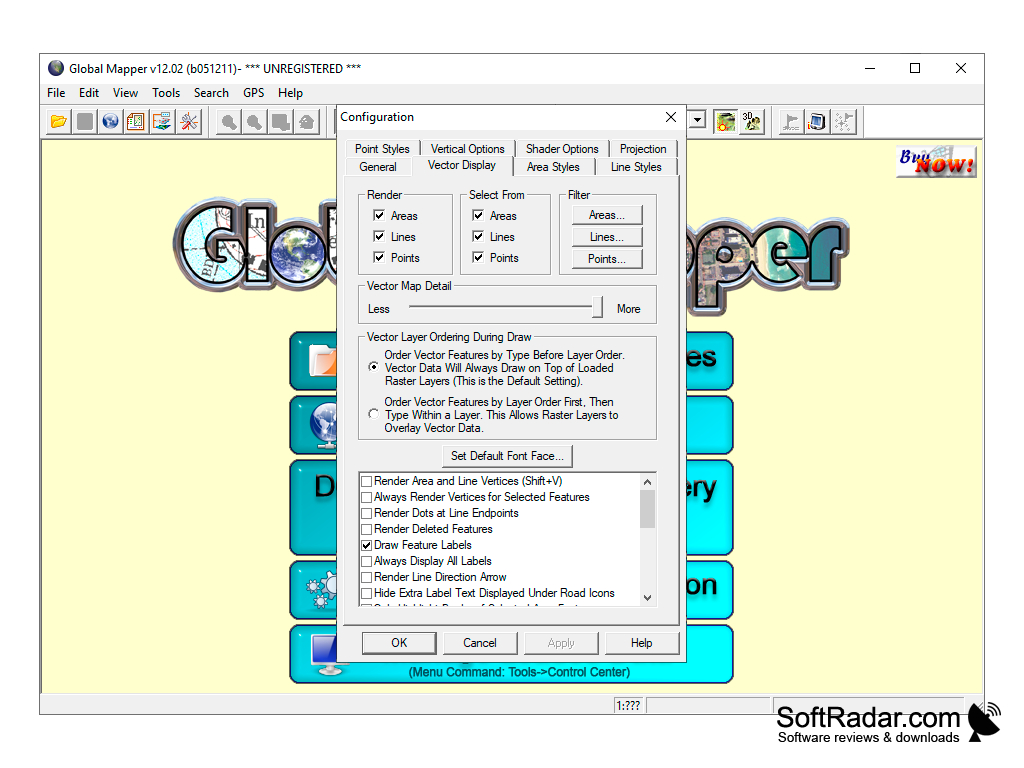
- more than 250 supported formats;
- display of map objects in 3D;
- Wide functionality for modeling geological processes and data analysis;
- A large arsenal of tools for building various types of charts.
PROS
Offers advanced terrain analysis and 3D data processing.
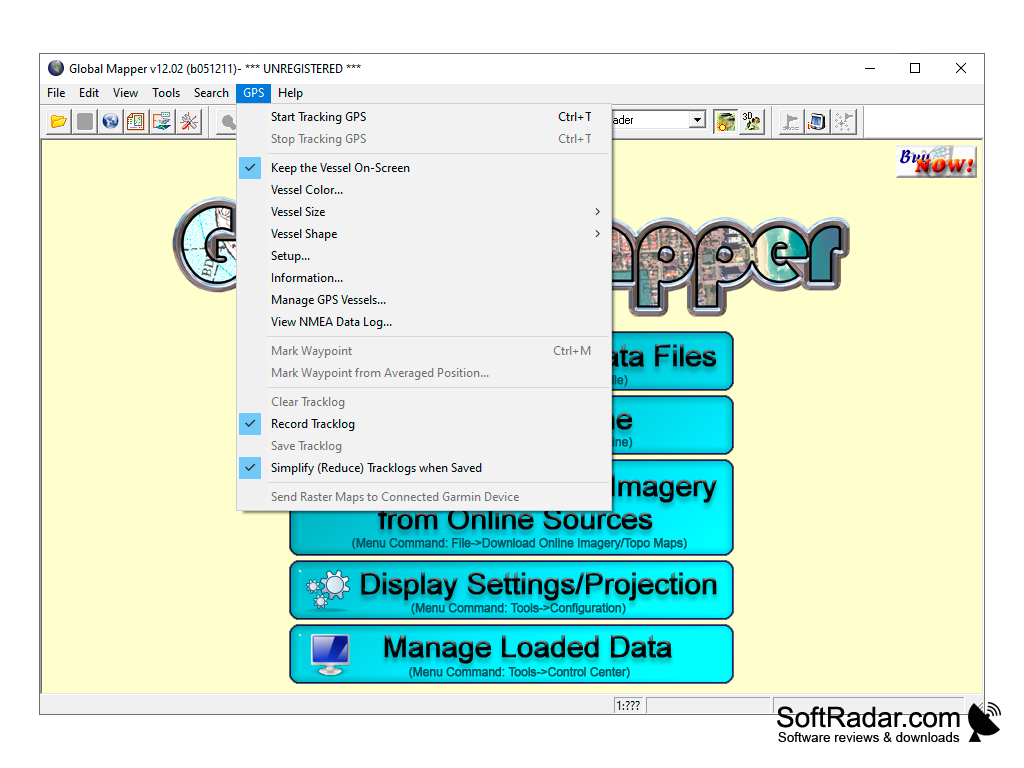
Provides comprehensive GPS data collection and editing features.
CONS
Limited functions compared to other GIS software.
Can be expensive for small businesses.


