HandBrake

by Titer

A tool for converting video from nearly any format to a selection of modern, widely supported codecs

Operating system: Windows

Publisher: Titer

Release : HandBrake 0.10.5

Antivirus check: passed

Report a Problem

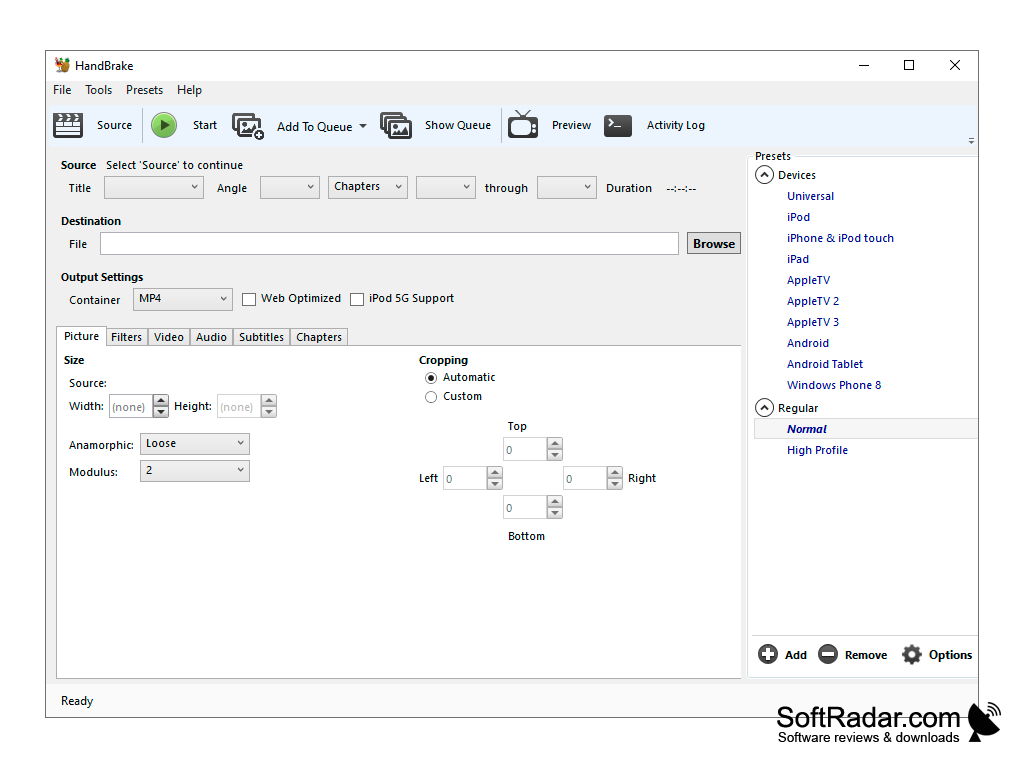
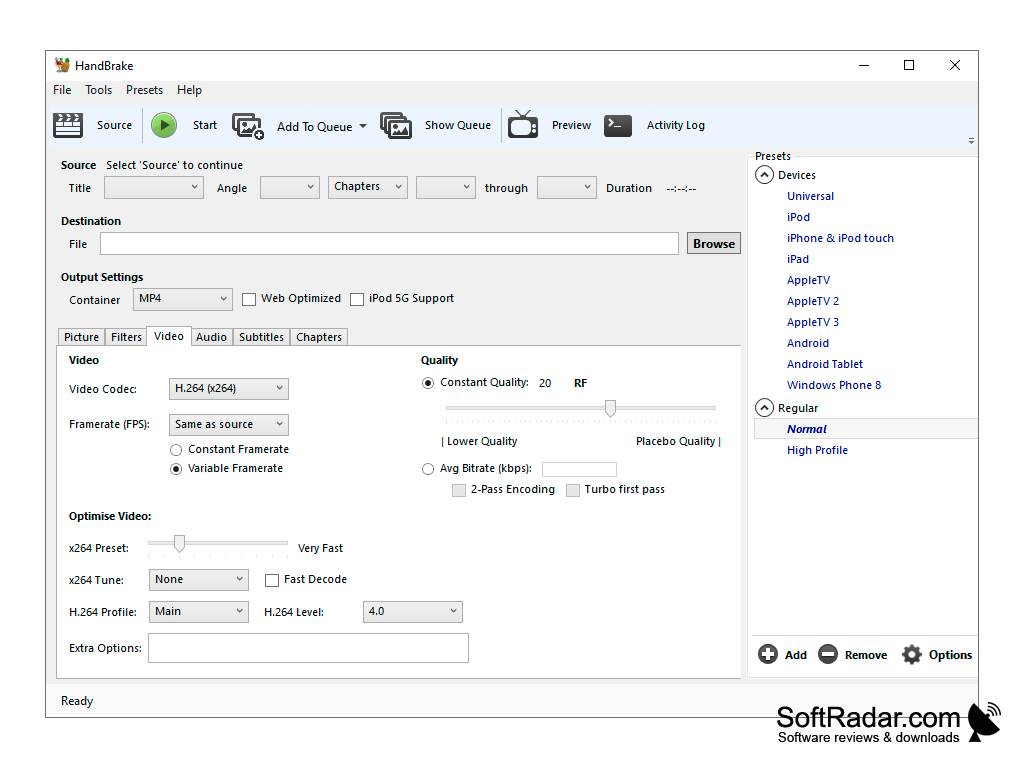
HandBrake is a program for converting DVD video to different formats. With the help of this application you can easily save your favorite DVD movies in MP4, MKV, MPEG-4, MPEG-2, Theora and H.264(x264) formats, choosing the necessary subtitles. HandBrake can also store DVD audio in AAC, MP3, Flac, OGG and other formats. The program supports encoding with several types of bitrates, allows you to apply filters and resize the picture, use built-in presets and preview the video in preview mode.

You can download and use HandBrake for free. The program does not contain advertising and paid functions.

HandBrake allows for easy conversion of DVD video to multiple formats, providing flexibility for viewing on various devices and platforms.
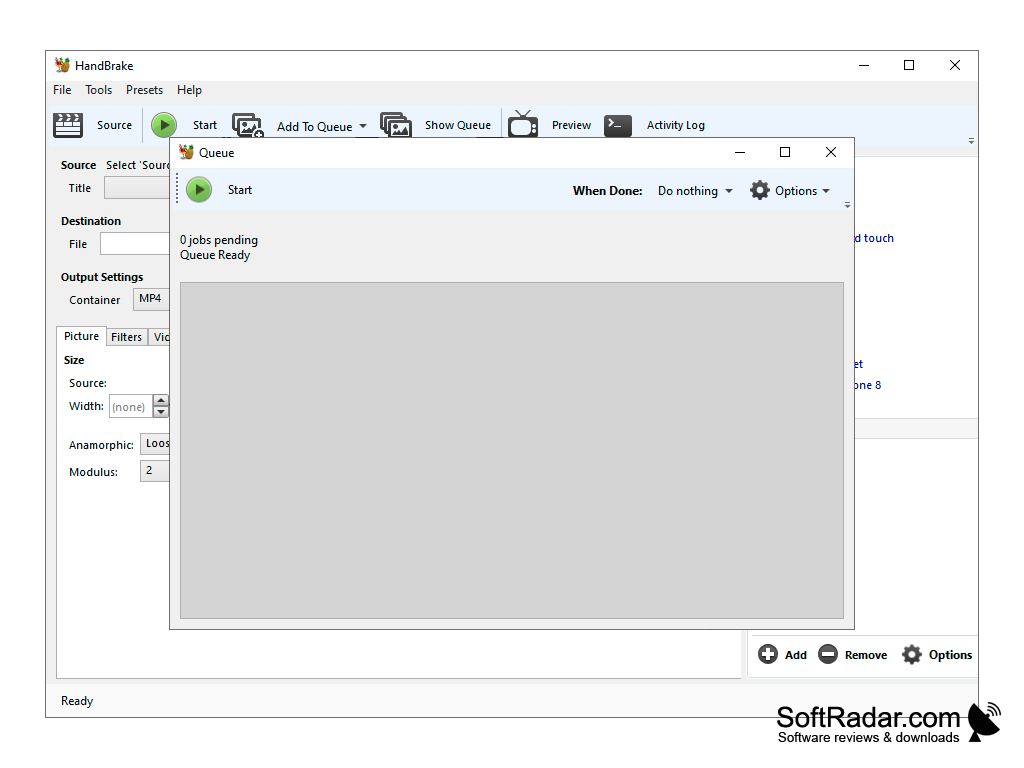
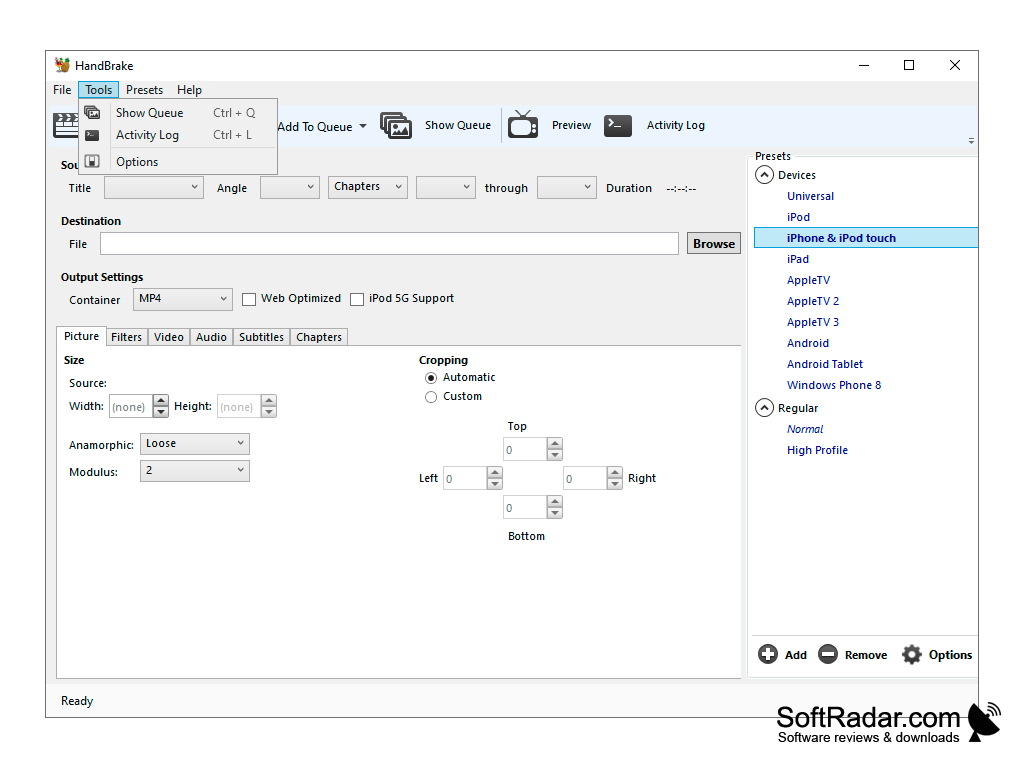
- Convert DVD video to MP4, MKV, MPEG-4, MPEG-2, Theora and H.264 formats;

- to extract audio from the DVD.


PROS
Supports a wide range of input and output formats.
Customizable video editing features.
Open-source and entirely free to use.

CONS
Complex interface may be challenging for beginners.
Does not support all video formats.
Limited customer support options.
HandBrake 0.9.3 (6.23 MB)
HandBrake 0.9.6 (6.58 MB)
HandBrake 0.9.7 (6.59 MB)
HandBrake 0.10.0 (15.09 MB)
HandBrake 0.10.1 (15.11 MB)
HandBrake 0.10.3 (16.45 MB)
HandBrake 0.10.5 (14.79 MB)

Alexander
Tue, Feb 6, 2024

HandBreak is a video tweaking tool. This application is a completely free application. It is also an open-source project.

HandBrake supports a wide range of media formats. It can also change the video quality before starting the rendering process. It comes with a lot of necessary presets. This application supports high-speed encoding.

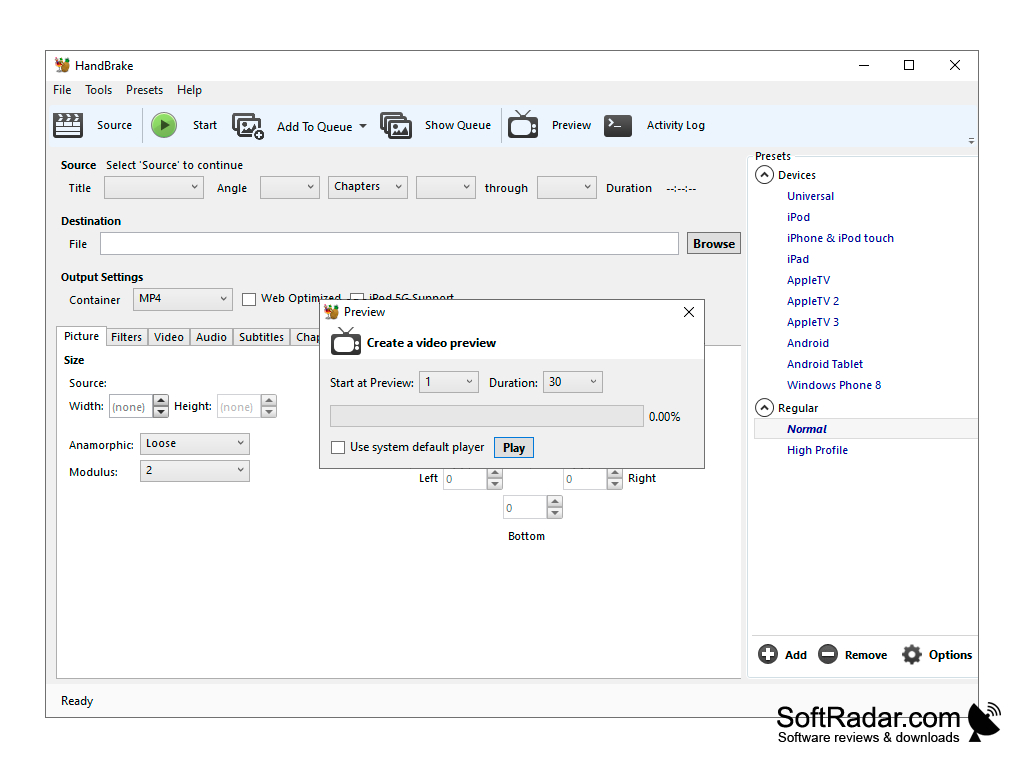
Users can batch scan and queue encodes simultaneously in this application. They can also change titles and chapters along with selecting variable ranges. This application also has dedicated support for subtitles. It supports VFR and CFR both. It also supports a lot of video filters. It also has the option to view the live static and video preview.
image/svg+xmlBotttsPablo Stanleyhttps://bottts.com/Florian Körner Joshua
HandBrake is a video converter program intended to both rip and convert video files to work on a number of supported devices
image/svg+xmlBotttsPablo Stanleyhttps://bottts.com/Florian Körner Owen
I love using HandBrake for Windows because it's such a handy tool to have available whenever you need to transform video files, regardless of their preexisting format, into your choice of a codec file. It's compatible with multiple platforms, including Linux, as well as traditional Macs and Windows. The conversion process is quick and simple and best of all, it's completely free to use.
image/svg+xmlBotttsPablo Stanleyhttps://bottts.com/Florian Körner Harris N*****z
HandBrake is a free, open-source, multiplatform, multithreaded video transcoder for converting digital video from nearly any format to a selection of modern, widely supported codecs. It supports a wide variety of input sources, including DVD, Blu-ray, VOB, IFO, MKV, AVI, MP4, TS, M2TS, and many more. HandBrake also features a variety of other features, such as subtitle support, audio track selection, and more.
Auto Gordian Knot
A program for restoring your laptop back to normal
Screenshot Captor
A tool for grabbing, manipulating, annotating, and sharing screenshots
Swf To Gif Converter
Allows for file convertors for windows
DVD Audio Extractor
Allows for DVd audio extractor available for windows
FastStone Photo Resizer
Allows for photos to be resized on Windows