HDD Low Level Format Tool
HDD Low Level Format Tool is a freeware utility for low-level hard disk drive formatting
Operating system: Windows
Publisher: HDDGURU
Release : HDD Low Level Format Tool 5.6
Antivirus check: VirusTotal report
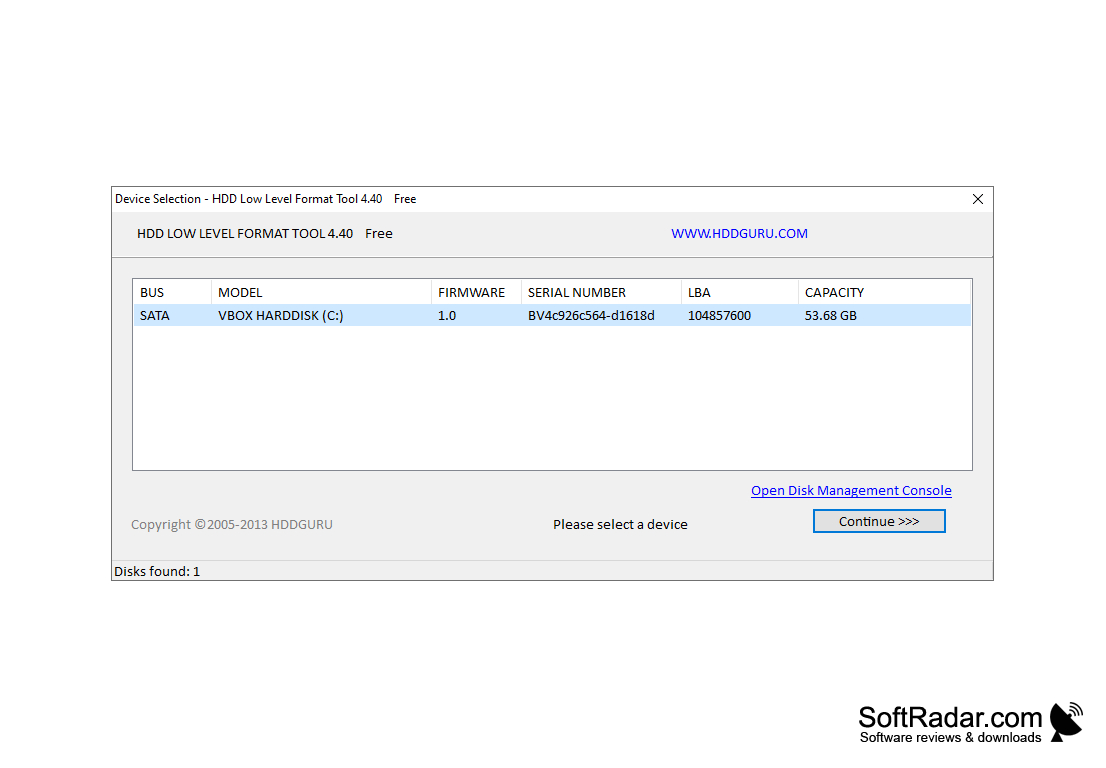
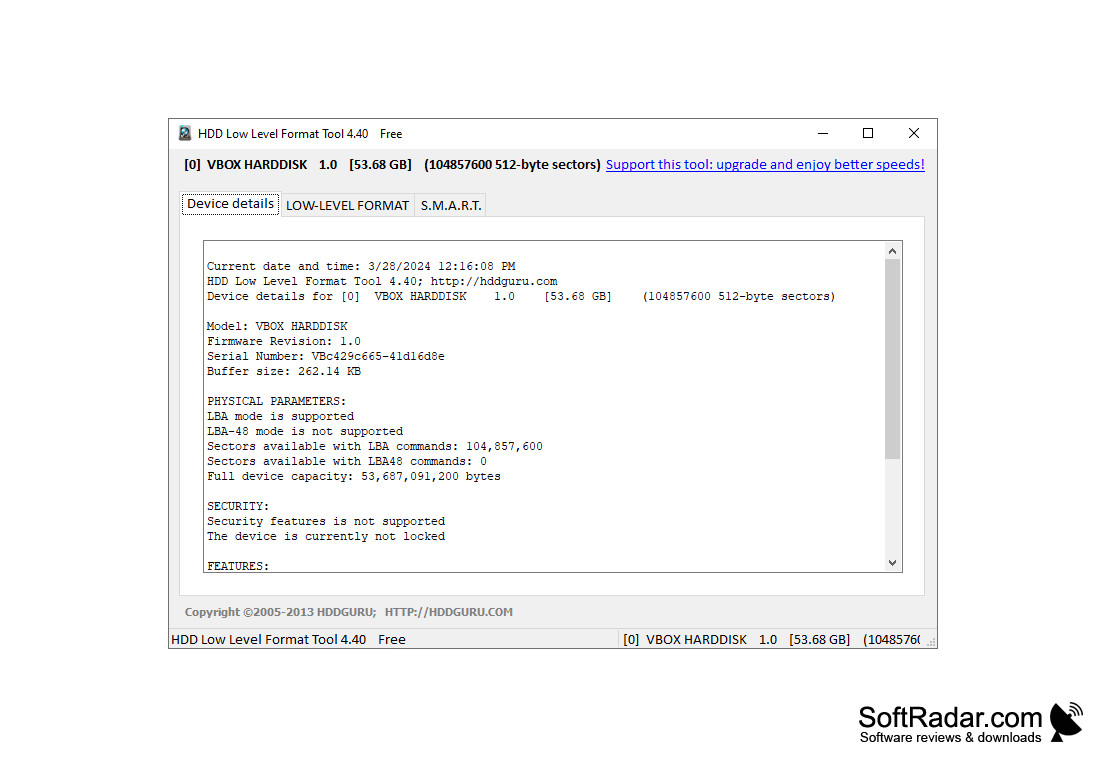
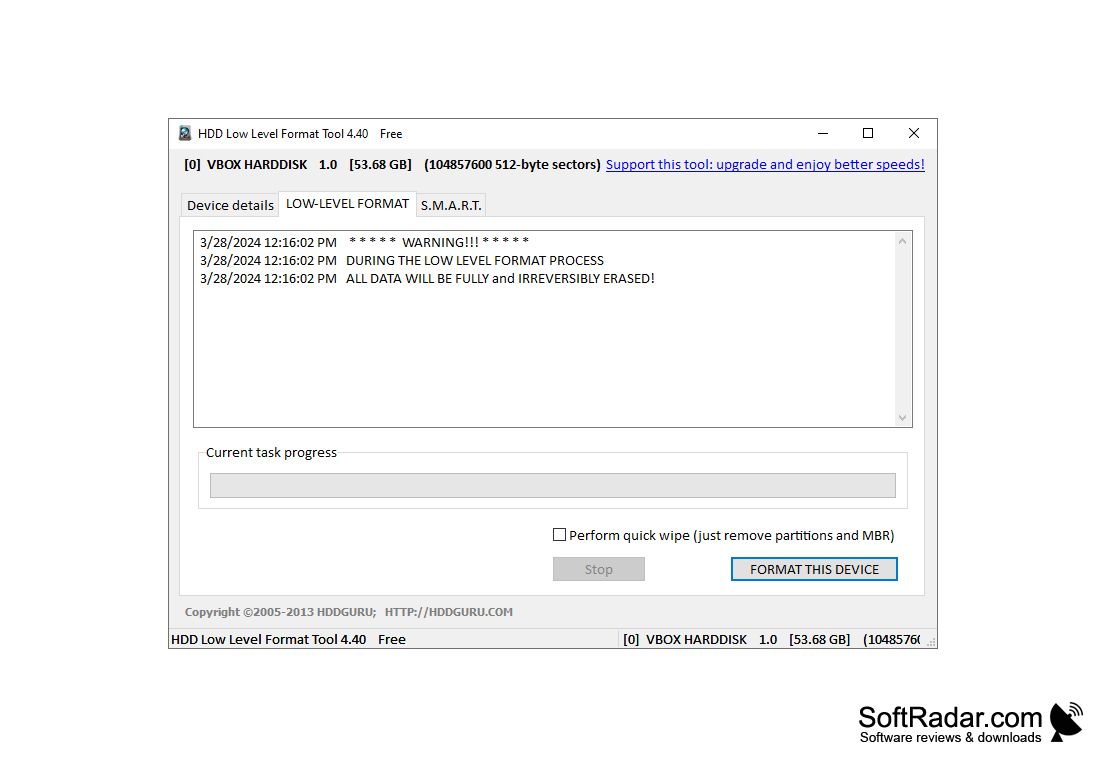
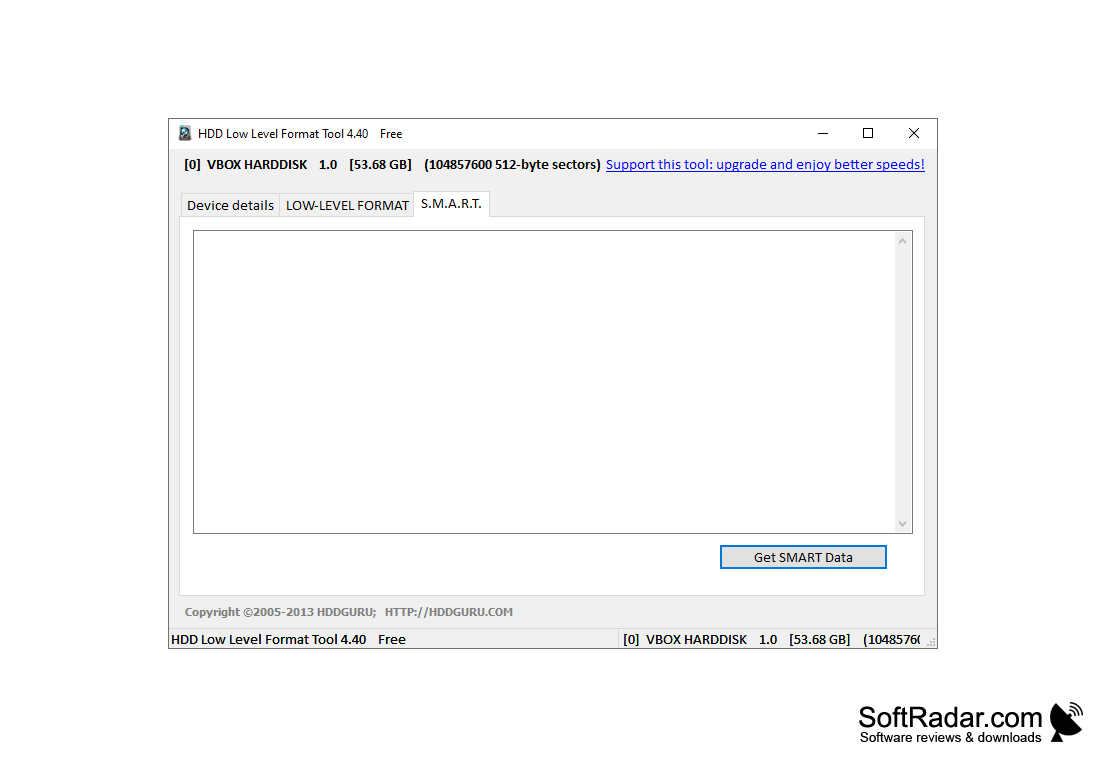
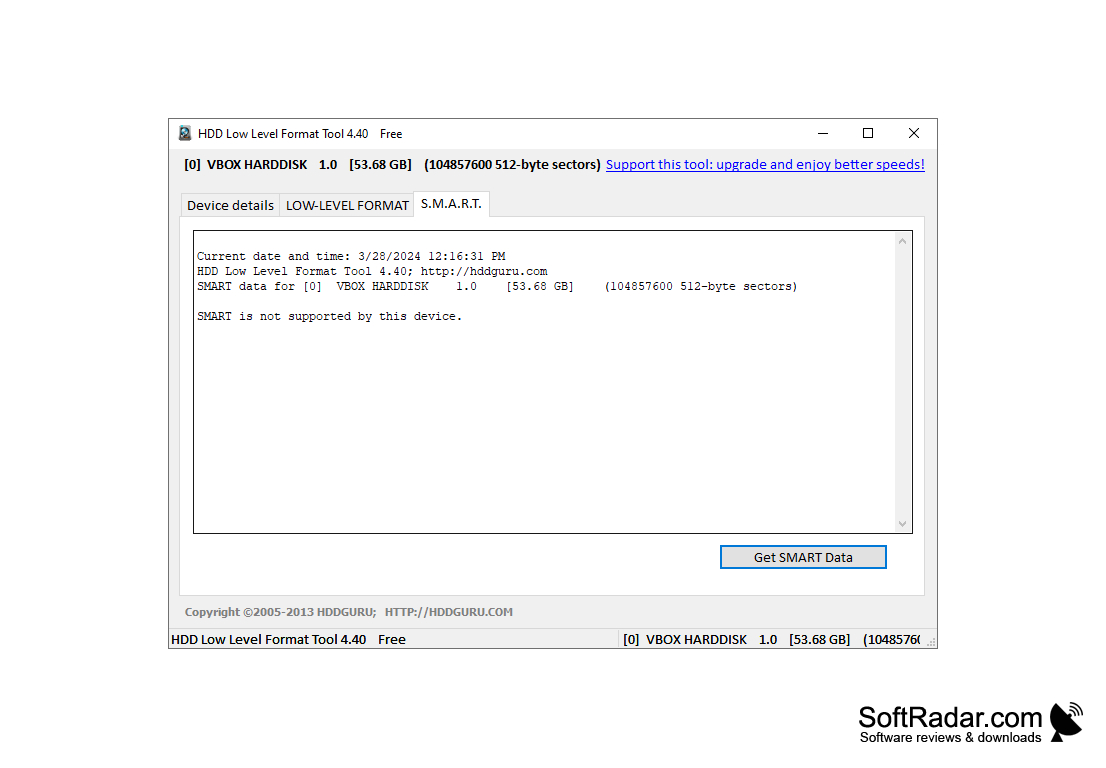
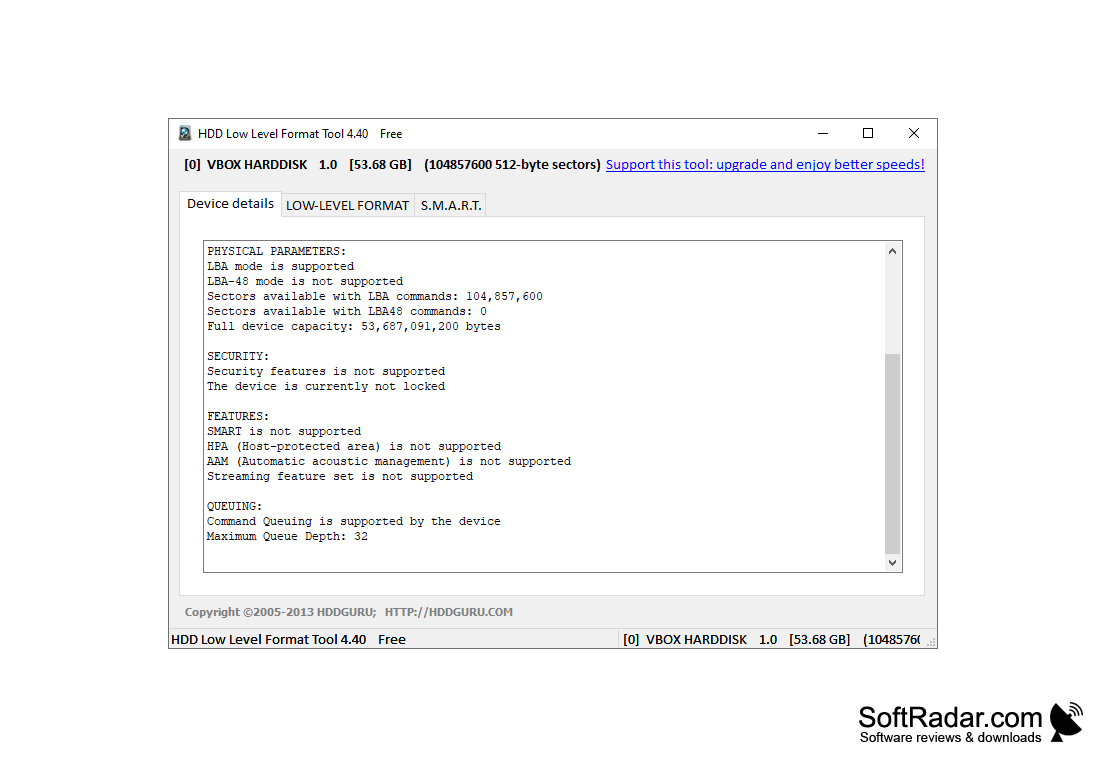
HDD Low Level Format Tool is an application that allows you to run a low-level formatting of your hard drive. This formatting of the HDD is done at the factory, and the HDD Low Level Format Tool can return the formatting of the disk to its original, factory state, filling it with zero bytes. This operation completely and irrevocably deletes all the data on the hard drive and is used to format damaged or infected master boot record (MBR) disks. In addition, the HDD Low Level Format Tool can hide broken sectors, creating a clean, error-free surface for recording and storing data. The interface of this application is very simple - you can view information about the parameters of the disk (model, serial number, buffer size, etc.) and format it. You can also check the parameters of disks that support S.M.A.R.T. technology. HDD Low Level Format Tool allows you to quickly erase individual disk partitions, MBR data and supports work with flash cards (SD, MMC, MemoryStick, CompactFlash), as well as USB and Firewire disks. HDD Low Level Format Tool supports most popular hard drives (Western Digital, Seagate, Hitachi, Maxtor, Samsung, IBM, Toshiba, etc.) and interface types (SATA, IDE, SCSI, SAS, SSD). The free version of the program has a formatting speed limit of 50 Mbps. - so it takes about 12 hours to format a 2 terabyte drive.
The main benefit of the HDD Low Level Format Tool is its ability to completely erase all data and restore damaged or infected disks to their factory state.
- final and irrevocable deletion of all data on the disk;
- the ability to hide the beaten sectors;
- deleting MBR records;
- Support for SATA, IDE, SCSI, SAS, SSD, USB and Firewire disks
- Flash card support (MMC, SD, MemoryStick, CompactFlash)
PROS
Supports major hard disk brands.
Effectively removes all data, ensuring privacy and data security.
CONS
Lacks advanced formatting options.
Does not support all Operating Systems.


