
HDD Raw Copy Tool
A free utility for sector-by-sector duplication and imaging of hard drives, SSDs, USB drives and memory cards for recovery, backup and migration.
Operating system: Windows
Publisher: HDDGURU.COM
Release: HDD Raw Copy Tool 1.10
Antivirus check: VirusTotal report
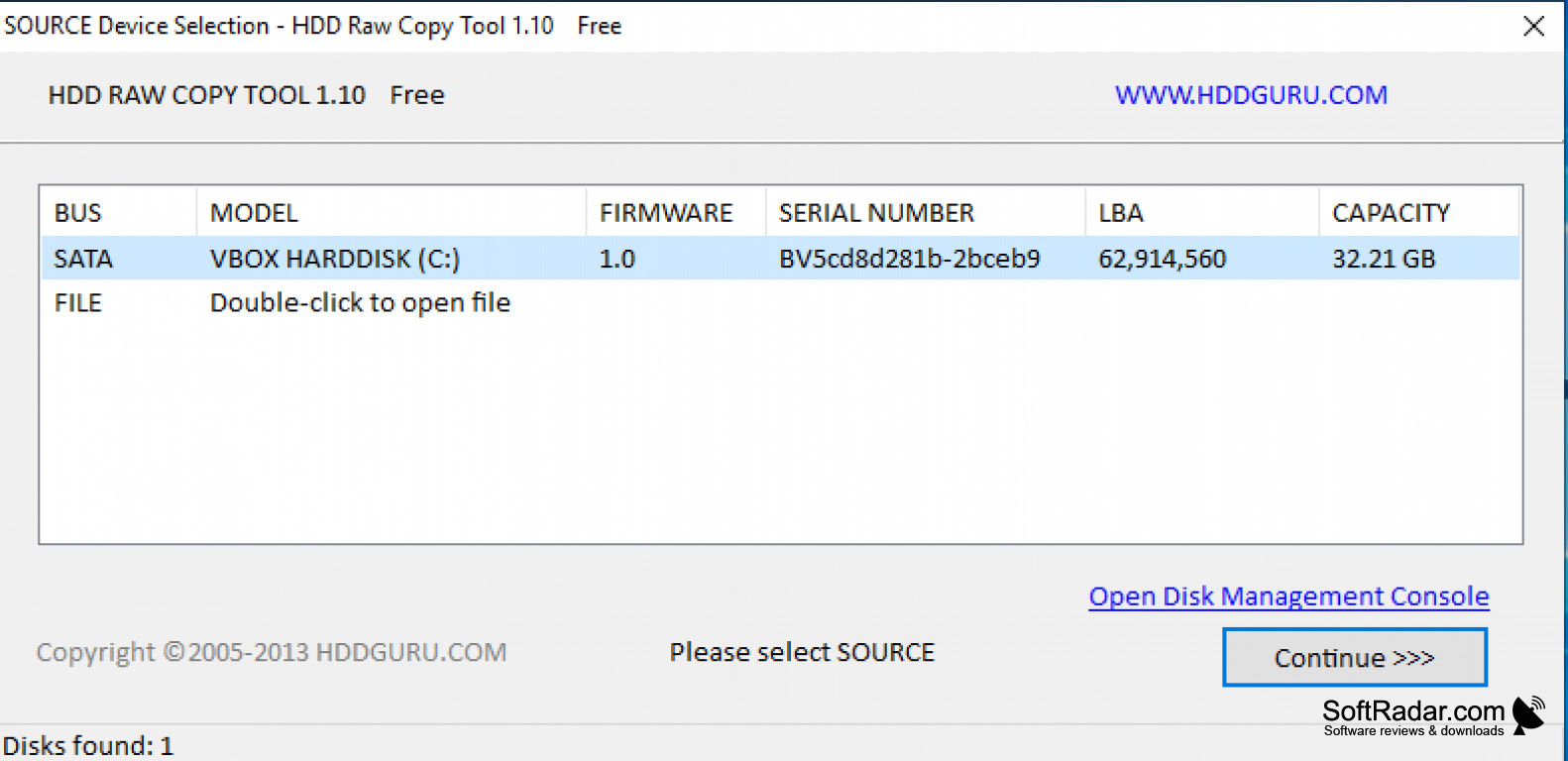
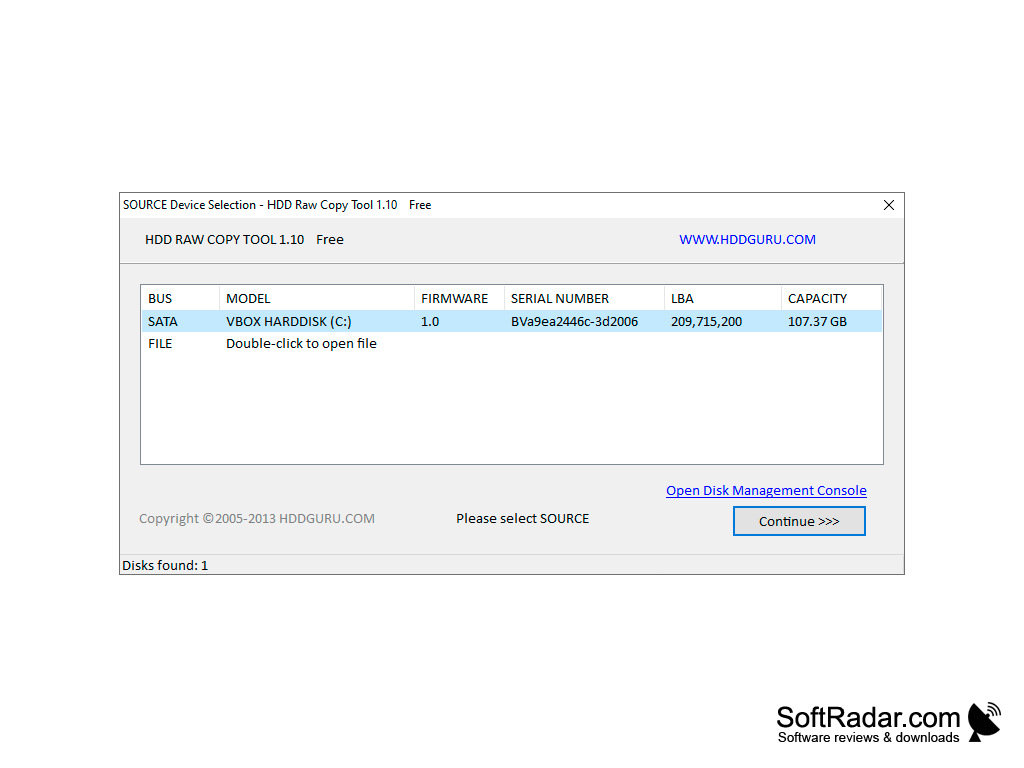
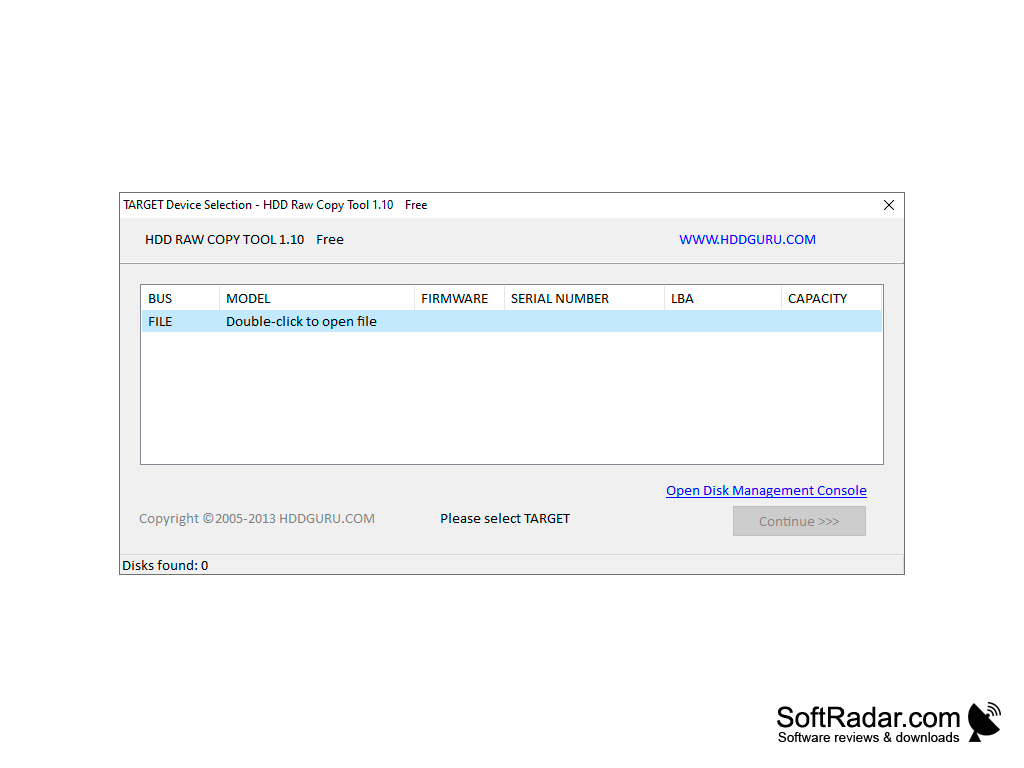
HDD Raw Copy Tool offered by HDDGURU is a freeware utility that allows for hard disk duplication and image creation, creating an exact duplicate of any supported drive, whatever operating system or file system it contains.
Features:
- Sector-by-sector copy of all areas of the hard drive
- Supports drives with most operating systems
- Creates an exact raw or compressed image of the entire media
- Skips bad sectors
- Supports various drive manufacturers, interfaces, and many media types
It copies every sector of a drive, including boot records and hidden partitions, while skipping bad sectors.
It works with SATA, IDE, SAS, SCSI, USB and FireWire drives, SSDs and flash cards in a card reader, and it does not depend on the file system of the source media. Use the HDD Raw Copy tool for working on a copy of a damaged drive, making backups of important data, creating drive images, and moving data from one drive to another. The copy includes the MBR, boot records, hidden partitions and the space between partitions. A drive can be copied to another drive, saved to an image file or restored from an image.
HDD Raw Copy Tool is freeware for home and commercial use, and it is offered as an installer and as a portable executable.
The legacy version 1.x runs on older Windows systems, while the current version 2.6 for Windows 10 and 11 adds resumable .imgcv2 images with logs, optional MD5 and SHA hashes, and pause and resume.
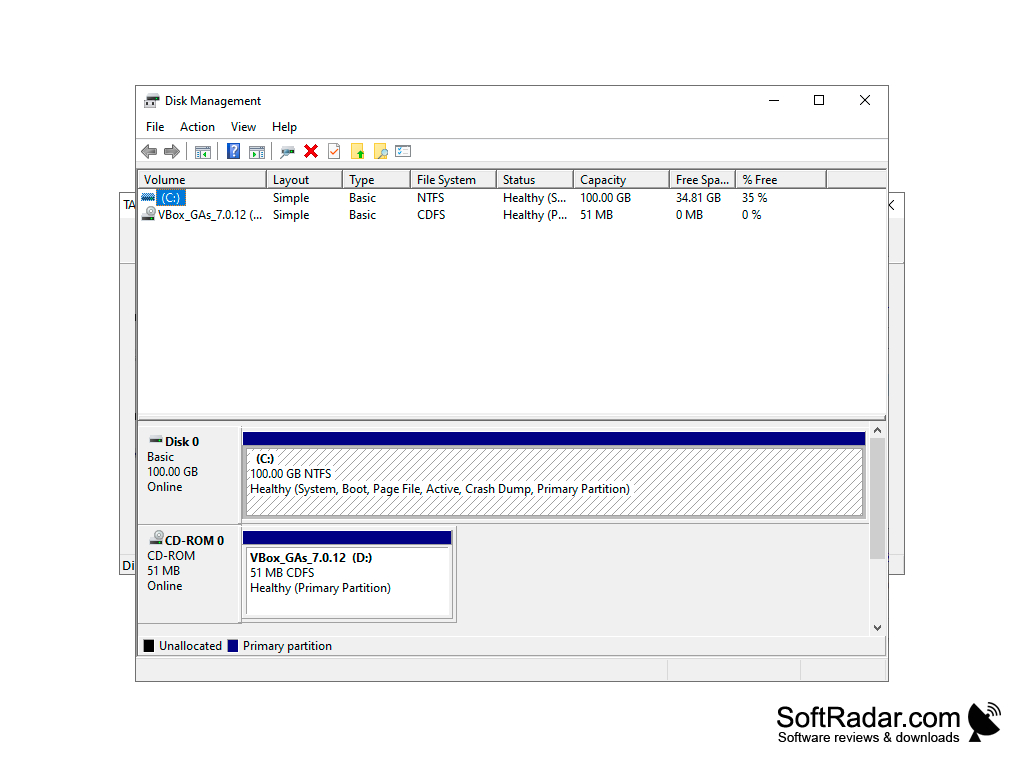
Windows 10 or 11 (current version)
Target drive equal to or larger than the source
PROS
Allows exact sector-to-sector duplication.
User-friendly interface with a straightforward cloning process.
CONS
No file-level backup or selective restore.
Can't preview data before initiating the copy operation.


