
iFunBox
iFunBox is a freeware file manager for transferring files to and from iOS devices.
Operating system: Windows
Publisher: iFunBox Development Team
Release: iFunBox 4.4
Antivirus check: VirusTotal report
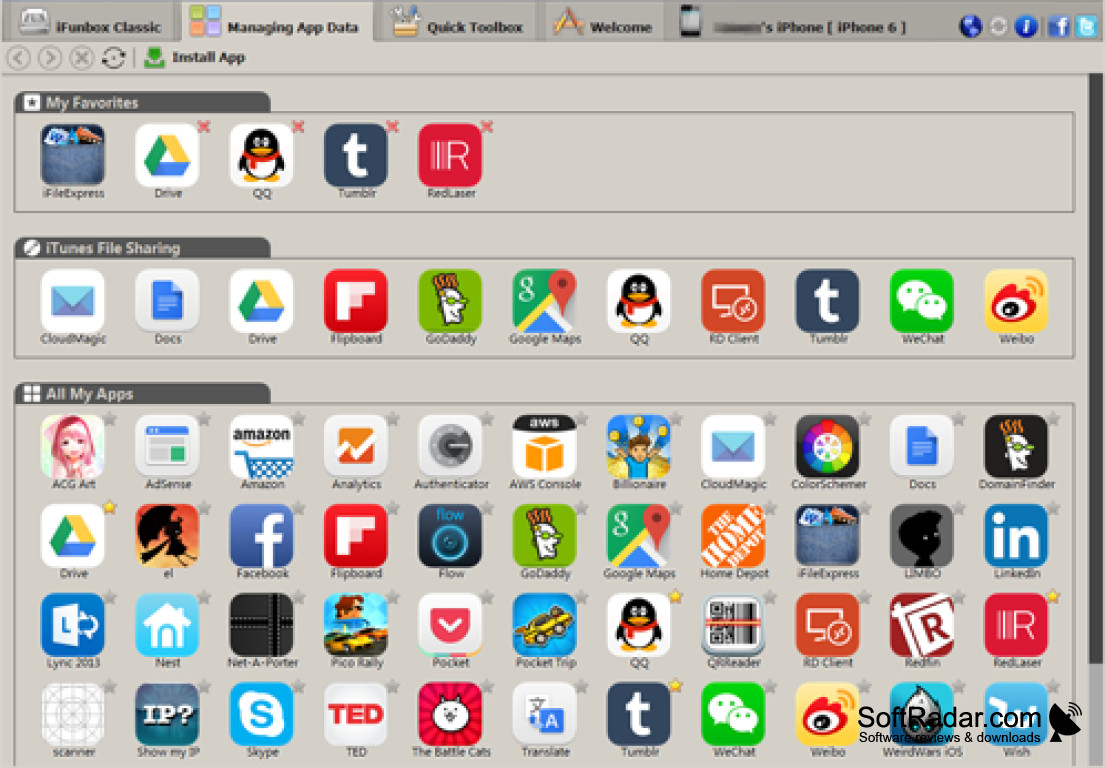

iFunBox is a powerful file and app manager for iPhone, iPad and iPod touch devices. It enables users to quickly and easily manage all of their apps, music, photos, videos and other media. It works without syncing through iTunes, but it uses the Apple device drivers that are installed together with iTunes, and most of its functions do not need a jailbroken device.
iFunBox allows users to quickly and easily transfer files between their computer and iOS device.
Features:
• Easy File Management: iFunBox enables users to browse and manage files on the device in an Explorer-like window and to use the device storage as a portable USB disk.
• Multiple File Types: iFunBox imports and exports music, videos, photos and ringtones in batch and can store any other files, such as .zip or .rar archives, on the device.
• Wallpapers: iFunBox shows the wallpapers stored on the device as thumbnails and lets users add new ones.
• App Installation: iFunBox makes it easy to install apps on your device from .ipa packages, including in-house distribution builds, and to install several apps in a batch.
• Media Export: iFunBox can copy music and videos managed by iTunes from the device back to the computer.
• App Data Access: iFunBox gives access to app sandboxes, so users can back up and restore app documents and game saves.
• Compatible with Multiple Devices: iFunBox is compatible with multiple devices, including iPhone, iPad, and iPod touch.
• Jailbroken Devices: on jailbroken devices iFunBox can also browse and modify the native iOS file system.
• Tabbed Interface: separate tabs hold the classic file browser, app data management and a Quick Toolbox with common tasks.
• No Jailbreak Needed: app installation, media transfer and the USB disk mode work on devices that are not jailbroken.
• Free: iFunBox is free and does not require any subscription or registration.
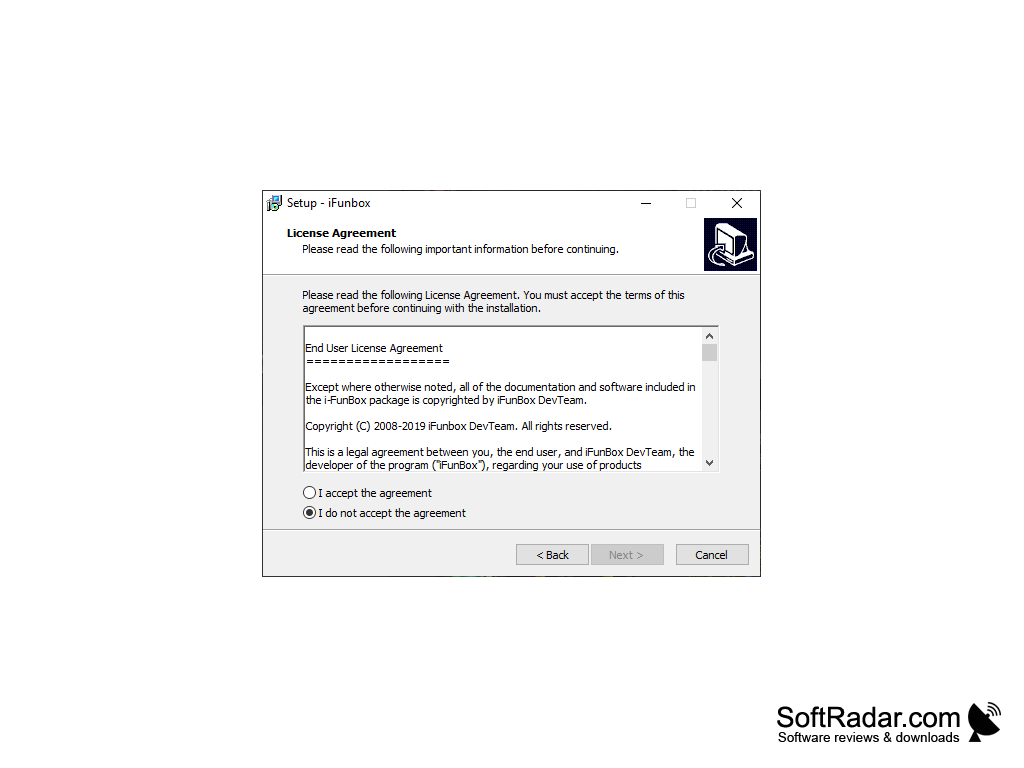
• Platforms: iFunBox is available for Windows and for Mac OS X; the Windows version comes as an offline installer.
• Language Support: iFunBox is available in multiple languages, including English, French, Spanish, Italian, Portuguese and Russian.


32-bit or 64-bit
iTunes (Apple device drivers) installed
PROS
Offers app management and backup functionality.
Provides a clean, user-friendly interface.
CONS
Requires iTunes installed to function properly.
Can be complicated for beginners to use.


