
Imo
A free desktop version of the imo messaging and video calling service, which is also available for Android, iOS and Mac
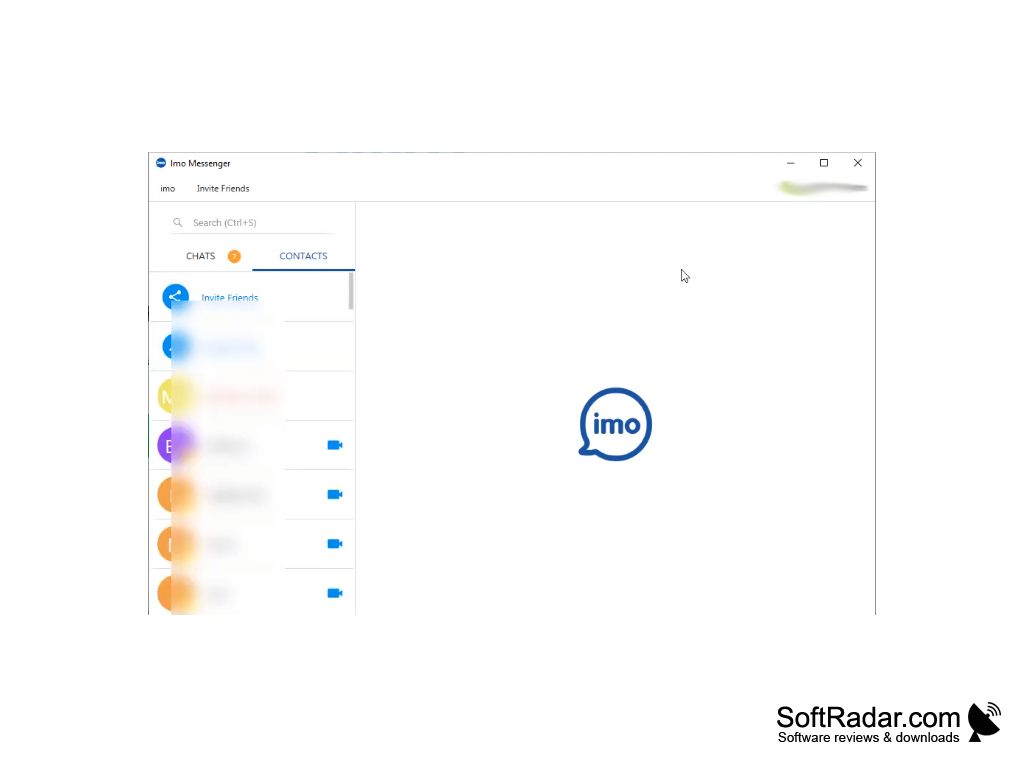
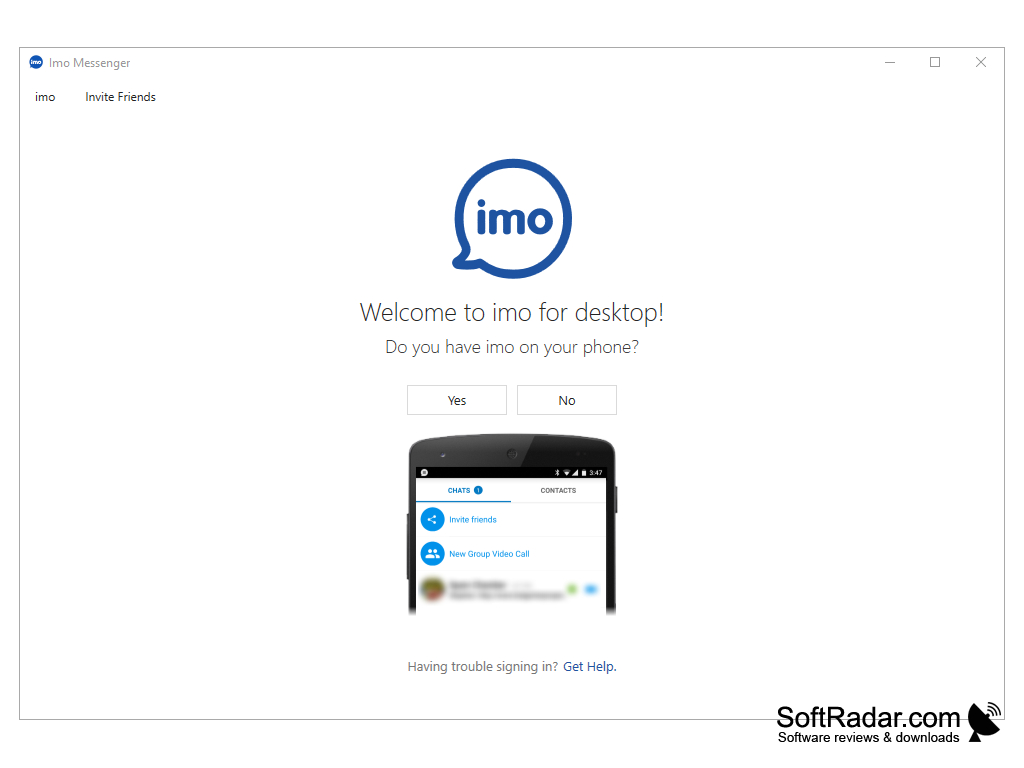
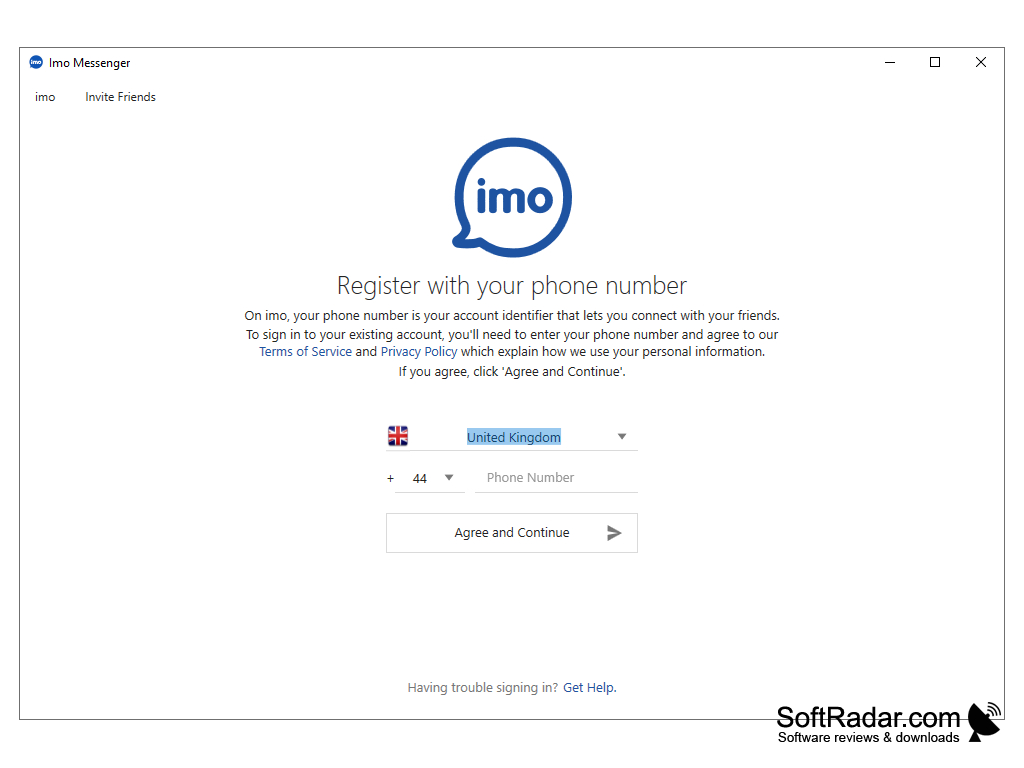
IMO is a messaging application designed to let users make video and voice calls while also exchanging instant messages. This makes it a helpful and fun application for anyone who needs to talk online with their friends and family. Does it cost anything? No. The IMO software can be downloaded from the official website or the Microsoft Store and installed on the user's device at no charge. This means that it can be set up and activated completely for free. Cost-conscious users should be aware that, while the software is free to install, calls and messages use internet data, which may lead to data charges on metered or mobile connections. This is worth keeping in mind for anyone who is watching their spending while using the service away from a Wi-Fi network.
The contact list is easily accessible from the program's interface. Here, you can find your friends, open recent chats and invite new contacts; the list comes with a search function, making it easy to find specific friends even as the list grows while more names are added. Messages, photos, videos and documents can be sent both in one-on-one chats and in group chats. No matter how long you want to keep a conversation going, or how many pictures you want to share along the way, the desktop app keeps the whole history in one window. The software also comes with many free sticker designs that can be sent in chats. This adds a touch of fun to conversations, as people can use stickers to express feelings, to react to shared photos of their loved ones, or simply for humor.
Anyone registering an account to use the software is required to provide an active phone number as part of the registration process, because on imo the phone number is the account identifier. The desktop version first asks whether you already use imo on your phone and then signs in to the same account. This additional step might be inconvenient for some, but most users should have little trouble with it. The software is not designed to be used with messaging services from other developers: support for third-party networks such as Google Talk, Yahoo! Messenger and Skype ended in 2014. This is a drawback for users more familiar with multi-network messengers, but it can be overcome simply by getting to know imo itself and what it has to offer its users.
It lets you chat and make free video and voice calls using only an internet connection, with your account shared between phone and PC.
Features:
- The interface is smooth, fast, and modern, allowing you to easily manage your chats and contacts. Tools and features are easy to find, and the same account works on the desktop app and on phones, so you can switch between devices easily.
- This application offers several privacy features to protect your conversations, such as end-to-end encryption, disappearing messages and two-step verification for your account. imo also blocks spam to protect you from unwanted contacts and keep third parties away from your data.
- IMO keeps your conversations available on both the desktop app and your phone, so you lose nothing when moving from your PC to your phone. The Windows installer can be downloaded from the official website in any browser, such as Chrome, or installed from the Microsoft Store.
- IMO provides high-quality video and audio calls when used on a stable internet connection over Wi-Fi or mobile data. You can have a clear one-on-one voice or video call, or start a group video or voice call with several participants. On a PC, the larger screen and the webcam make video calls with family and friends more comfortable.
- You can make free international calls to other imo users and share different file types within a chat, including photos, videos and documents. Built-in message translation helps you talk with people who speak other languages.
Phone number for account registration
Webcam and microphone for video calls
PROS
Supports group calls and chats.
User-friendly interface with easy navigation.
CONS
Occasionally experiences call drops or connectivity issues.
Requires a phone number to create an account.


