
Google Chrome Portable
Google Chrome Portable is the Google Chrome web browser packaged by PortableApps.com to run from a USB drive or any folder without installation.
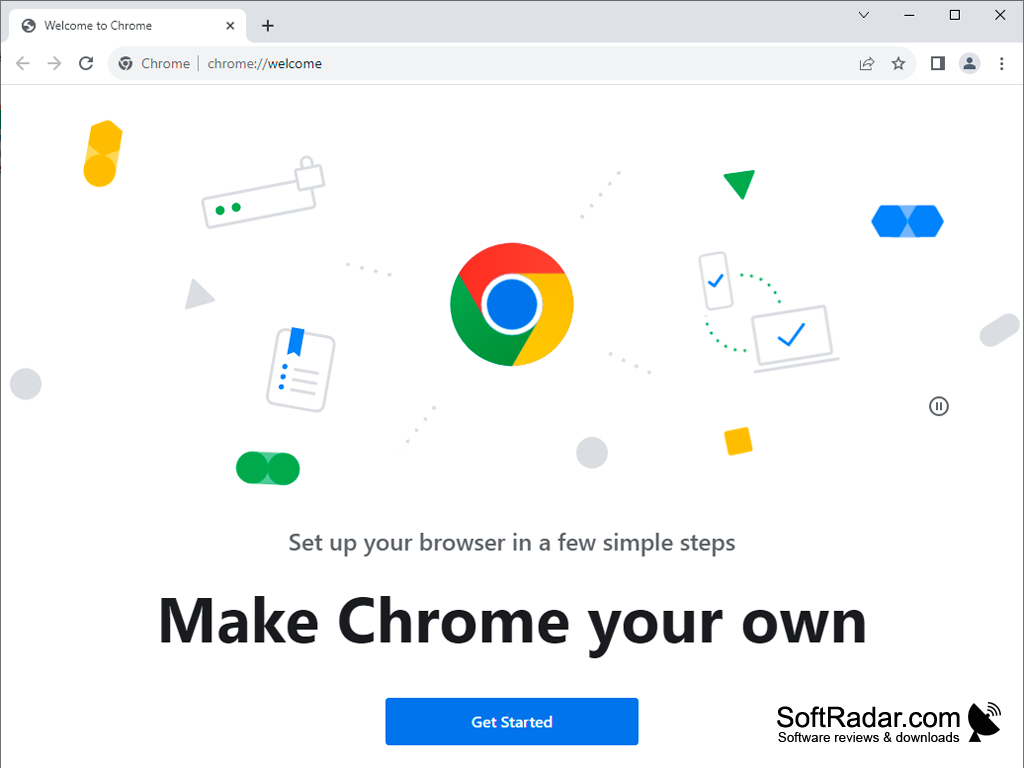
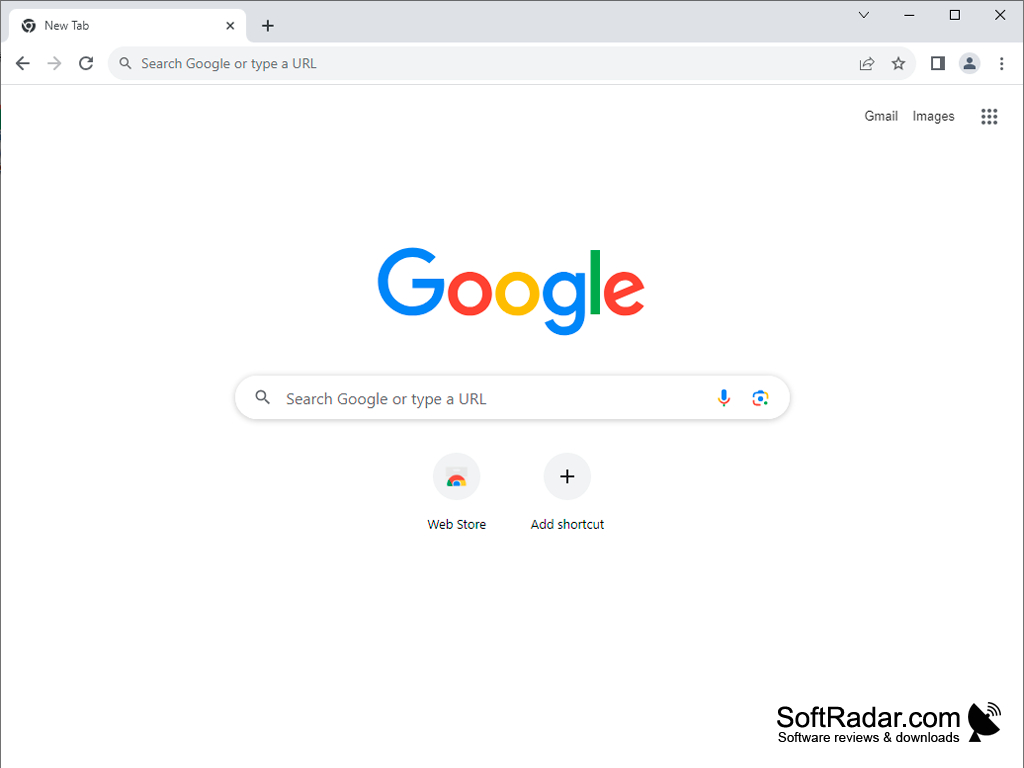
With the release of Google Chrome in 2008, the browser quickly won the public's recognition and became one of the most popular web surfing tools, and Google strengthened its position in the market and confirmed its status as a leading company in the Internet industry. The reasons why Google's browser is so popular are simple. Clear and convenient interface, fast program launch and page opening speed, support for extensions, good stability and security.
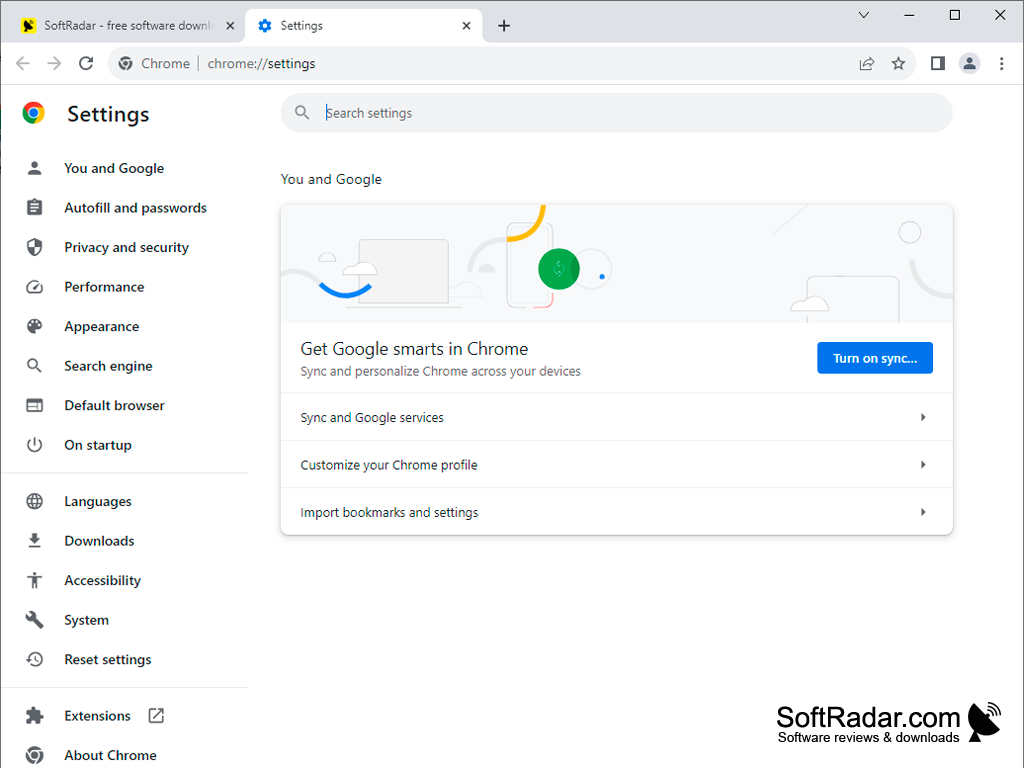
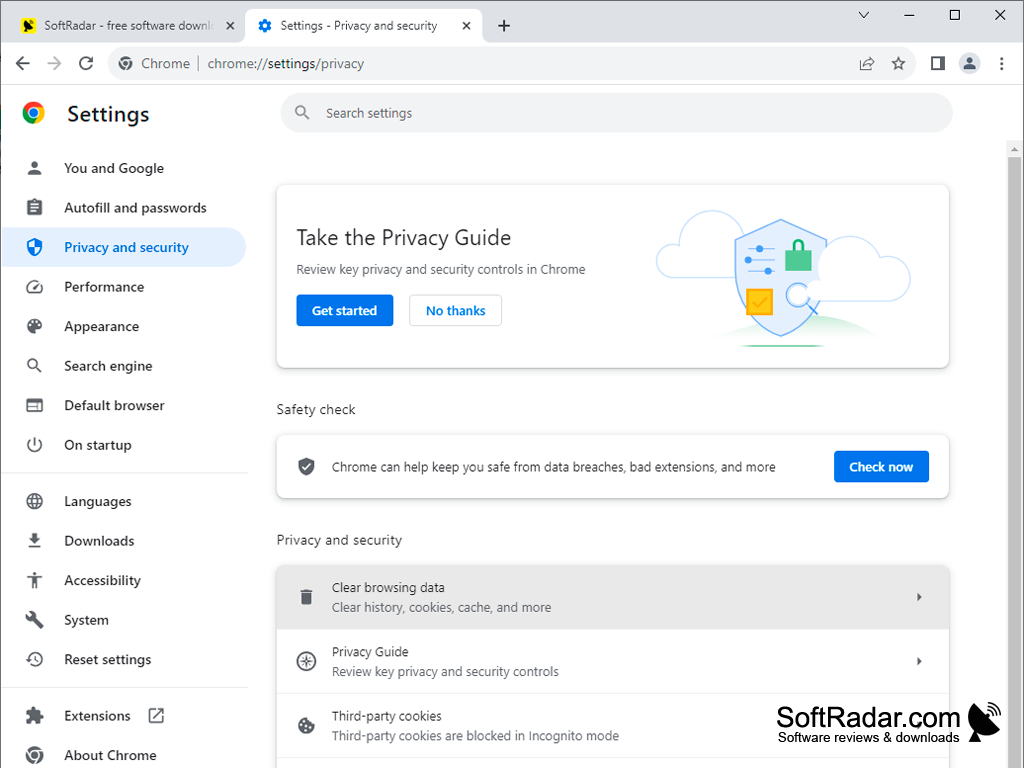
The developers at PortableApps.com have presented a portable version of the browser - Google Chrome Portable. Having preserved all the advantages of the "big brother", the portable Chrome has acquired another advantage - mobility. If you want to use all the features of a regular version, but don't want to install your browser on your computer, just put Chrome Portable on your USB flash drive, cloud folder or local disk and run it whenever you need it, with just two mouse clicks. It is worth noting that the browser itself is the same as the regular version. Portable Chrome retains the same layout, convenient tab management, independence of each window (if one page hangs, it won't affect the rest), support for extensions, and more. A few limits come from Chrome's own design: saved passwords do not move between PCs by default, certificates stay in the Windows certificate store of the current computer, and some settings and extensions are locked to a given PC. The package is free and is updated along with Chrome, with automatic updates through the PortableApps.com Platform.
Google Chrome Portable allows convenient, mobile browsing without sacrificing speed or features.
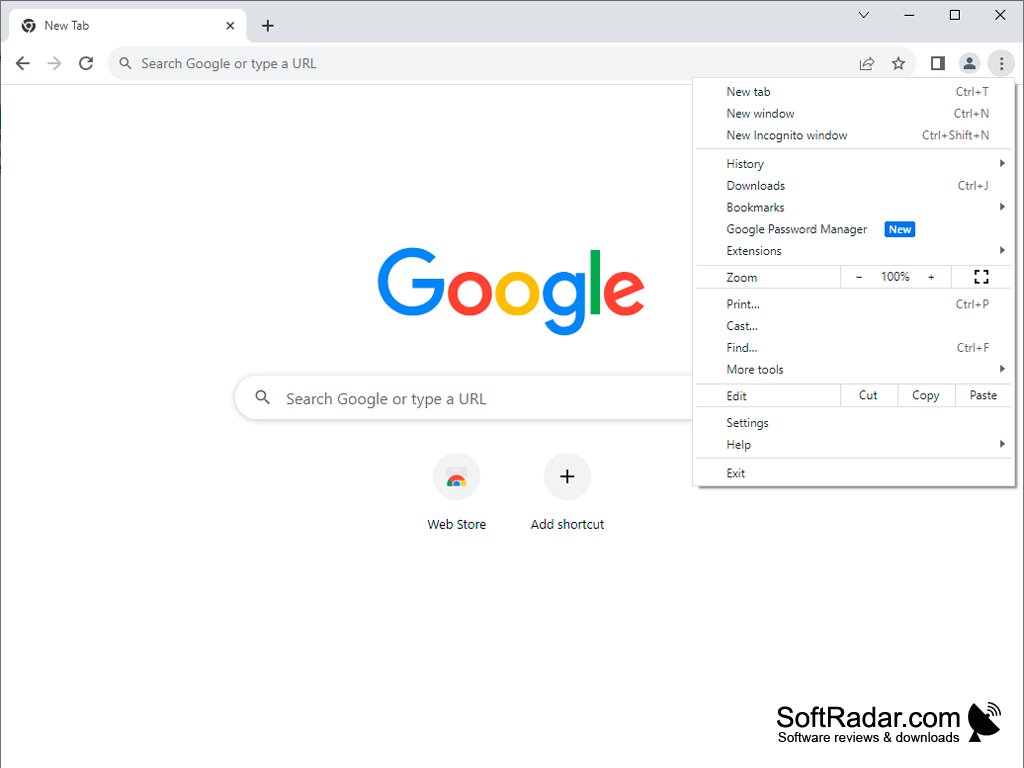
Legacy build available for Windows 7 and 8
Legacy build available for Windows XP and Vista
PROS
Saves personal settings and bookmarks.
Ideal for on-the-go users working on several PCs.
CONS
Saved passwords do not move between PCs by default.
Automatic updates need the PortableApps.com Platform.


