Intel WiDi Media Share
Send multimedia content from a computer to an external screen
Operating system: Windows
Release: Intel WiDi Media Share 1.2.1.20
Antivirus check: VirusTotal report
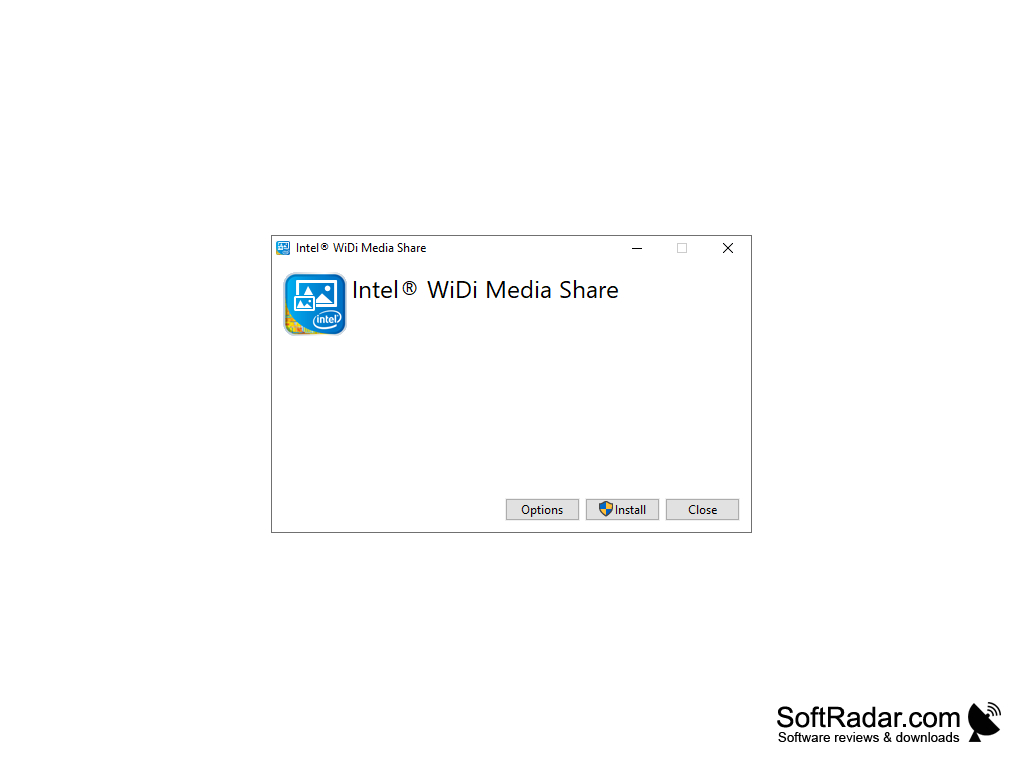
Intel WiDi Media Share (for Windows) makes sharing content to an external screen simple by utilizing a wireless internet connection. This application created by Intel allows anyone with a computer and WiFi to broadcast media from their laptop to other screens simply and effectively.
Features:
- Intel WiDi Media Share works with audio, image, and video content
- Is free to use on any laptop with Windows 7 and above
- Broadcasts video content in 4k, when applicable
- Streams UHD (Ultra High Definition) content over wireless internet
- Allows content on your laptop to be streamed onto any cell phone, tablet, or smart TV connected to wireless internet
This application can be used by both beginners and experts, as it has an attractive interface and provides easy navigation through the task bar.
Intel WiDi Media Share gives you the ability to show the room your media without the hassle of cables, installing large files, or bad connections. By using your wireless connection, Intel WiDi Media Share takes your content to the next level quickly and painlessly. Intel's WiDi Media Share is a simple way to expand the capacity of your television, cell phone, or tablet without the hefty cost.
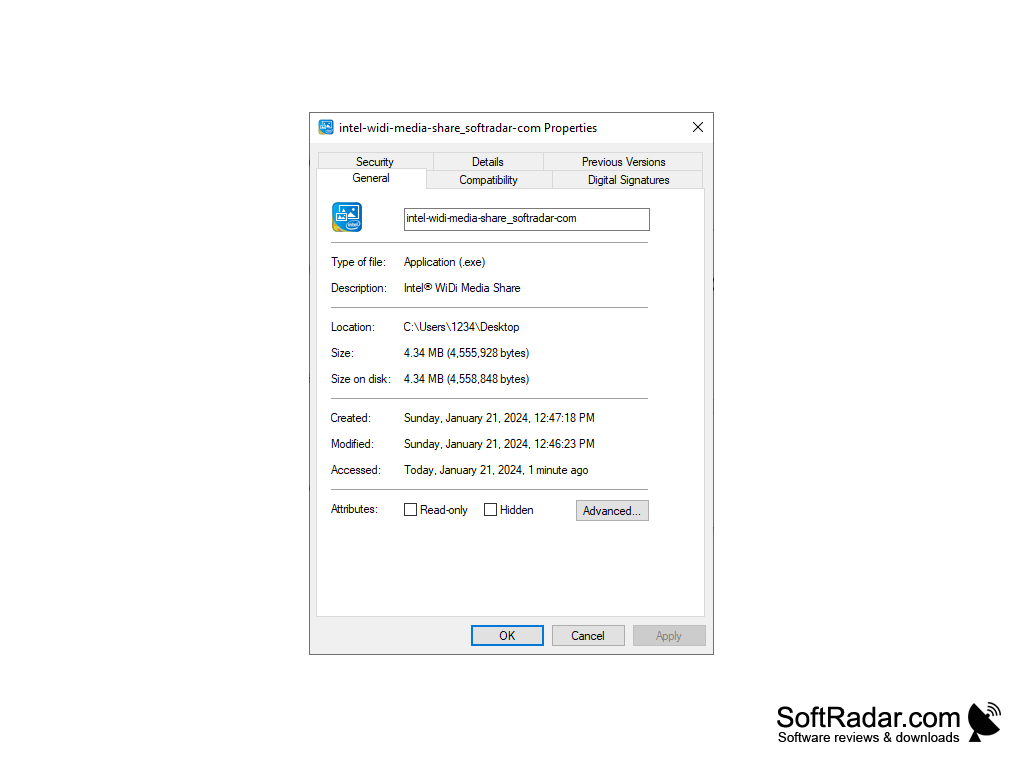
Because Intel WiDi Media Share is a small tool, it installs quickly and occupies only about 4.34 MB, so there's no need to clear out extra storage space on your device prior to installation. Intel WiDi Media Share allows you to broadcast your slideshows, videos, and playlists with ease. And with the easy to use taskbar and appealing design, Intel WiDi Media Share is truly for all, no matter how technologically-savvy you are. All you need is a Windows compatible laptop, the second device of your choosing, and a wireless internet connection to utilize this innovative Intel software.
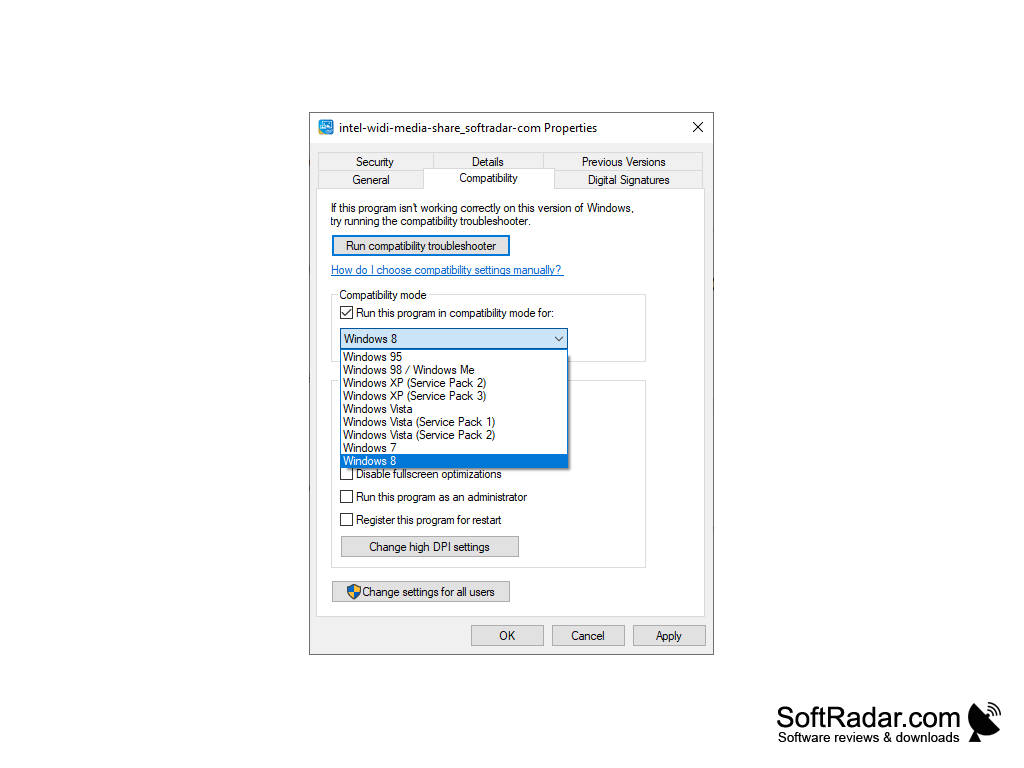
This application is compatible with devices Windows 7 or higher.
Intel WiDi Media Share only provides information in English.
PROS
Supports multiple file formats.
Simple, user-friendly interface for all levels.
CONS
May experience latency issues during streaming.
Occasional connection instability or interruptions.


