IsMyLcdOK
by Nenad Hrg
Is a small, free tool that tests LCD monitors for dead pixels
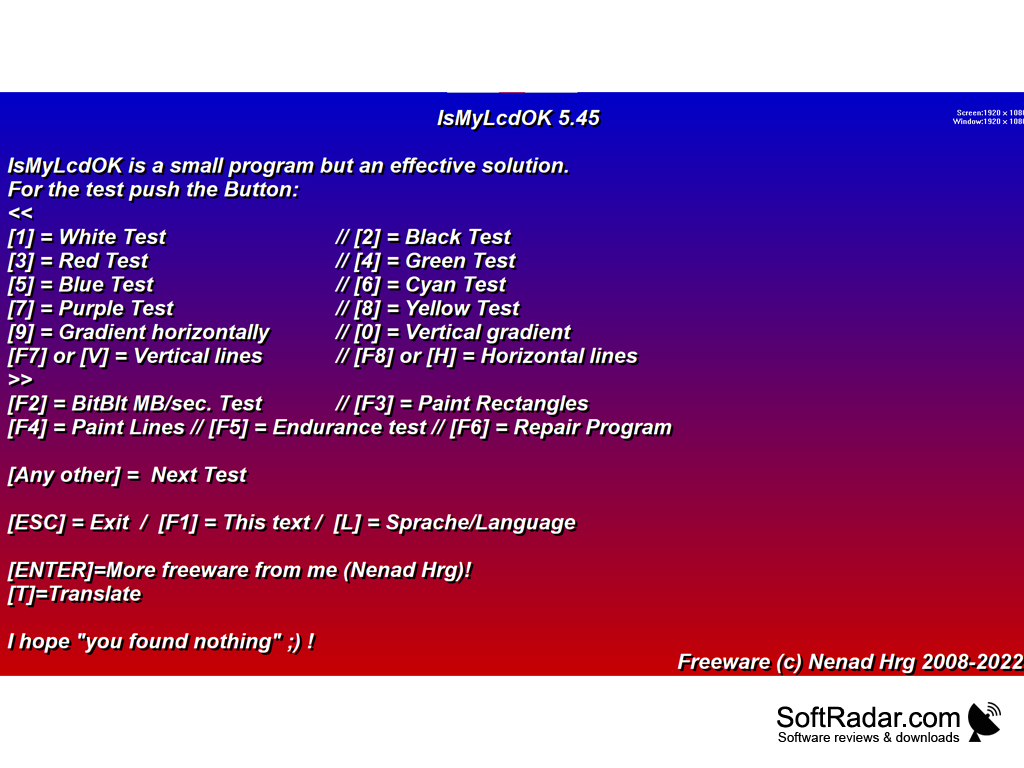
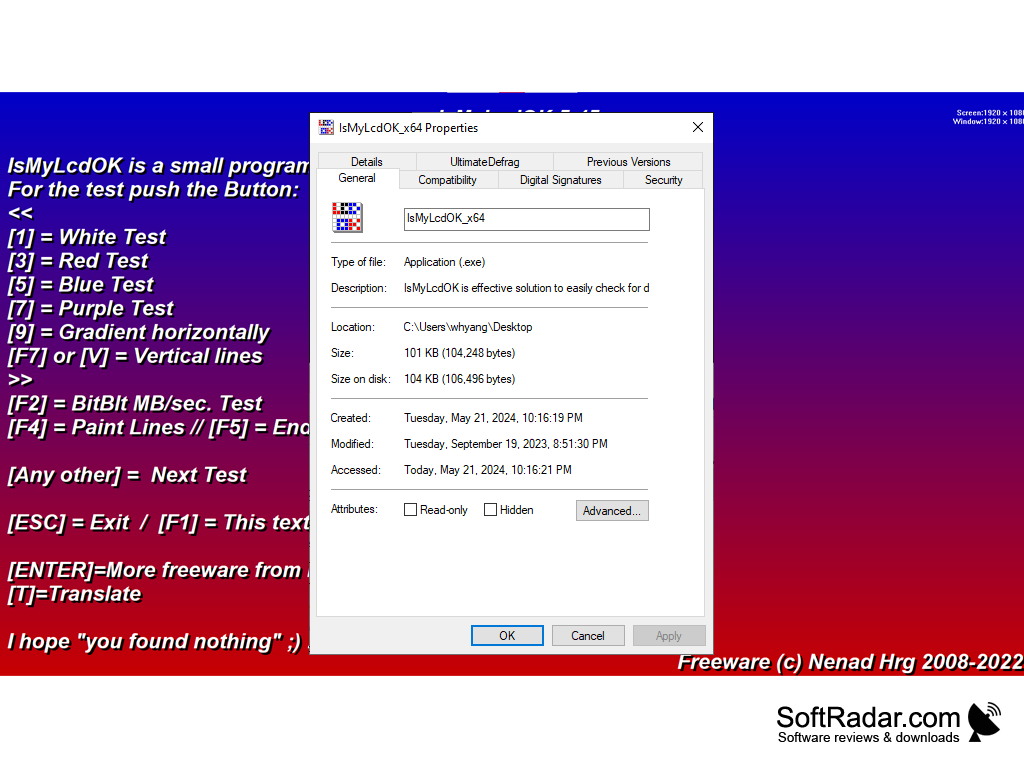
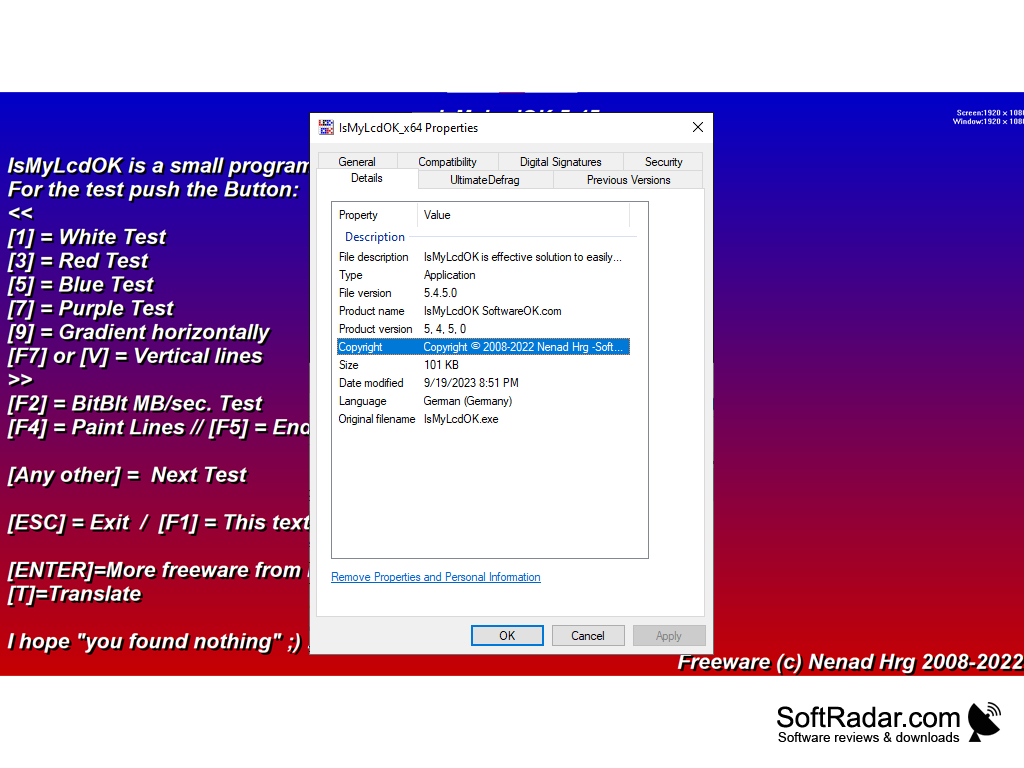
IsMyLcdOK is a small tool for checking broken (stuck) pixels on LCD and LED monitors. The program is a set of colors that completely close the desktop, which gives you a good view of sticky pixels of different colors. There are also some tests. IsMyLcdOK is a portable application that weighs only 29 Kb. The program is free of charge and can be run from a removable media. All this makes it an ideal tool for testing monitors and LCD TVs.
When you start up, a window will open with a short help about the program. Pressing buttons 1 to 9 fills the screen with different colors. The function keys are used to run various tests.
The main benefit of using the IsMyLcdOK software is that it allows users to easily detect and identify stuck or broken pixels on their monitors.
Any computer with graphical screen
Windows operating system
At least 29 Kb of storage space
Ability to run portable applications
Windows operating system
At least 29 Kb of storage space
Ability to run portable applications
PROS
Quickly checks for dead or stuck pixels on your screen.
Highly portable and doesn't require any special installation.
Supports multiple monitor setups.
Highly portable and doesn't require any special installation.
Supports multiple monitor setups.
CONS
Lacks an intuitive, user-friendly interface.
No technical support or customer service available.
Limited functionality and features.
No technical support or customer service available.
Limited functionality and features.


