
Kernel32.dll
Core Windows system library (Windows NT BASE API Client DLL) that handles memory management, input/output operations, processes and threads.

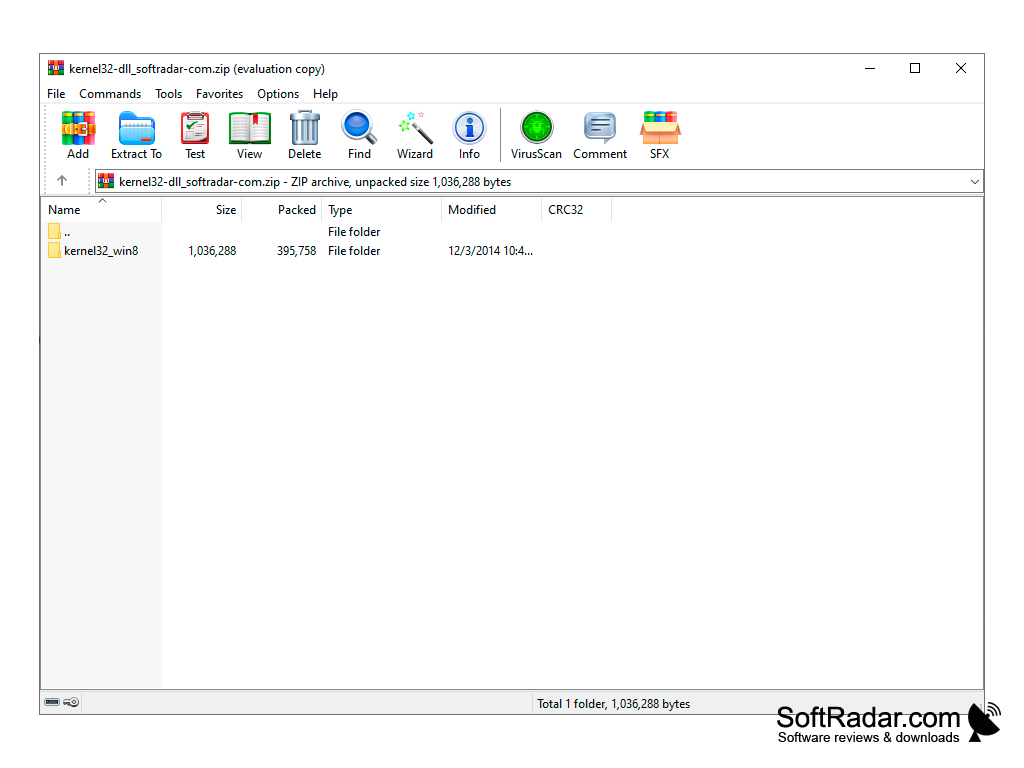
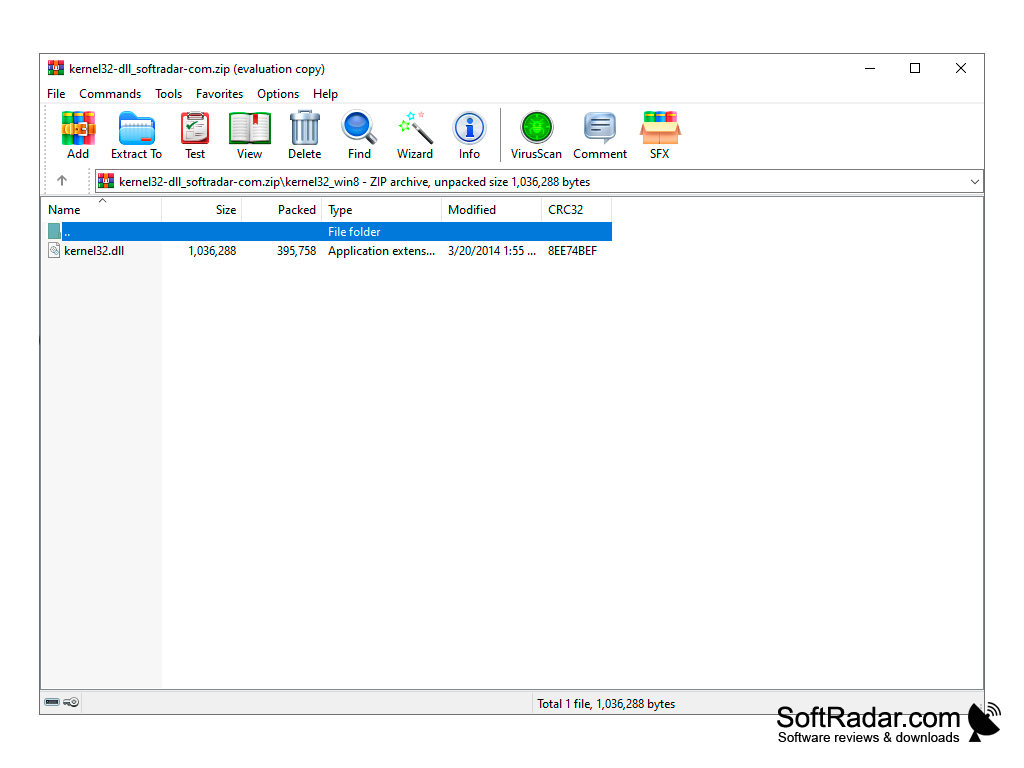
kernel32.dll is a system library of functions that is part of the Windows kernel. Most people look for this file because of an error related to it. When you start a game or program, a message appears indicating that the entry point to a procedure of this library is not found. Below are the usual reasons for such errors and what you can do about them.
This file cannot be deleted or overwritten as it is protected by the operating system. Therefore, the probability that it is missing from your system is almost zero. Can this file be corrupted? It is also unlikely, because in that case the system would work incorrectly or not load at all. However, to check the integrity of the kernel32.dll library, you can run the System File Checker (sfc /scannow) or compare the file with the original one from our website by hash (MD5, SHA1). The cause of the problem may be an outdated operating system (and accordingly an outdated kernel32.dll library). In this case, it is enough to update the system. For example, there is often a problem with Skype, which gives out a similar error on Windows XP. The problem is solved by installing the SP3 service pack. In each version of Windows (XP, Vista, 7, 8, 10, 11) the kernel32.dll file differs in content and size. In other words, the version of the file is different everywhere. Correspondingly, the entry addresses of the procedures and functions contained in kernel32.dll are also different. Therefore, the cause of the error may simply be that the program does not support your version of Windows. Check the system requirements of the program and also check whether the game and the system are 32-bit or 64-bit.
Alternative solutions include a system rollback to an earlier restore point, a full antivirus scan, the DISM /Online /Cleanup-Image /RestoreHealth command and system recovery from the installation disk. There may be other reasons and solutions, but they are specific to each case.
Kernel32.dll provides essential system functions, ensuring smooth operation of Windows software and applications.
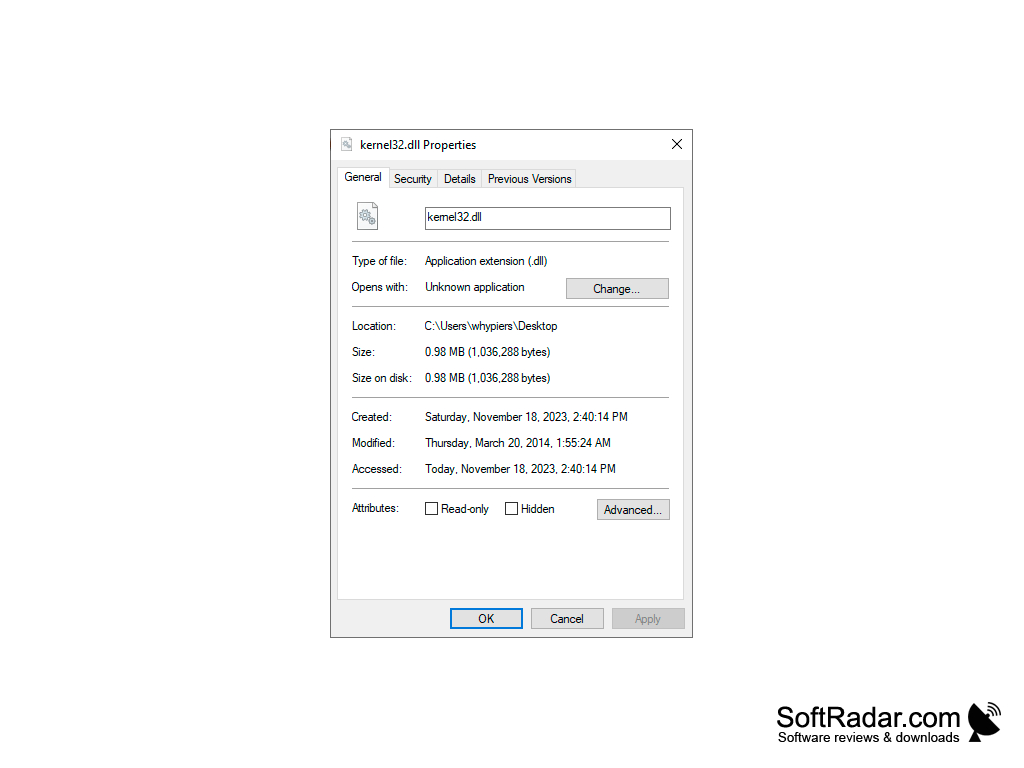
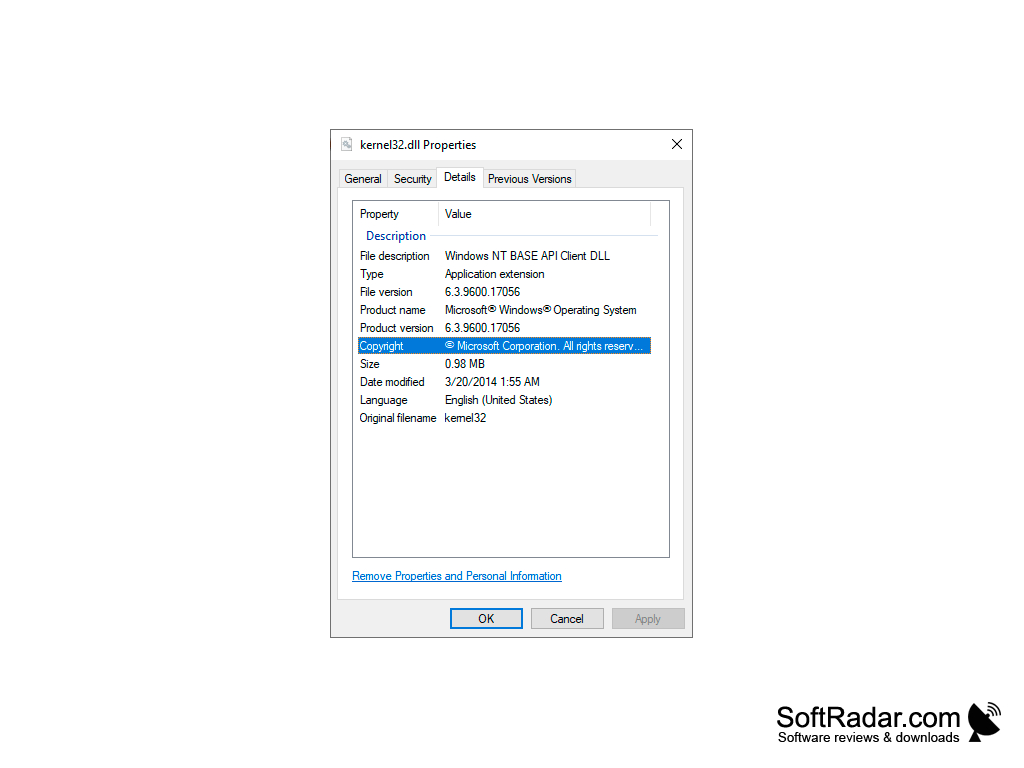
32-bit or 64-bit, matching the system
Service Pack 3 for Windows XP
PROS
Gives programs access to memory, file and process functions.
Facilitates integration with Windows OS.
CONS
May cause system instability if improperly manipulated.
Difficult for average users to understand and interact with.