
LightWave 3D
Affordable and complete software for Windows that allows anyone to become a 3D artist and animator
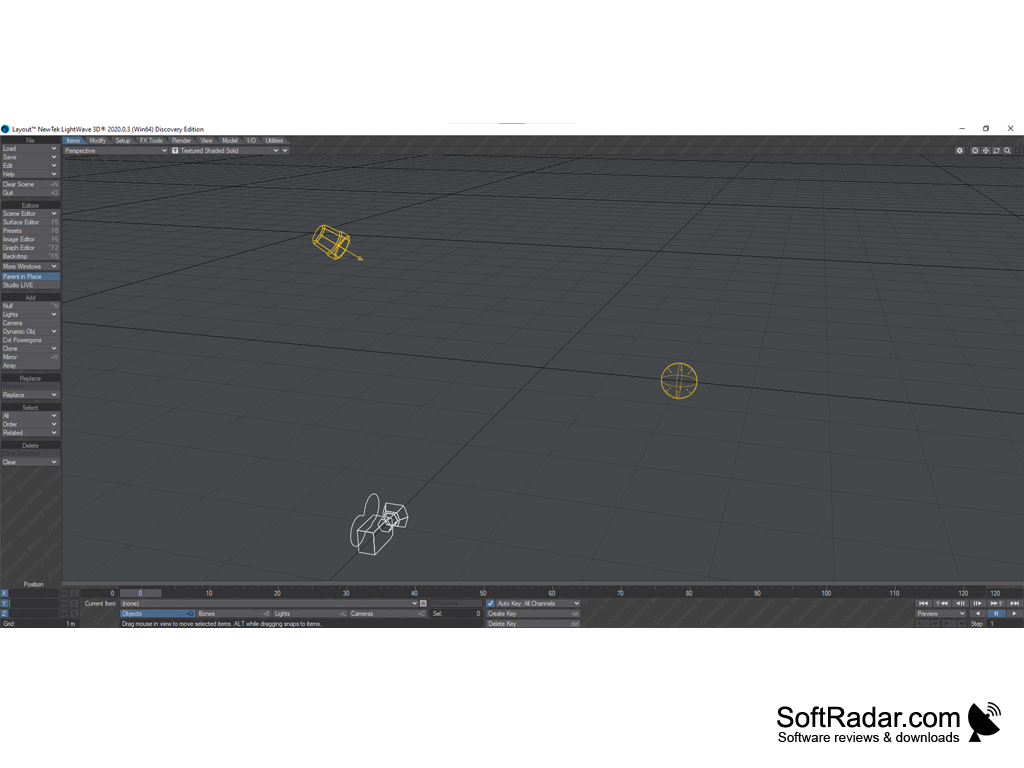
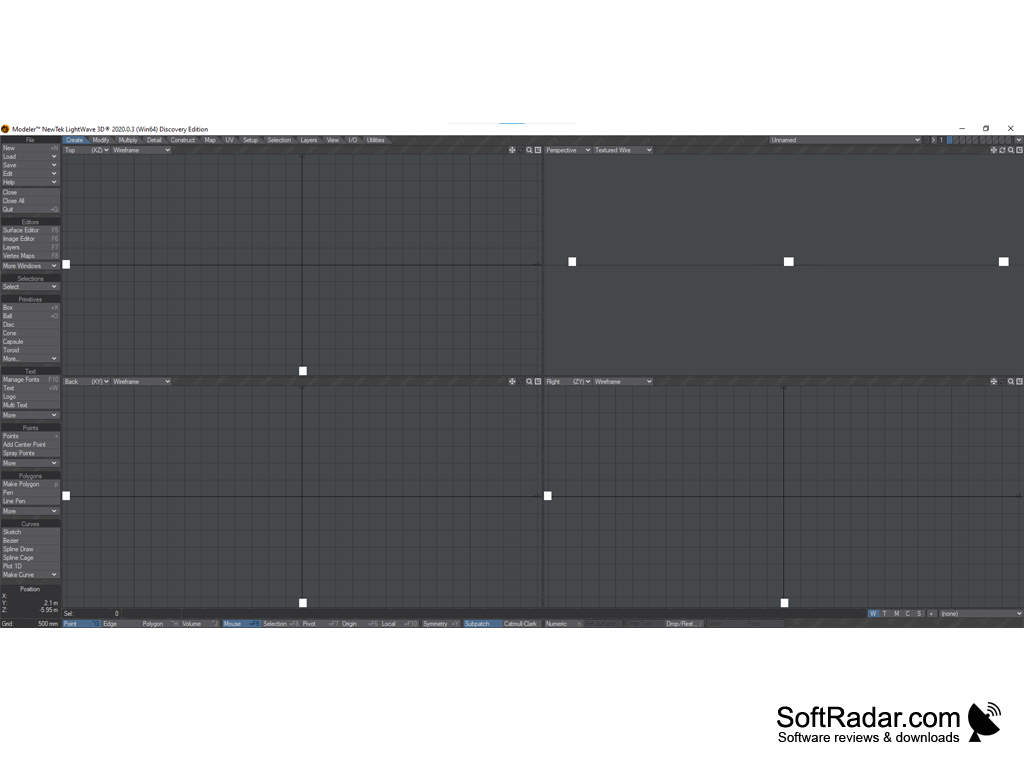
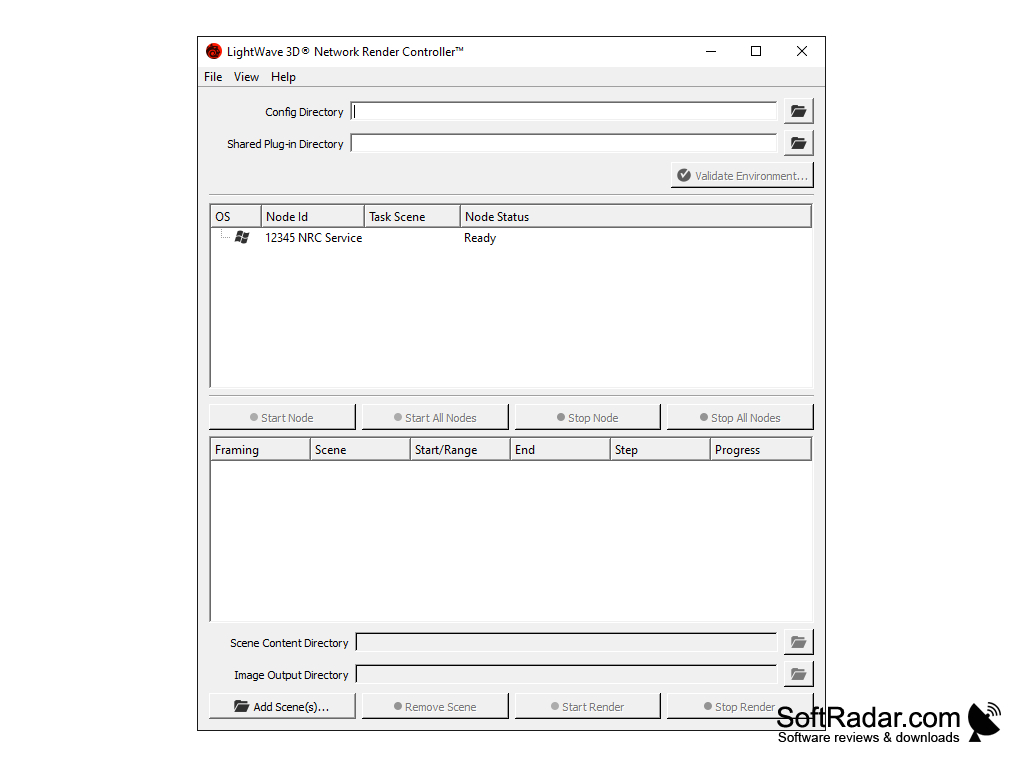
LightWave 3D is a professional 3D editor used to create models and graphic effects. The key difference between this program and other similar programs is an advanced toolkit for creating surfaces and shells. The application interface is divided into two tabs. The first one shows the model itself and the toolbar to create it, and the second one shows the animation and scene settings. The last tab also allows you to set up light sources and color correction. Other useful features of LightWave 3D include support for PostScript fonts and macros, the ability to preview the future model in frame form, an extensive set of textures, several rendering modes, as well as advanced tools for creating reflections and shadows.
As well as any 3D editor, LightWave 3D uses for work many system resources and is exacting enough to "iron" the computer. Especially resource-intensive is the process of rendering finished scenes. In general, we have before us a truly "heavy" and multifunctional solution, focused on professionals.
LightWave 3D provides advanced tools for creating realistic surfaces, shadows, and reflections in 3D models.
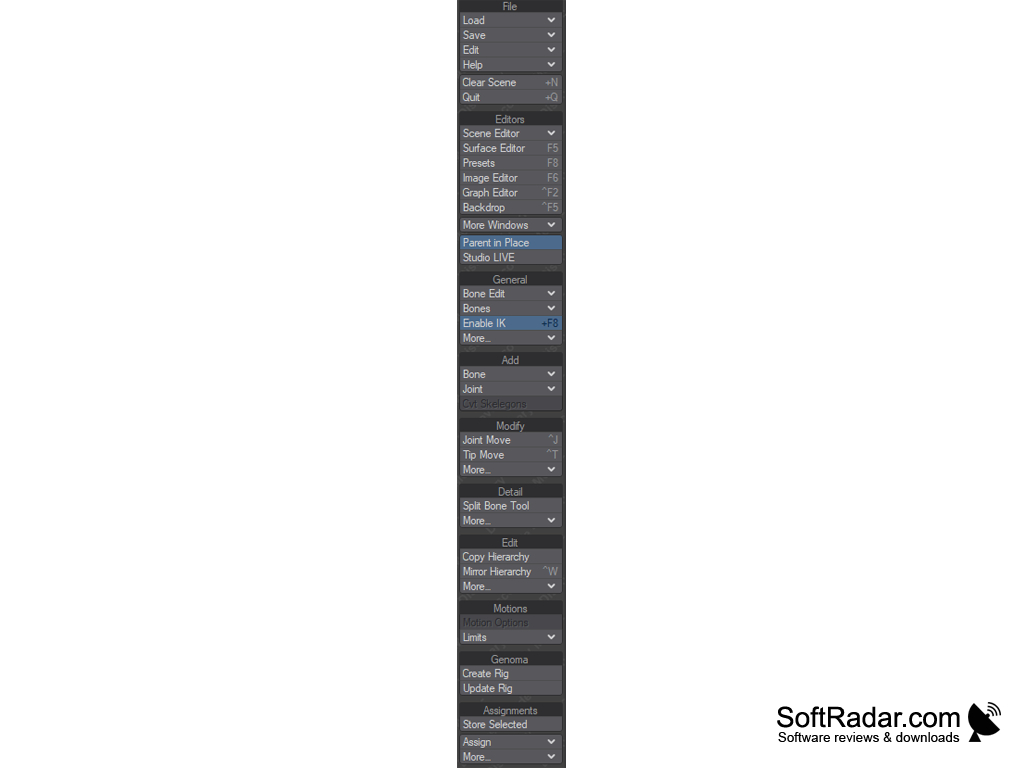
- offers more than a hundred tools for three-dimensional modeling;
- allows you to set up light attributes and create special effects (such as smoke or fog);
- perfect for creating surfaces and shells;
- supports five types of rendering;
- allows you to get realistic reflections and shadows;
- knows how to work with macros;
- has a well-thought-out graphical interface.
PROS
Intuitive user interface suitable for beginners and professionals.
Strong rendering and animation tools bolster creativity.
CONS
Lacks modern user interface.
Frequent updates can disrupt workflow.


