
LocalSend
LocalSend helps people move files and folders between a Windows PC and nearby computers or phones over a local network, without using online storage.
Operating system: Windows
Publisher: Tien Do Nam
Release: LocalSend 1.18.2
License: Open source (Apache-2.0)
Antivirus check: VirusTotal report
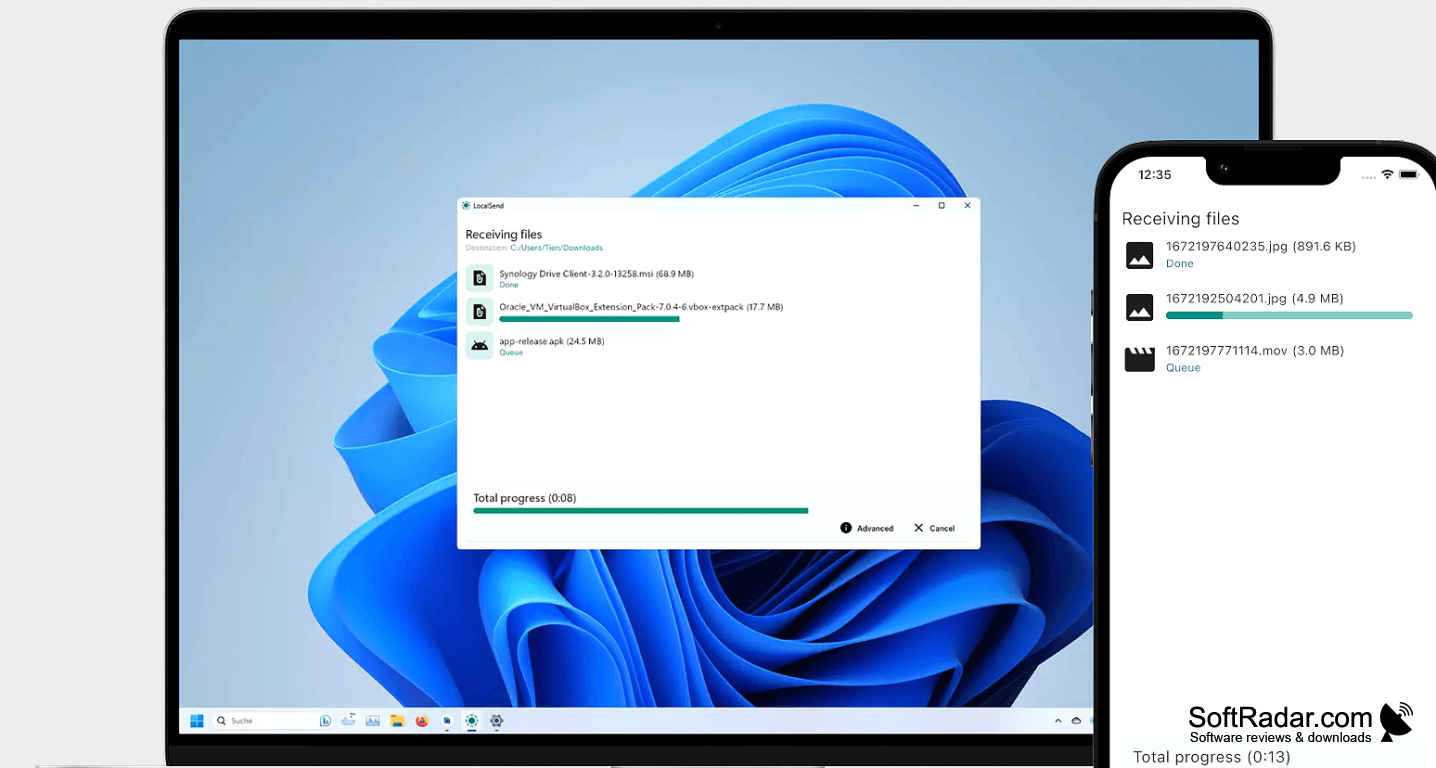
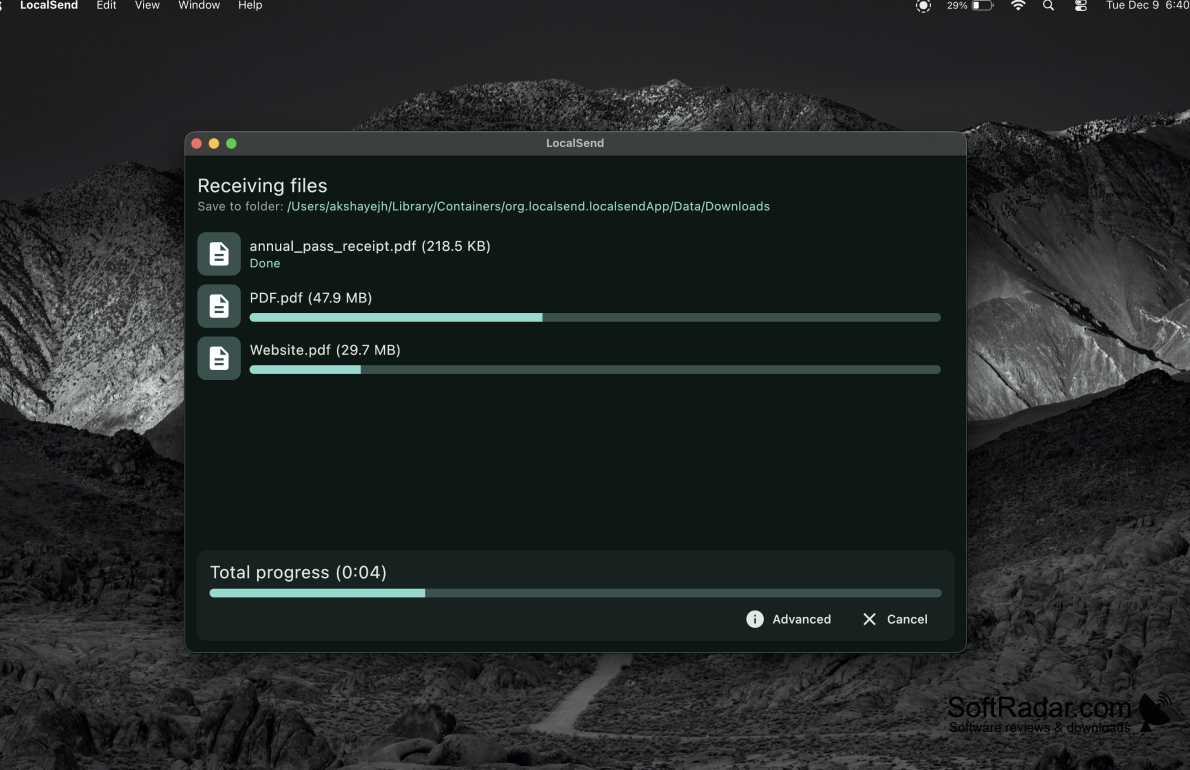
LocalSend moves documents, photos, and other content between devices connected to one local network. It can link a Windows PC with another computer or a phone, making it useful for handing off a document or moving a collection of media. The files travel over the local connection rather than through an online storage service, and users do not need to create an account.
Transfer files between nearby devices even when the local network has no internet access.
The app finds other devices running LocalSend on the network and lets you pick a destination for selected files or folders. Recipients can approve incoming items, or allow chosen devices to send without confirmation. Transfers use encrypted connections. You can also send to several devices at once or provide a link that others can use while the app is running. Portable operation and an option to start out of sight are available.
Features:
- Finds devices on a local network
- Sends files and folders across operating systems
- Asks recipients to approve incoming files
- Accepts transfers automatically from chosen devices
- Sends files to several devices at once
- Provides a link for others to download files
PROS
Transfers files directly without accounts or cloud storage.
Sends folders and text as well as files.
CONS
Transfers can stop when either device sleeps.
