
Transmission
Transmission is a BitTorrent client for Windows that lets users download and share files through peer-to-peer transfers with straightforward controls.
Operating system: Windows
Publisher: The Transmission Project
Release: Transmission 4.13
License: Open source (GPLv3)
Antivirus check: VirusTotal report
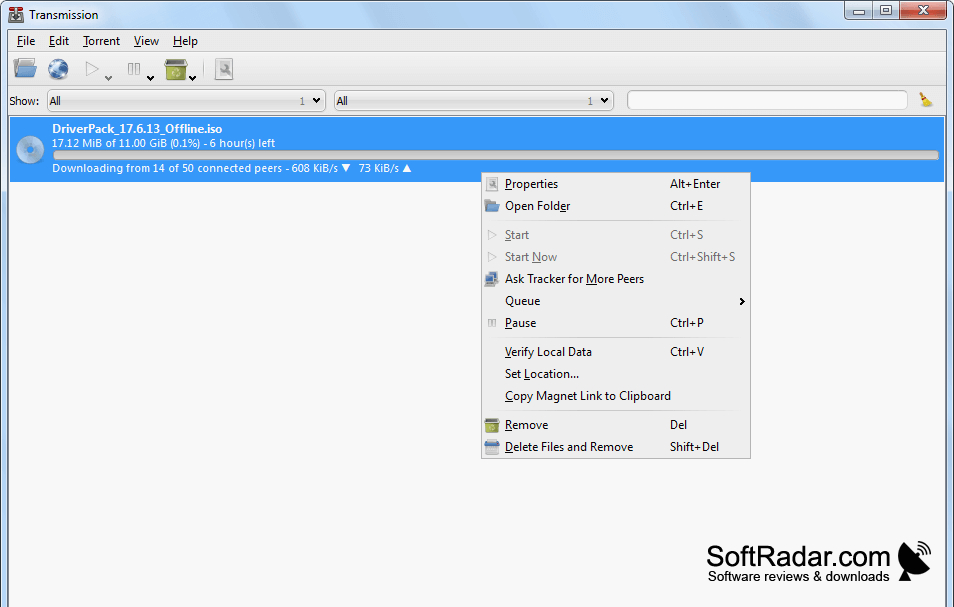
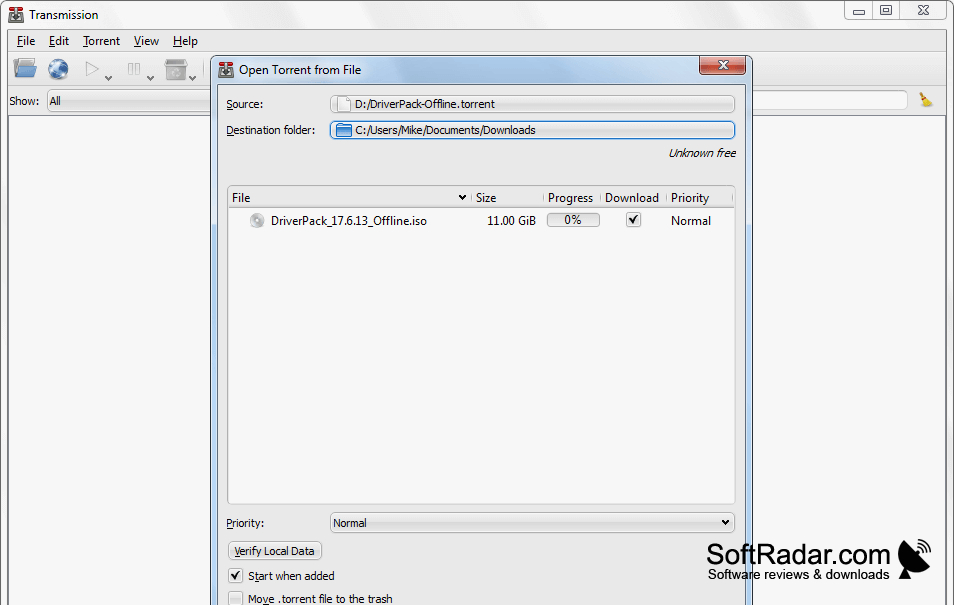
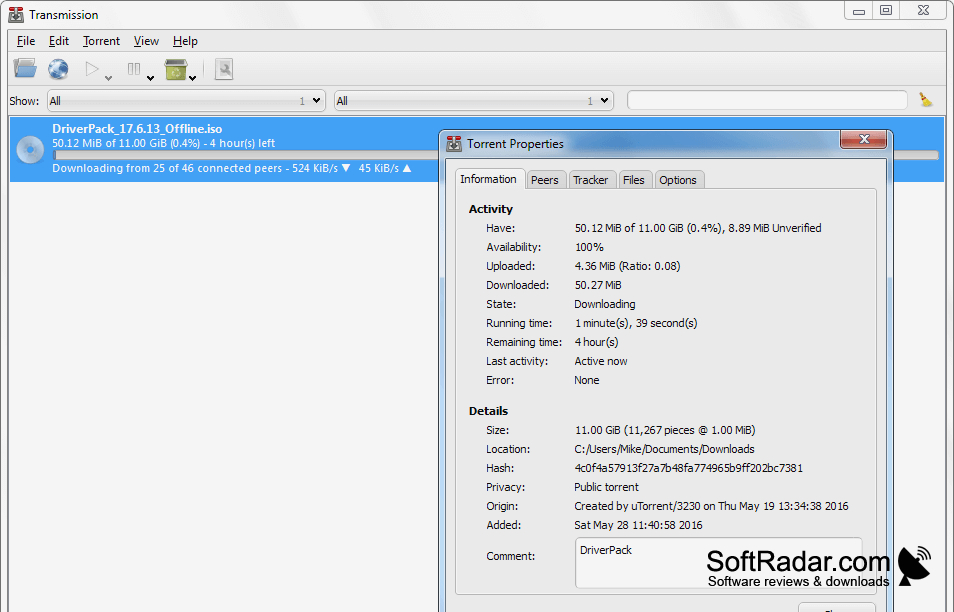
Transmission gives Windows users a way to download and distribute files over the BitTorrent network. You can open a torrent file or use a magnet address, choose where incoming files are stored, and track active jobs in a list. Transfers can be paused, resumed, or removed, while completed downloads can continue sharing with other peers.
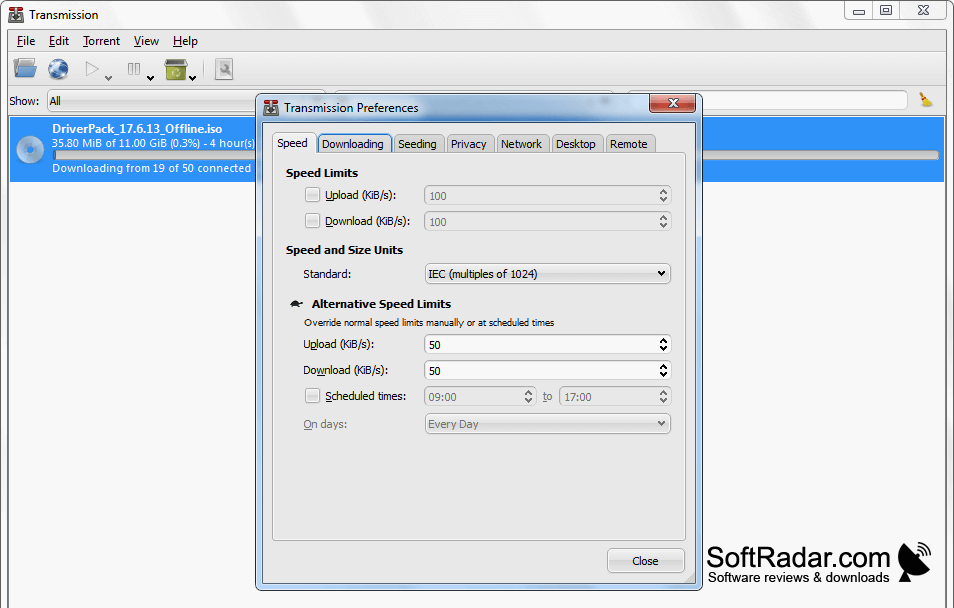
Manage torrent transfers and adjust their network usage from one window.
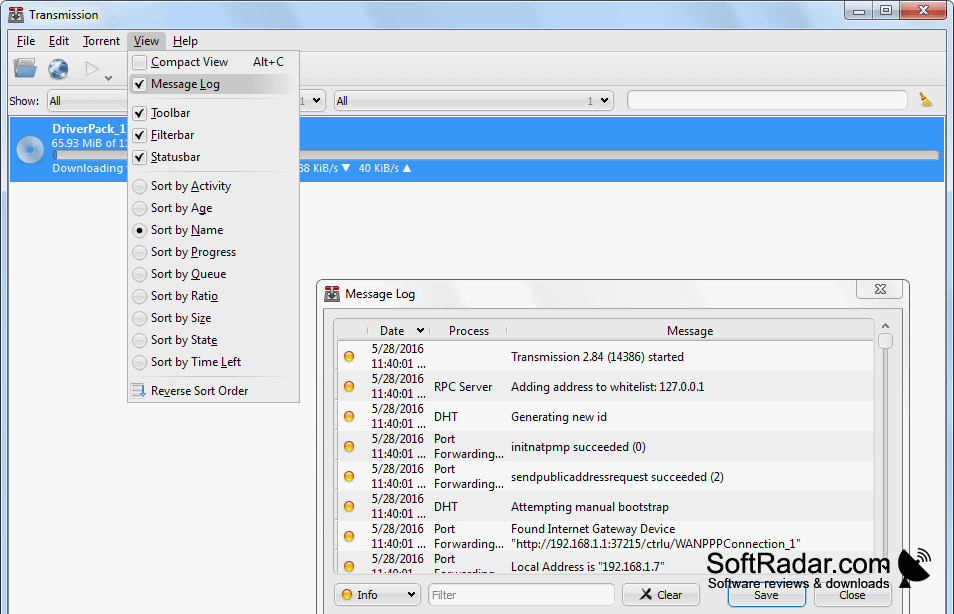
The client includes settings for upload and download rate limits, file locations, and encrypted peer connections. A browser-based control panel lets you manage transfers from another device. Transmission can find peers through distributed lookup and peer exchange, supports IPv6 networks, and can request router port mappings using UPnP or NAT-PMP.
Features:
- Open torrent files and magnet addresses
- Pause, resume, and remove individual transfers
- Set separate upload and download rate limits
- Manage transfers through a browser interface
- Find peers using DHT and peer exchange
- Request router port mappings through UPnP or NAT-PMP
Available in 32-bit and 64-bit builds
PROS
Keeps torrent controls simple and uncluttered.
Supports remote management through a web interface.
CONS

