
MAGIX Fastcut
Video editing software used to edit and create a professional video. Upload your edited video to social media sites.
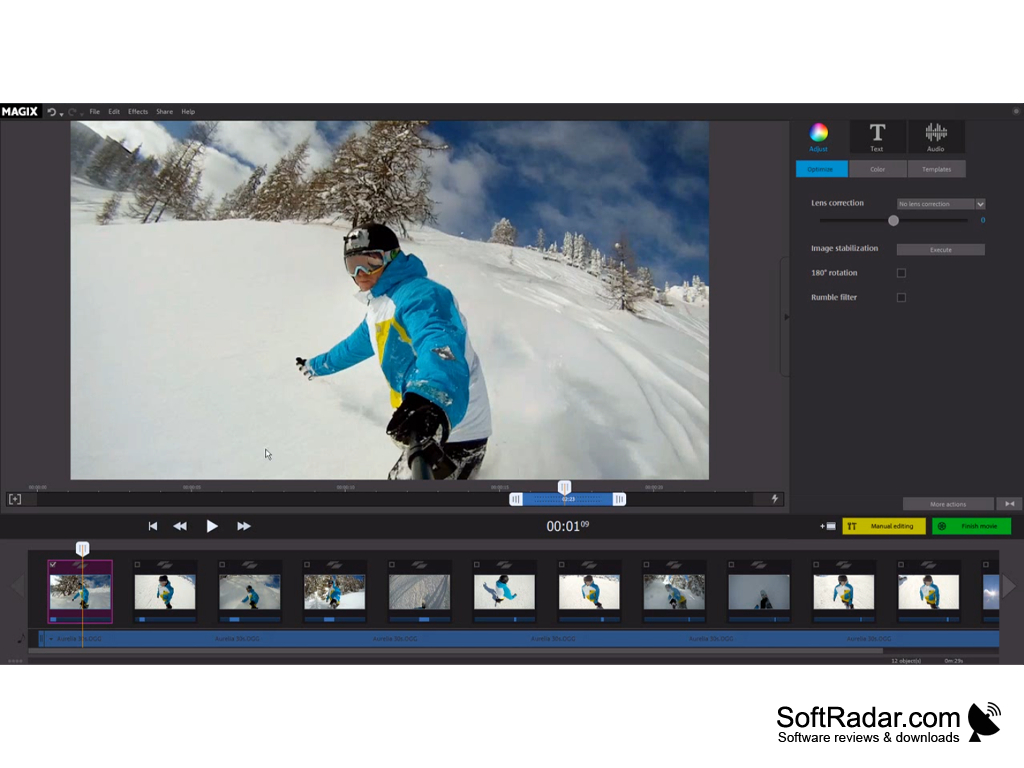
It will automatically edit the video, and also you can easily export the video to social media sites.
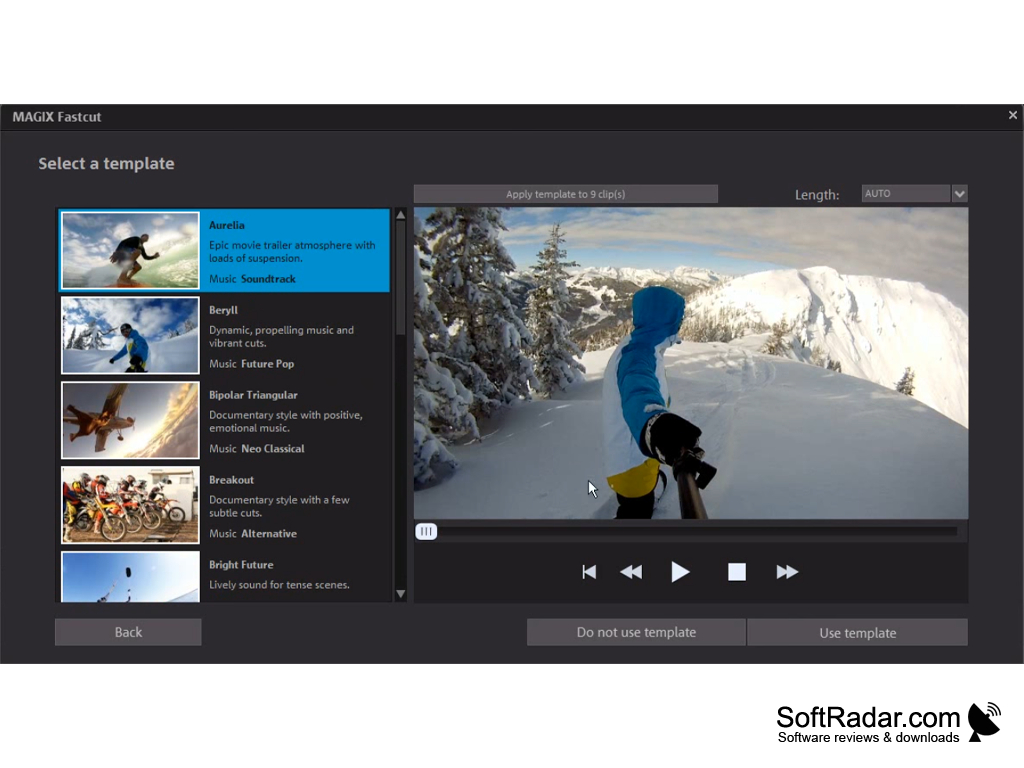
Magix Fastcut was introduced by Magix. It is a video editing software specially designed for editing videos taken from GoPro, Speed, and action camera. This software supports the majority of devices such as tablets, smartphones, cameras, and camcorders. It has a lot of templates, and you can use these templates of your choice for video editing.
It will automatically edit the video, and also you can easily export the video to social media sites
Features:
- Lots of template with music
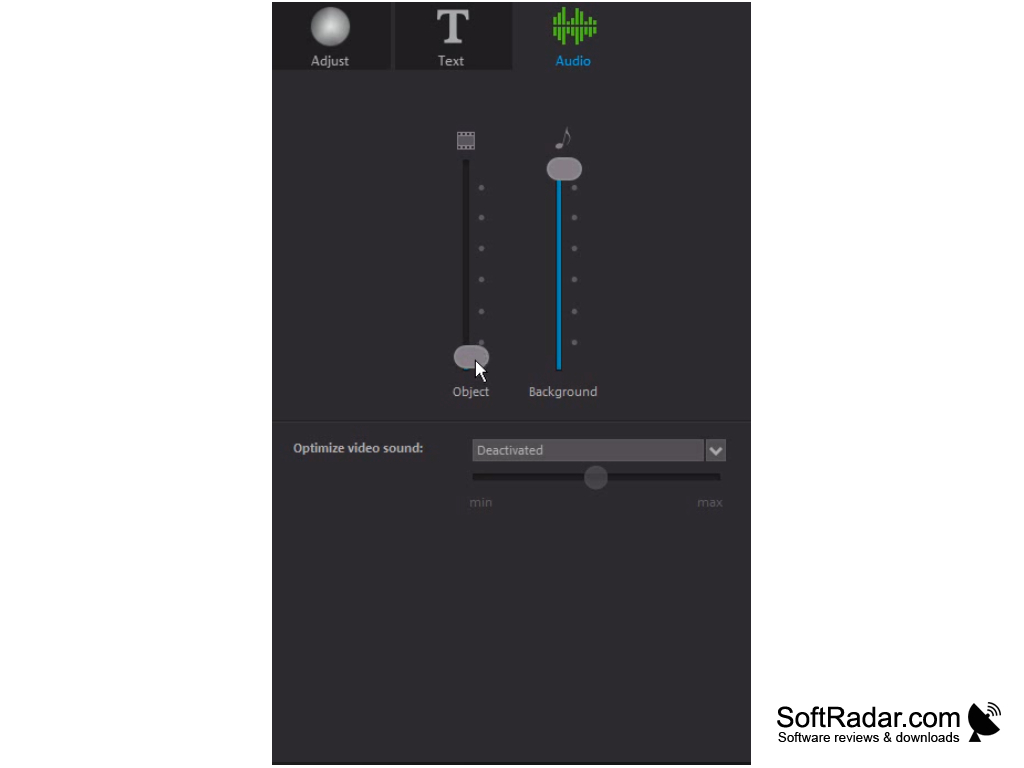
- Can edit templates according to your favorite soundtrack
- Larger preview pane
- Automatic effects and image optimization
- Clip Highlights
- Offers 14 days trial
- Allows to manipulate video speed easily and also you can play video backward
- It supports the popular AVCHD format.
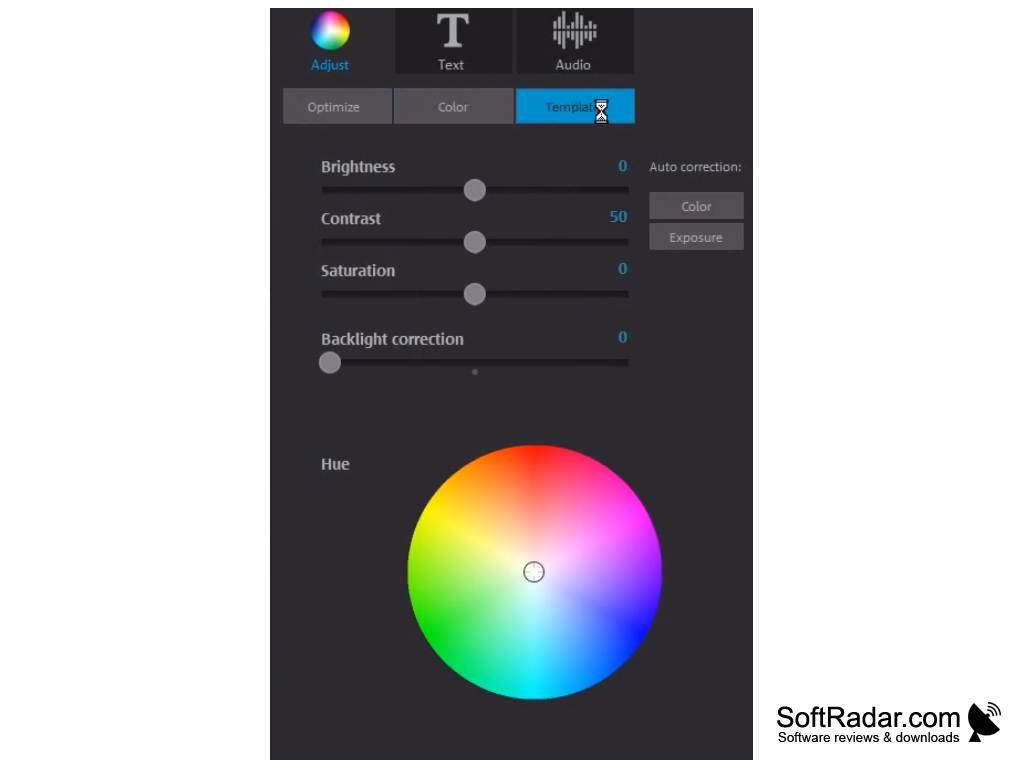
- You can edit the color, brightness, and contrast.
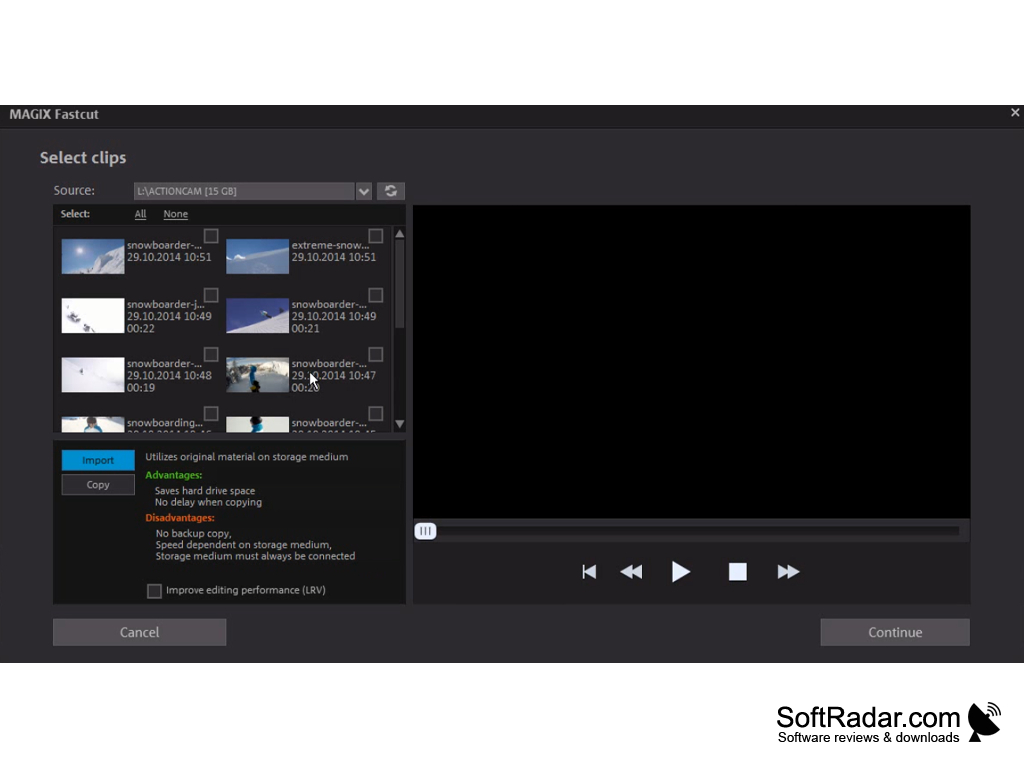
Using Magix Fastcut, you can load the video, and then you can edit the video footage. First, upload the video of your choice then choose the template and the length of the video. That's all the Magix Fastcut software will do the rest. You can also add a soundtrack if required. It includes 60+ pretty defined templates.
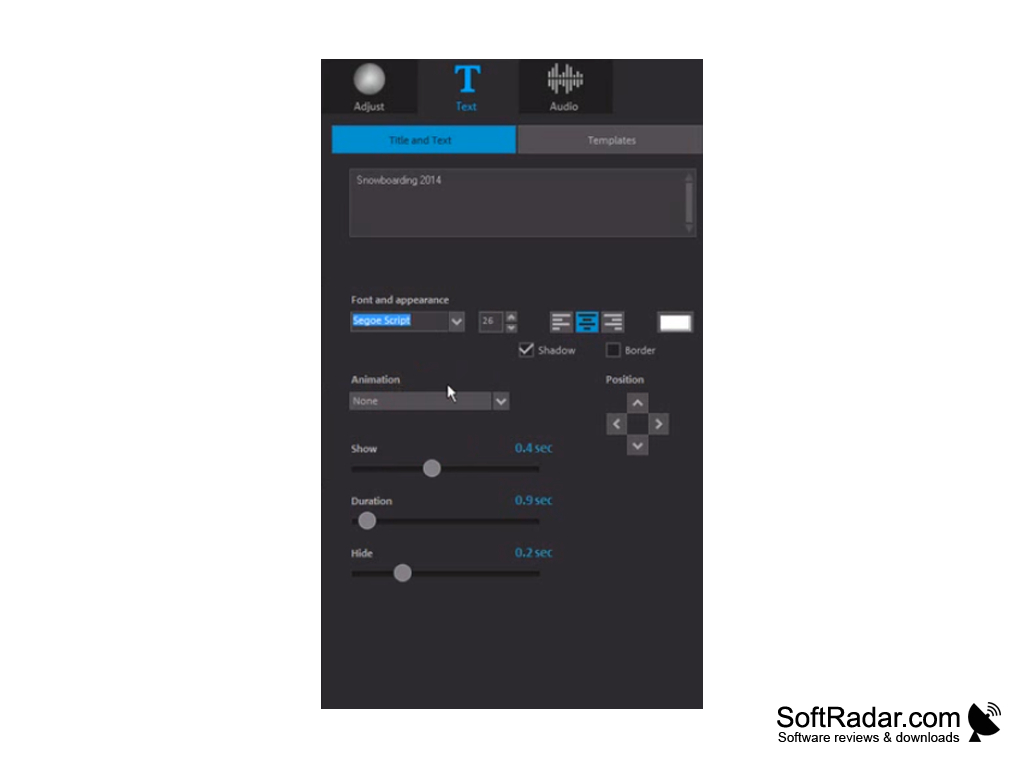
This software has a larger video preview pane at the top left corner. It supports automatic image optimization and effective integration. If your video contains any unstable and shaky parts, Magix Fastcut will stable them. Within the templates, you can switch to manual mode by control over elements. Some of the pre-defined effects are a vignette, old movie, and noise effect.
You can save your finished video up-to 4K resolution. After editing, you can also save your video and export to social media sites like Facebook, YouTube, and more. Moreover, you can save your videos to Android and iOS devices.
This software is supported in a multi-core 64- bit processor with 2Gbhz and 4gb of memory. It also requires a system with an operating system of Windows 7 or more. If you want a video of 4k resolution, then you need a system requirement of 8gb of quad-core.
- Requires a minimum OS of Windows 7.
- 14 days trial.
PROS
Intuitive interface, easy for beginners.
Offers a variety of effects and transitions.
CONS
The user interface may not be intuitive for beginners.
Lack of advanced features such as color grading and 3D editing.


