
Maple
A computer algebra system from Maplesoft used to analyze, visualize and solve mathematical problems.
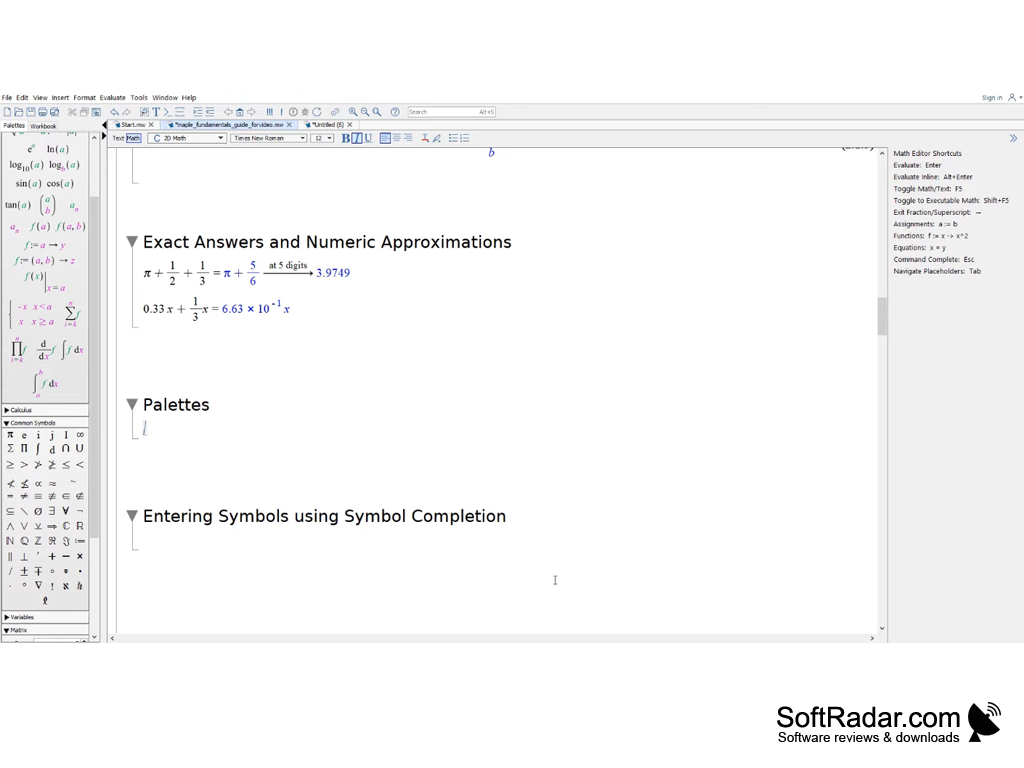
Maple is a commercial computer algebra system by Maplesoft for people who work in mathematics, science and engineering. It helps to solve math-related problems quickly and efficiently, both symbolically and numerically. Its worksheet interface lets you enter formulas in standard math notation and get results in a few steps. Maple is available for Windows, macOS and Linux.
Features:
- Solves many kinds of problems, including differential equations and tolerance calculations
- Includes its own programming language
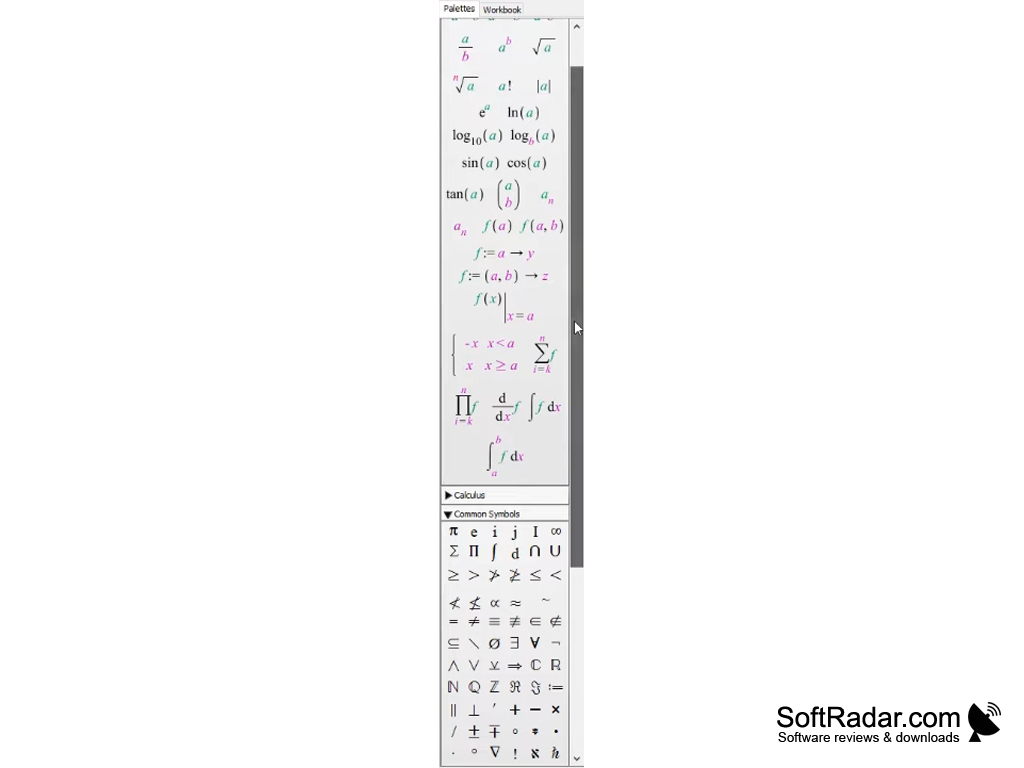
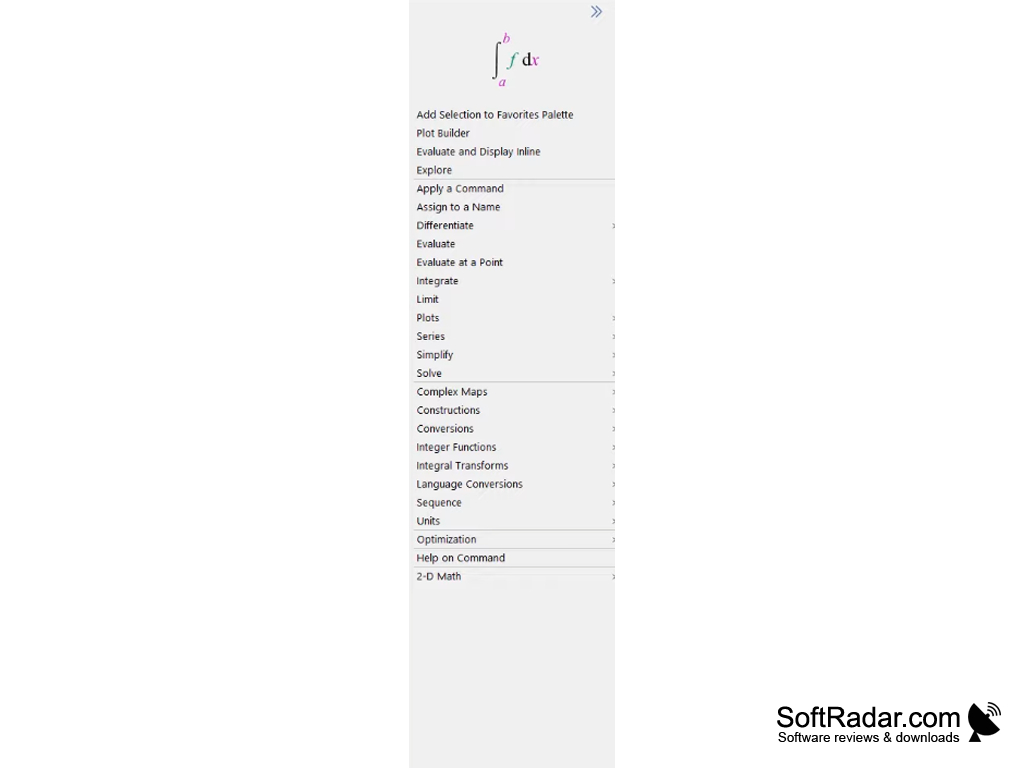
- Worksheet interface with palettes and context menus
- Worksheet content can be locked and encrypted to protect it.
- Able to solve partial differential equations with boundary conditions.
- Built-in support for physical units in calculations.
- Can be used in different fields including Physics, Financial Modeling, Signal Processing.
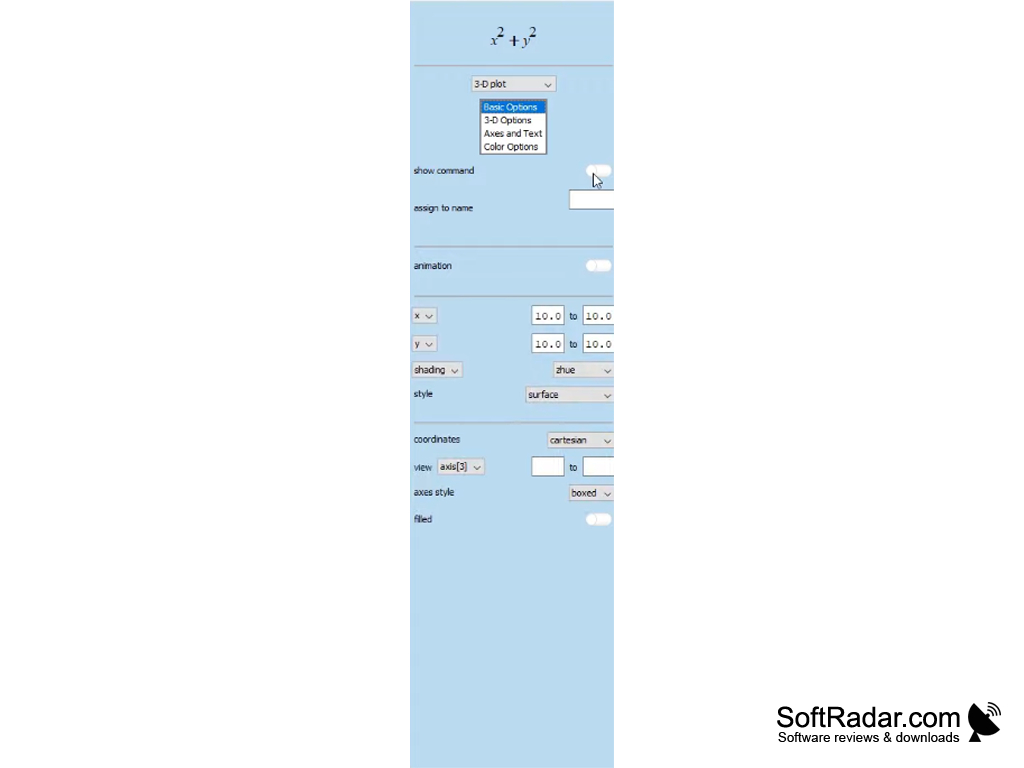
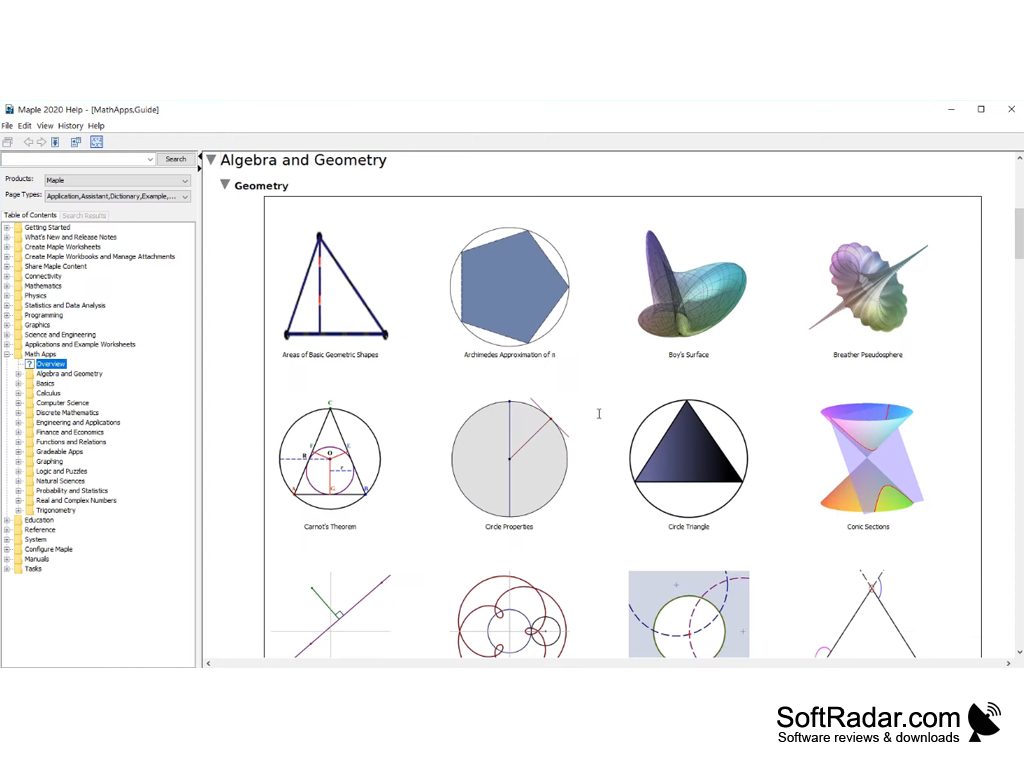
- 2-D and 3-D plots, animations and interactive Math Apps.
Helps to solve and visualize complex math problems quickly, both symbolically and numerically.
Maple is a powerful program used to solve math-related problems quickly and accurately. It is used by engineers, scientists and researchers in industry and academia. Students also use it to practice math problems and check their solutions, which helps them prepare for their tests.
Maple has many features related to math as it is specially designed to solve math problems. It handles demanding tasks such as partial differential equations with boundary conditions, differential equations, physics, financial modeling and signal processing. Units and physical constants are built in, so results keep their units and can be converted easily.
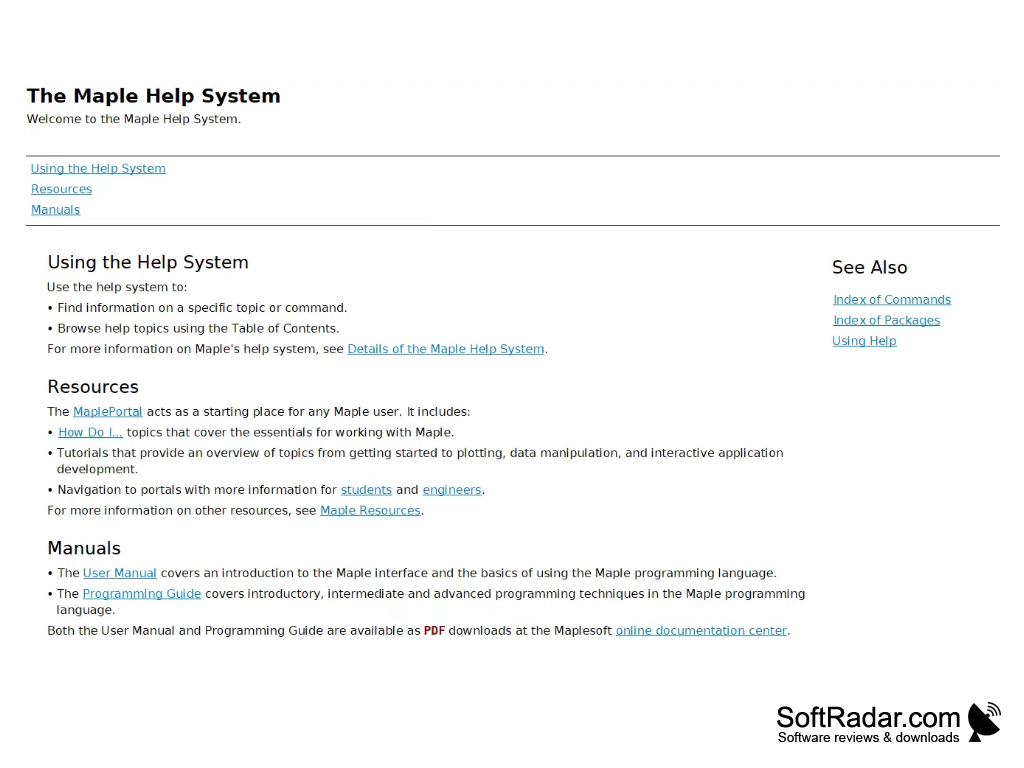
There is a package known as the GroupTheory package, which provides commands for constructing and studying groups. The GraphTheory package has essential tools for drawing graphs and computing their properties. Help pages, manuals and a collection of Math Apps are built into the program.
1 GHz or faster 64-bit (x64) processor
8 GB RAM recommended
10 GB of disk space
Screen resolution of 1024x768 or higher
PROS
Easy to use with intuitive interface.
Offers varied visualization tools for data representation.
CONS
Expensive compared to other mathematical software.
Needs a fairly powerful PC and plenty of disk space.


