
MDownloader
Allows for accessing videos on hosting software programs
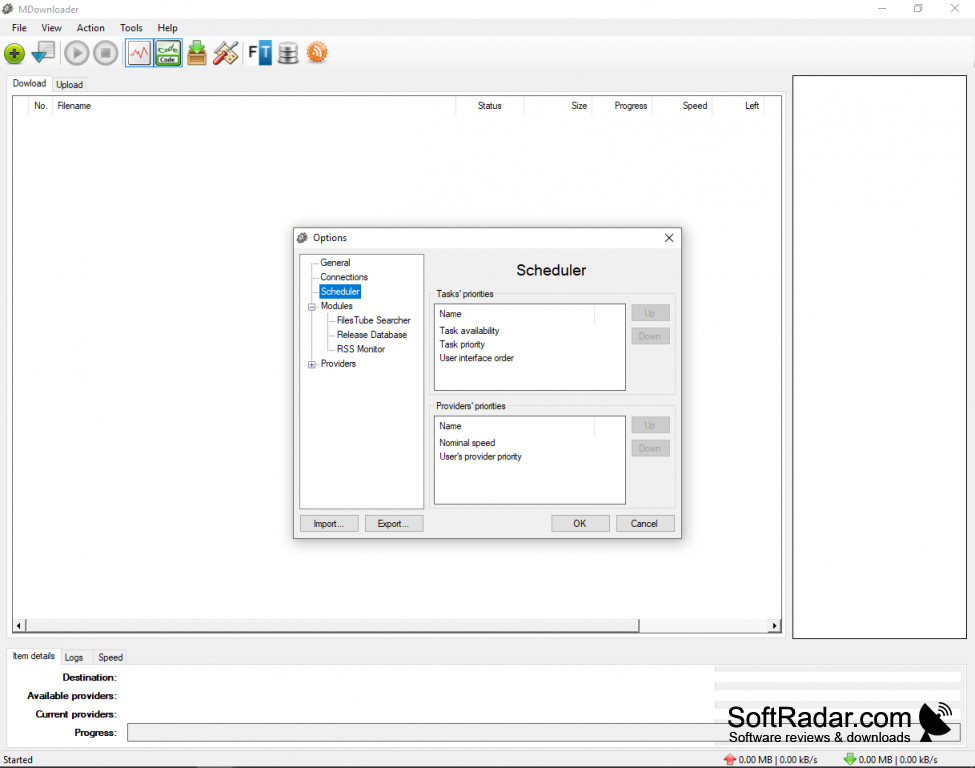
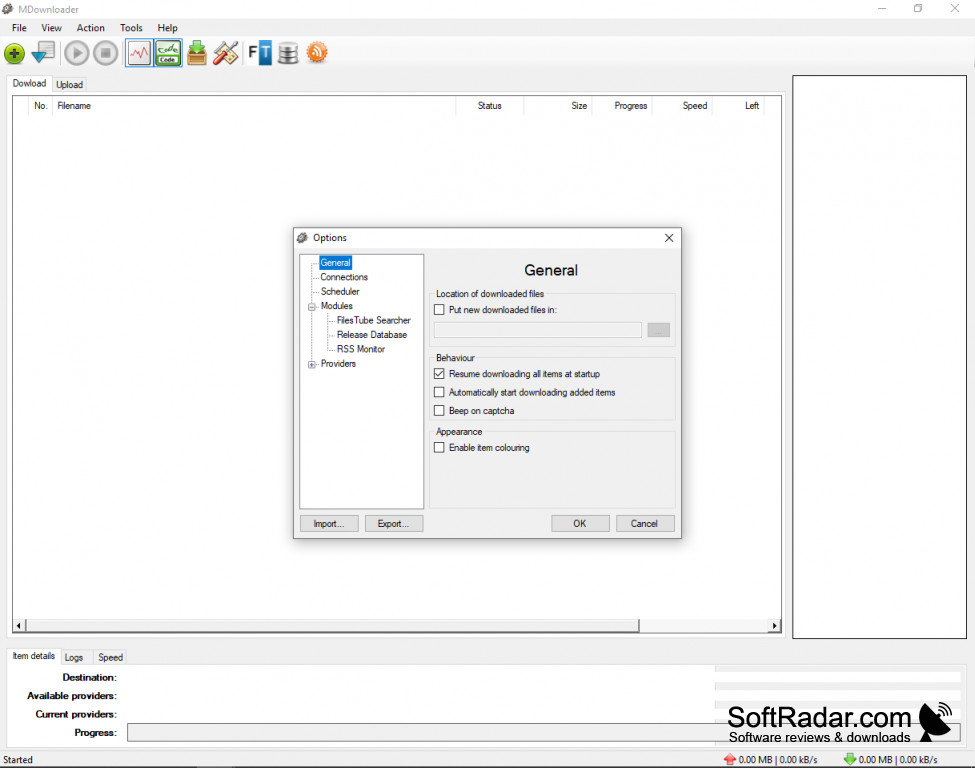
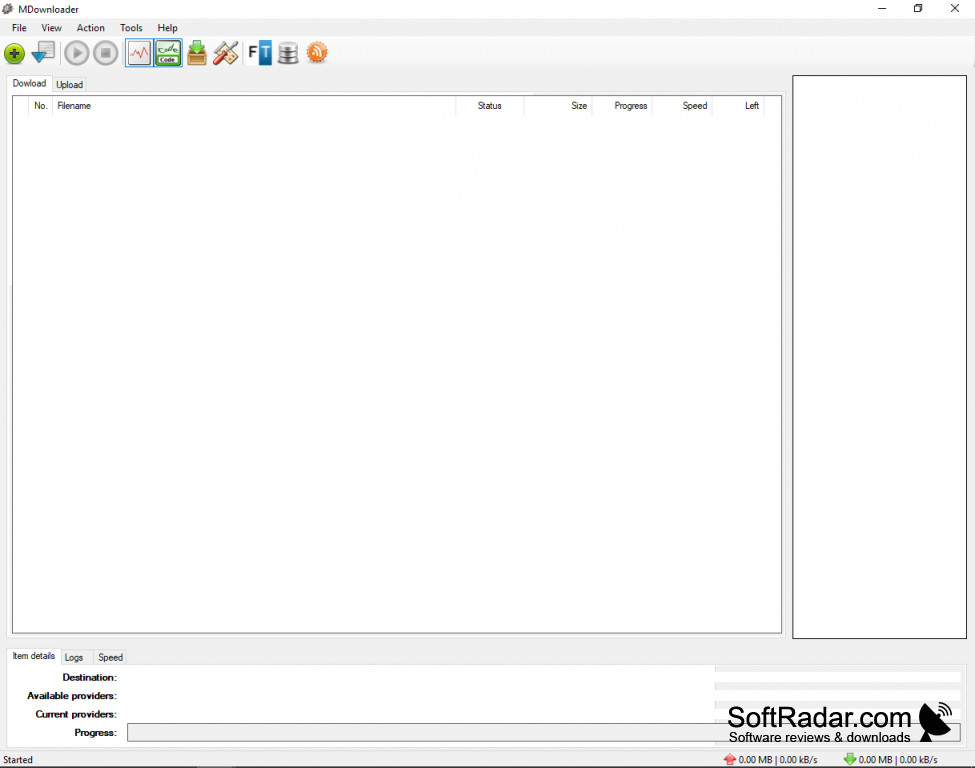
When you find a long list of links to files hosted on a file sharing site, you are probably going to be happy. However, the task of visiting each and every link can be tedious enough. Then you must play the game of “Find the Correct Button”, while avoiding annoying pop-ups and other forms of rogue advertising. Then, when you finally make it to the download age and there is a timer that says you can download the file in 1 minute. Finally, you click the download button and the file starts downloading.
Now, you can move to the next link on your list and do it all over again. If you have 25 links, it would take you 3 non-stop days’ worth of clicking and waiting. With MDownloader, those days are gone. Simply paste in your URLs, hit start and forget about it. Let MDownloader for Windows does the work for you, including entering the captcha data automatically.
Features:
MDownloader allows you to simply paste in a list of links for files to download and it does the rest.
- Paste Unlimited number of links to files and click the button, MDownloader does the rest.
- Built-in OCR solves captchas for you, so you do not even have to be at your computer
- Automatically picks up where it left off if download is interrupted unexpectedly
- Supports pasting links from multiple file sharing websites in the same job
You can go and live your life and MDownloader for Windows will grab those files for you. MDownloader is Freeware (GPL License), making it a totally risk-free way to handle grabbing all the files you ever wanted without sacrificing half of your life in the process.
Windows OS
Supports downloading files from these file-sharing services: Bitroad.net, DepositFiles.com, EasyShare.com, FileFactory.com, Hotfile.com, Klurk.com (aggregate), Letitbit.net, Load.to, MegaUpload.com, Rapidshare.com, SendSpace.com, uGotFile.com, Uploading.com and zShare.net.
PROS
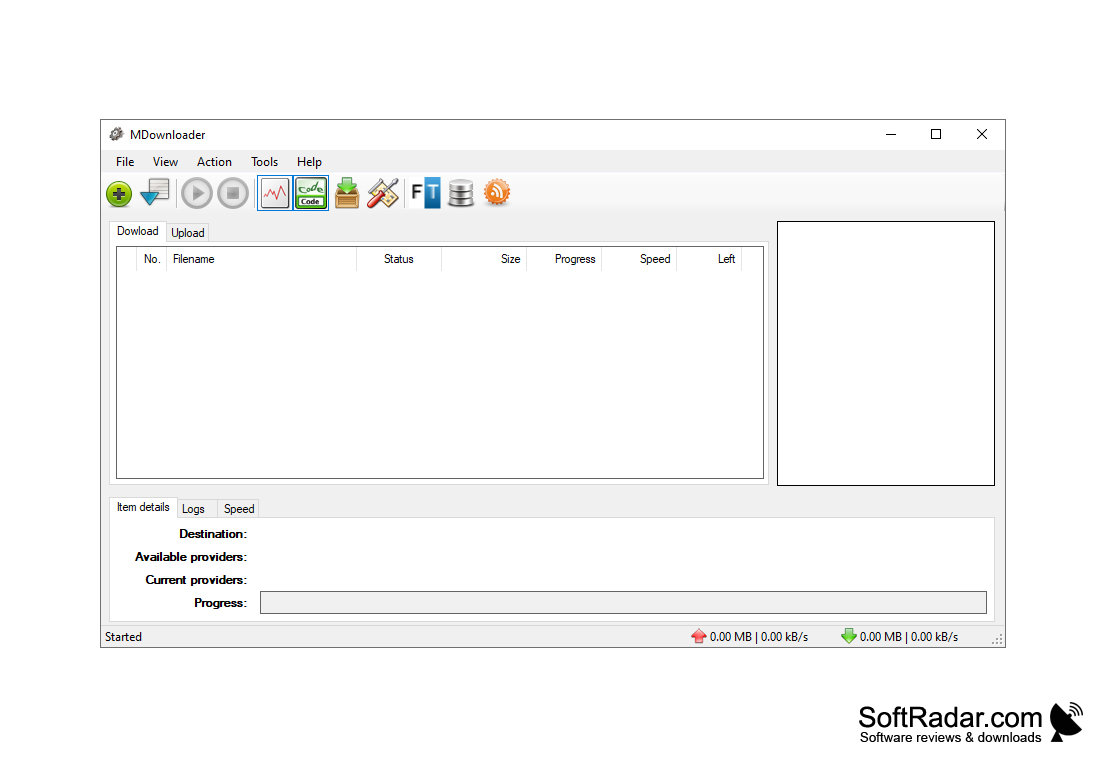
Easy to use with a simple interface.
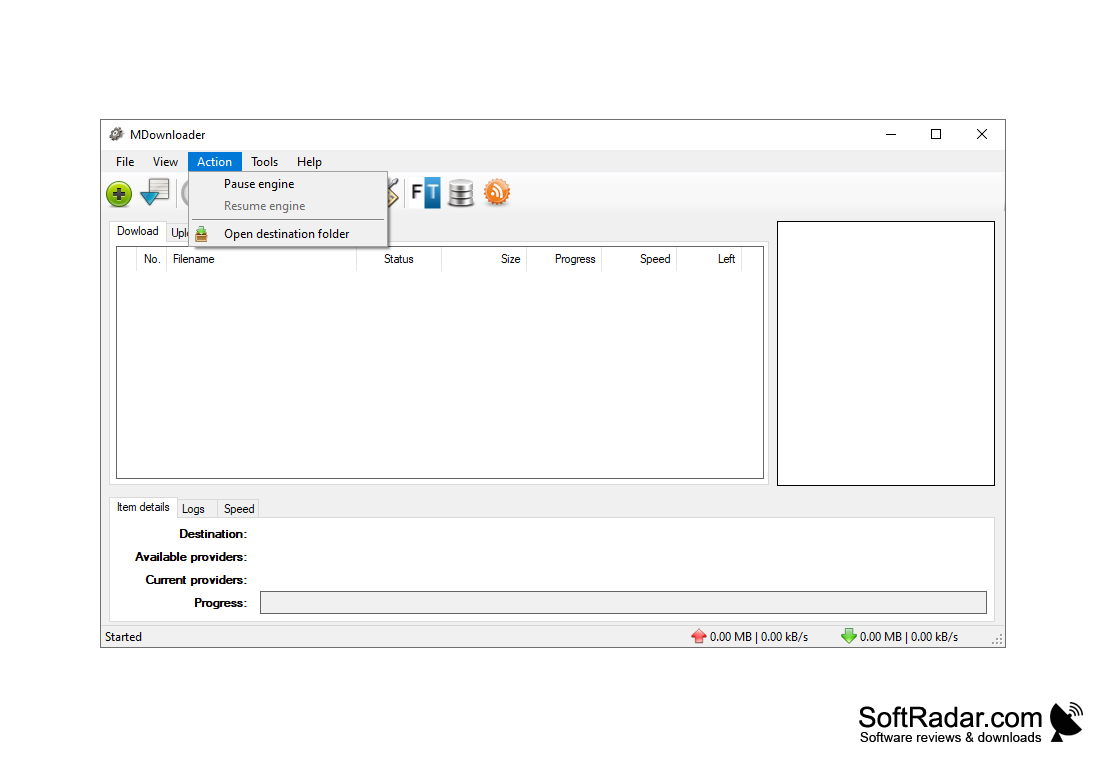
Option to pause and resume downloads.
CONS
No documentation or help for beginners.
Installation process tends to be slow.


