
Mechvibes
Free open-source desktop app that plays mechanical keyboard sounds as you type on any keyboard, with switchable sound packs and a pack editor.
Operating system: Windows
Publisher: Hải Nguyễn
Release: Mechvibes 3.2.1
License: Open source (MIT)
Antivirus check: VirusTotal report
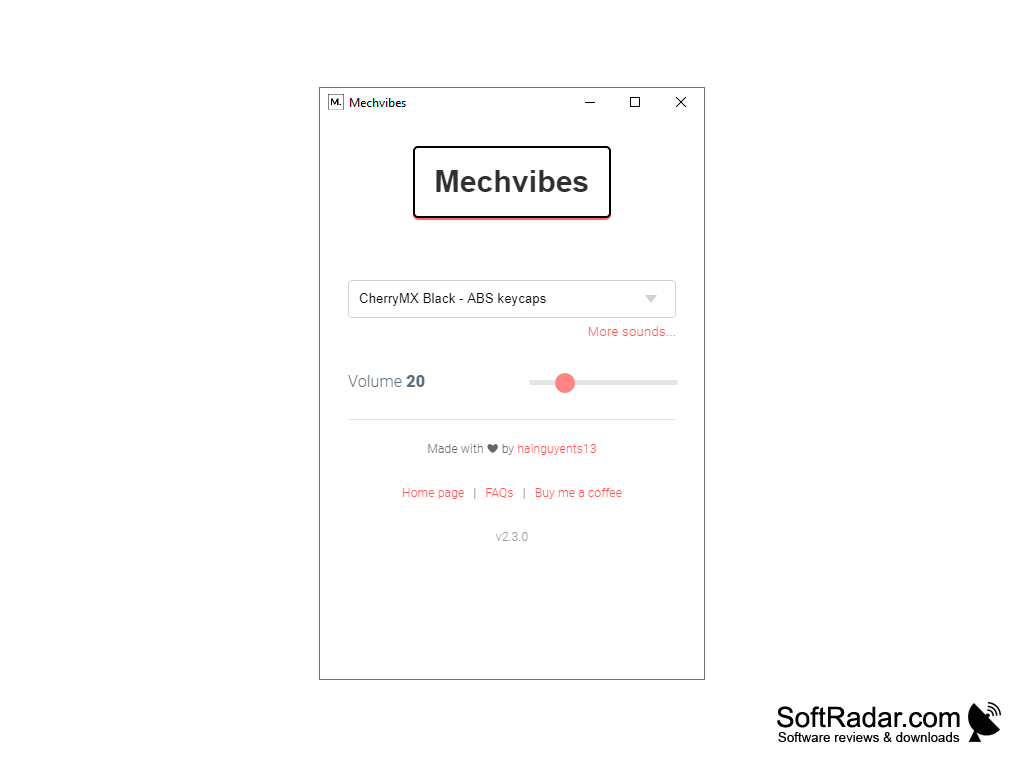
Mechvibes is a free, open-source desktop application that plays mechanical keyboard sounds while you type on any keyboard. It runs in the background on Windows, macOS and Linux, listens to key presses and plays a short sample from the selected sound pack for every keystroke, so a laptop keyboard or a quiet membrane keyboard sounds like a clicky mechanical one. The author, Hai Nguyen (hainguyents13 on GitHub), started it as a side project for places where a loud mechanical keyboard would disturb others, such as a shared office or a room late at night.
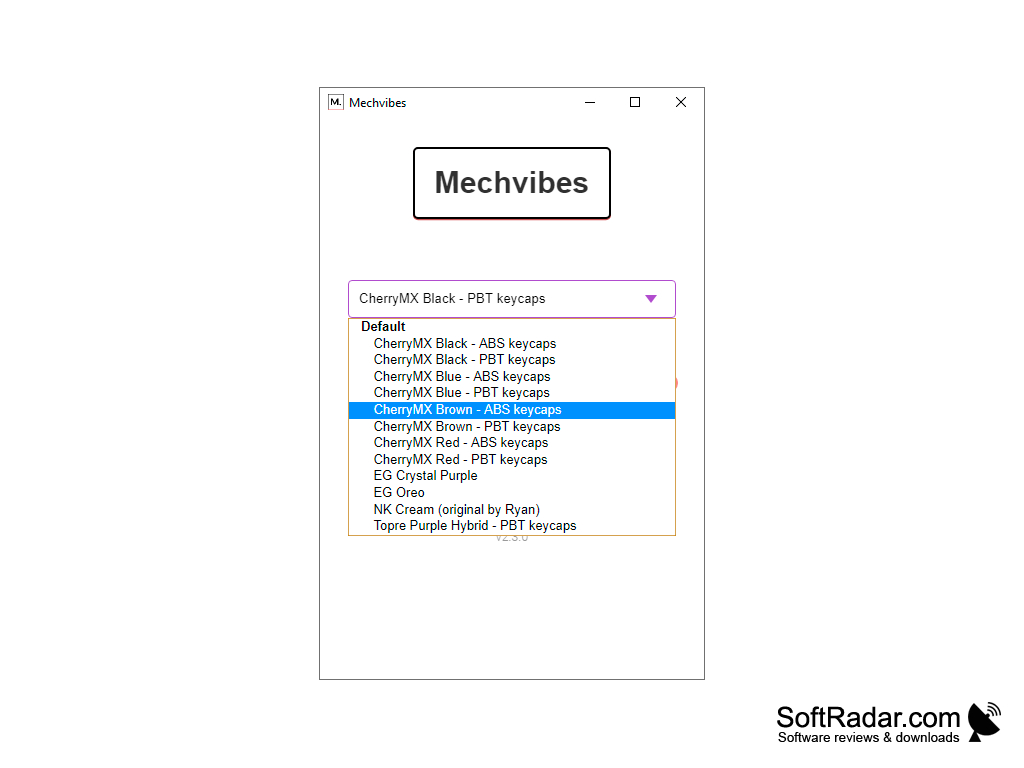
The main window is small and simple: a drop-down list of installed sound packs, a volume slider and a link to more sounds. The built-in packs imitate popular switches and keycaps, such as Cherry MX Black, Blue, Brown and Red with ABS or PBT keycaps, EG Crystal Purple, EG Oreo, NK Cream and Topre Purple Hybrid.
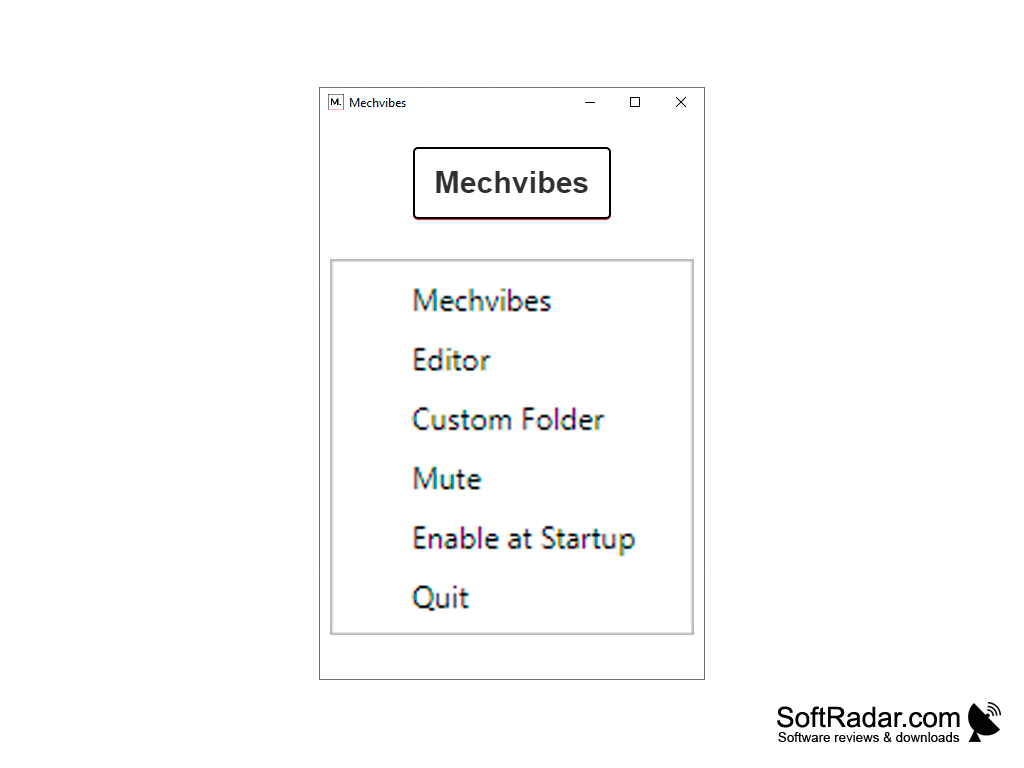
Many more packs made by the community can be downloaded from the Mechvibes website and added in a couple of clicks. The program menu gives quick access to the Editor, the custom sound pack folder, a Mute switch, the Enable at Startup option and Quit, so the app can start with the system and stay out of the way.
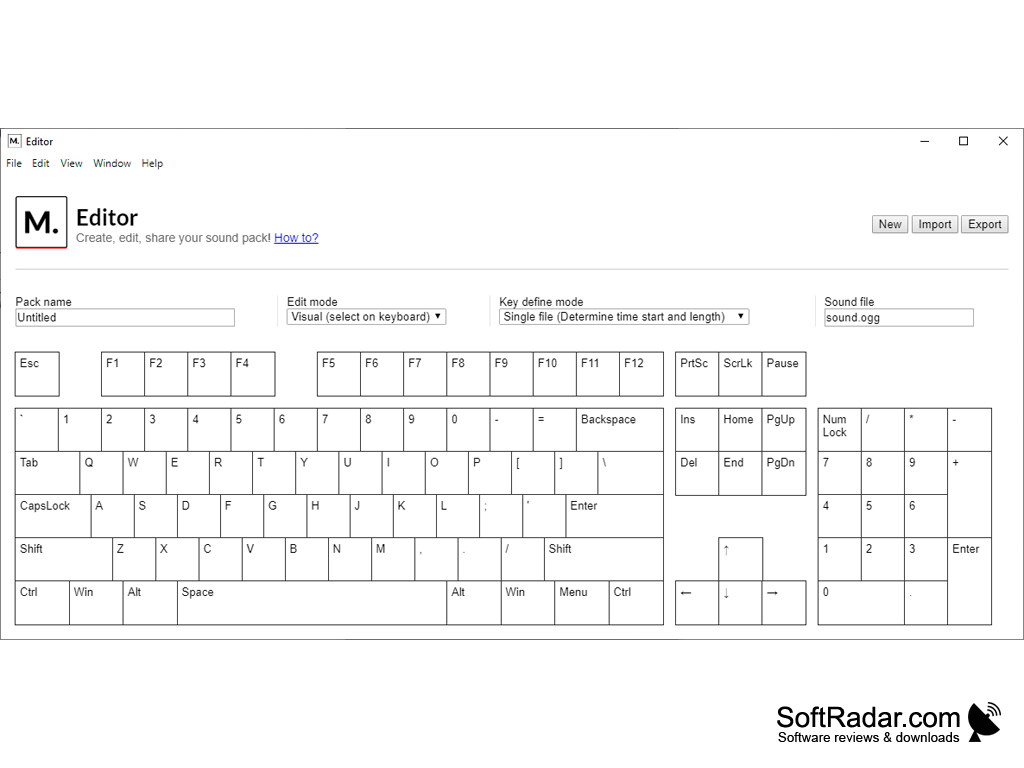
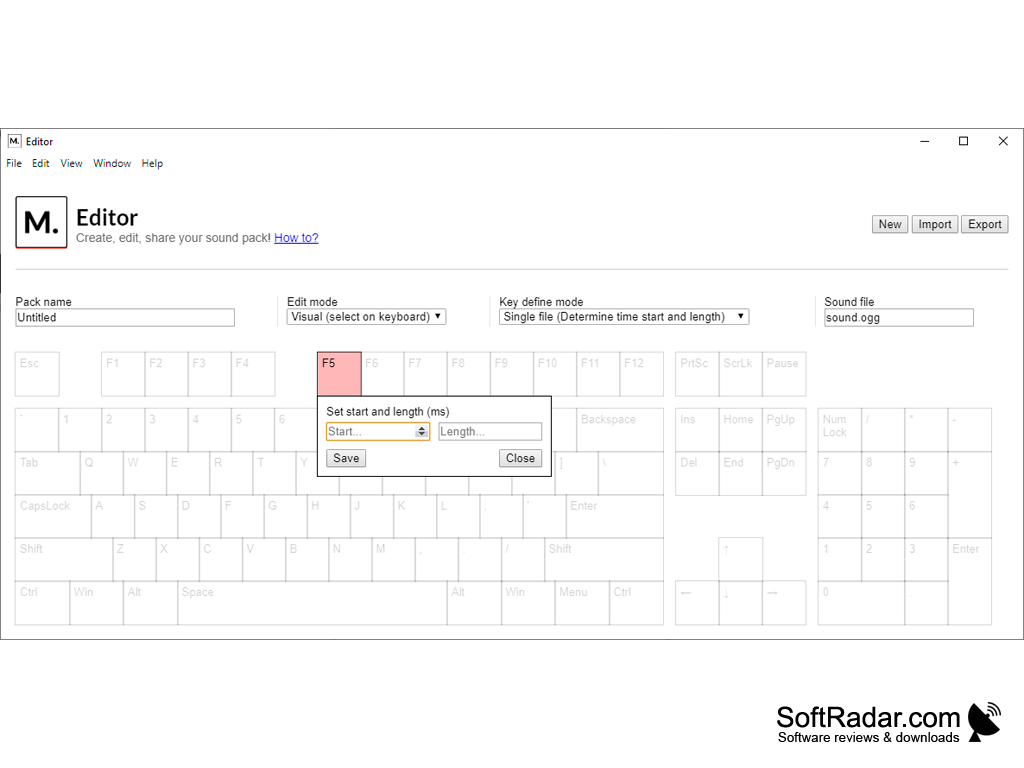
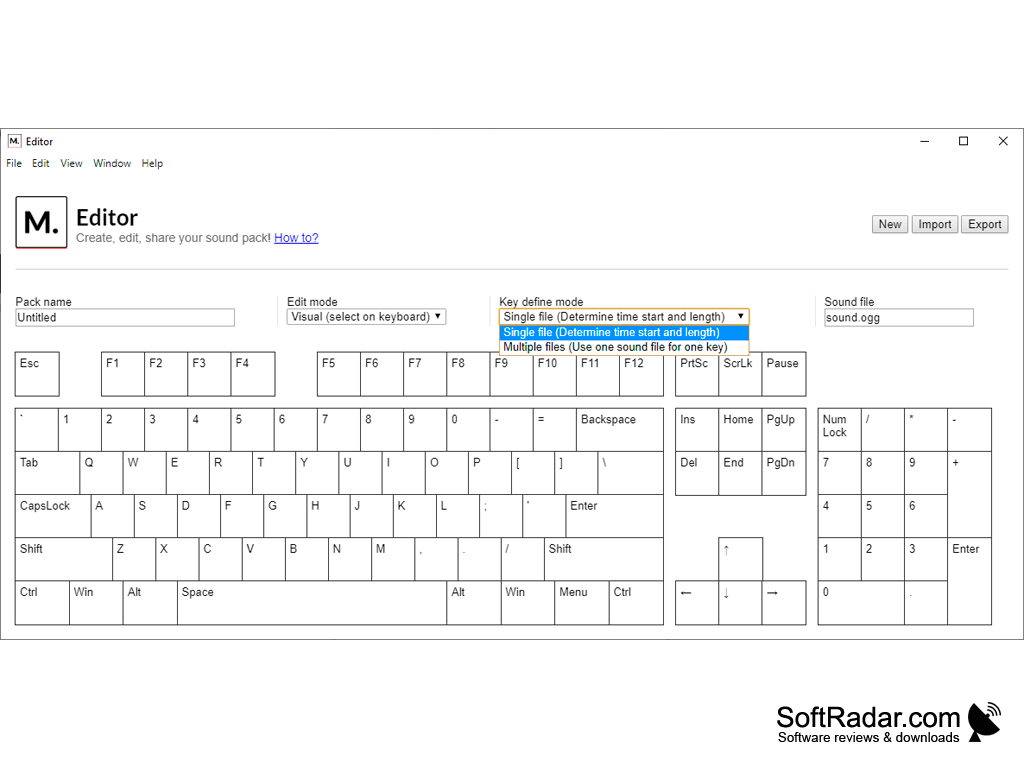
Mechvibes Editor is used to create new sound packs or edit existing ones. You can take a single sound file and set the start time and length of the sample for each key on a visual keyboard, or switch to the multiple-files mode and assign a separate sound file to every key. Finished packs can be exported, imported and shared with friends. The project is released under the MIT licence; its author is also developing MechvibesDX, a rewrite with a faster audio engine and support for mouse click sounds.
Makes any laptop or office keyboard sound like a mechanical one, with a wide choice of switch sound packs.
Features:
- Mechanical keyboard sounds for any physical keyboard
- Built-in Cherry MX, Topre and other switch sound packs
- Community sound packs from the Mechvibes website
- Volume control, mute switch and start with the system
- Visual editor for creating, importing and exporting sound packs
- Free and open source, available for Windows, macOS and Linux
Speakers or headphones
PROS
Wide choice of built-in and community sound packs.
Editor for creating and sharing custom sound packs.
CONS
Development is moving to the MechvibesDX rewrite.
Sound quality depends on the chosen community pack.


