
Mercalli
A software that administers professional video stabilization with CMOS correction and video optimizing tools
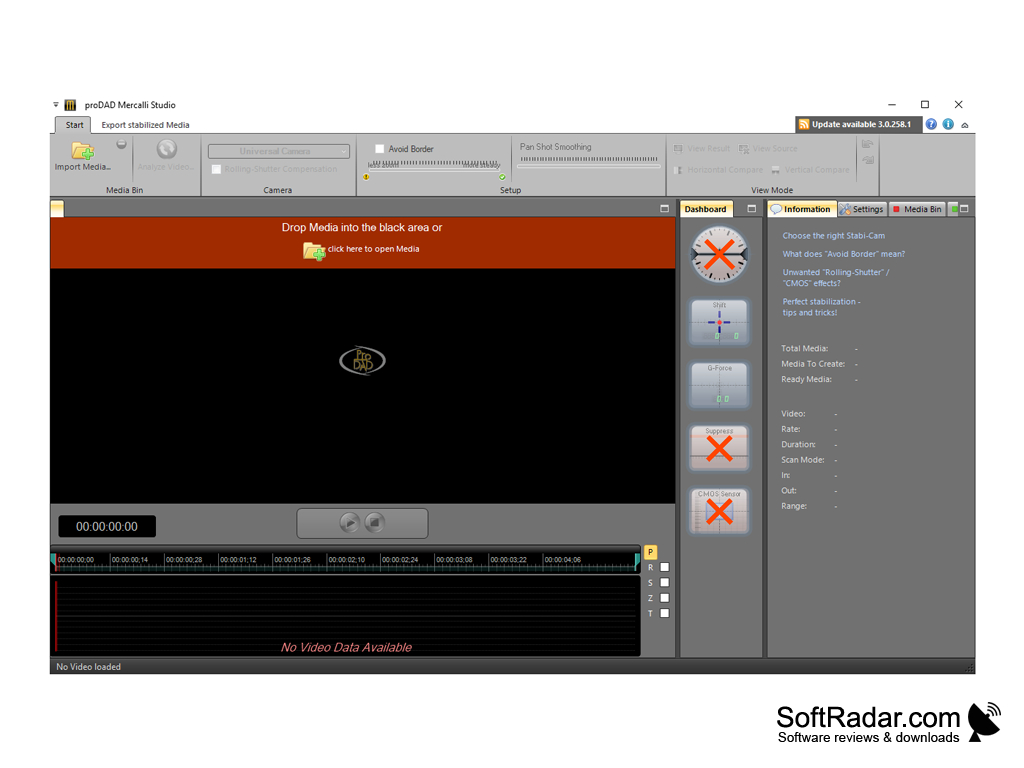
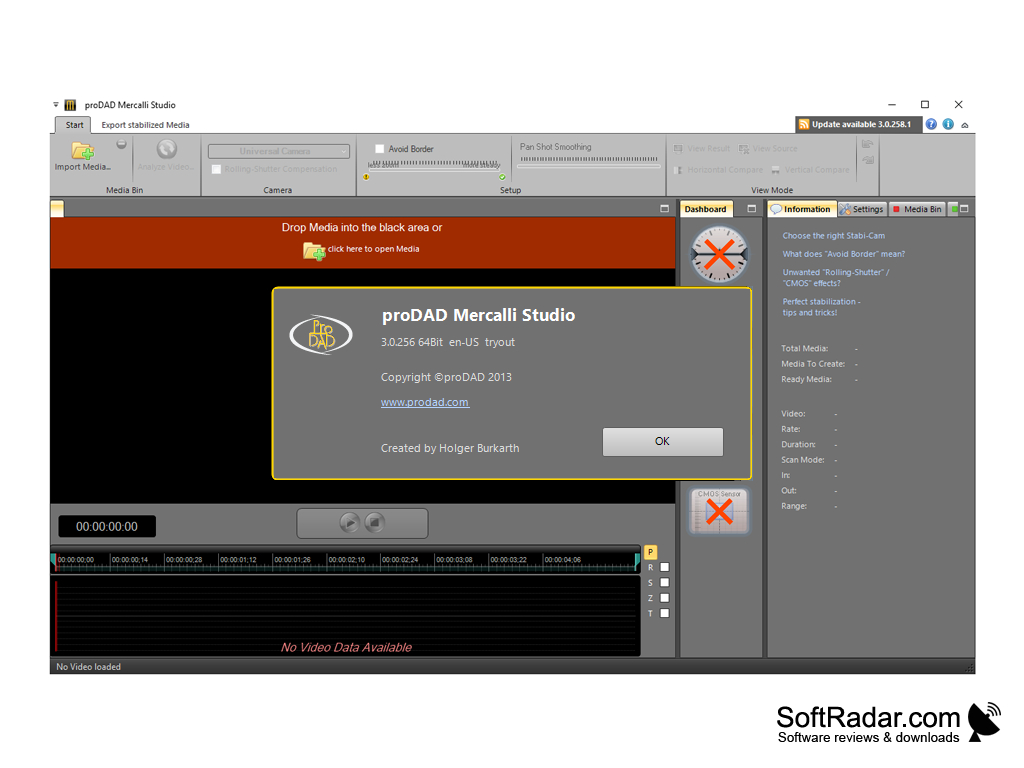
Mercalli is a program that is designed to eliminate the "jolting" of video, as well as to align the image on the desired axis. With it, you can get a really stable picture, as well as increase the visibility of individual objects in the video. When you add a new clip to the program, it will make a preliminary analysis of the image, and then offer its own variant of shake reduction. If you are satisfied with the results of the program, you will be able to save the video right away. Automatic stabilization works quite well, but we still recommend you to make adjustments "manually" or to supplement the changes that the program has made after the preliminary analysis.
Right from the editor window you can start the preview at any time. To align a single frame, just pause the clip and specify the correct axes with the appropriate tools. Mercalli can also automatically split video into frames so you can quickly switch and adjust them one by one. To make it clearer, the program can switch to the "before" and "after" display mode.
You can use Mercalli as a standalone application or install it as a plugin for popular video editors. Supported editors include Adobe Premiere, Pinnacle Studio, Sony Vegas Pro, Adobe After Effects, Avid Studio, Corel VideoStudio, GV EDIUS and some others.
Mercalli effectively eliminates video shakiness and aligns images, enhancing the stability and visibility of objects within the video.
- can suppress the effect of "shaking" on video and align it at a specified angle;
- contains an automatic correction function;
- allows you to make a frame-by-frame correction in the "manual" mode;
- allows you to compare the results before and after at any time;
- is installed as a standalone application and as a plugin for popular video editors.
PROS
Offers advanced image correction and video restoration features.
Supports a wide range of video formats and resolutions.
CONS
Limited customer support options.
Requires a high-performance computer for optimal use.


