
Adobe After Effects CC
Professional software for motion graphics, visual effects, compositing and animation in video projects
Operating system: Windows
Publisher: Adobe
Release: Adobe After Effects CC CC2020.17.0.2.26
Antivirus check: VirusTotal report
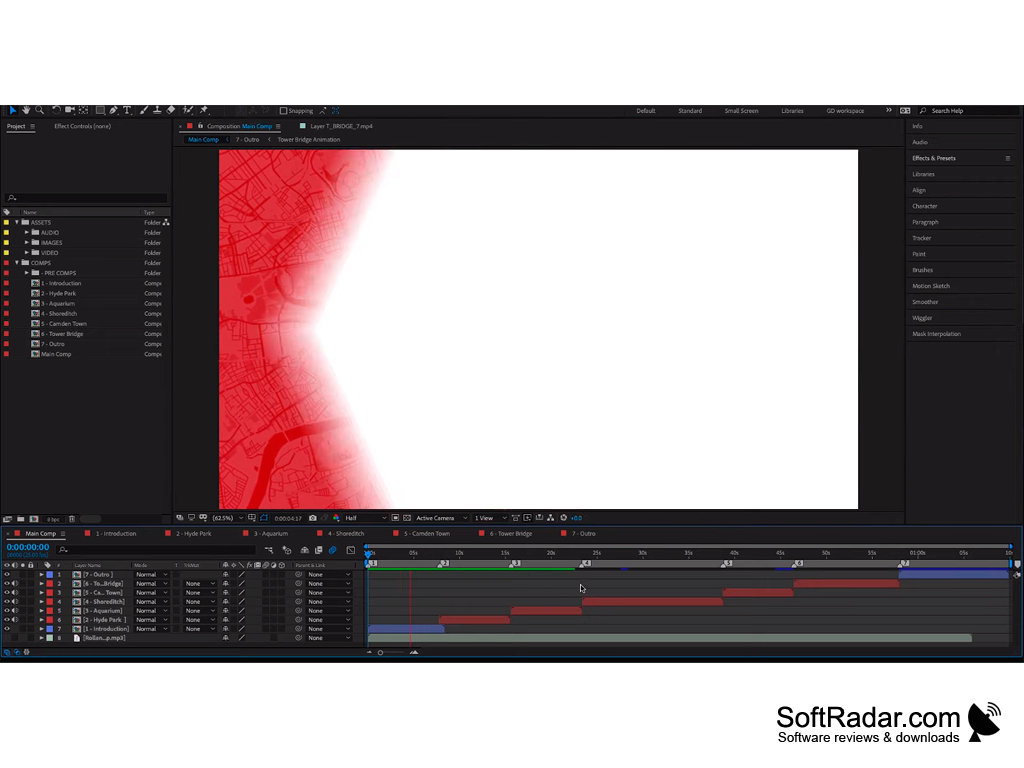
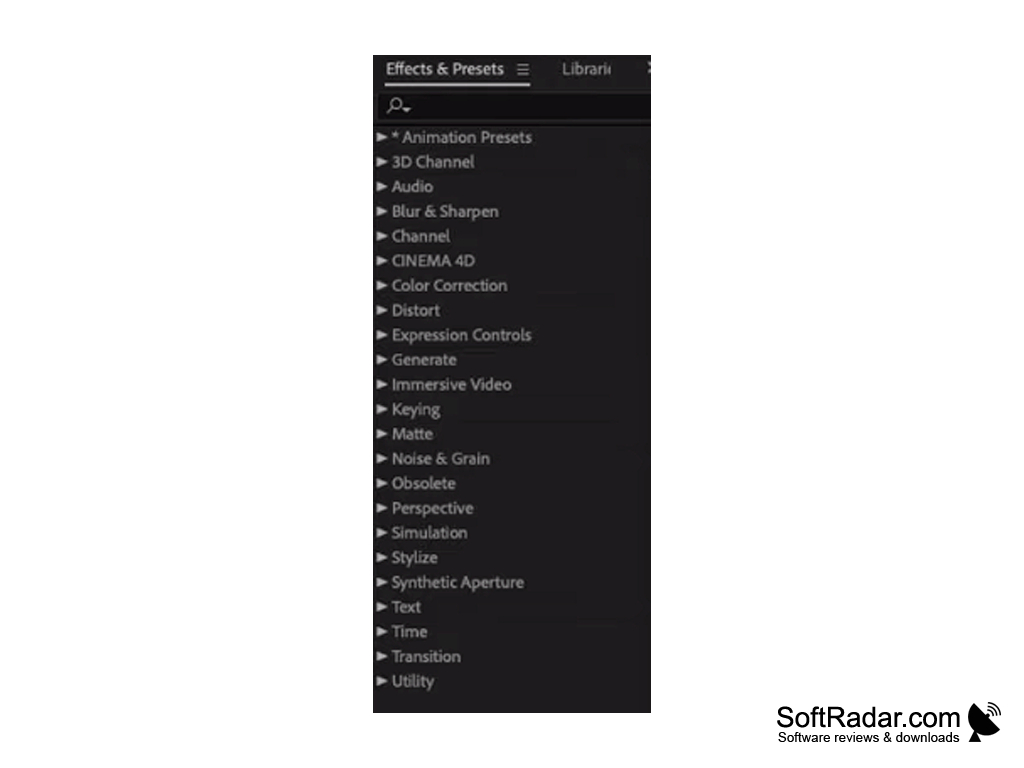
Adobe After Effects is a professional application for motion graphics, visual effects, compositing and animation. Often this program is used as a post-production and color correction tool for already edited video, as well as to add all kinds of special effects.
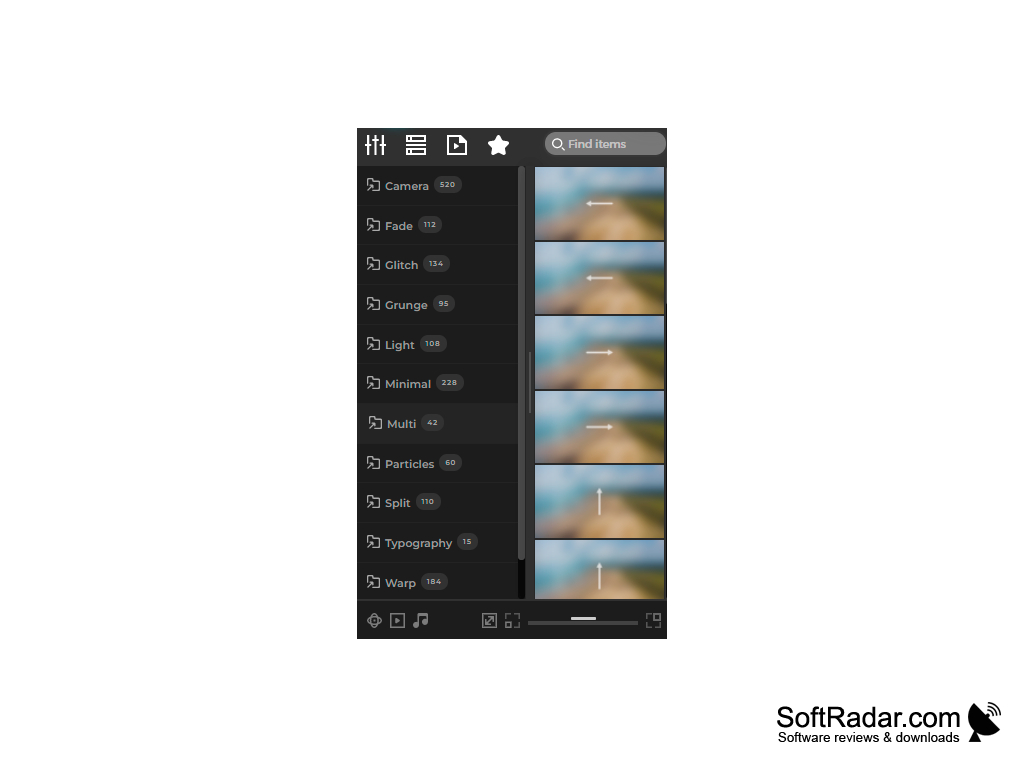
A key difference between After Effects and other professional effects and editing programs is the huge library of plug-ins available for free or for a fee. These plug-ins greatly extend its possibilities, making After Effects a very versatile software solution.
The program is often used to create dynamic presentations with three-dimensional effects, and also provides tools for convenient project management and work with presets. It is also worth noting the extensive After Effects toolset for working with titles and creating animated intros. Convenient control of the camera in a three-dimensional environment, a large library of effects and animation presets, and expressions for automating animation make After Effects a popular tool for creating video intros. The program supports close integration with other Adobe products. In particular, it works well together with Adobe Premiere Pro, Adobe Illustrator and Adobe Photoshop. After Effects is available only by subscription through Adobe Creative Cloud, and Adobe offers a free trial.
Adobe After Effects CC extends its toolset through a large plugin library and integrates closely with other Adobe products.
Multi-core Intel or AMD processor
16 GB RAM (32 GB recommended)
GPU with at least 4 GB of VRAM
Adobe Creative Cloud subscription
PROS
Supports third-party plugins for expanded usability.
Comprehensive learning resources for beginners.
CONS
Steep learning curve for beginners.
Available only through a paid subscription.


