
Microsoft Report Viewer Redistributable
A package for viewing reports designed from Microsoft reporting technology in a structure way
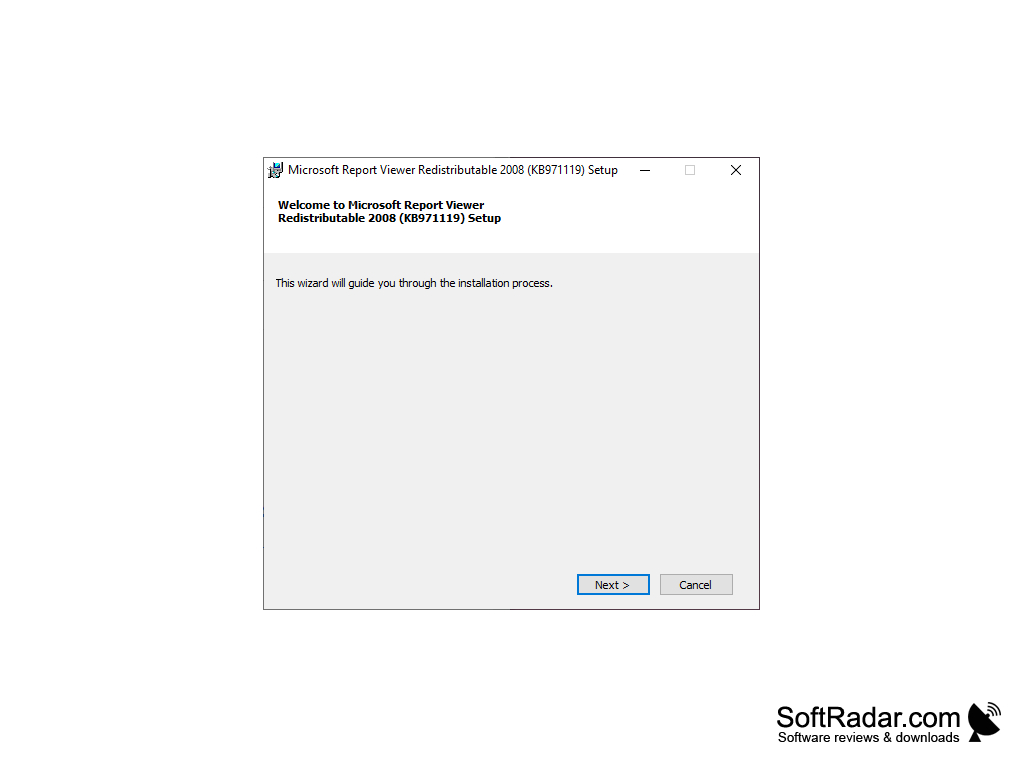
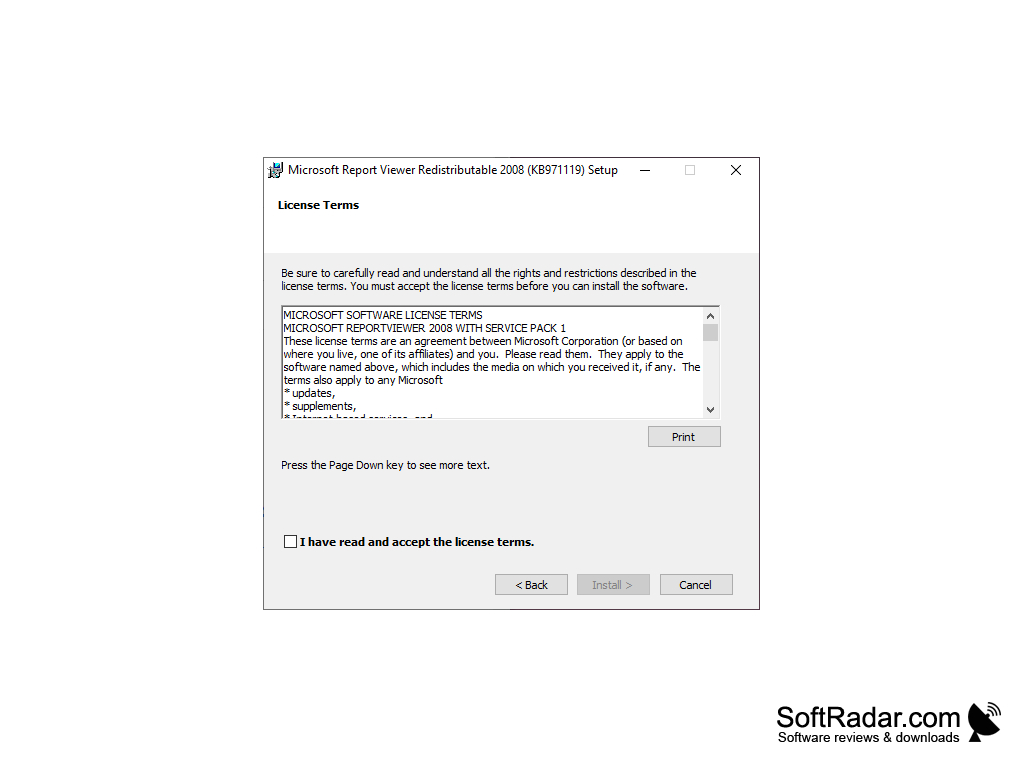
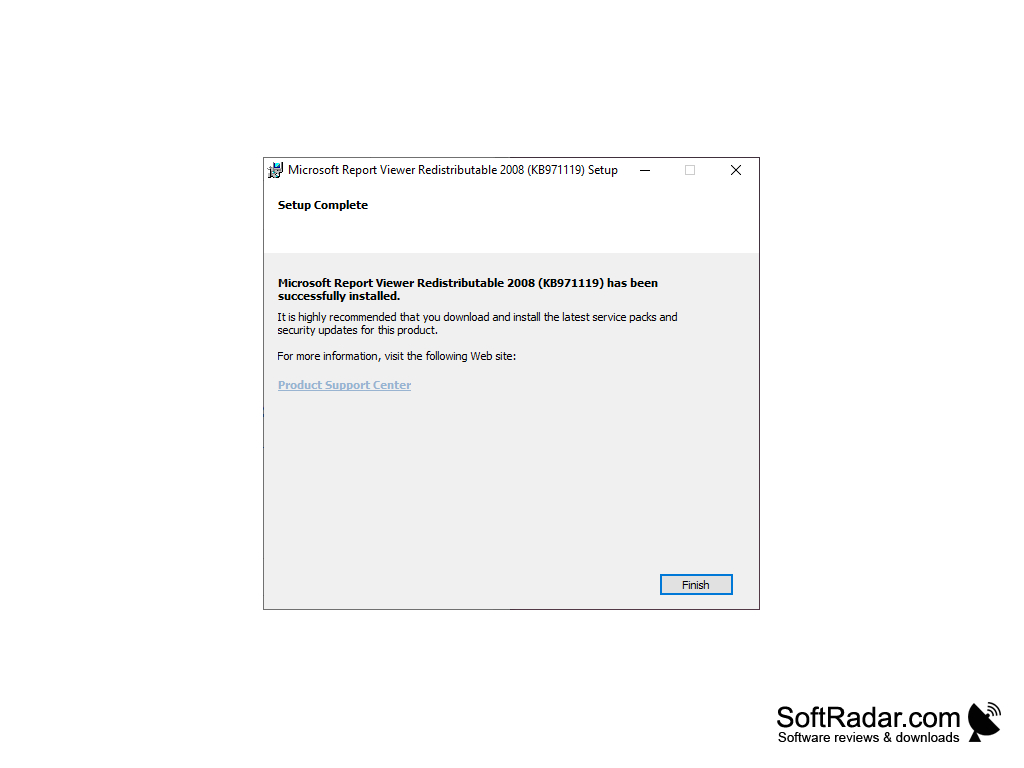
Microsoft Report Viewer Redistributable is a utility that enables applications and programs that run on the .NET Framework to display reports in an organized manner which were designed using Microsoft Reporting Technology. Microsoft Report Viewer Redistributable is used for developing static reports which are highly customizable. In fact, just about any object of the report can be manually changed or made dynamic with the expression language it uses. The ability to organize report data, collect and filter it can make it very attractive to developers and programmers alike.
Features:
- Redistributable package
- Works with Microsoft Visual Studio
- Contains Window Forms and ASP.NET Web server controls
- Works with WSUS (Windows Server Update Services)
- Licensed as Freeware
It saves time and hassle for end users and developers
NET is a powerful software framework library released by Microsoft to support may programming languages. Most applications create reports which contain information about their working environments but tend to be difficult to view them. Microsoft Report Viewer will collect the information and tailor it in a way to make it useful for viewing.
- A computer that has a 2.2GHz or faster processor
- RAM: 1 GB RAM for x86
- 8 GB of available hard disk space
Windows 10, Windows 7, Windows 8, Windows 8.1, Windows Server 2003 Service Pack 2, Windows Server 2008 R2 SP1, Windows Server 2012, Windows Vista Service Pack 2
Pre-requisites:
- Microsoft SQL Server 2008 Reporting Services (or higher)
- NET Framework 3.5 SP1 or .NET Framework 4.0
- Microsoft SQL Server System CLR Types package
FAQ: How do I add a Microsoft Report Viewer Redistributable in Visual Studio 2015?
- Select the entry for your version of Microsoft Visual Studio 2015
- Click the "Change" button on the top bar above the program list
- Select the "Modify" button
- Select Windows and Web Development, then Microsoft SQL Server Data Tools, and then check the box next to it
Pricing:
- Freeware
PROS
Seamlessly integrates with other Microsoft applications.
Free for download and easy to use.
CONS
Difficult to use for non-technical users.
Limited customization options available.


