plist Editor Pro
Read and edit plist files
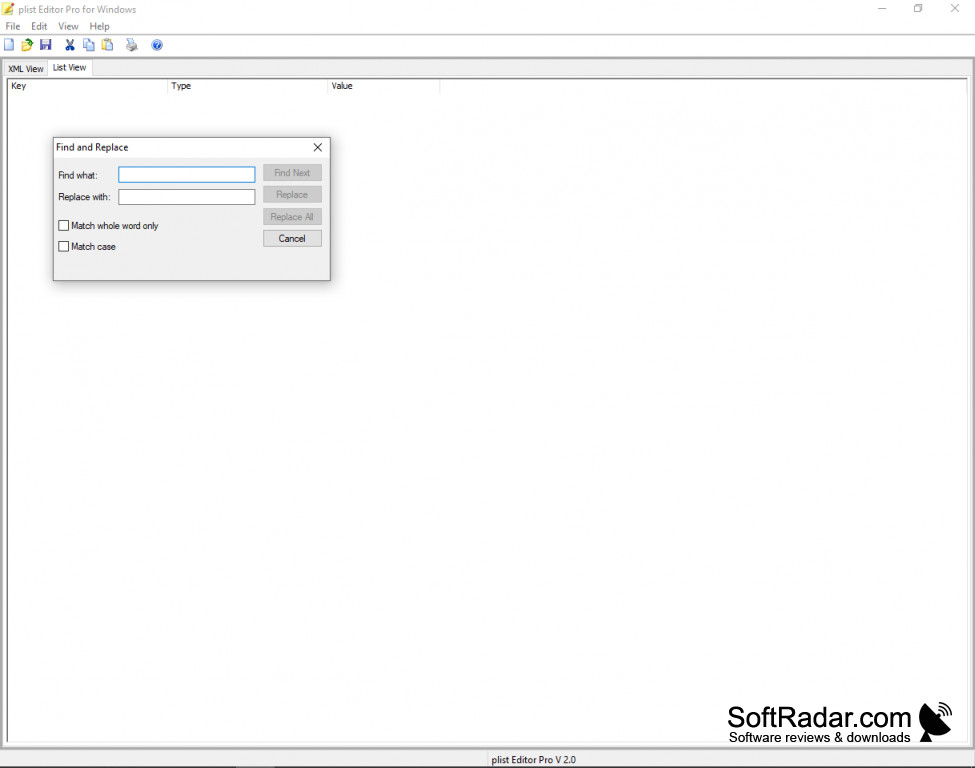
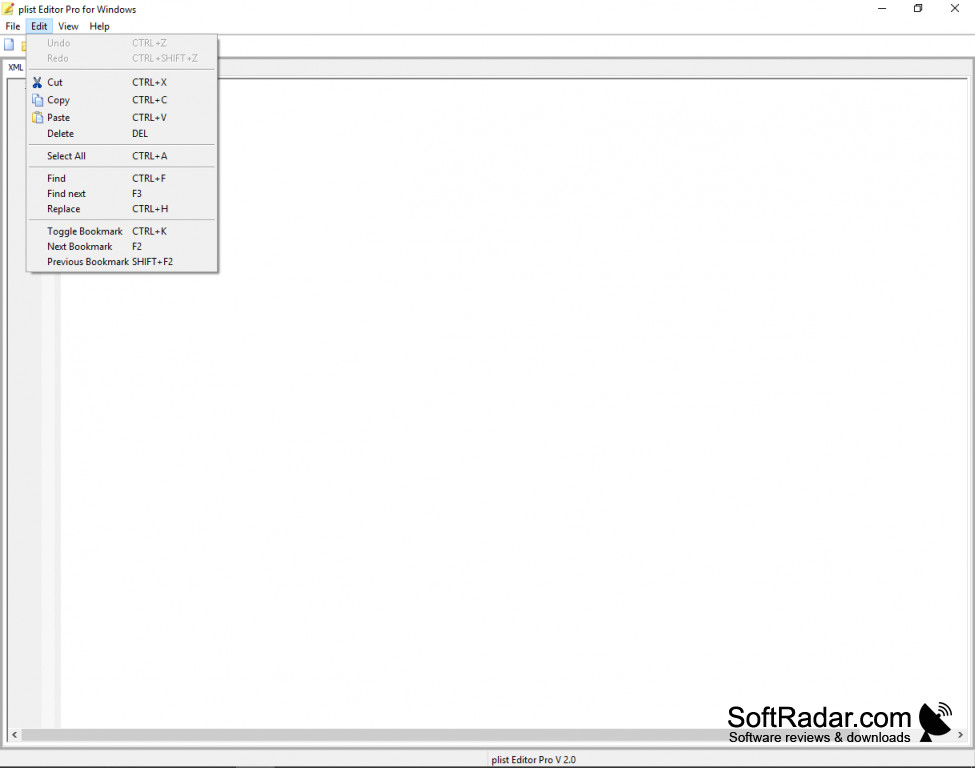
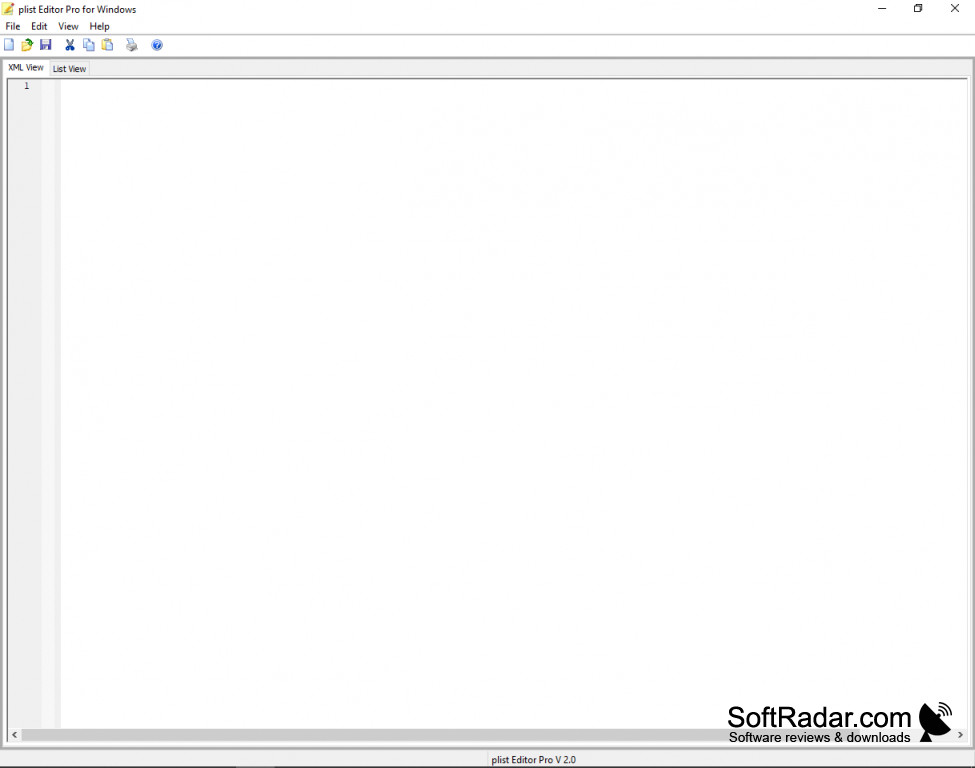
Plist files are typically associated with Apple devices, specifically MAC OS and iPhone OS devices. These files contain serialization, and cannot be read on Windows OS. Using Plist Editor Pro, a Windows user can read and edit plist files, which are displayed or saved in XML or Binary Format.
Features:
- Edit and read plist files, both in XML and Binary Format.
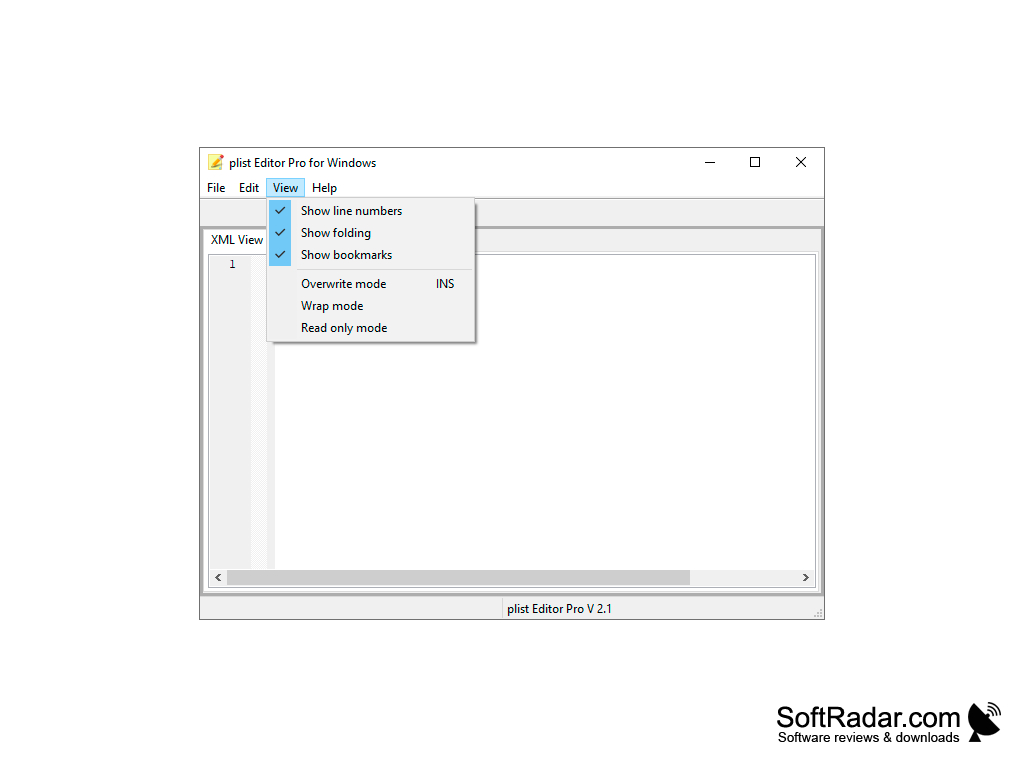
- Bookmark information in plist files for easier access on future viewings.
- Search and Replace functionality for plist files opened in the software.
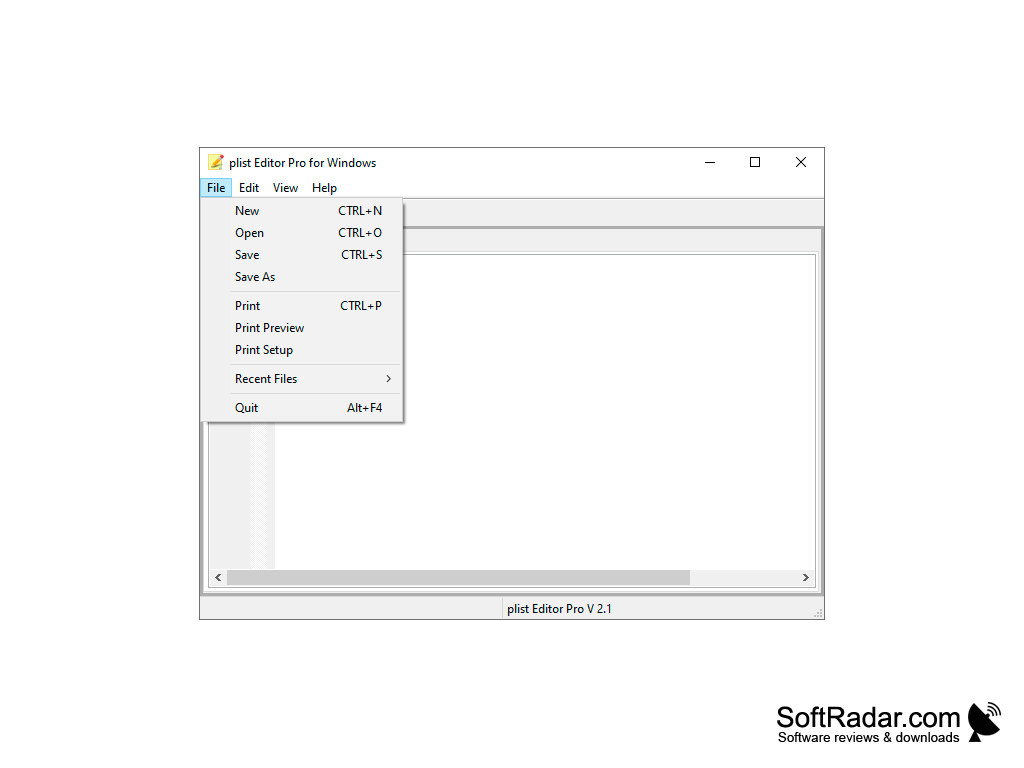
- Print functionality also available to print out files opened with the software.
Plist files cannot be read or edited using Windows OS by default, this software adds that functionality.
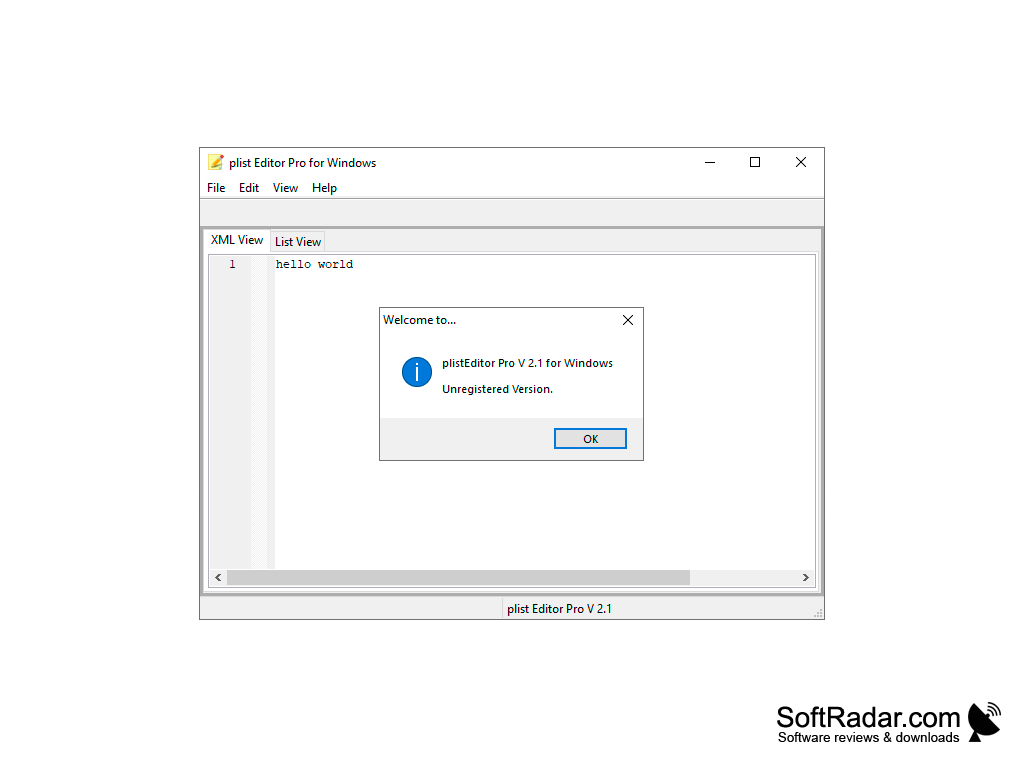
Plist Editor Pro performs the same functionality as Mac OS devices commonly have with their default plist editor. Plist Editor Pro allows users to open and read property list files, or plist files that they otherwise could not do so, without the usage of an Apple device. The program also allows users to edit these types of files, in different formats such as binary and XML text. Property list files are typically intended as configuration data for apps intended for Apple devices, and as such would benefit app creators and anyone that works with app troubleshooting. The interface of the program is user intuitive; it resembles Notepad that is commonly installed on Windows devices. As such it is not difficult to utilize for new users and users experienced with Mac devices software. The program does not take up much storage to download and install, it requires a minimum of 10 mb to install and download. The program is also CPU efficient and does not take too much computer resources or memory to function. As such, the program can be used in conjunction with other programs running, without slowing down or crashing the computer system. Overall, Plist Editor Pro is an indispensable resource for users that regularly work with plist files and primarily work on a Windows device.
Windows XP or Newer.
PROS
Features a simplified and user-friendly interface.
Allows for the search and replace of plist data.
CONS
Can have a steep learning curve for beginners.
Some user interface elements are outdated and not visually appealing.


