
MP3jam
MP3jam is a free Windows program for finding, previewing and downloading music hosted on YouTube as MP3 files.
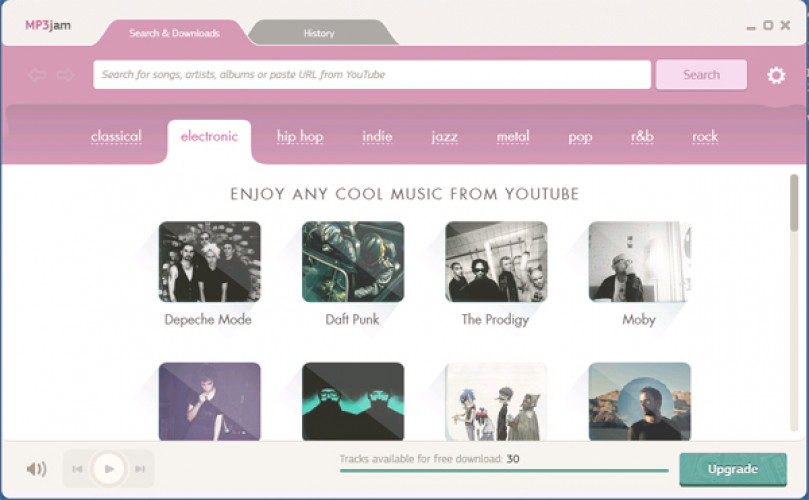
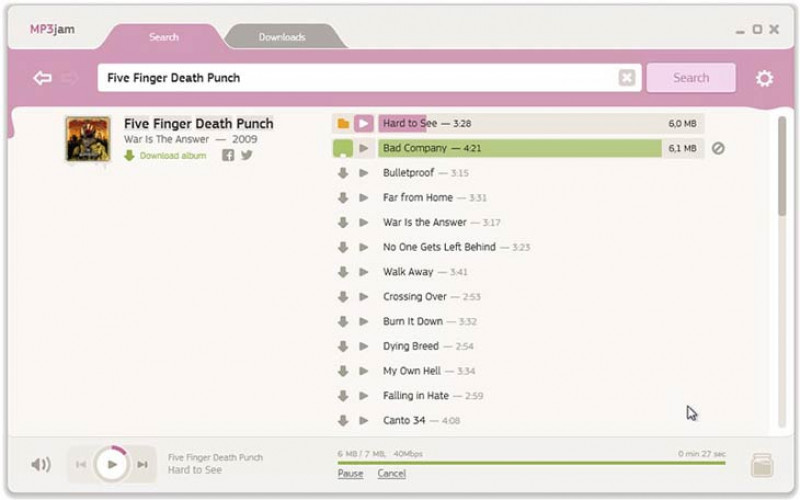
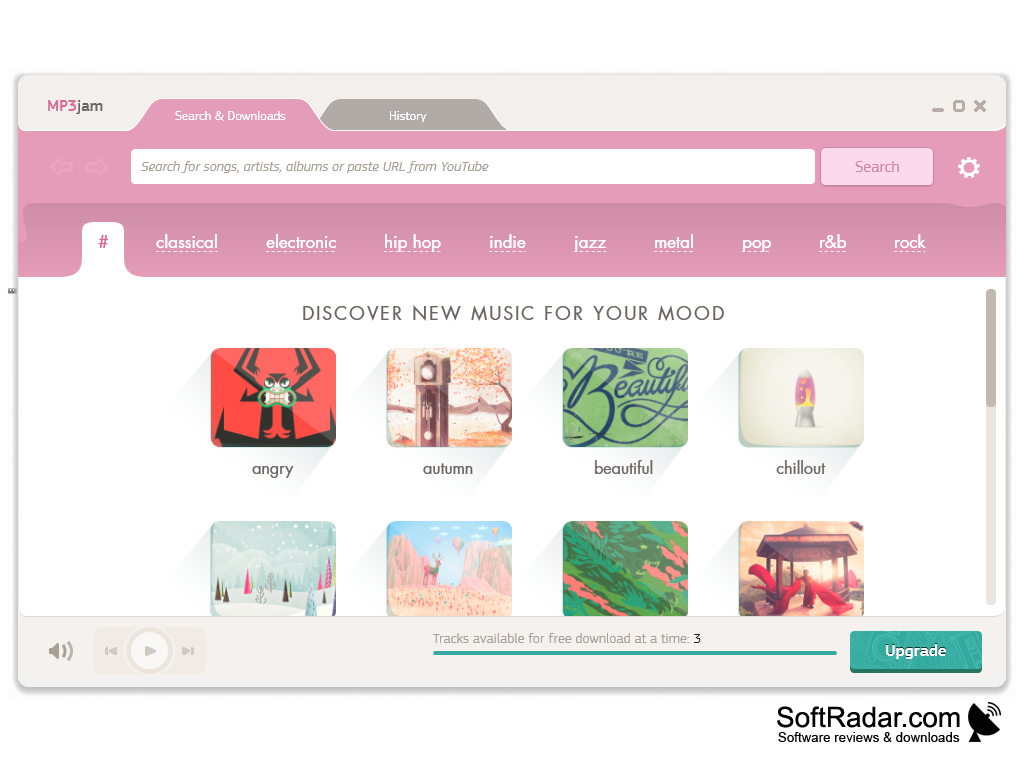
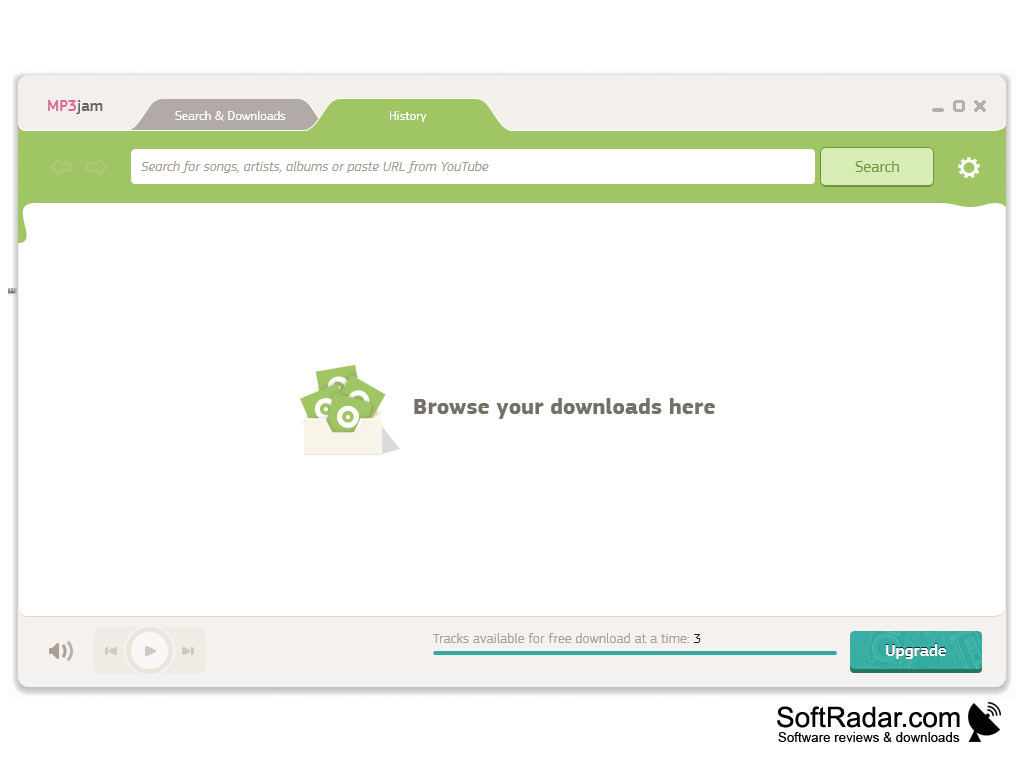
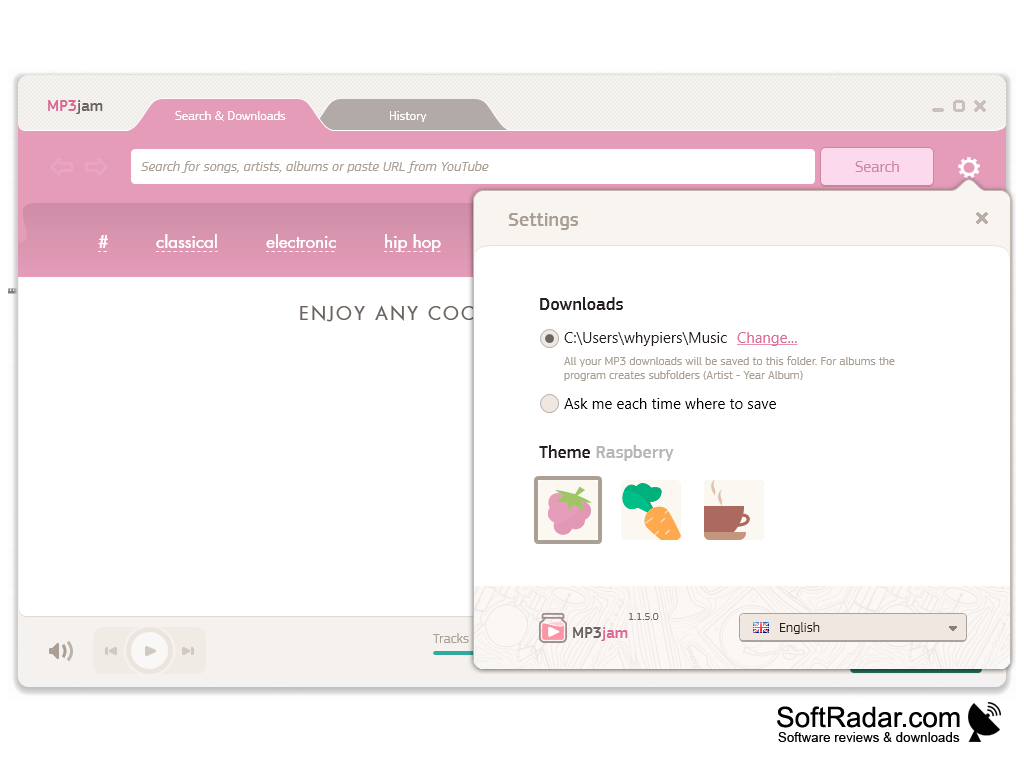
MP3jam is a free music finder, downloader and player for Windows. Instead of torrents or P2P networks, it searches for music in public repositories, mainly YouTube, and saves the audio of the found tracks as MP3 files. According to the developer, a meta-search algorithm organizes the scattered YouTube uploads into artists and albums, so you can type the name of a song, artist or album, or paste a YouTube URL, and get a clean list of results. From that list you can preview a track in the built-in player, download a single song or grab the complete album with one click. MP3jam looks for the highest bitrate available (up to 320 kbps) and fills in the MP3 tags using the open Last.fm API, and the saved files can be copied to a phone, an iPod or any MP3 player. The home screen lets you discover new artists by genre, such as classical, electronic, hip hop, indie, jazz, metal, pop, r&b and rock, and by mood. The History tab lists the downloaded tracks and plays them again. In Settings you choose the download folder, turn music sources on or off, pick a color theme and change the interface language. The free version limits how many tracks can be downloaded at a time, and an Upgrade button offers a paid version.
Features:
- Music search across YouTube
- One-click full album downloads
- MP3 up to 320 kbps with tags
- Built-in player and download history
MP3jam organizes music hosted on YouTube into artists and albums, so you can find a song and save it or the whole album as MP3 in a few clicks.
In conclusion, MP3jam is a simple way to collect music from YouTube as MP3 files. The developer states that all content remains copyrighted by its owners and that downloads are meant for personal, non-commercial time-shifting or device-shifting use only, so check the rules that apply in your country before saving music.
PROS
Clean and intuitive interface.
Free, fast downloads with high-quality output.
CONS
The installer offers optional bundled software.
Lacks advanced music management features.


