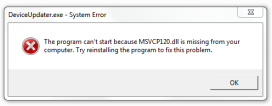
Msvcr120.dll
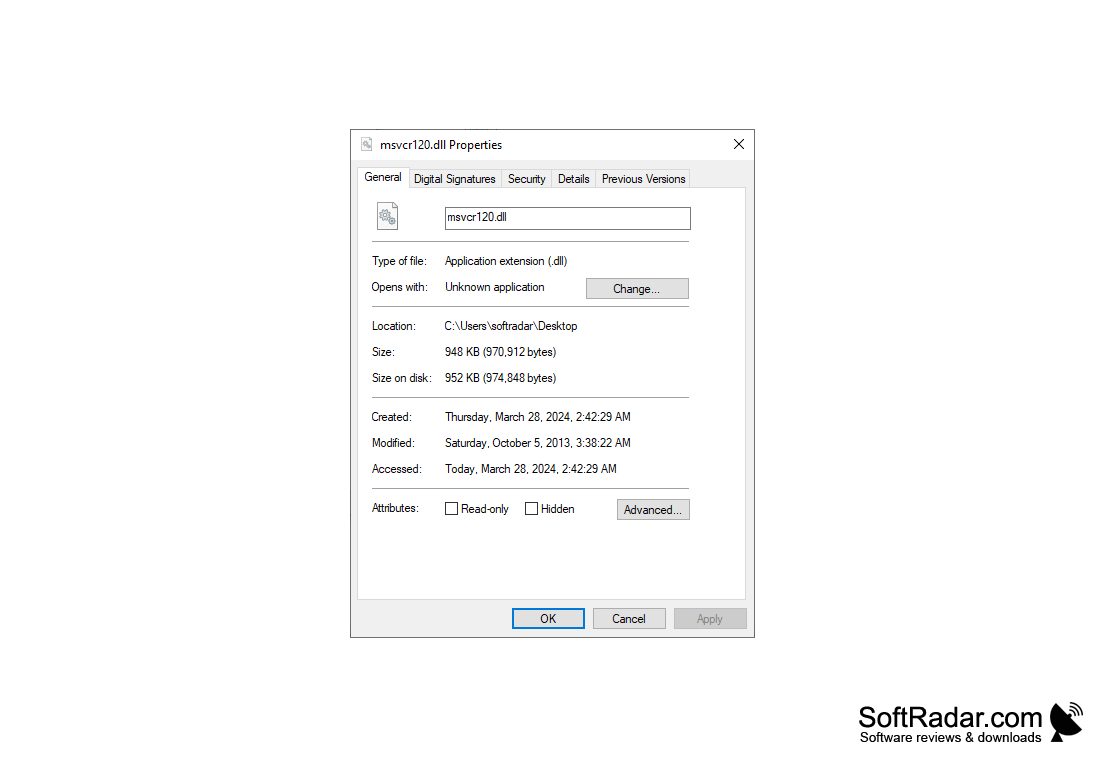
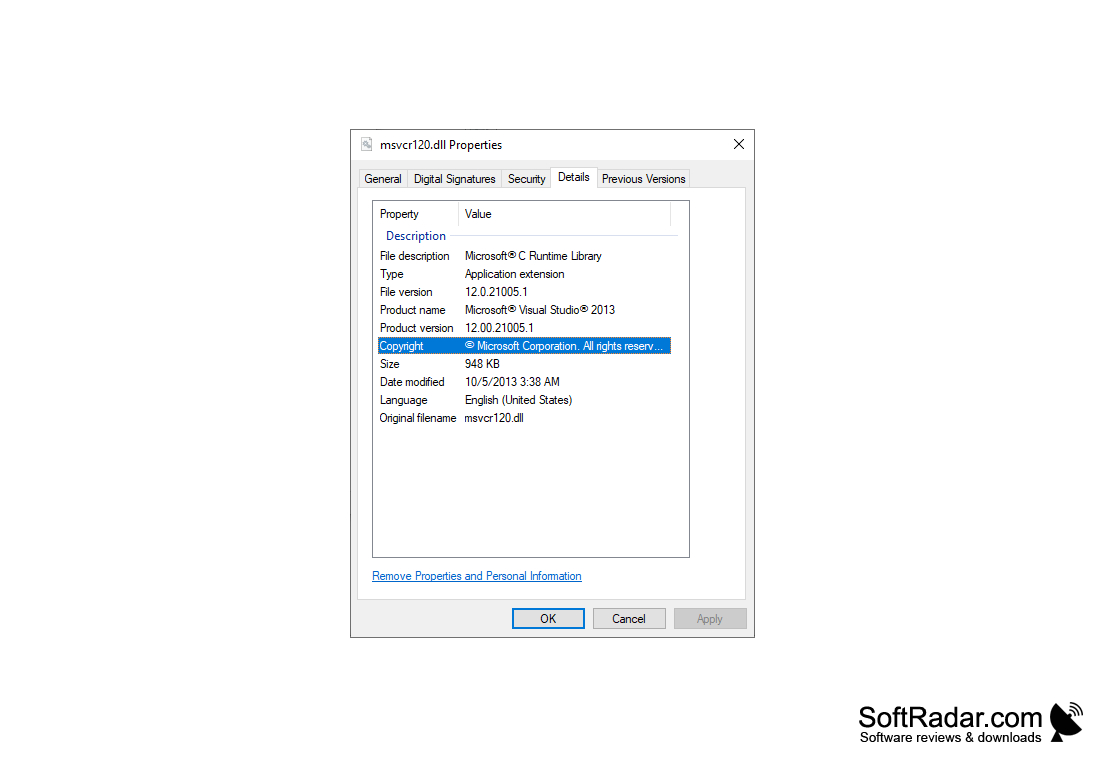
Msvcr120.dll is the Microsoft C Runtime Library of Visual C++ 2013, required by programs and games built with Visual Studio 2013.
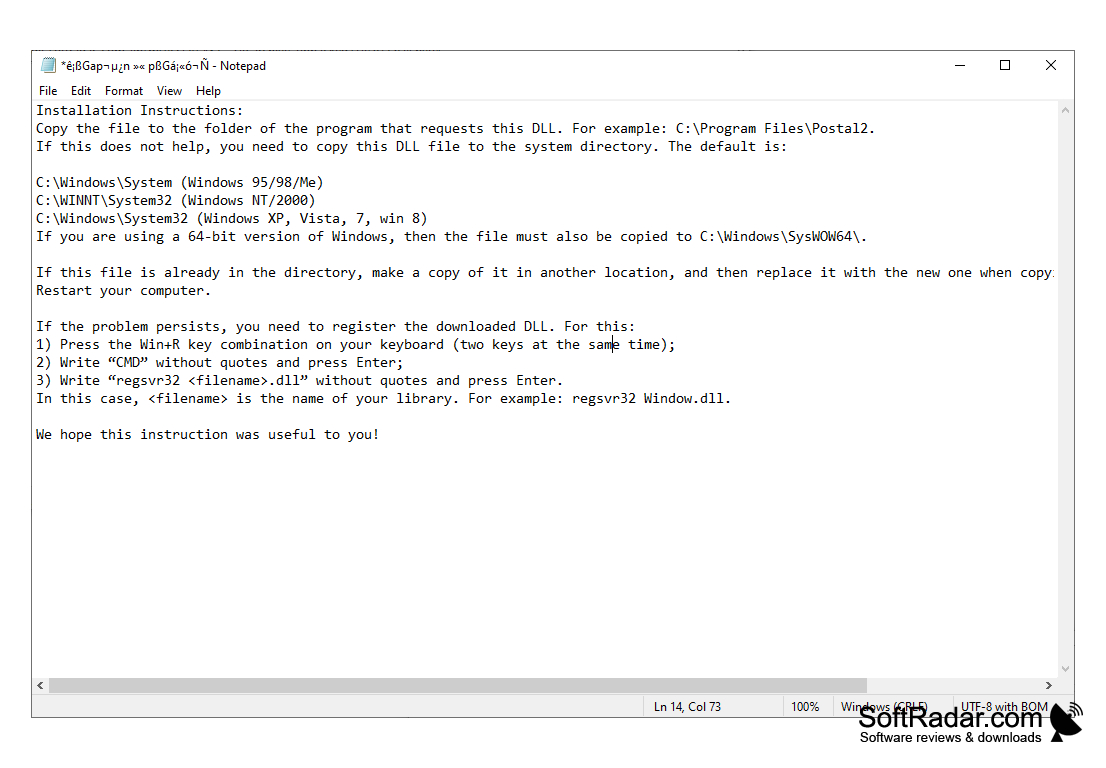
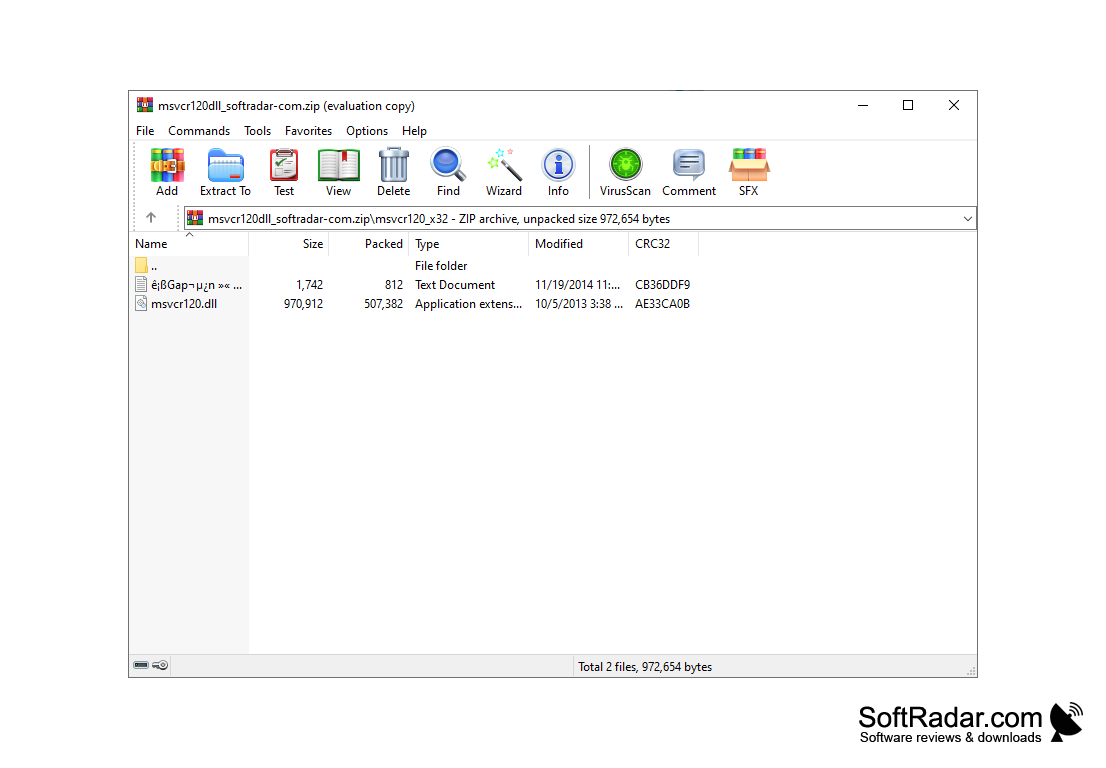
Msvcr120.dll is a system library, the Microsoft C Runtime Library of Visual C++ 2013, which is used by many games and programs. The reason you visit this page is probably an error message saying that this file is missing from your system. There are two ways to solve this problem: copying the file manually or installing the Microsoft Visual C++ 2013 runtime environment.
Installing Visual C++ 2013
This method is more reliable and universal. Reliable because the installer places and registers all the files by itself (not only Msvcr120.dll may be needed for the game or program), and universal because other games and programs may also use them. You need version 2013 specifically: runtime files of other Visual C++ versions have different names and cannot replace it. Be sure to choose the package matching the program (x86 for 32-bit, x64 for 64-bit); on 64-bit Windows it is often best to install both.
Msvcr120.dll enables smooth operation of many games and applications by providing essential runtime components needed for their functionality.
Manually copying a file
If you want to or have to install the file manually, you can download it separately from our website. Follow the instructions in the archive to copy the file to the program folder or to the Windows system folder (System32, or SysWOW64 for the 32-bit file on 64-bit Windows).
For the record:
Msvcr120.dll exports the standard C library functions used by applications compiled with Visual Studio 2013: from mathematical functions (cosines, arctangents, etc.) to string, memory and file operations and the processing of structured exception frames. Microsoft no longer supports the Visual C++ 2013 runtime, but the packages are still available and install side by side with newer versions.
32-bit or 64-bit DLL matching the program
PROS
Helps prevent crashes and errors while running applications.
Minimal demand on system resources for its operation.
CONS
May cause error notifications if corrupt or missing.
Copying the DLL by hand may not fix all errors.