
MULAB
An easy-to-use music production tool that helps you to create music
Operating system: Windows
Publisher: MuTools
Release: MULAB 7.7.4
Antivirus check: VirusTotal report
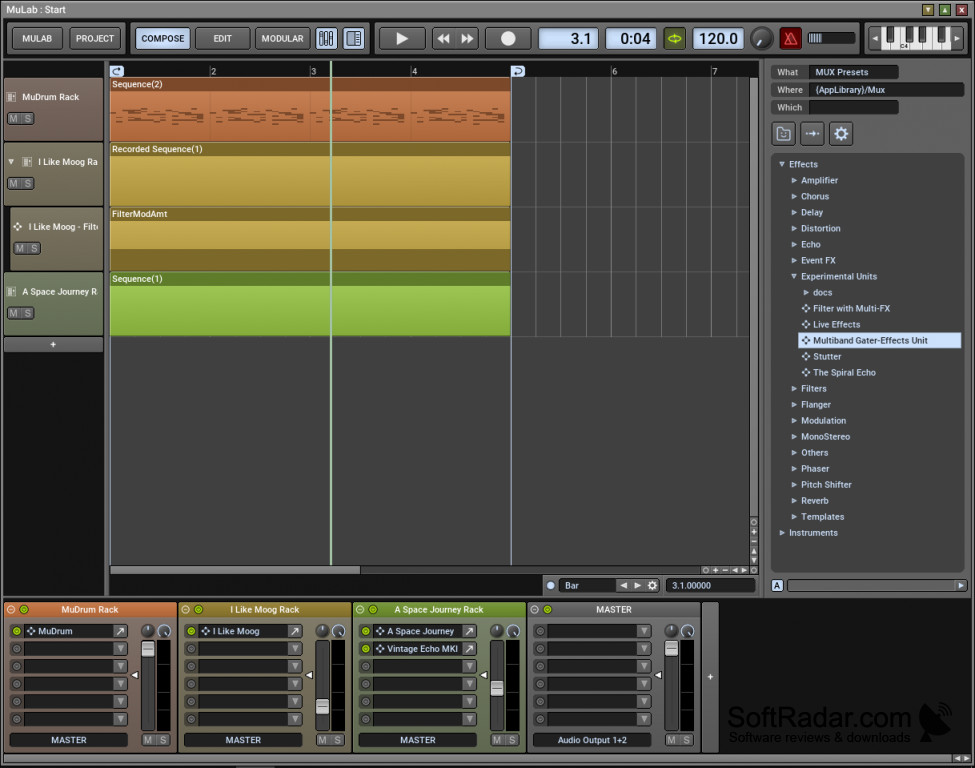
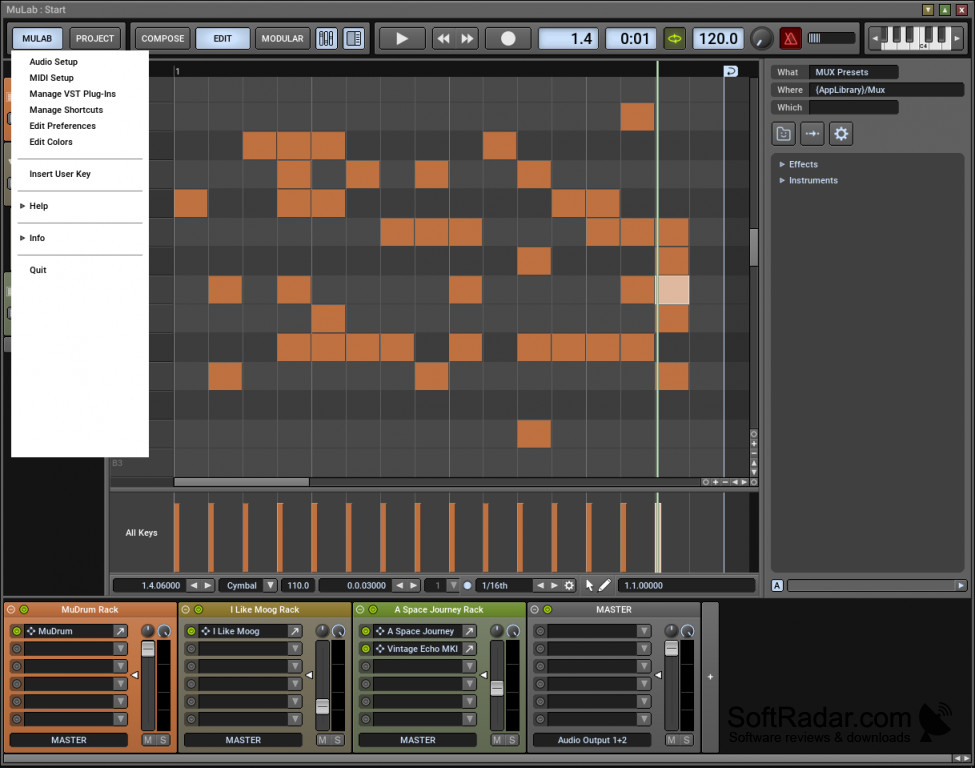
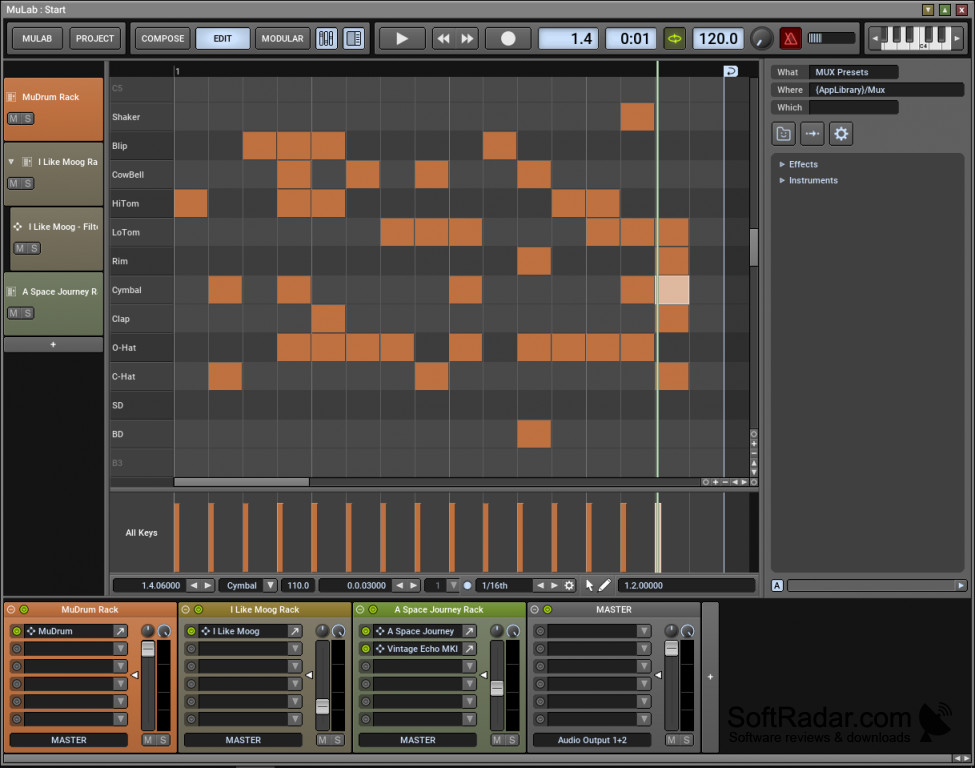
Initially, upon hearing about the software, I admit, I was skeptical. As always, I like to carry around my inner skeptic for later use. In this case, I was not wrong to so. Had I been so completely open to the new software, I’m sure I wouldn’t have appreciated it as much as I currently do. I personally have little to no background with creating music, so this in itself was somewhat of a hindrance to the process as well. I was referred to this by a friend, and I can honestly say that I was not disappointed by the amount of knowledge I was able to compress in such a short time. The design is impeccable, the sound quality superb, and the layout nothing short of extraordinary. All-in-all though I was surprised at how easy I was able to find my way, it seems like the software is designed to be easy to use. Out of all of its features, I was most fascinated with the following:
- The overall intuitive design that let me feel like a pro early on, which was absolutely not the case.
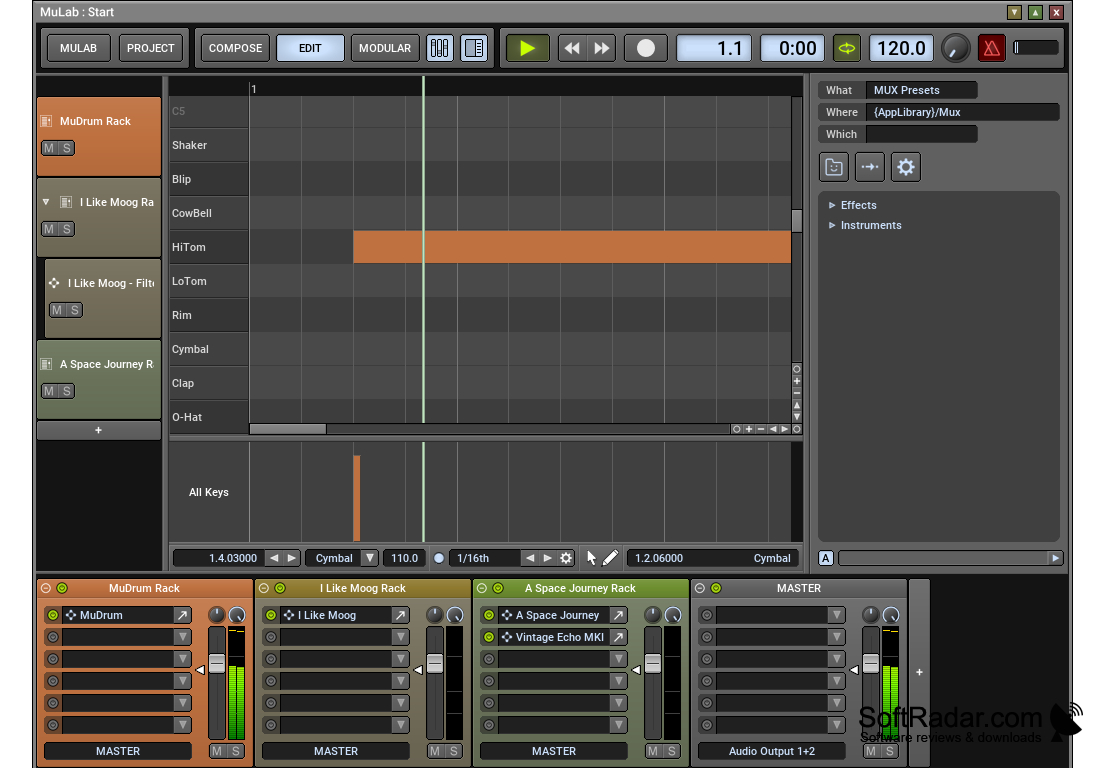
- An uncluttered user interface. Again this touches on the layout, but I cannot fully express how simple yet incredible the process felt.
- Absolutely cut to the chase functionality. I’m aware that other programs can be tedious to decipher and load. This was not the case with MuLabs.
- AFFORDABLE. Let’s be honest, who wants to pay an arm and a leg for a software that you may only be used for a short time. I was lucky enough to get an easily workable software, at a GREAT price, and this alone ensures that I will be utilizing the software for years to come if I’m lucky.
- Lastly, the sound quality: I was shocked at how many available sounds and tweaks I was able to make for the amount of money I paid. I sincerely expected a “catch” though none ever came.
I’ve never used an application/software that was so incredibly user friendly for first-timers, that is.
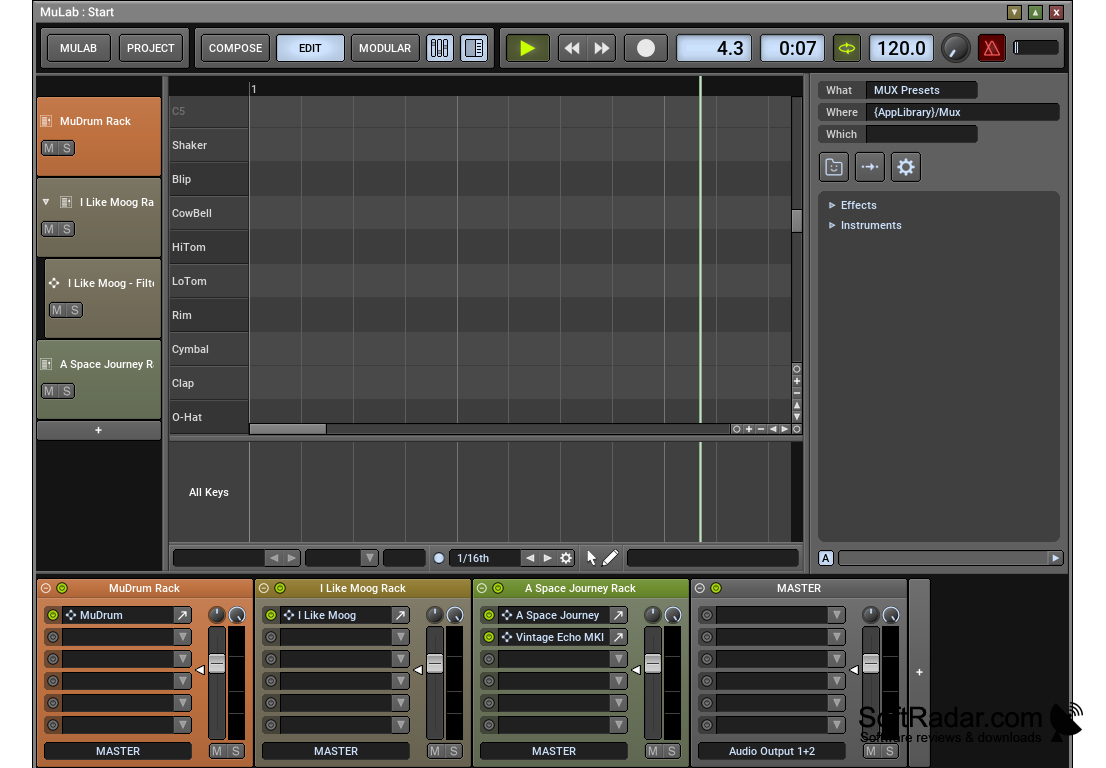
4 GB RAM minimum, 8 GB RAM recommended
500 MB free disk space for installation
Sound card with ASIO driver support recommended
PROS
Compact and efficient, great for beginners and hobbyists.
Compatible with VST plug-ins, expanding potential sound library.
CONS
Limited plugins and audio effects compared to other DAWs.
No advanced mixing capabilities or automation.


