
MyDefrag
Disk maintenance and defragging utility for Windows with ready-made optimization scripts
Operating system: Windows
Publisher: J.C. Kessels
Release: MyDefrag 4.3.1
Antivirus check: VirusTotal report
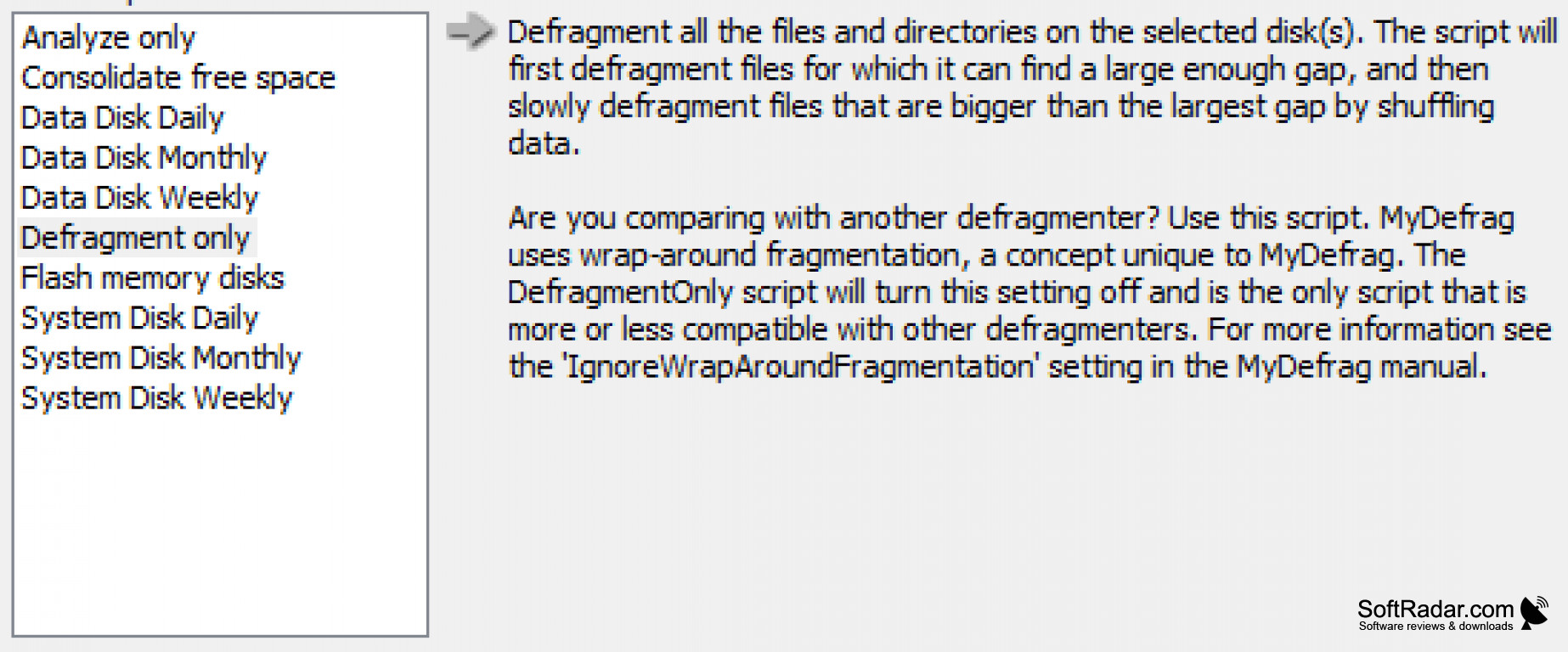

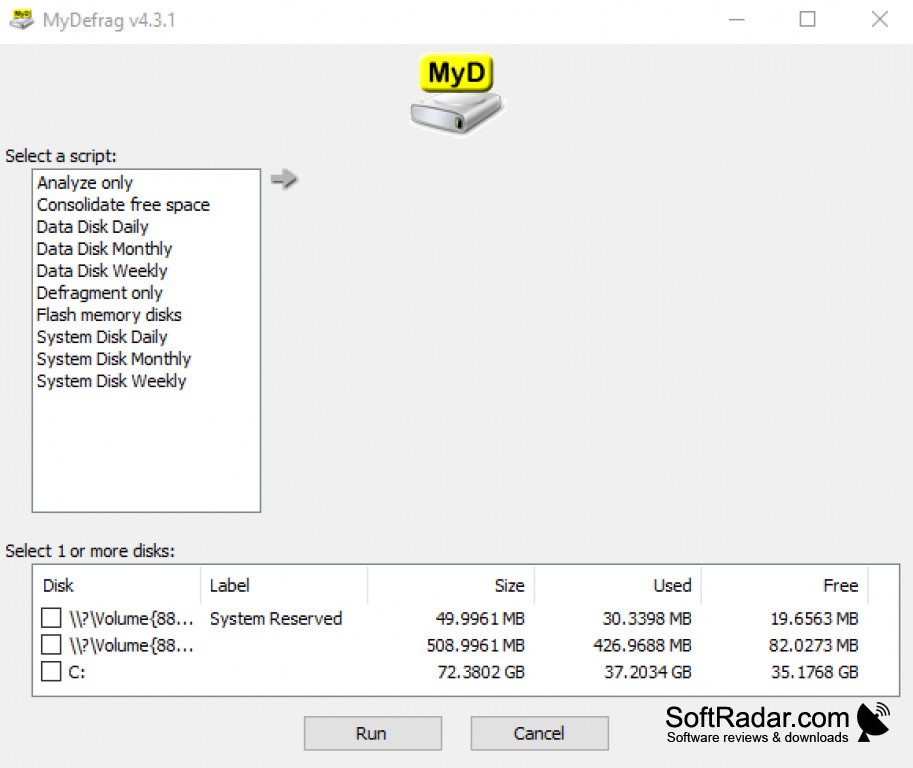
Does your computer seem to get slower the longer you use it? Part of the reason is file fragmentation: as files are written, deleted and enlarged, Windows stores their data wherever free space is available, so a single file can end up spread over many separate places on the disk. As a result, programs you need regularly have to read their data from scattered locations, which takes more time on a traditional hard disk. That's where a program like MyDefrag for Windows comes in handy. MyDefrag for Windows moves the data stored in scattered places on your disk and consolidates it in adjacent sectors. What that means for you is that your applications can find their data more easily and the disk has to do fewer time-consuming head movements. MyDefrag can also sort files into zones, placing the files used when booting and the most used programs near the beginning of the disk and leaving gaps between the zones for temporary files. Free space can also be consolidated to slow down new fragmentation. The effect is most noticeable on mechanical hard disks.
When you install programs on a new disk, the files are written to a single, contiguous area. After using MyDefrag for Windows, that state is largely restored. MyDefrag is freeware with no time limit and no advertisements. And if you are concerned about safety, you should know that MyDefrag for Windows does not move any data itself, but uses the standard defragmentation API that is part of Windows, which moves the data in a safe way, so the program can be stopped at any time. It can also run from the command line or from the Windows Task Scheduler, so defragmentation can happen automatically. MyDefrag is the successor of JkDefrag and was written by Jeroen Kessels. The last release dates from 2010, the program is no longer developed, and its former website no longer belongs to the author.
Speeds up file access by defragmenting and reorganizing the files on your hard disk.
Features:
- Ready-made scripts for system and data disks: daily, weekly and monthly
- It is fully automatic and easy to use
- Works with NTFS and FAT disks, including flash memory
- Built-in scripting language for custom optimization
- Includes a handy screensaver
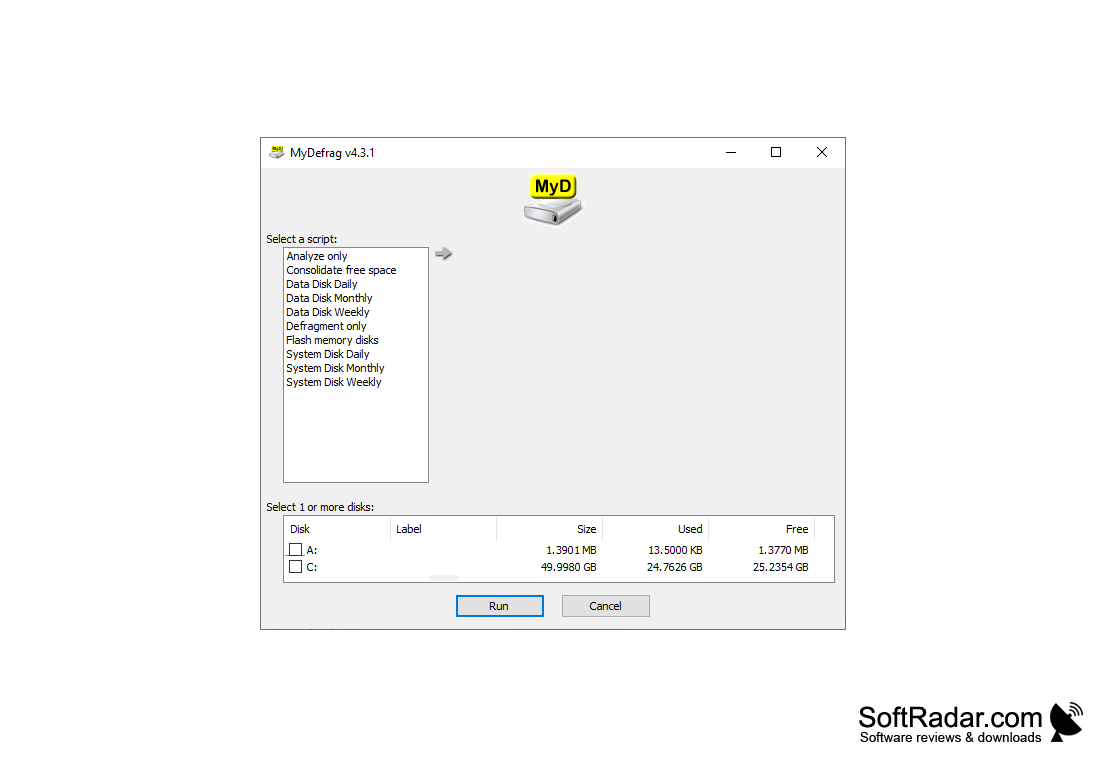
32-bit or 64-bit (x64) editions
PROS
User-friendly interface, easy to use.
Includes ready-made scripts for daily, weekly and monthly runs.
CONS
Offers little benefit on solid state drives.
No longer developed or updated.


