
NIUBI Partition Editor
NIUBI Partition Editor helps Windows users organize disk space by resizing, creating, and managing partitions on internal drives, external drives, and virtual disks.
Operating system: Windows
Publisher: NIUBI Technology Co., Ltd.
Release: NIUBI Partition Editor 10.3.2
Antivirus check: VirusTotal report
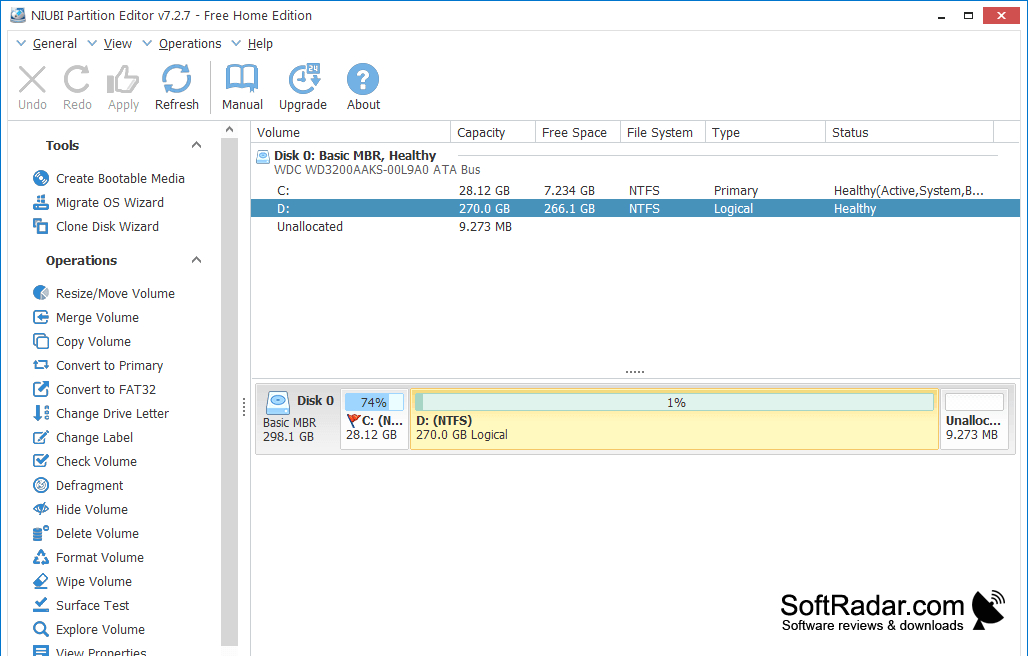
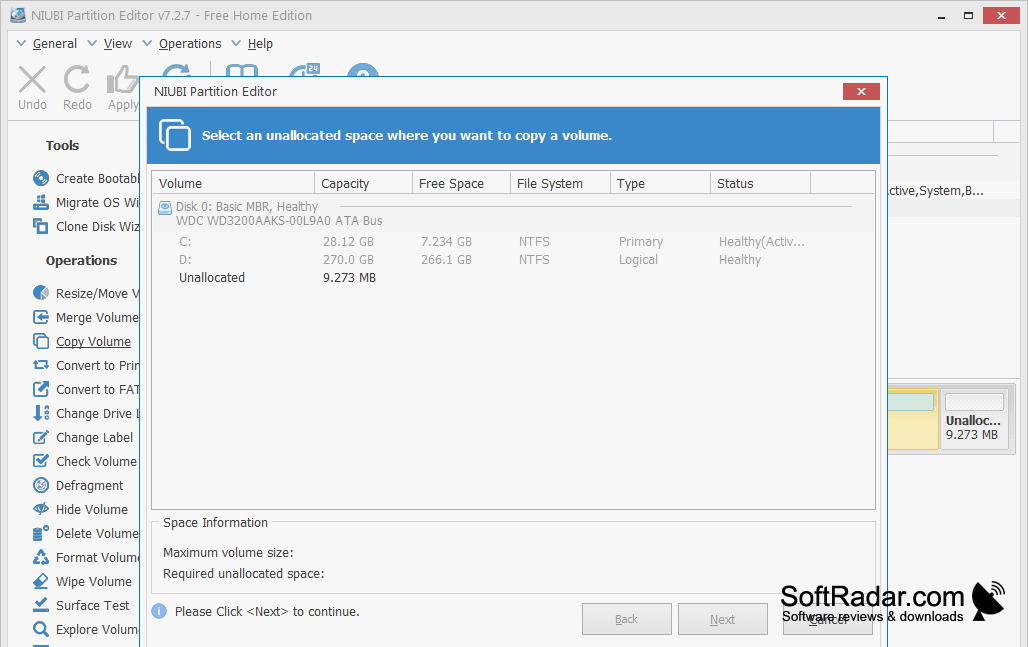
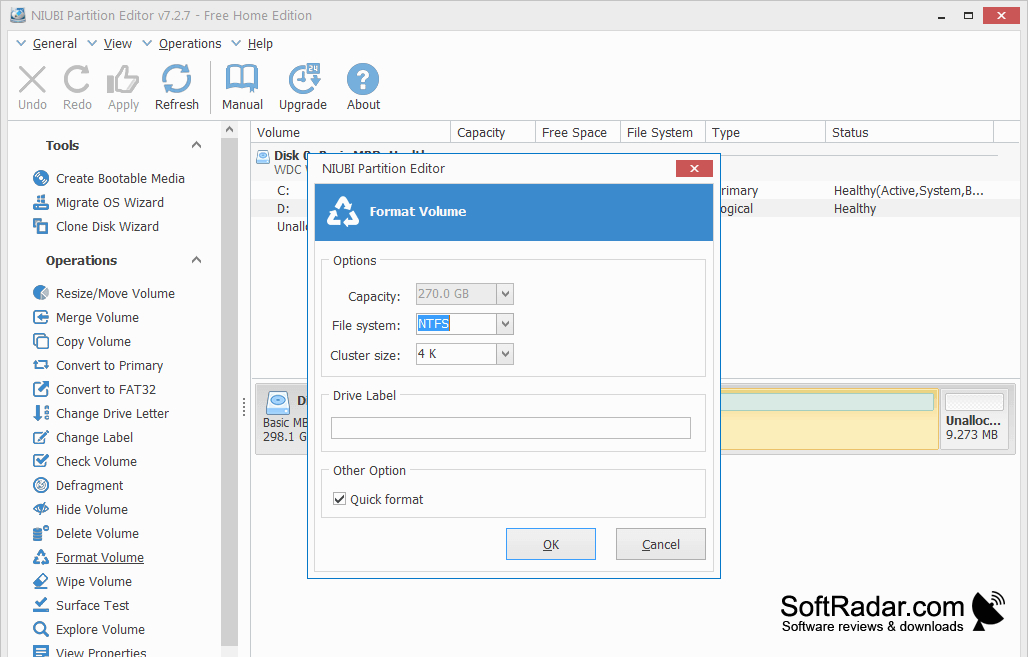
NIUBI Partition Editor is a disk management tool for Windows users who need to reorganize storage across existing drives. It can shrink or expand partitions, move them, and combine volumes when space is unevenly distributed. You can also create, format, copy, or remove partitions while setting up a disk for another operating system or changing how files are arranged.
Review a list of planned partition changes before carrying them out with Apply.
Changes appear in a pending list until you choose Apply, letting you review several tasks before modifying the disk. The program also handles disk cloning, operating system migration, drive letter changes, and conversion from MBR to GPT. It works with internal and external drives, virtual disks, and hardware RAID arrays, and includes tools for checking file systems and scanning sectors.
Features:
- Resize and move existing partitions
- Create, format, copy, and delete partitions
- Review pending changes before applying them
- Clone disks or migrate an operating system
- Convert disks from MBR to GPT
- Scan disks for unreadable sectors
PROS
Resizes partitions across physical and virtual disks.
CONS


