
NVIDIA PhysX
NVIDIA PhysX is a real-time physics simulation engine that enables realistic physical interactions in interactive 3D applications.
Operating system: Windows
Publisher: NVIDIA
Release: NVIDIA PhysX 9.26.0703
Antivirus check: VirusTotal report
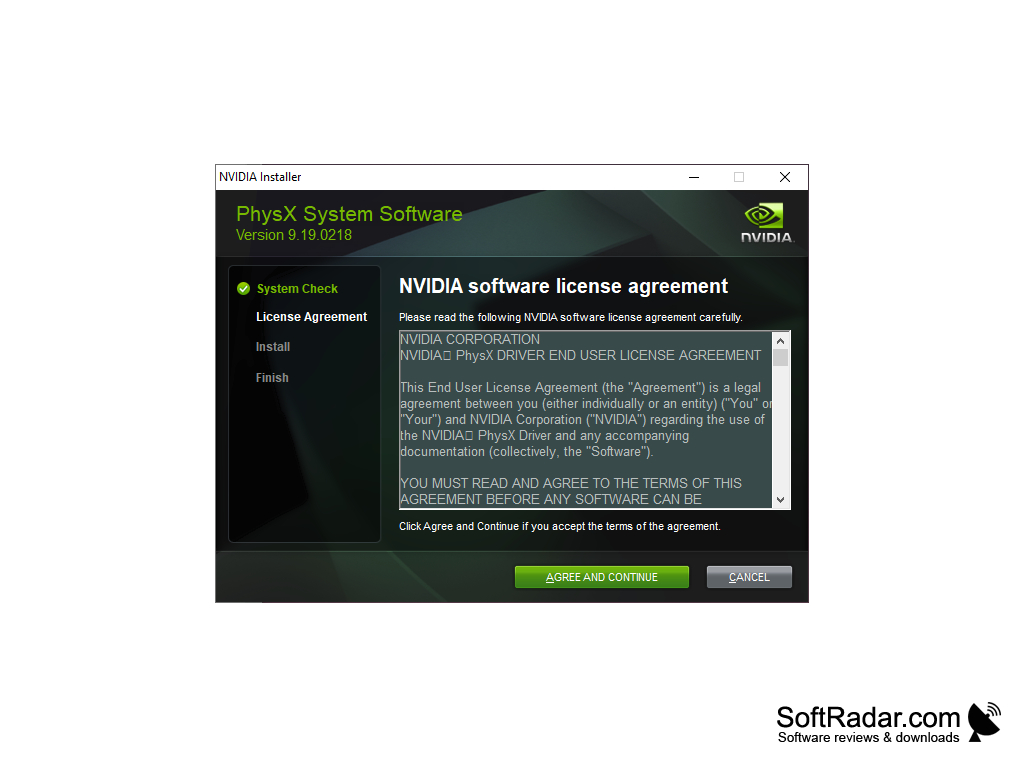
NVIDIA PhysX Software
Introduction
NVIDIA PhysX is a powerful physics engine which enables real-time physics in leading edge PC and console games. The PhysX System Software package installs the 32-bit and 64-bit PhysX runtime files that games built with PhysX need in order to run. PhysX software is widely adopted by games and is available to developers as an open-source SDK. On GeForce graphics cards, supported PhysX effects can be accelerated by the GPU, while the core simulation runs on the CPU. The package is needed by many PhysX games, including older titles, even on PCs without an NVIDIA graphics card.
NVIDIA PhysX can provide realistic and immersive physics-based simulations and effects in gaming.
Features
• Rigid Body Simulation – PhysX allows developers to create realistic object interaction with rigid body dynamics. This includes stacking, friction and articulations that connect several bodies together.
• Character Controller – PhysX provides a character controller which moves game characters through the scene. This includes collisions with walls, climbing slopes and steps, and pushing other objects.
• Soft Body Simulation – newer PhysX versions provide GPU-based simulation of deformable volumes. This allows objects that bend, squash and return to their original shape.
• Fluid Simulation – newer PhysX versions include GPU particle simulation based on position based dynamics. This can be used for liquids and other particle-based materials.
• Particle Effects – games with GPU PhysX, such as the Batman: Arkham series, Borderlands 2 and Mafia II, use it for extra particle effects. This includes sparks, debris, dust and paper.
• Collision Detection – PhysX provides collision detection between spheres, boxes, capsules, convex meshes, triangle meshes and height fields. It also offers scene queries such as raycasts, sweeps and overlaps.
• Constraint Solver – PhysX includes a constraint solver for joints between objects. This includes fixed, revolute, prismatic, spherical and distance joints with limits and drives.
• Vehicle Simulation – PhysX includes a vehicle module for driving games. This includes wheels, tires, suspension, engine and gearbox models.
• Cloth Simulation – PhysX has long been used for cloth in games. This includes clothing, capes, flags and curtains that react to characters and wind.
• Optimization – PhysX runs multi-threaded on the CPU and can offload supported effects to GeForce GPUs through CUDA. The PhysX processor is selected in the NVIDIA Control Panel.
Conclusion
NVIDIA PhysX is a powerful physics engine which enables real-time physics in leading edge PC and console games. The PhysX System Software is free, is also bundled with GeForce drivers and supports Windows XP through Windows 11, including Windows 11 on ARM64. GPU acceleration needs a GeForce card with at least 256 MB of dedicated memory; on the newest GeForce cards it covers 64-bit games and selected 32-bit games. PhysX features include rigid body simulation, character controller, soft body simulation, fluid and particle simulation, collision detection, joints, vehicles, cloth and GPU acceleration.


GeForce GPU with 256 MB memory for GPU acceleration
PROS
Improves performance by offloading calculations to the GPU.
Needed by many PhysX games to run properly.
CONS
GPU PhysX effects can lower frame rates on weaker cards.
No significant improvement for some games.