
One Click Root
Root your Android phone with a sinl
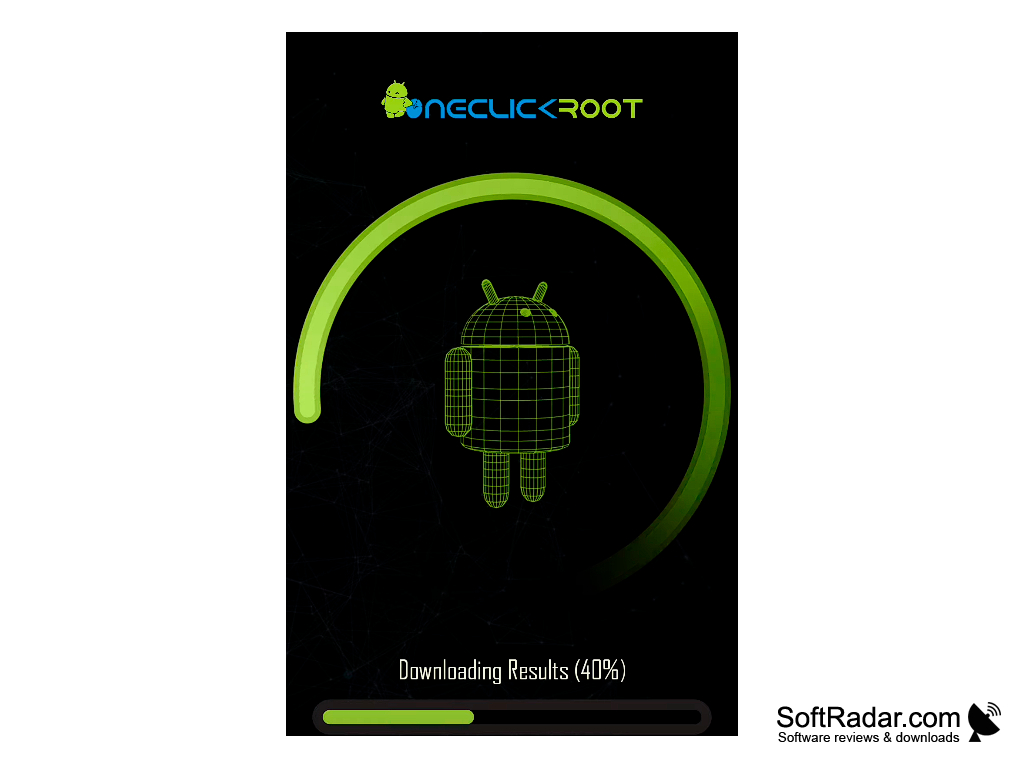
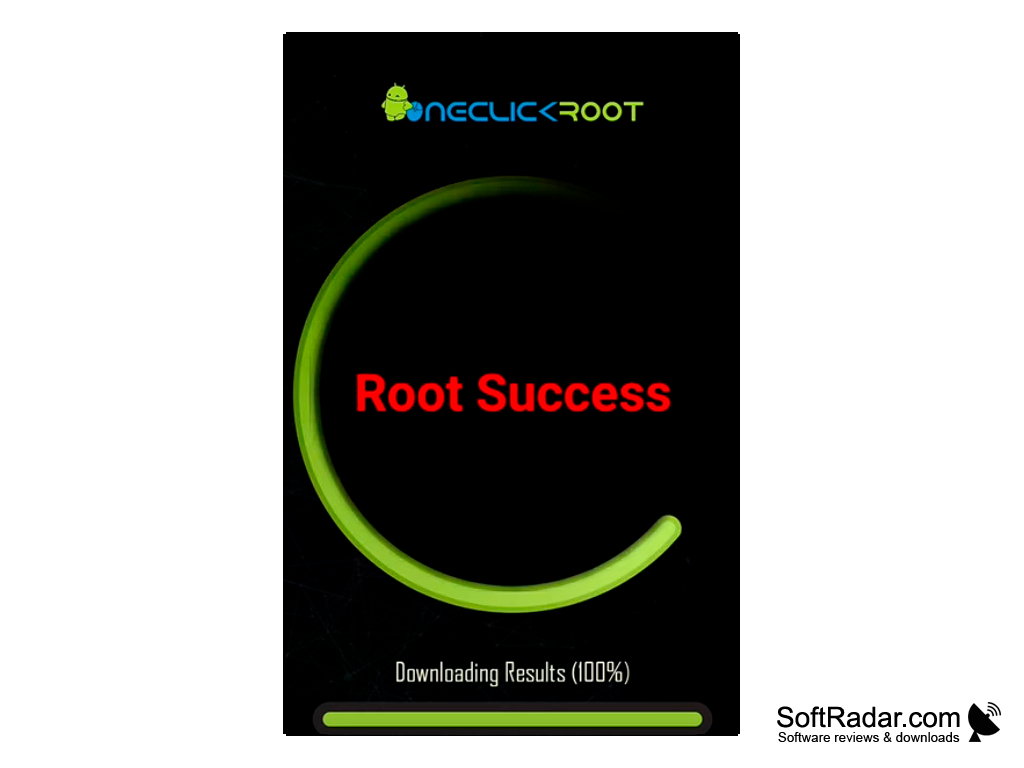

As you know, many owners of Android phones and tablets suffer from the fact that they can't install the desired programs and updates on the device or change the system files and remove the annoying standard applications. It's the lack of root-rights that's to blame. The One Click Root program from the manufacturer of the same name will help you get full access to all the features of the device. Obtaining administrator's rights is done with one click of the necessary button in the program interface. The process is fully automated. It is easy for the user to follow the clear instructions on the screen.
The process of unlocking the device is carried out in 5 steps. The machine connects to a PC that has the One Click Root installed. The system identifies the device and installs the necessary ones for the correct operation of the driver. The application then saves a backup of the data and finally removes all restrictions. The user should keep in mind that devices that are unlocked in this way are usually not covered by the manufacturer's warranty. The program has a nice Android-style interface and supports most versions of this operating system (Gingerbread, Ice Cream Sandwich, Jelly Bean).
One Click Root enables full device customization, allowing users to install desired applications, updates, and modify system files easily.
- provides the user with administrator rights with all the ensuing consequences;
- step-by-step accompanies the user to the final result;
- supports many versions of Android;
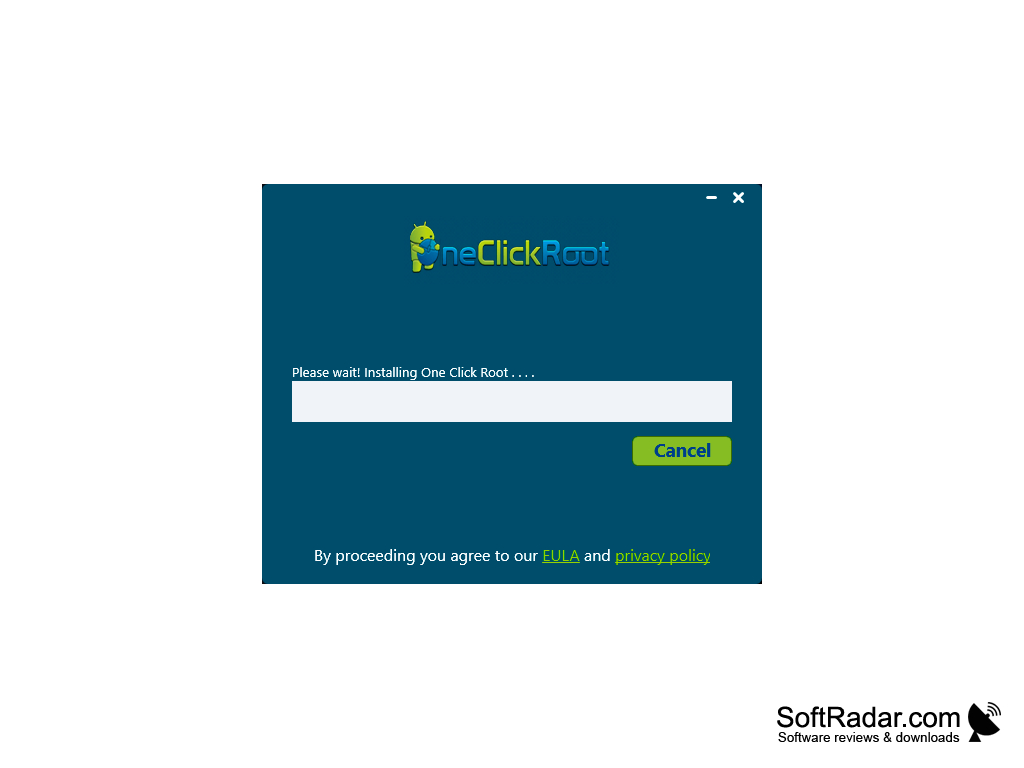
- has a stylish graphical interface;
- is easy to understand.
PROS
Accelerates phone performance and battery life.
Simple and fast process with a single click.
CONS
Risk of permanently damaging your device.
Potential security risks and exposure to malware.