
OpenBullet
Developers can make precise requests on target websites using the free web testing tool OpenBullet.
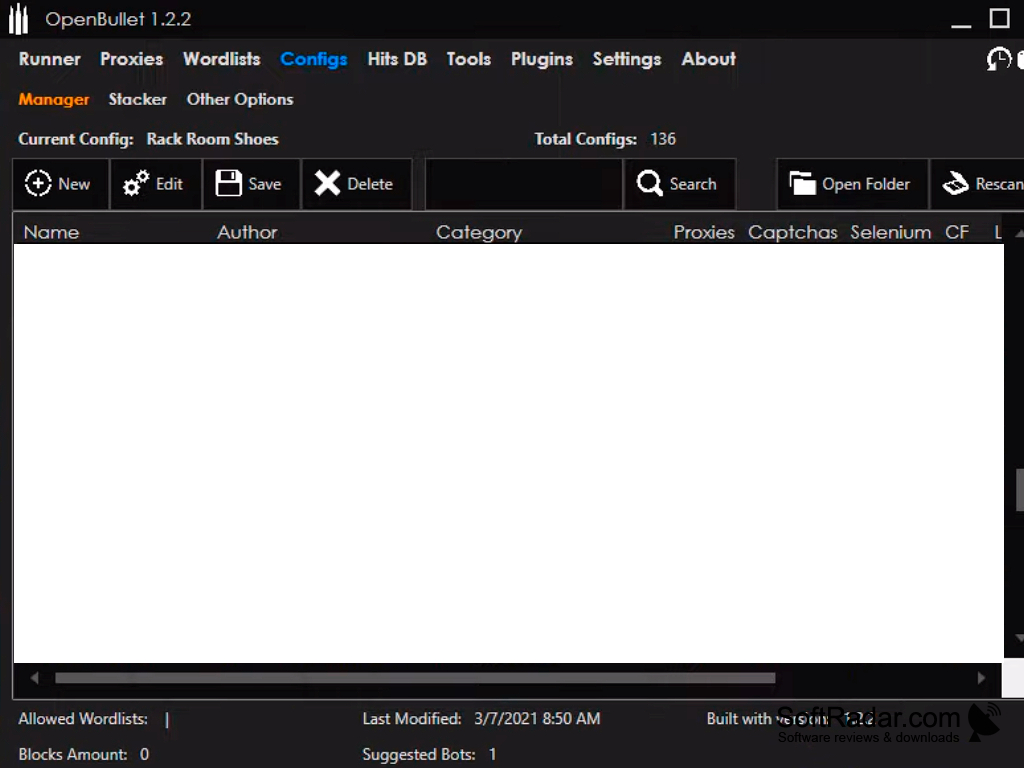
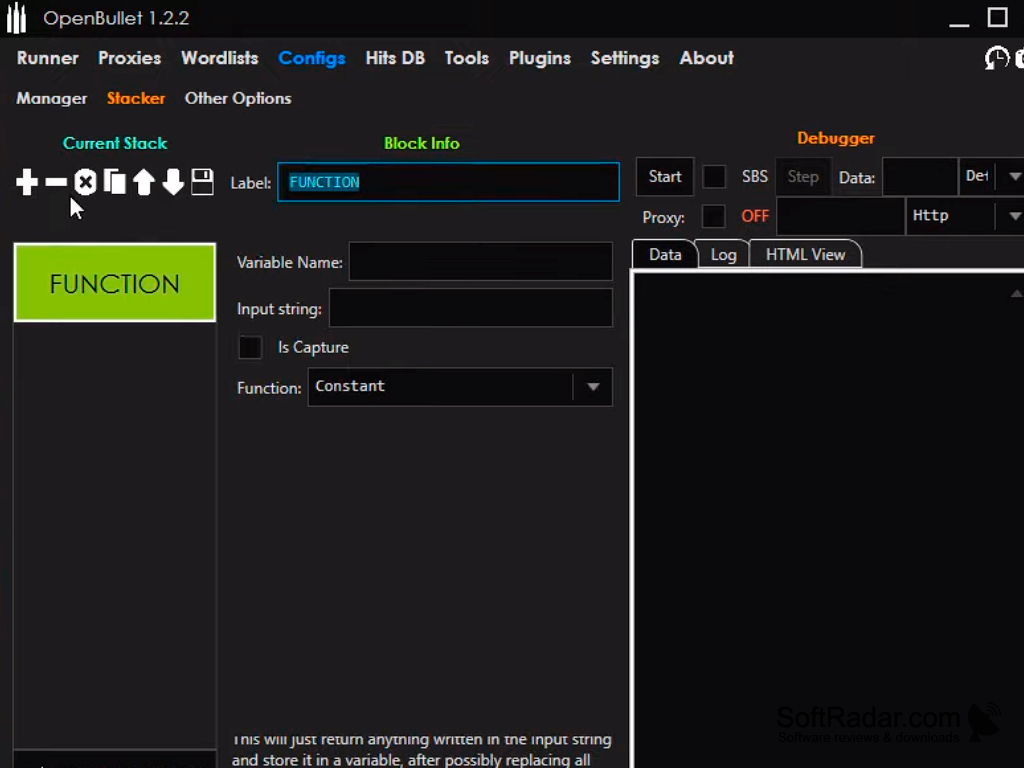
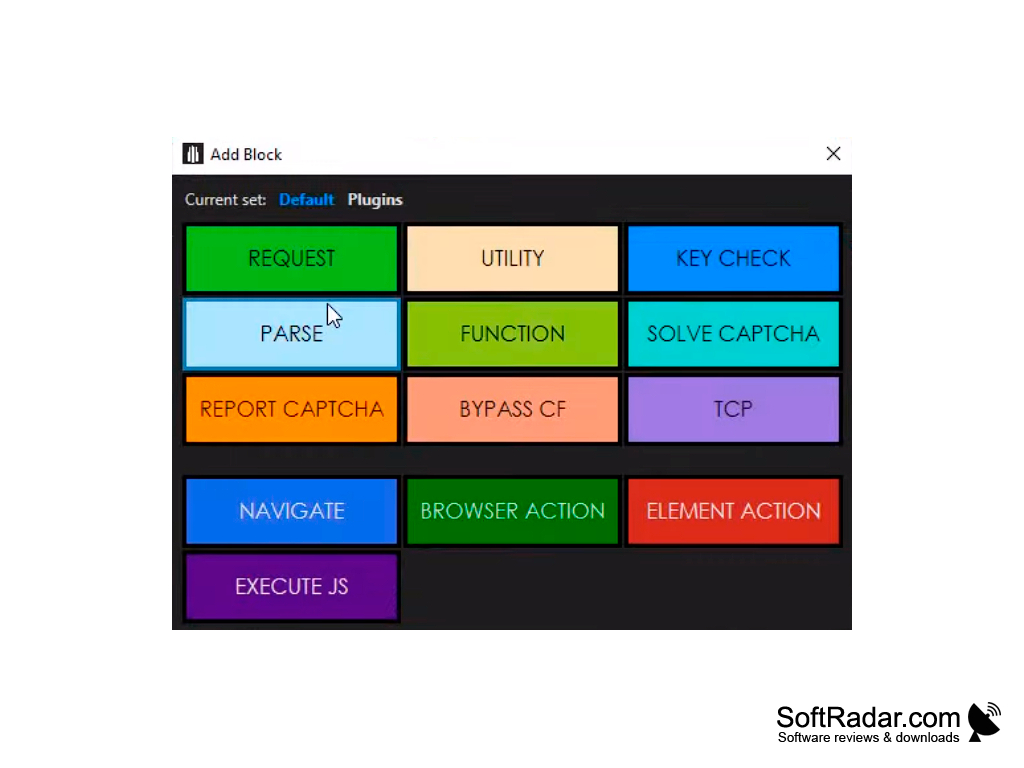
OpenBullet is a simple but incredibly feature-rich application created especially for web developers. It enables practically anyone to make queries to a target web app with a little understanding of web testing.
The primary benefit of OpenBullet is exemplified by the vast array of practical features that enable users to analyze and scrape data, as well as conduct automated penetration and unit testing using Selenium and other comparable programs.
Users must first download the official OpenBullet API and make sure their machine is running.NET Core 2.2 in order to use OpenBullet (Core SDK 2.2).
Users must modify the three editable fields db, configFolder, and secretKey in the appsettings.json file after it has been installed.
OpenBullet utilises LiteDB, a very compact integrated NoSQL database. The Proxies, Wordlists, Hits, and Records collections may be found in the file, which is kept in the DB folder. To browse or modify the database, you can use the wonderful open-source program LiteDB Explorer. When the database is large, or you run a query on a lot of entries, OpenBullet can have trouble. You can also use this software to run complex queries that are not supported by OpenBullet alone.
The first one stands for the LiteDB database file that is used to store user data; if it doesn't already exist, it will be generated immediately. The filesystem location where the configurations are kept is called configFolder, and the secretKey is used to manage users and access the API/users endpoint.
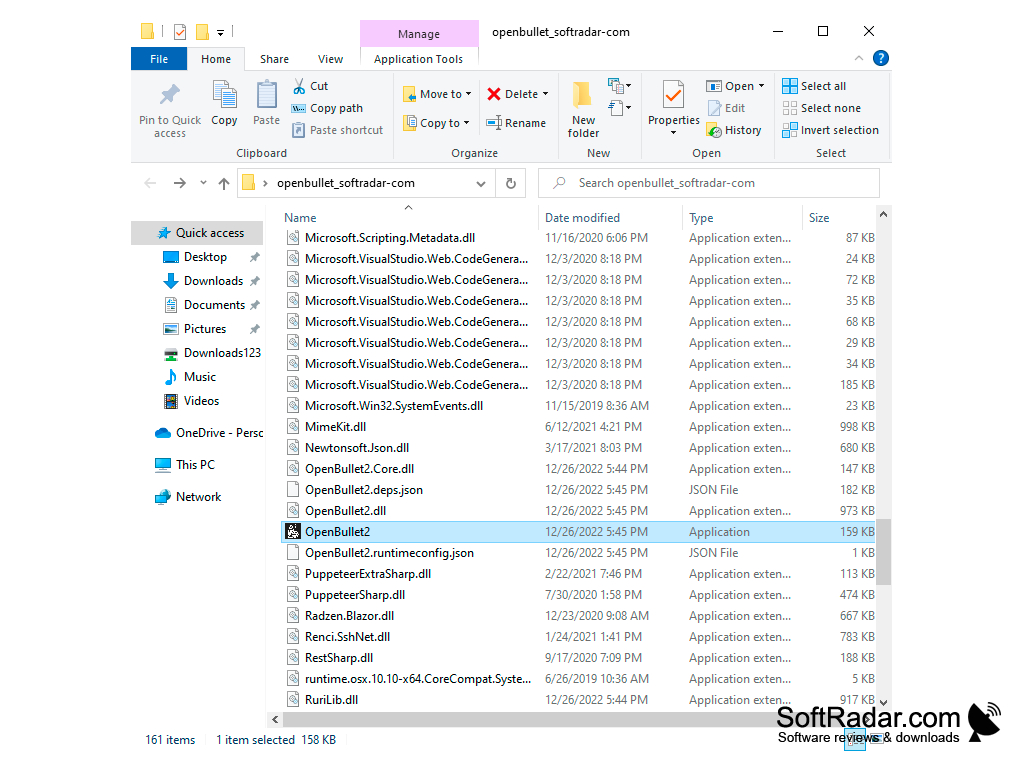
Users must launch a terminal window, go to the path of OpenBulletAPI.dll, and then type the command "donnet./OpenBulletAPI.dll" to run it. The software, which will be accessible from a distance on HTTP port 5000, will be run using this command. The app's official documentation on GitHub has further details.
Web testing software called OpenBullet enables users to send queries to a target web application and provides a wide range of capabilities for analyzing the responses. This software can be used for a variety of tasks, including data scraping and parsing, automated pen-testing, unit testing using Selenium, and more.
The open-source application is available on GitHub and is used for a variety of activities, such as data scraping and parsing, automated penetration testing, and unit testing using Selenium.Features:
- Actions. Streamline any workflow.
- Packages. Manage and host packages.
- Security. Discover and address weaknesses.
- Instant development settings.
- Copilot. Use AI to produce better code.
- Manage code alterations.
- Issues. Plan and monitor your work.
- Discussions. Work together without using code.
Machine running the official OpenBullet API
Access to terminal window for command execution
LiteDB for data storage
PROS
User-friendly interface allows easy navigation.
Supports various data types and encryption methods.
CONS
No dedicated customer support available.
Illegal and unethical to use depending on purpose.