OpenStego
OpenStego is an open source Java program for hiding secret data inside image files and for adding invisible watermarks to images.
Operating system: Windows
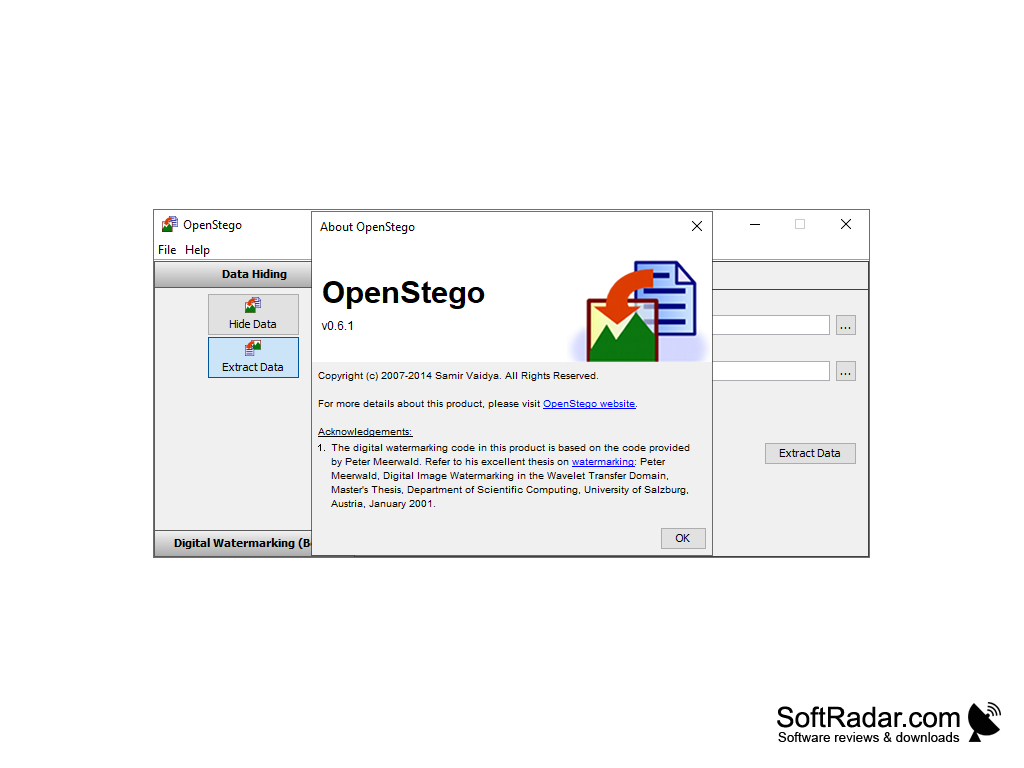
Publisher: Samir Vaidya
License: Open source (GPL-2.0 License)
Antivirus check: VirusTotal report
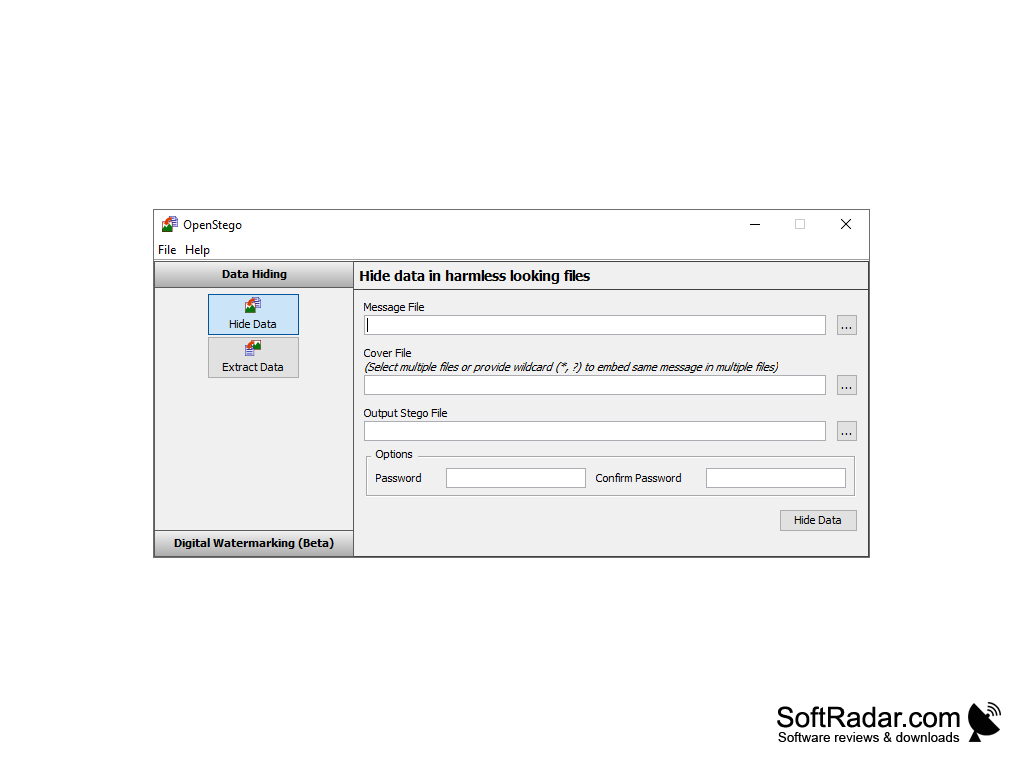
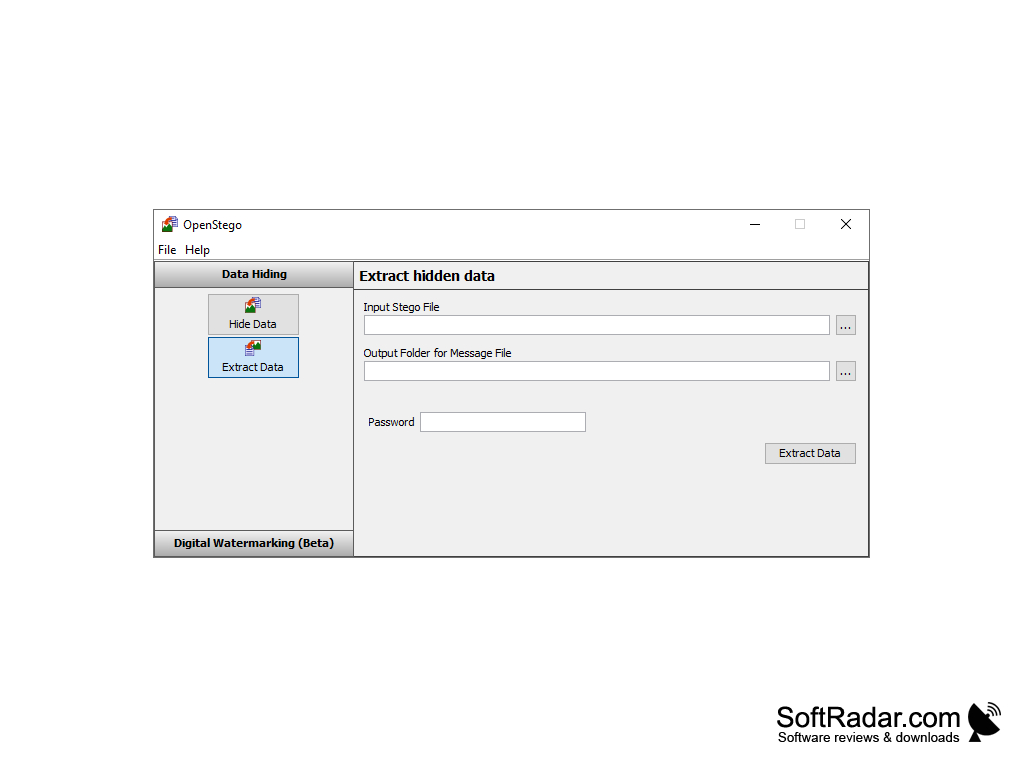
OpenStego is a free and open source steganography software that enables users to securely hide data within image files. Steganography is the practice of hiding data within other data, and OpenStego enables users to hide any type of data file inside an image. OpenStego is simple to use and the hidden data can be protected with a password.
OpenStego provides a simple and secure way to hide data in images.
Features
• Easy to use: OpenStego has a simple interface with two modes, Data Hiding and Watermarking, that lets users quickly embed data into images.
• Secure: OpenStego can protect the hidden data with a password, using AES 128 or AES 256 encryption.
• Cross-platform: OpenStego is written in pure Java and runs on Windows, Linux and other platforms supported by Java.
• Hides any file type: any data file can be hidden, while the cover files are images in common formats such as PNG, BMP, GIF and JPG.
• Free and open source: OpenStego is free and open source, and is available under the GNU General Public License v2.
• Source code available: The source code for OpenStego is published on GitHub and can be modified and redistributed.
• Command-line interface: OpenStego has a command-line interface that allows users to quickly and easily embed data into files.
• Plug-in support: OpenStego has a plugin-based architecture; RandomLSB is used for data hiding and Dugad's algorithm for watermarking.
• Batch embedding: the same message can be embedded into multiple cover files at once, by selecting several files or using wildcards such as * and ?.
• Digital watermarking (beta): OpenStego can generate a signature file, embed it invisibly into images and later verify it to detect unauthorized copying.
• Java API: developers can call OpenStego functions from their own Java projects.
• Data extraction: hidden data is extracted in the Extract Data mode by choosing the stego file, an output folder and the password.
• Metadata handling: recent versions keep image metadata such as JPEG EXIF data and let users set the JPEG compression level.
• Open development: bug reports and feature requests are handled through the project's GitHub page, where the author, Samir Vaidya, publishes new releases.
Java Runtime Environment (JRE)
PROS
Free, open-source software with robust features.
User-friendly interface for non-tech savvy individuals.
CONS
Requires a Java runtime to be installed.
The watermarking feature is still marked as beta.