
Partition Table Doctor
A useful tool to help you when partitioning your computer
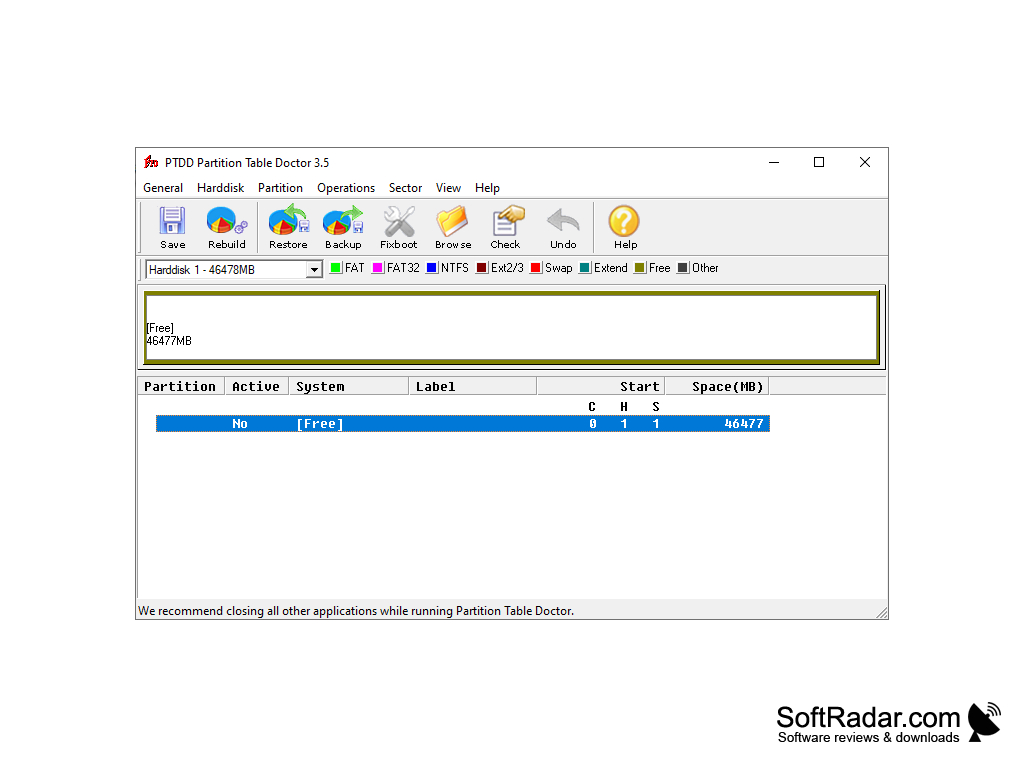
Partition Table Doctor is a very effective solution for recovering the partition structure of a hard disk. Rescues in many cases, except for a physical hard drive failure. This versatile tool allows you to automatically check and correct the Master Boot Record, partition table, and the boot sector of the partition containing the error. Typically, the structure of hard drives is damaged by a sudden power failure. Slightly less often this happens as a result of a virus attack. The main symptom of this type of problem is that the disk does not contain any data and behaves as if it had just been purchased.
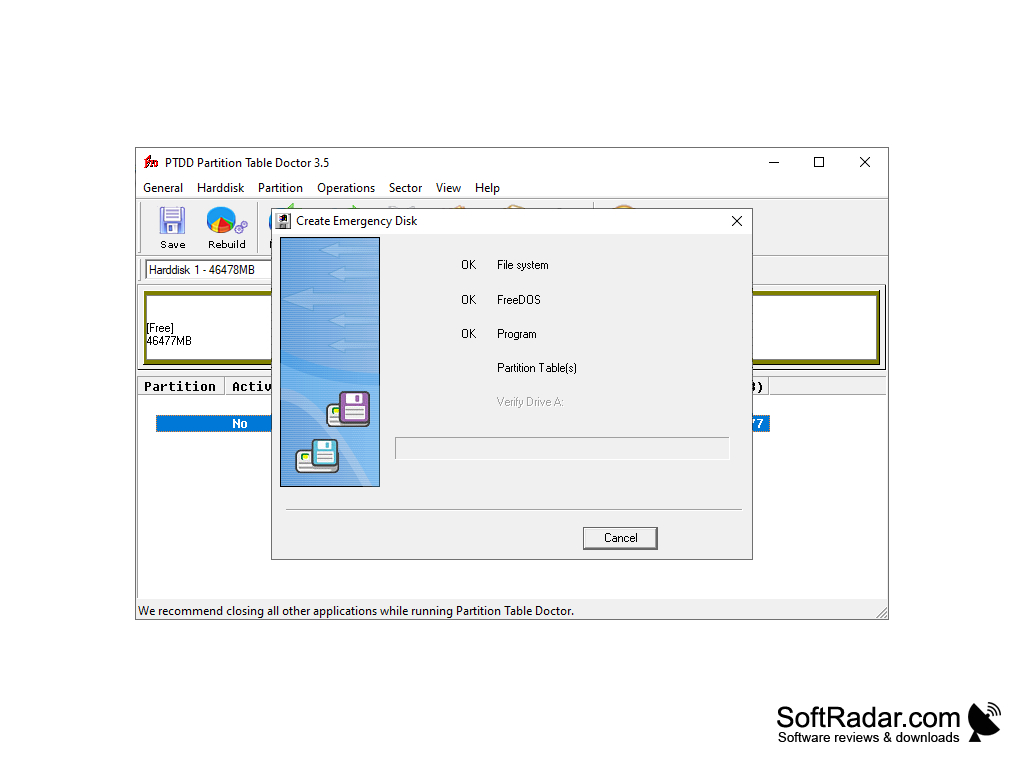
Partition Table Doctor allows you to recover partitions that have FAT16/FAT32/ NTFS/NTFS5/EXT2/EXT3/SWAP file systems of the following types of hard drives: IDE/ATA/SATA and SCSI. It is possible to create an emergency floppy or bootable CD. To create a floppy disk or a disk in the program you should press the key combination Ctrl+D. The resulting disc image can be recorded by any disc recording program. This type of recovery disk can help in situations where Windows cannot be loaded due to a hard disk partition structure failure.
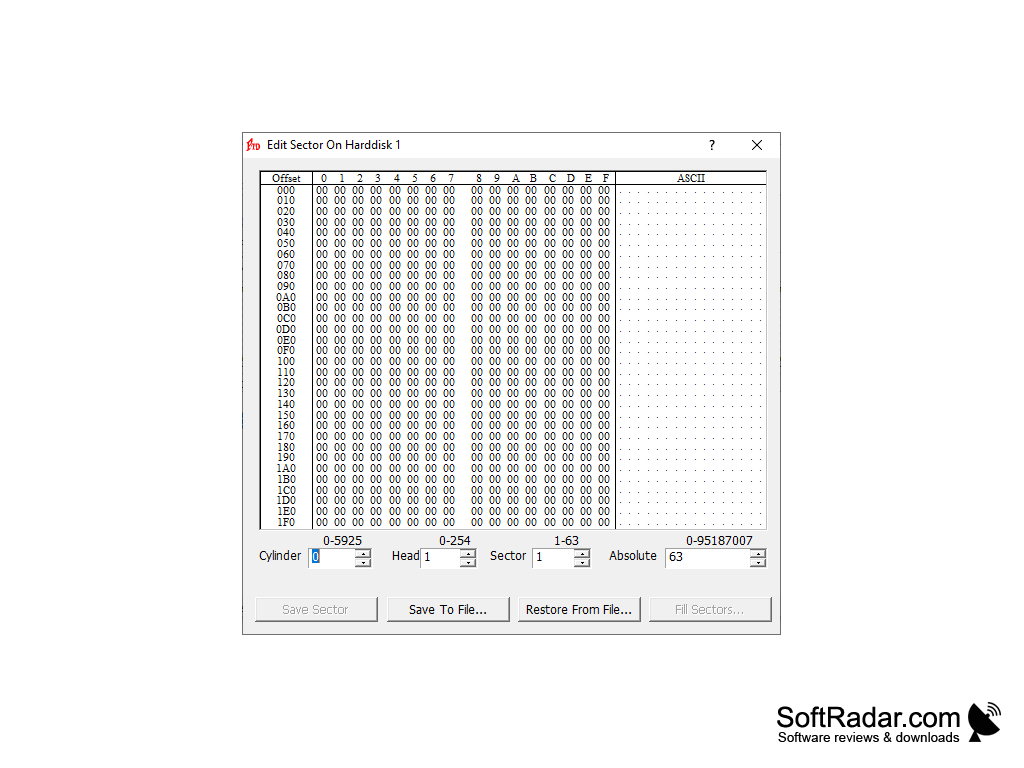
In addition, the program provides very useful functions: partition structure backup, partition structure recovery, partition structure rebuilding and Fixboot. It is possible to change each parameter in the partition configuration. In addition, it has additional tools such as a utility to mark the partition active, hide the partition, test the hard disk surface, rebuild the master boot record, unlock the hard disk, edit and copy sectors, undo recent changes, and so on.
Partition Table Doctor efficiently recovers and repairs damaged hard disk partition structures, saving lost data in most non-physical failure scenarios.
Unfortunately, the latest version of Windows that Partition Table Doctor works with is Windows XP. The program is no longer supported by the vendor, and instead it is recommended to use the free EaseUS Partition Recovery program from the same vendor.
Hard drive with FAT16/FAT32/ NTFS/NTFS5/EXT2/EXT3/SWAP file systems
IDE/ATA/SATA or SCSI type of hard drives
Disk recording program for creating recovery disk
PROS
User-friendly interface simplifies data recovery process.
Compatible with all versions of Windows, including Windows 7.
CONS
Outdated design and user interface.
Supports a narrow range of filesystems.


