
PartitionGuru Free
A disk partition management and data recovery program for the Windows OS.

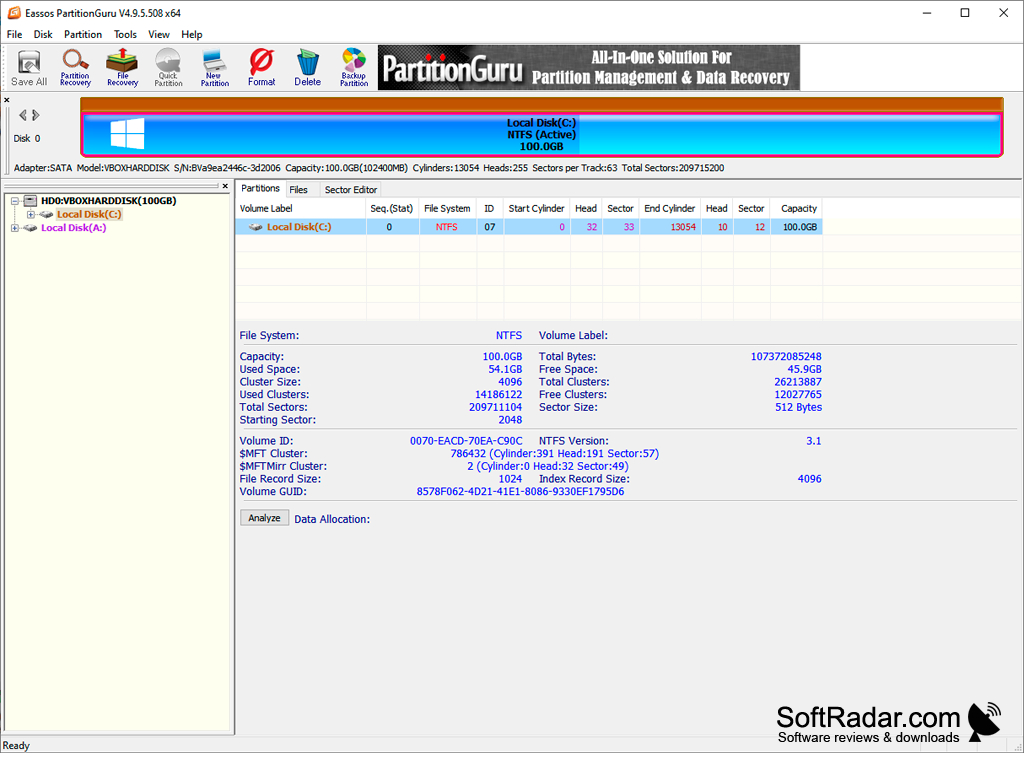
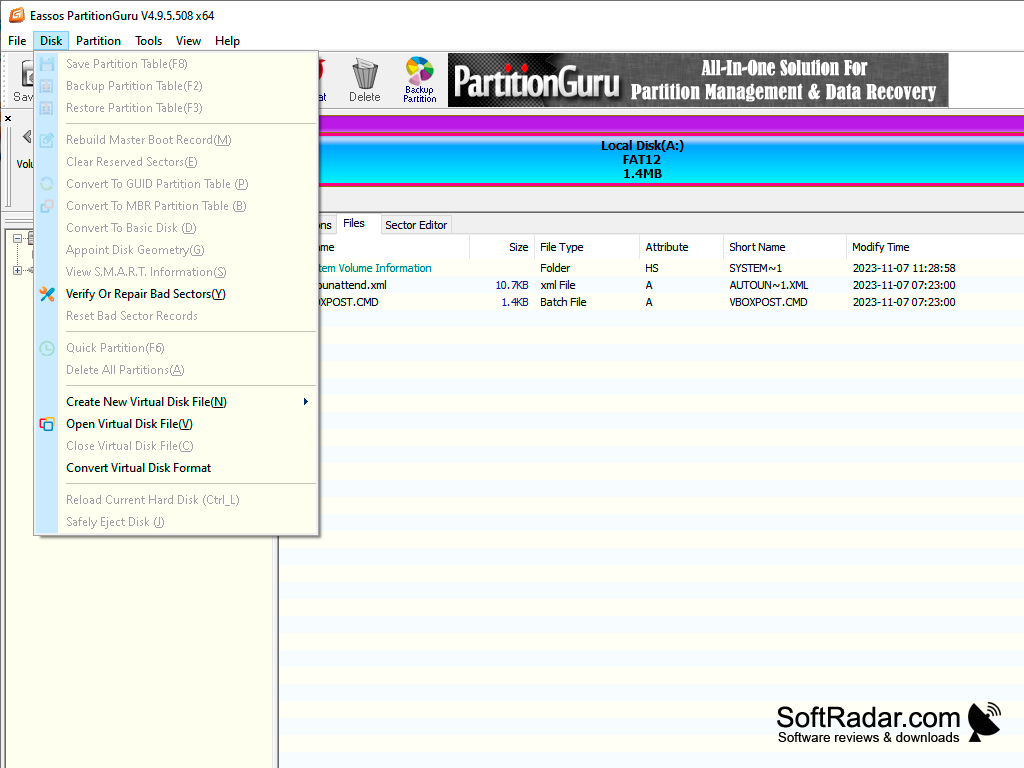
PartitionGuru is an all-in-one disk partition management and data recovery program which contains a number of different and powerful features for working with disks, partitions and files in Windows. Some of the features that PartitionGuru includes are data recovery, partition management, partition backup, and restore. This is especially important when working with sensitive files with important information and keeping them protected against loss. All of these features are presented in a user-friendly interface, which allows the user to quickly view the layout of the disks as well as navigate to the individual features. The details of the user's partitions are also shown on the interface with basic information such as the file system, capacity, used and free space.
There is a free version of PartitionGuru with many of the basic features, but there is also a Pro version which includes more features, such as saving large recovered files, sector-by-sector cloning and virtual RAID reconstruction. The program has since been renamed DiskGenius and is still developed by Eassos.
The file recovery tool aspect of PartitionGuru allows the user to recover lost, deleted, and formatted files from a PC's hard drive, USB drives and memory cards. Suppose that you accidentally delete a file, and it contained some important information. Now you need to restore that file: PartitionGuru can search the disk, preview the found files and restore them, although the free version limits the saving of large files.
PartitionGuru can also manage your hard disk partitions, providing functions such as create, delete, format, resize and split in its repertoire of partition functions, as well as conversion between MBR and GPT. If you are planning on dual-booting your PC, for example, then this tool might be perfect for you when you need to create a new partition to house your new operating system.
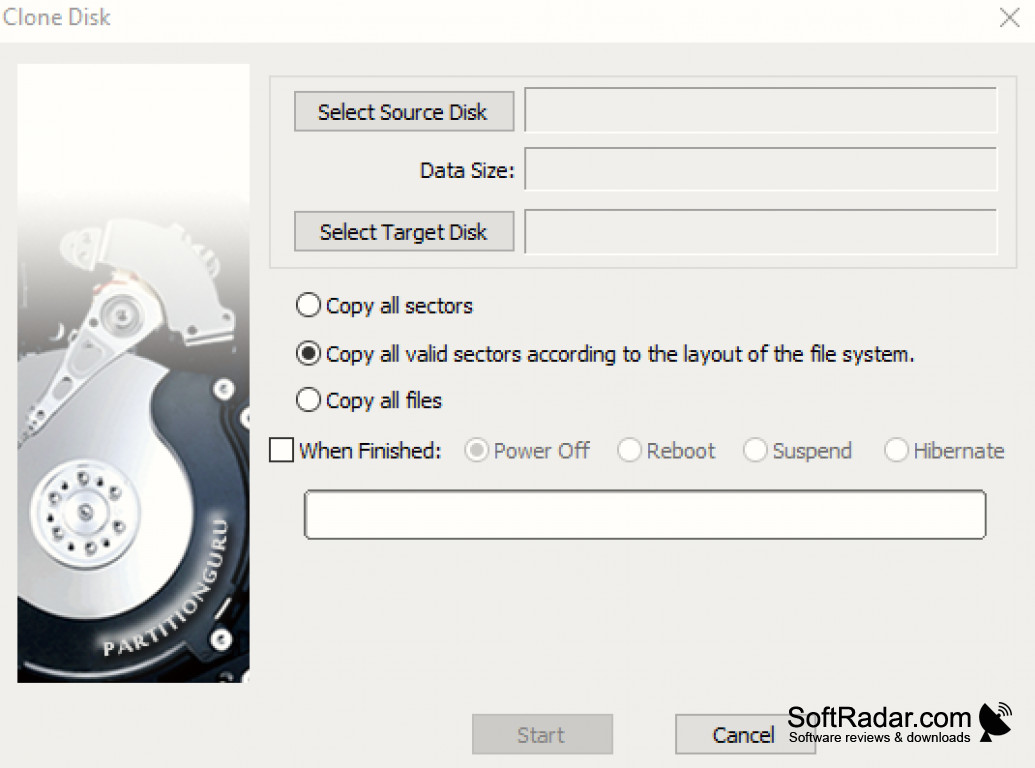
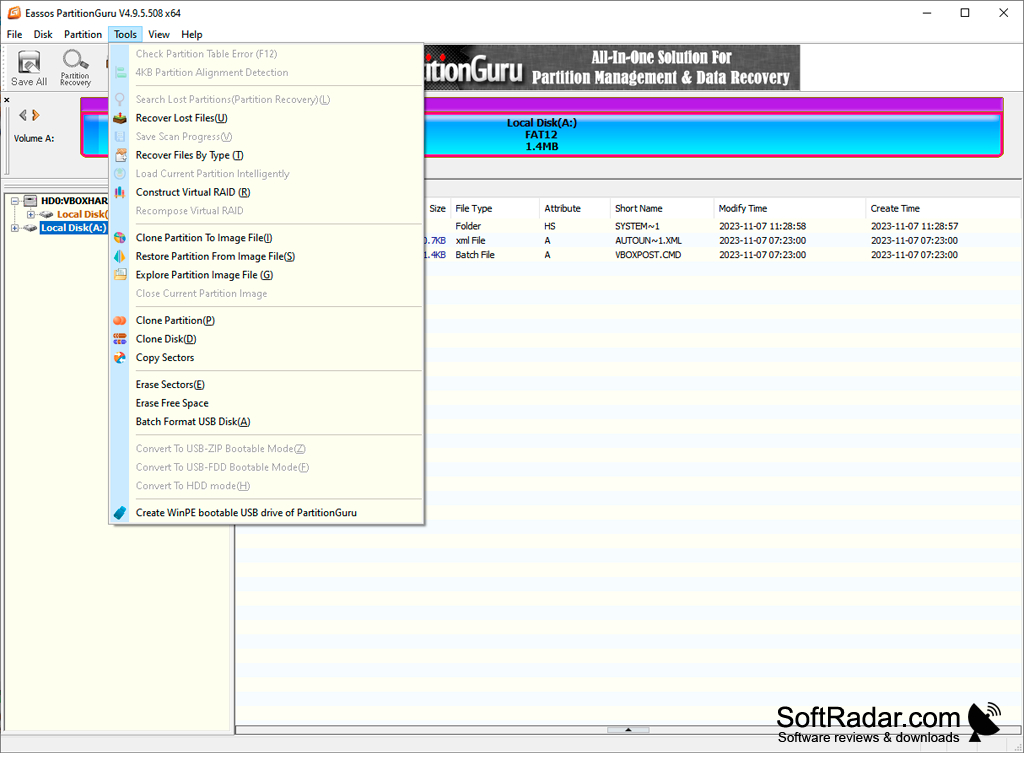
Another important feature is the backup feature. Using this feature, a user can back up partitions to image files, clone partitions or whole disks, and transfer data between hard drives. Backing up your data is an important aspect of keeping your files safe in the case of failure, and this tool allows the user to easily perform the backups. The program can also create a bootable WinPE USB drive, so that disks can be accessed even when Windows does not start.
Provides many features when working with disk partitions
Features:
- Create new partitions
- Recover lost files
- Backup data
- Partition recovery
- Verify and repair bad sectors
PROS
Partition management and file recovery work reliably.
No charge for the basic version, user-friendly interface.
CONS
Some features are locked behind paywall.
Saving large recovered files requires the Pro version.