Reiboot
Tenorshare ReiBoot is an iOS system repair tool that fixes iPhones and iPads stuck on the Apple logo, in recovery mode or in a boot loop.
Operating system: Windows
Publisher: Tenorshare
Release: Reiboot 9.6.3.1
Antivirus check: VirusTotal report
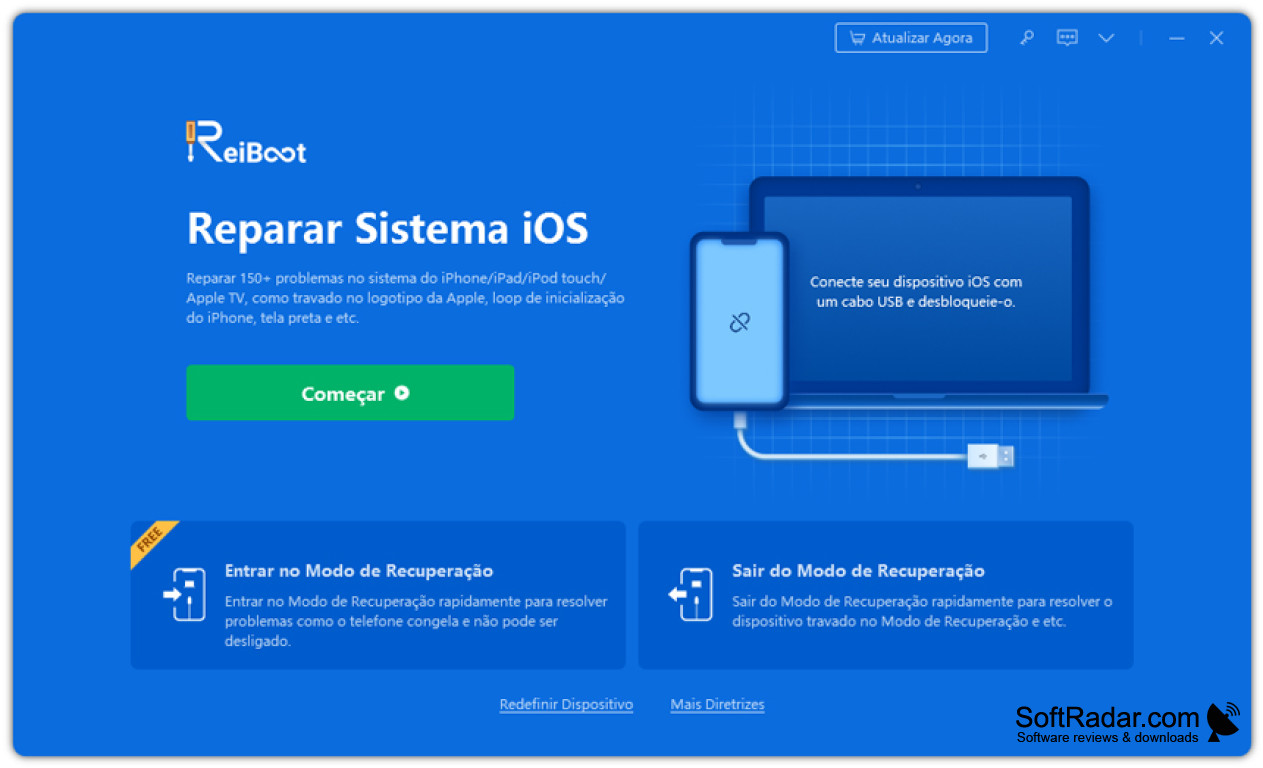
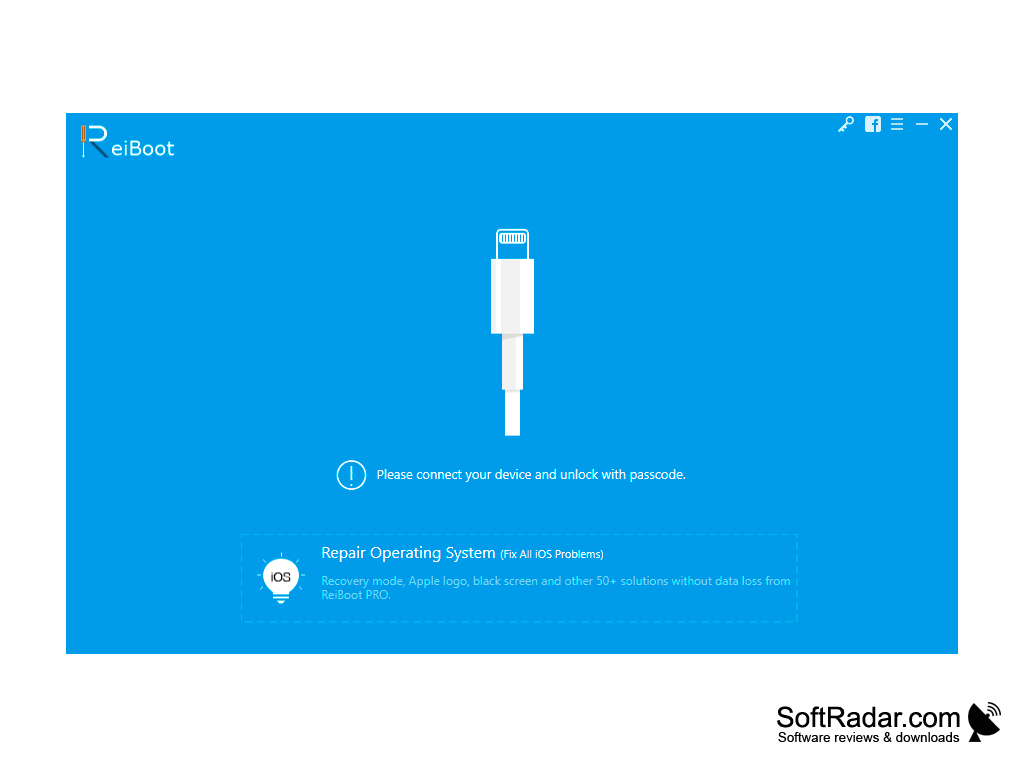
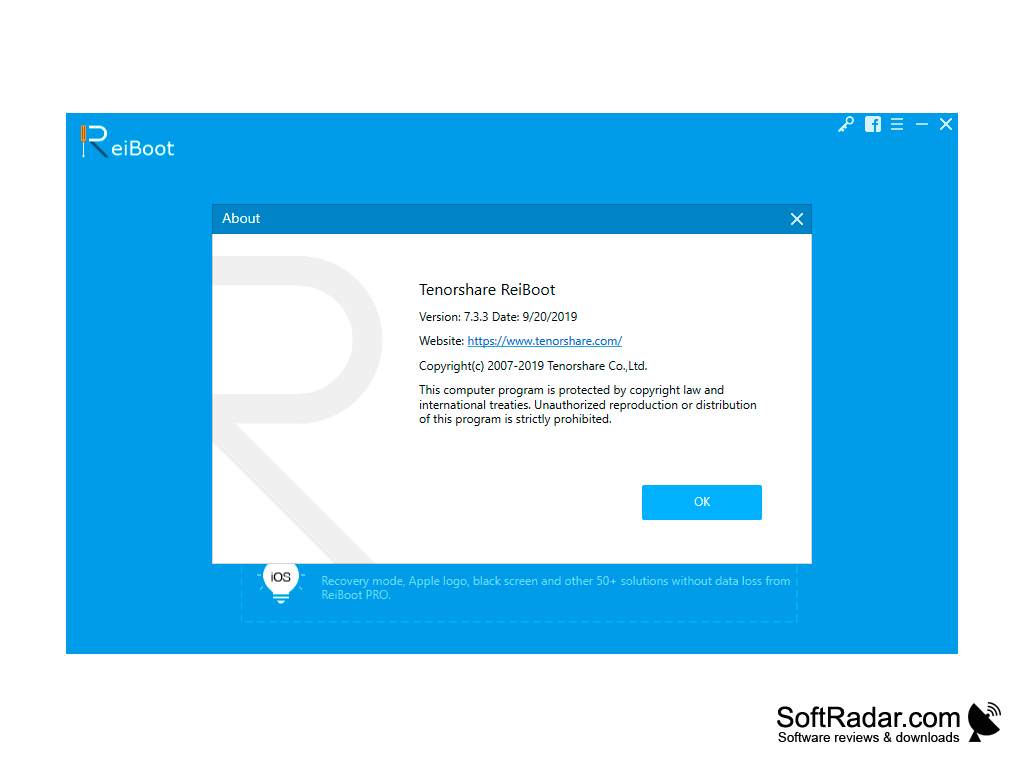
Tenorshare Reiboot is an all-in-one tool for fixing iOS devices that a user is having trouble booting up. The Windows version supports iPhone, iPad, iPod touch and Apple TV models, from older devices to the latest iPhone generations, and works with current and earlier iOS and iPadOS versions. The basic functions take a single click: the program can put a device into recovery mode or take it out of recovery mode without pressing any buttons. It can be very hard to understand how to fully reset an iPhone without any additional help, and ReiBoot guides the user through each step, so a stuck device does not have to be taken to a service center right away. According to the developer, the program fixes more than 150 iOS and iPadOS system issues, such as a device stuck on the Apple logo, a boot loop, a black or frozen screen, a disabled iPhone or a device stuck in recovery or DFU mode. Reiboot can also downgrade or upgrade iOS without having to install iTunes, and it fixes common iTunes errors such as 4013. The Standard Repair mode keeps the data on the device, while Deep Repair and DFU Repair handle harder cases but erase the data. Entering and exiting recovery mode is free; the repair functions require a paid ReiBoot Pro license, sold as monthly or yearly plans. Tenorshare also makes other phone tools, including data recovery and iOS data management software.
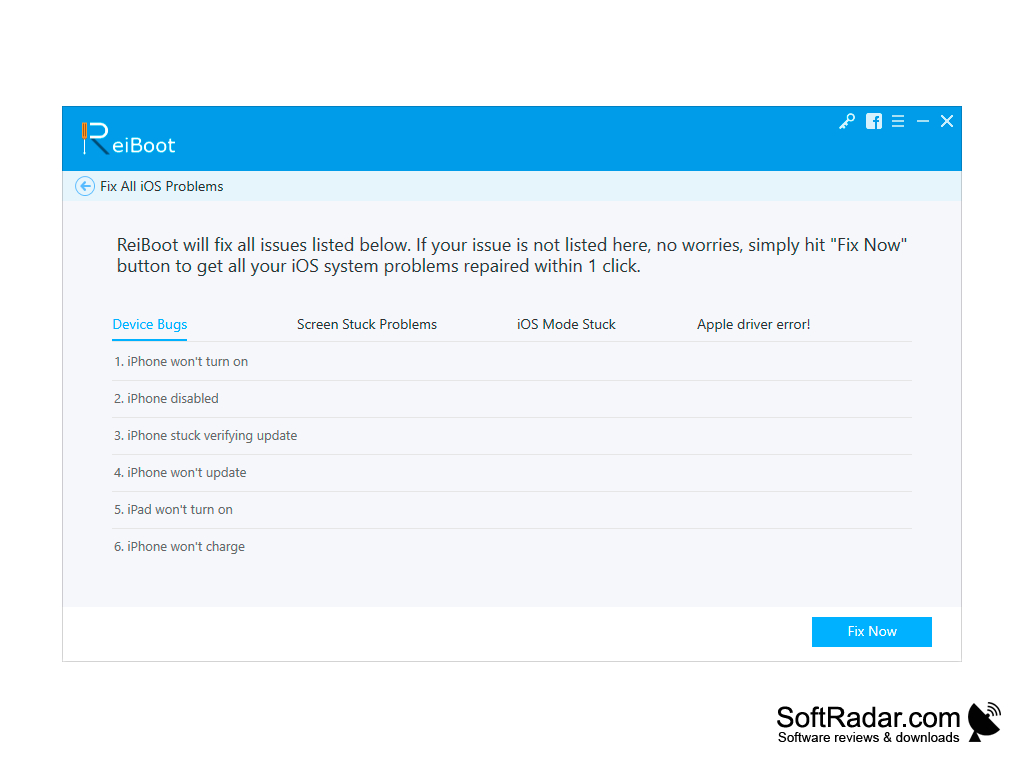
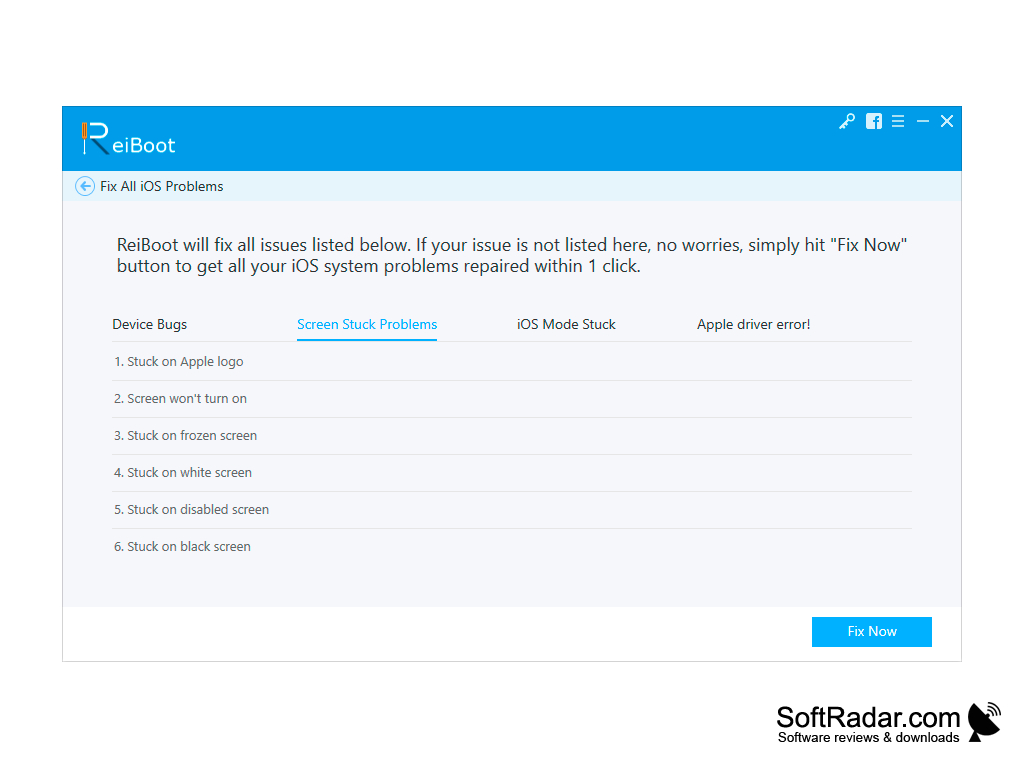
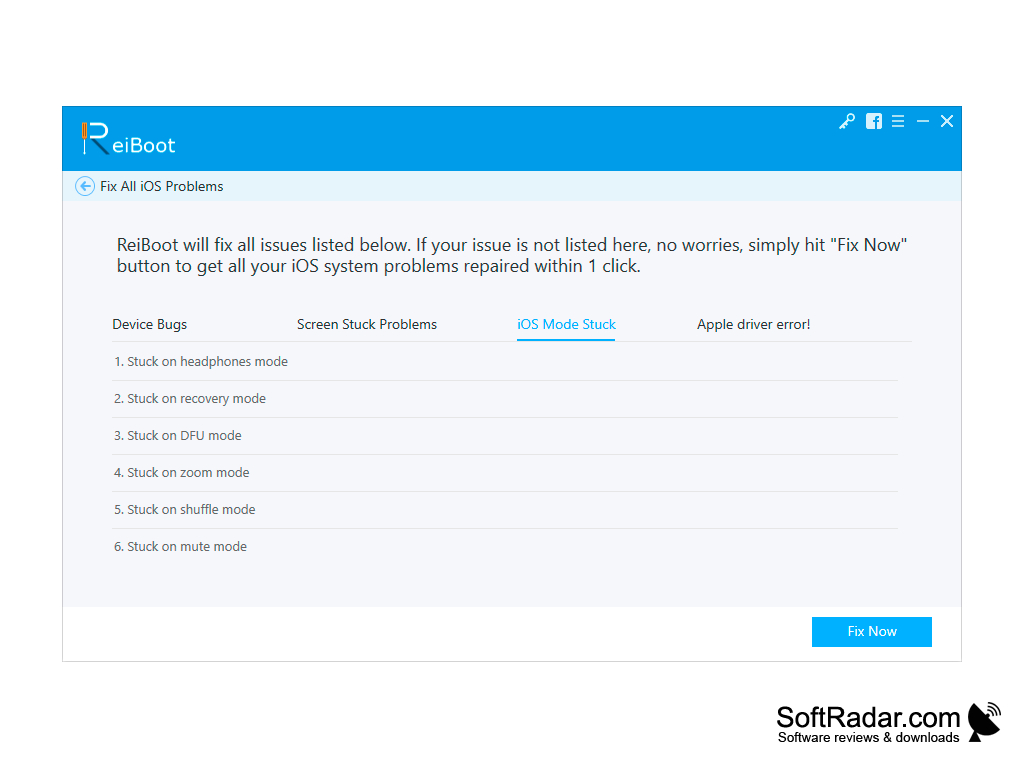
The repair process is simple: connect the device with a USB cable, choose the repair mode, and the program downloads the matching firmware package and installs it on the device. The repair screen lists typical problems in groups, such as device bugs, screen stuck problems, iOS mode stuck and Apple driver errors, and a Fix Now button starts the repair. Many users run it for both iPhone and iPad, for example to return to an earlier iOS version when an update causes more problems than expected, as long as Apple still signs that version.
ReiBoot does not replace hardware repair: it deals with software and system problems, so a device with a damaged screen, board or battery still needs a service center. It can also factory reset an iPhone or iPad without a passcode or iTunes, which erases all content on the device, so a backup should be made first when possible. A separate version is available for macOS, and the Windows version runs on Windows 11, 10, 8.1, 8, 7 and XP in both 32-bit and 64-bit editions.
Puts an iOS device into or out of recovery mode in one click and repairs stuck devices without iTunes.
1 GHz or faster processor
512 MB of RAM (1 GB recommended)
200 MB of free disk space
iPhone, iPad, iPod touch or Apple TV and a USB cable
PROS
Repairs various iOS system problems swiftly.
Supports a wide range of Apple devices.
CONS
Occasional issues with recognizing iOS devices.
Deep Repair erases all data on the device.


