
PassFab Android Unlocker
PassFab Android Unlocker is a paid Windows tool that removes Android screen locks and bypasses the Google FRP lock on Samsung and other devices.
Operating system: Windows
Publisher: PassFab
Release: PassFab Android Unlocker 2.5.3
Antivirus check: VirusTotal report
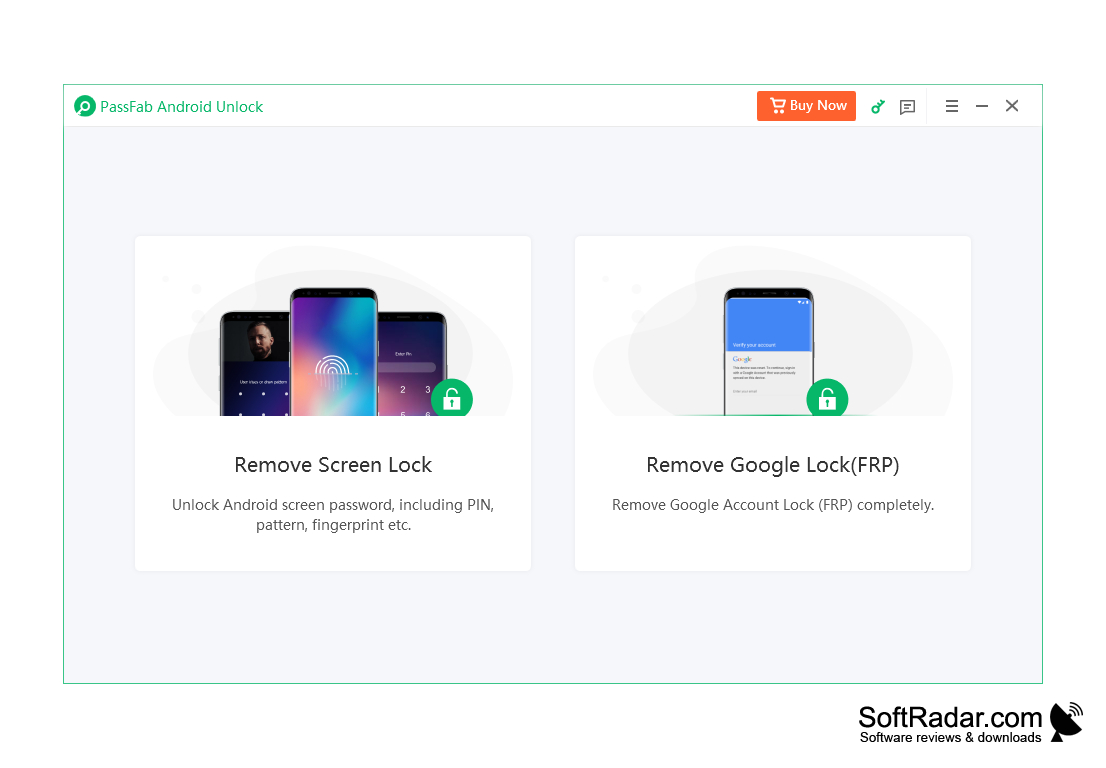
PassFab Android Unlocker (now sold as PassFab Android Unlock) is a program that removes Android lock screens, including patterns, PINs, passwords and fingerprints. On early Samsung devices, such as the Galaxy Note 3, Note 4 and Galaxy S5, the screen lock can be removed without data loss. On other devices removing the lock resets the phone. The data-saving unlock works only in the Windows version.
It is also an FRP lock removal tool for Samsung devices: it bypasses Google account verification (Factory Reset Protection) after a factory reset without the Google account password. Newer versions extend FRP bypass to other brands, including Xiaomi, Redmi, vivo, OPPO, Realme, OnePlus, Huawei and Motorola. The program is available for Windows and macOS.
The developer states support for Android versions from 2.0 up to the latest releases and for thousands of phone and tablet models from Samsung, Google, Motorola, LG, HTC, Huawei, Xiaomi, Sony and other brands.
It can be used to unlock a second-hand phone or an old device whose password has been forgotten.
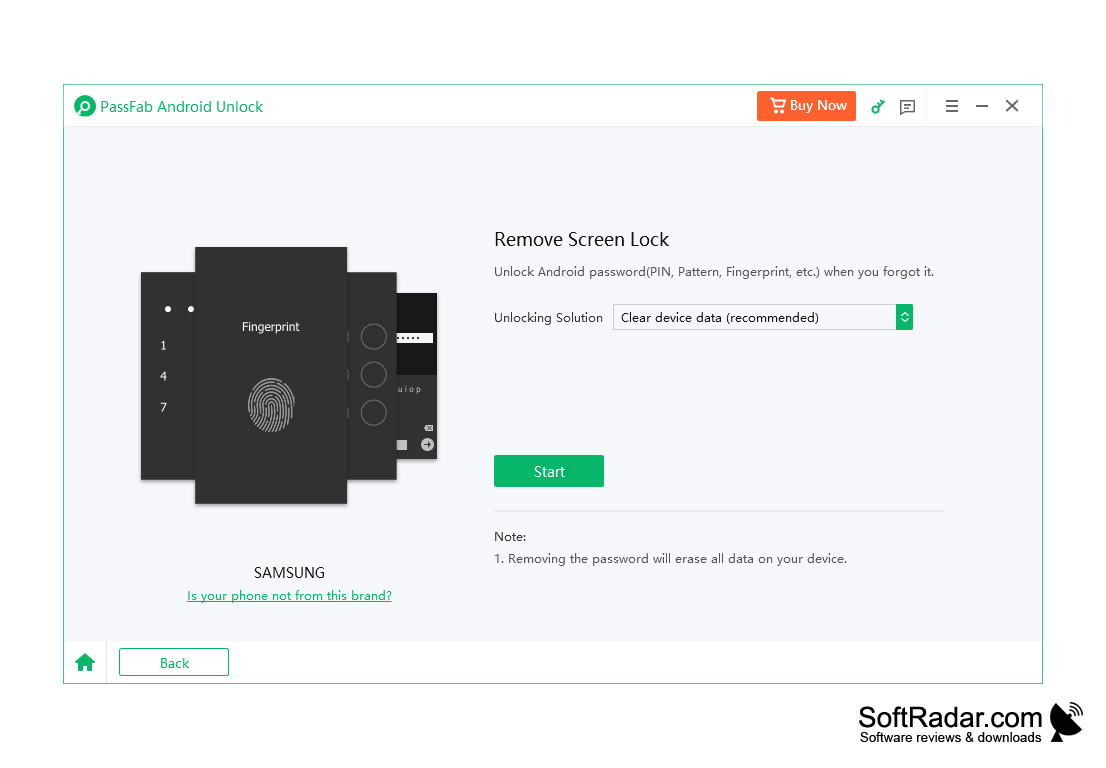
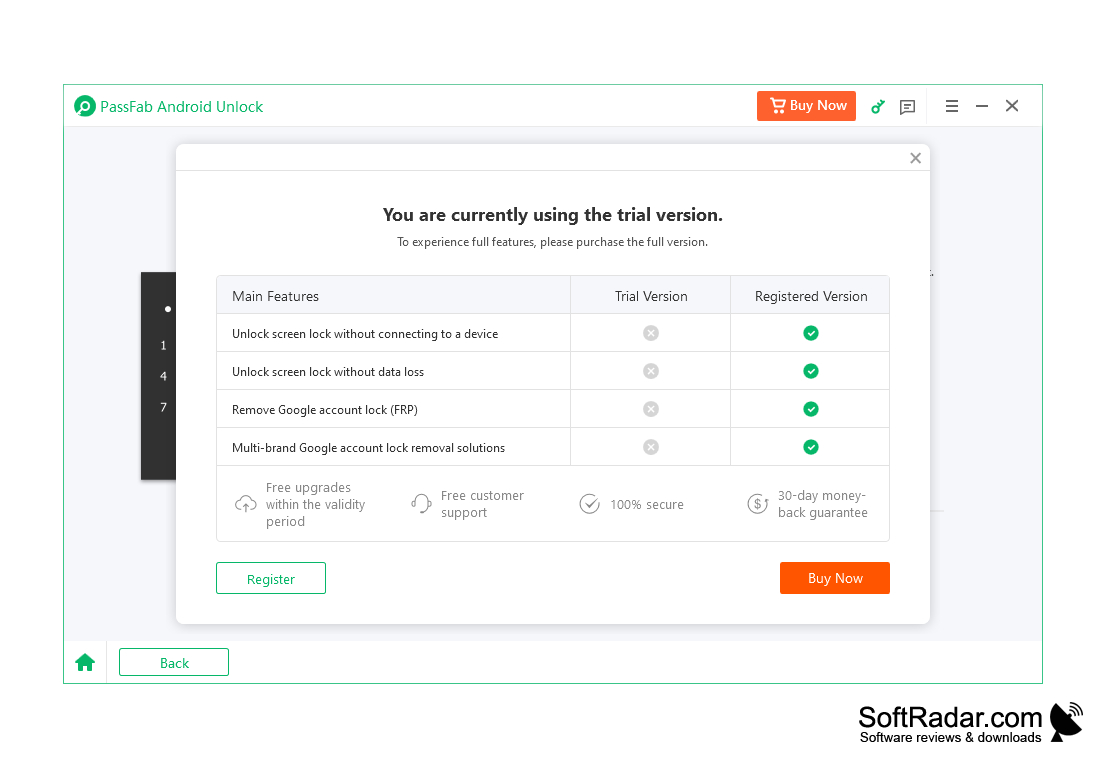
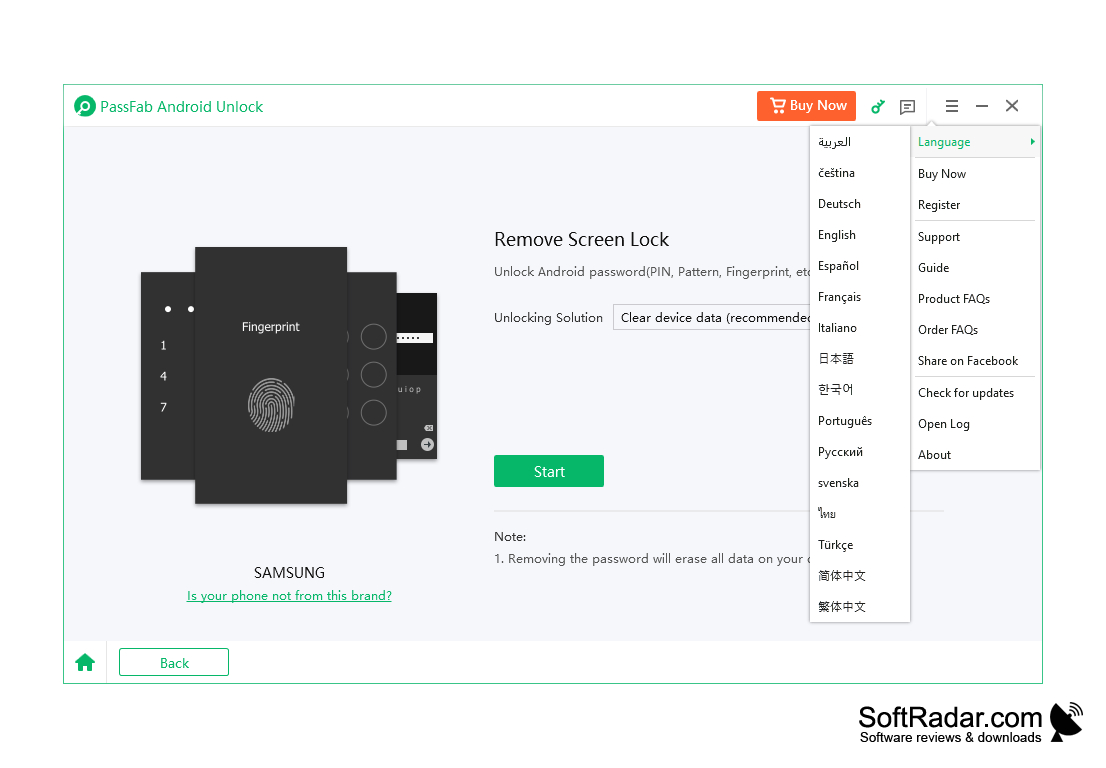
It can also unlock an Android device with a broken or dead screen, when the lock cannot be entered by hand. Keep in mind that, except for the early Samsung models, removing the screen lock erases all data on the device, so it is a last-resort tool for your own phone. The program is commercial: the free trial shows the interface, but unlocking requires a paid license. The interface is available in many languages.
Unlocking the screen takes just three simple steps.
PassFab Android Unlocker helps you regain access to an Android phone with a forgotten PIN, pattern or password, or with a Google FRP lock.
Features:
-
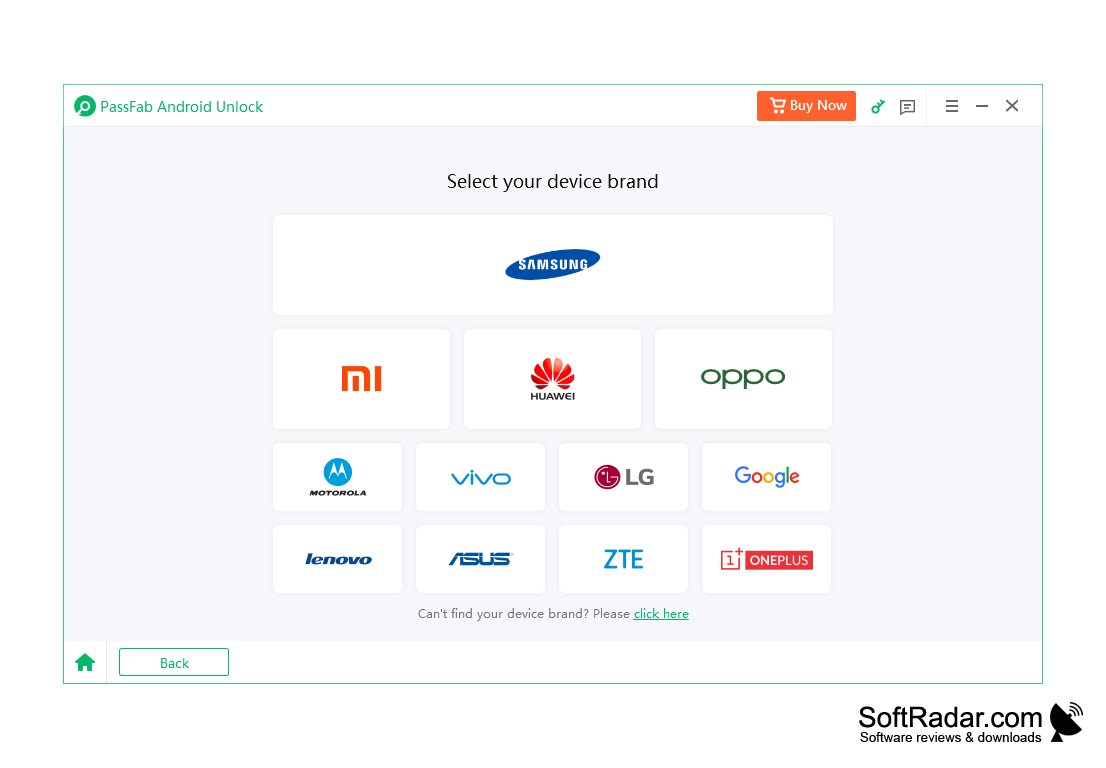
First, connect the device, choose "Remove Screen Lock" and select the brand of your phone.
-
Then confirm and start the unlock process.
- The locked Android screen is unlocked successfully.
Android phone or tablet and a USB cable
PROS
Supports multiple brands and models.
Intuitive interface, easy for non-technical users.
CONS
The trial version cannot unlock devices.
FRP bypass success depends on the phone model.


