Recolored
App for turning black and white photos into colored photos
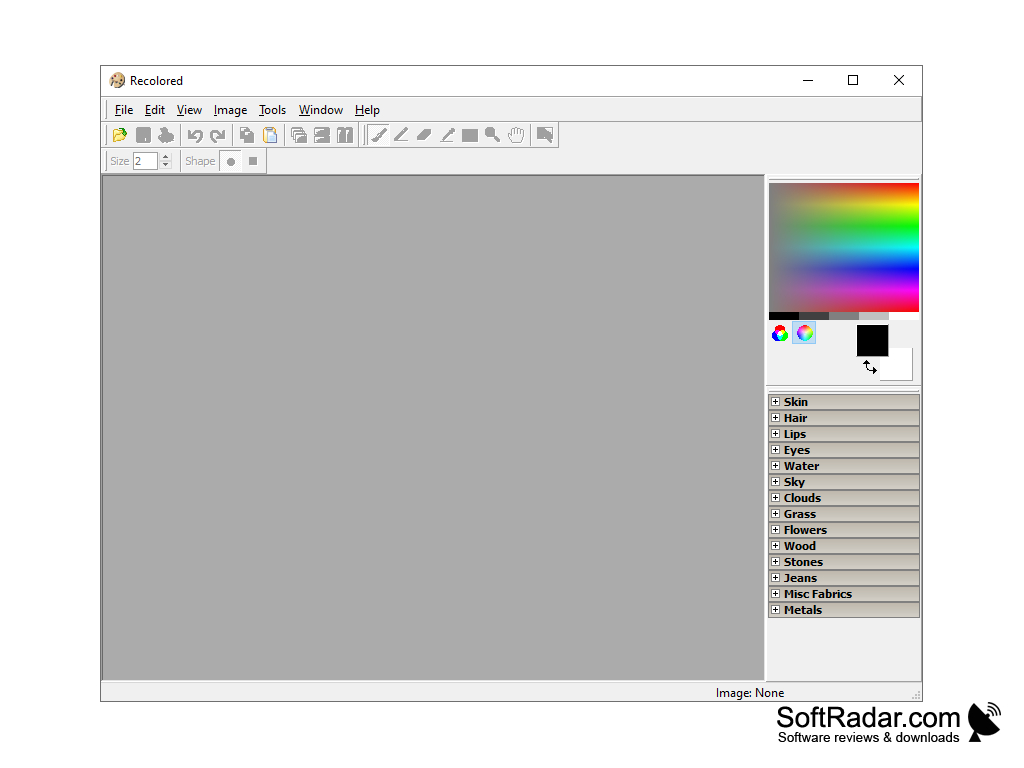
Recolored is a unique program for coloring photos. With just a few clicks, you can turn a black and white photo into a color photo - just select the desired area and then specify what color it should be. The rest of the program will do by itself, based on the shape of the selected object, including the distribution of shades depending on the shadows in the selected area.
In addition to black-and-white photos, Recolored can be successfully used to replace colors in color photos, as well as to apply other effects to digital images.
Recolored allows you to reduce the labor and time required to perform many routine operations, and maximize the automation of the process of painting images, resulting in professional-looking photos.
Recolored simplifies the process of coloring photos, saving users time while delivering professional results.
- Easy to use graphical user interface;
- supports working with several images simultaneously;
- seven graphical editing tools;
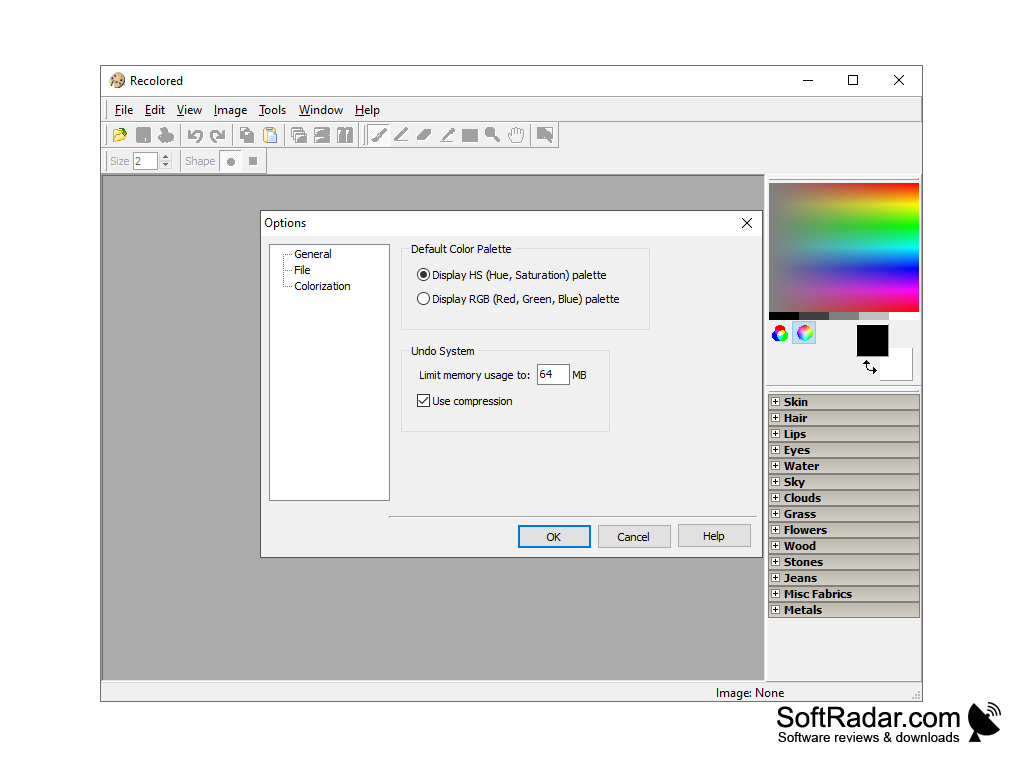
- Choose between HSL and RGB color palettes;
- a set of built-in colour presets for natural colour matching;
- Unlimited by rollback/repeat levels of operations;
- supported file formats: JPEG, PNG, BMP, RCL (custom file format);
- images can be printed out (adjustable zoom);
- Documentation is available through the built-in HTML help file;
- five built-in textbooks with step-by-step instructions.
PROS
Provides high-quality black and white colorization.
Works fast, saving time on photo editing.
CONS
Potential for inaccurate and unnatural colors in final output.
High learning curve for beginners due to complex interface design.