
Recuva
Free file recovery tool for Windows that restores accidentally deleted files from hard drives, memory cards, USB sticks and other media.
Operating system: Windows
Publisher: Piriform
Release: Recuva 1.55.133
License: Free
Antivirus check: VirusTotal report
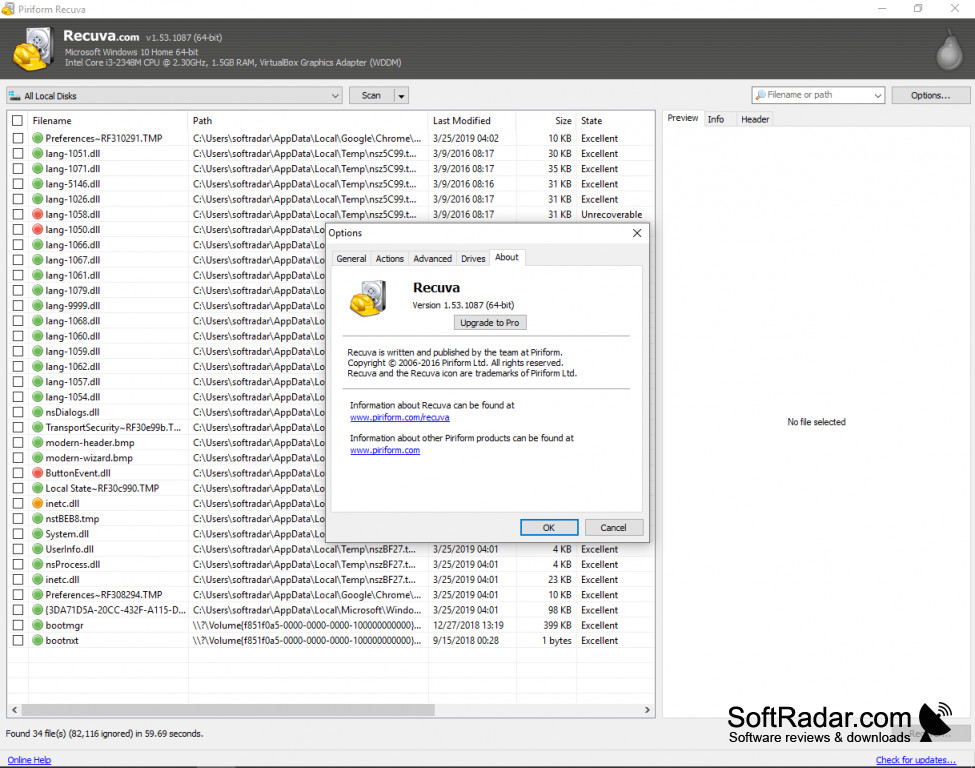
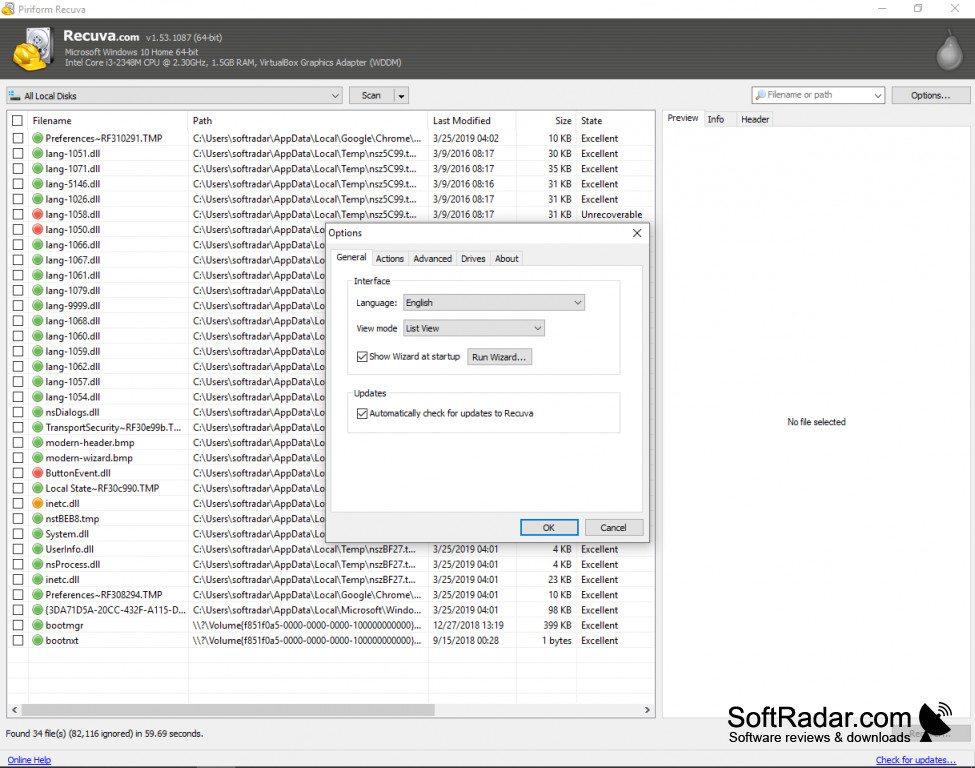

Recuva is a simple but powerful program that will allow you to recover accidentally deleted files from your computer or removable media. It is developed by Piriform, now part of the CCleaner brand, and comes as a free edition and a paid Recuva Professional edition.
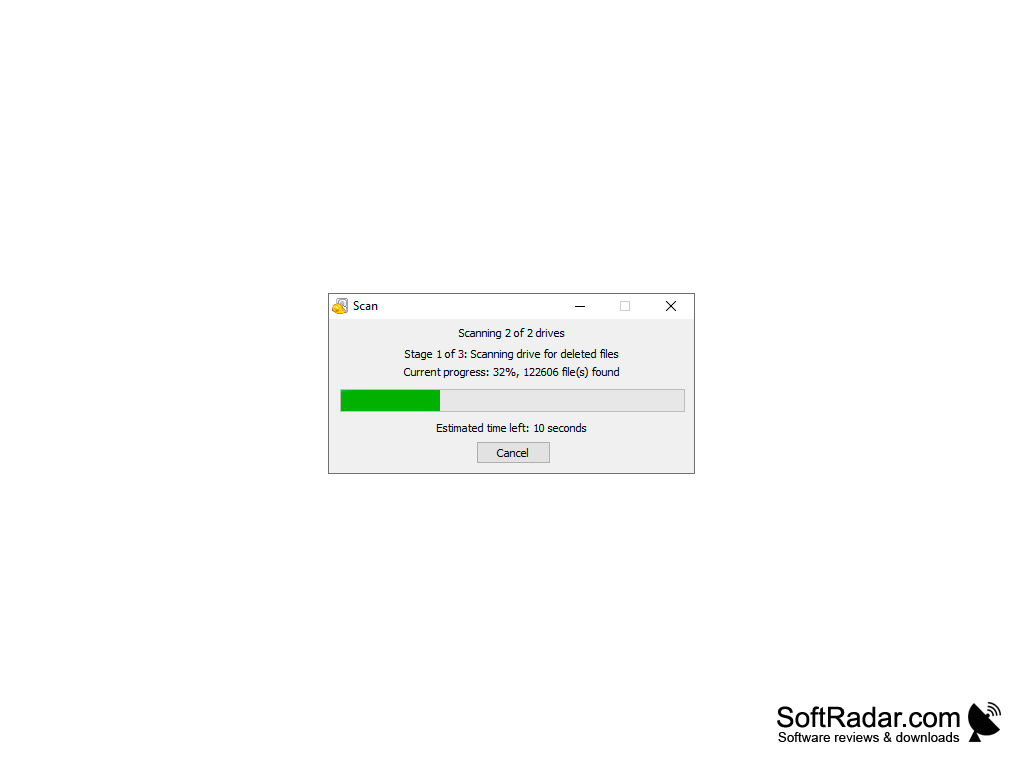
Upon starting Recuva, a wizard asks what type of file you are looking for (pictures, music, documents, video, compressed files or emails) and where it was located, and then scans the drive. A normal scan usually takes a few minutes; once it is completed, the program lists the deleted files it found together with their condition (excellent, poor, very poor or unrecoverable). If you see the file that you want to recover, you simply select it and click Recover. For the best results, restore the files to a different drive than the one you are scanning.
Recuva works just as well on memory cards, USB flash drives, external hard drives and MP3 players as it does on an internal hard disk, and it supports the FAT, exFAT and NTFS file systems used by Windows. So no matter where your deleted file was stored, Recuva can search for it. This can be a lifesaver if you have accidentally deleted the files for an important project or emptied the Recycle Bin too early.
Recuva can also recover files from damaged or newly formatted drives, where many simple undelete tools fail. For hard-to-find files there is a deep scan mode that searches the whole drive for traces of deleted files; it takes considerably longer than a normal scan. An advanced mode shows extra details for every file, such as its path, size, state and a preview of recoverable images.
Finally, if you do have a file that you want to delete securely and permanently, Recuva can help you there as well. Its secure overwrite feature uses industry- and military-standard deletion techniques to make sure that the file becomes unrecoverable.
Recuva is a useful program for a variety of situations. The free edition covers file recovery for home users, while the Professional edition adds virtual hard drive support, automatic updates and priority support.
Recuva can bring back deleted documents, photos, music, videos and emails, even from damaged or newly formatted drives.
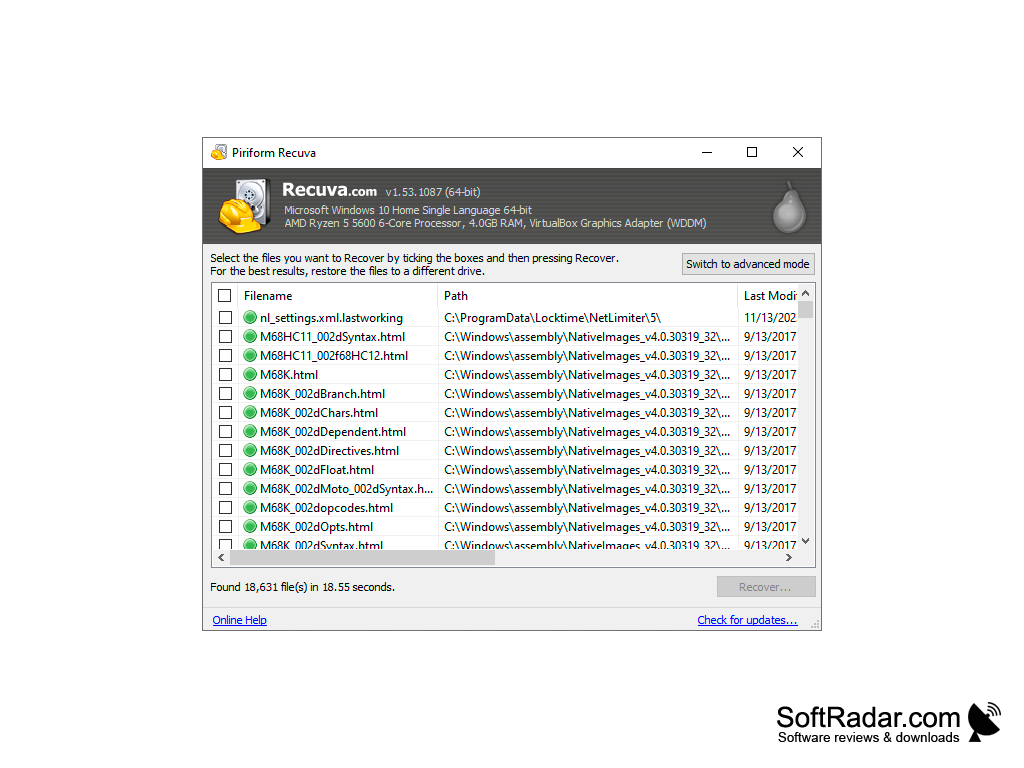
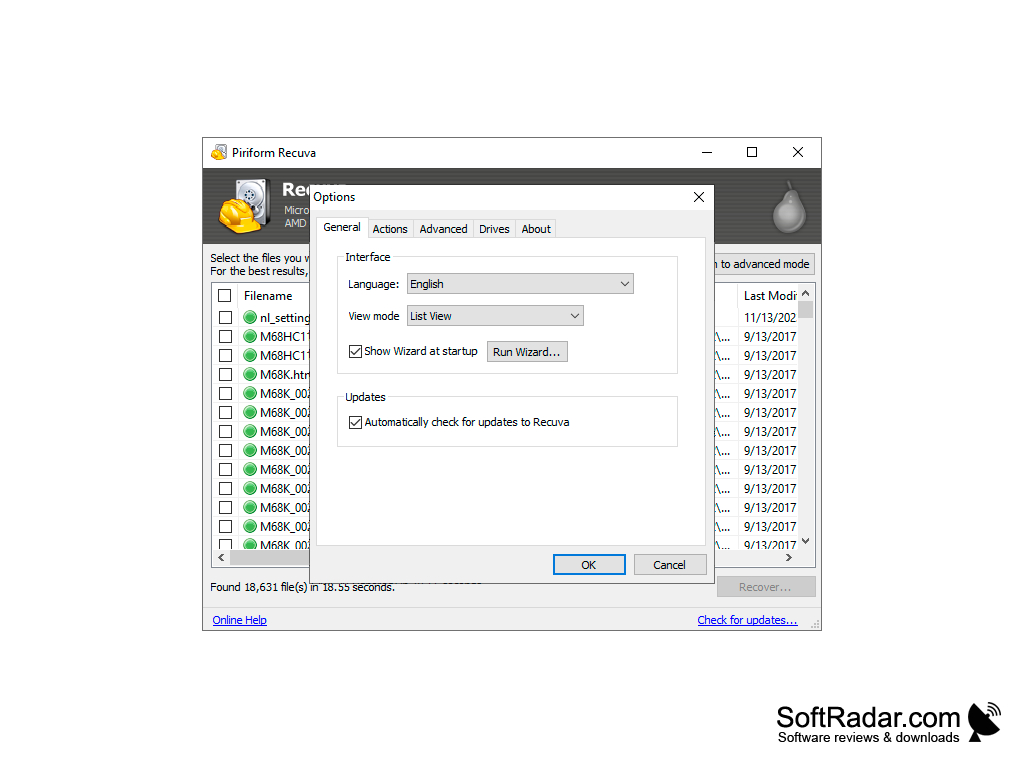
32-bit or 64-bit
PROS
Offers both quick and deep scan.
Supports FAT, exFAT and NTFS file systems.
CONS
Deep scan function can be time-consuming.
Files that were overwritten cannot be recovered.


