
WD Discovery
WD Discovery is a Western Digital desktop app for managing WD drives, importing data and installing other WD apps.
Operating system: Windows
Publisher: Western Digital
Release: WD Discovery 5.3.819
Antivirus check: VirusTotal report
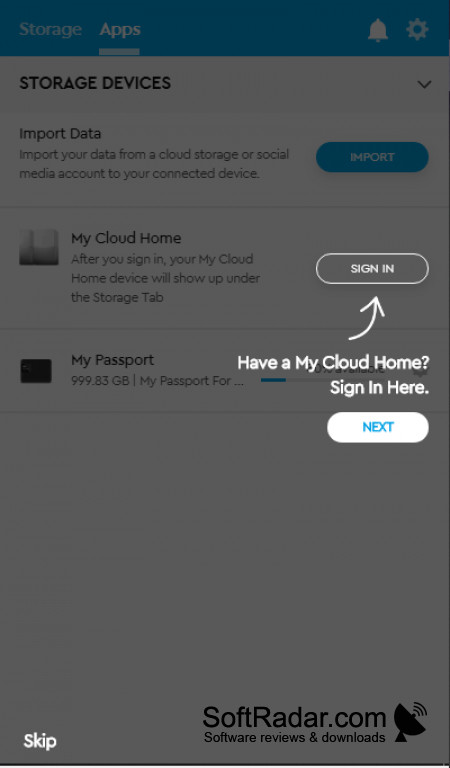

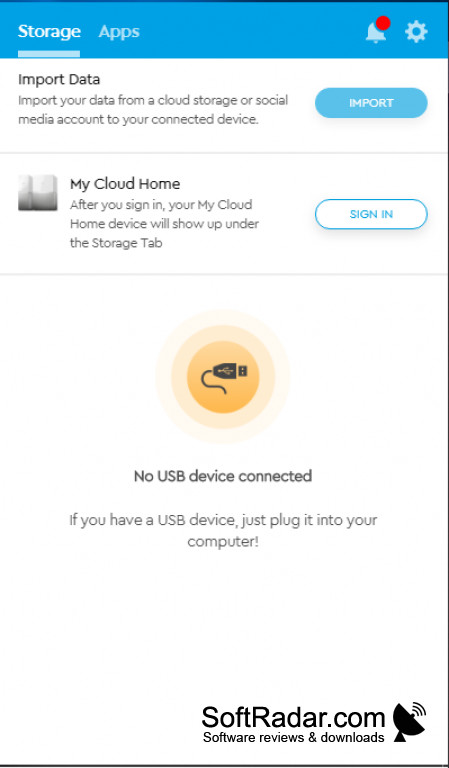
WD Discovery is the first party tool that comes packaged with Western Digital (WD) storage solutions. It serves multiple functions including drive management, data security, device registration, software updates and support, and cloud storage support. WD Discovery is unique because it offers a streamlined and first-party solution to managing WD storage devices, accessories, and storage systems.
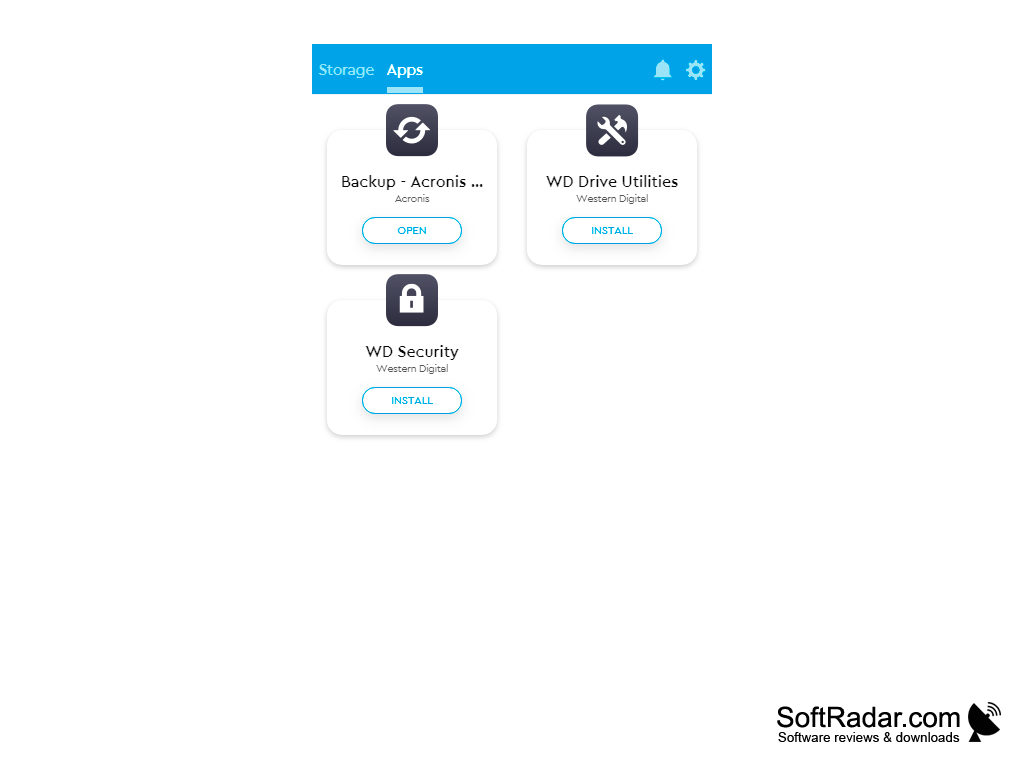
On the drive management side of the application, you can access information like capacity, free space, and the drive status. Drive settings such as RAID configuration and password protection are handled by the WD Drive Utilities and WD Security apps that WD Discovery installs and launches. You may also use WD Discovery to eject drives for safe removal.
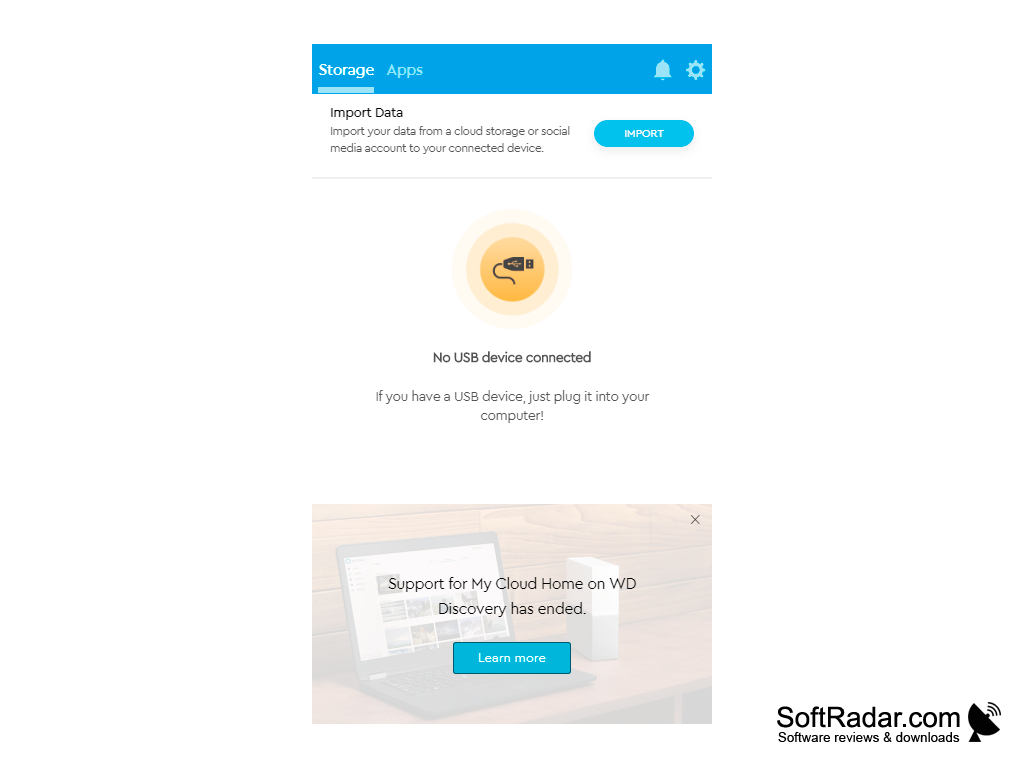
WD Discovery also has some cloud storage functionality. It used to support My Cloud Home devices for personal cloud storage, but this support has ended. WD Discovery also allows for import from cloud storage services and social media (Google Drive, Dropbox, Facebook, etc.)
The software offers updates to itself, WD devices, and affiliated applications. It also aids in registering WD drives for support and update purposes. Backup tools (earlier WD Backup, later an Acronis-based backup app), device management, and security applications may be launched with WD Discovery from its Apps tab.
It centralizes the management of many aspects of WD drives in one place and makes it easier to manage and secure local and cloud data.
Features:
- Centralizes the management of multiple WD devices and systems
- Easy access to the status of WD devices
- Offers software updates, documentation, and product registration support
- Can import data from cloud storage services - like Dropbox or Google Drive - or social media
- Can be used to secure drive access with a password through WD Security
- Offers installed applications that address backup, drive utilities, and security
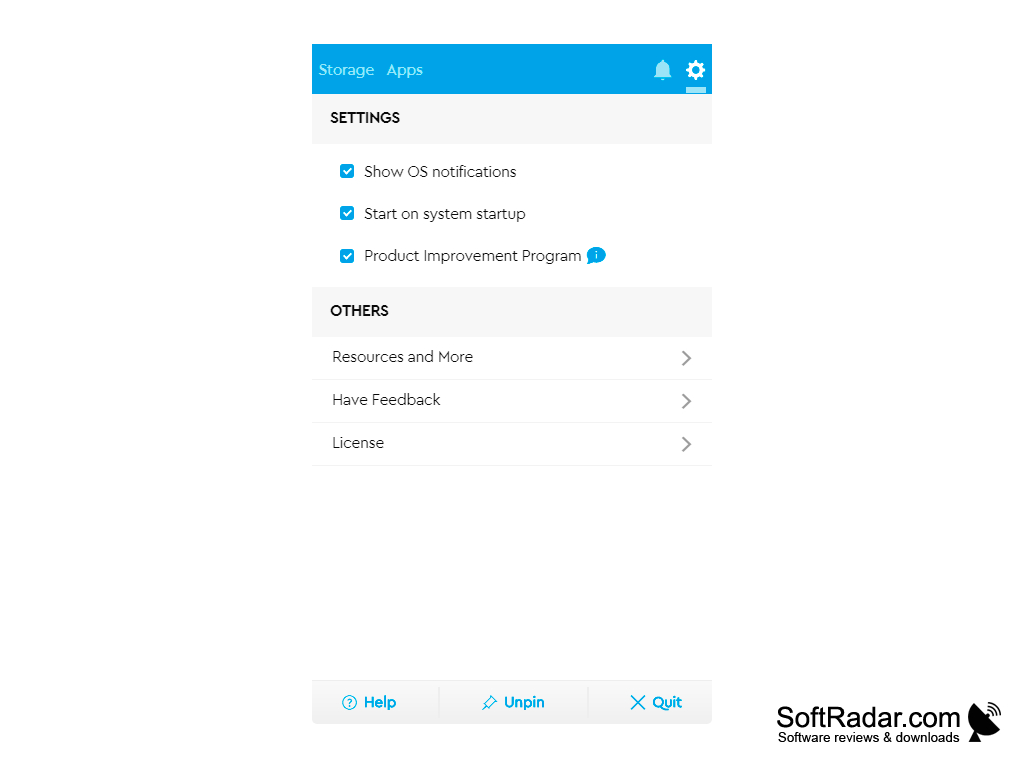
- Can start with Windows and show notifications about connected drives
WD Discovery offered a streamlined way to access a wide range of functionality of WD products. Western Digital stopped updates and support for WD Discovery after July 31, 2025; installed copies can still be used but may stop working after future Windows changes, and the SanDisk app replaces it for some newer drives. It may still be useful for those who have older WD devices.
A Western Digital storage device
PROS
Installs and updates other WD apps from one place.
Gives access to drive password protection via WD Security.
CONS
May consume a lot of system resources.
No longer updated or supported by Western Digital.


