Roblox Injector
Roblox Injector is a small free Windows tool that injects a user-selected DLL file into the running Roblox game process.
Roblox Injector is a small free utility for Windows that injects DLL files into running processes, primarily into the Roblox game client. It was distributed as version 1.2 on the Pro Injector website, which also offered a general DLL Injector and Extreme Injector. The program does not contain any scripts or cheats of its own: the user selects a DLL file, for example a script executor made by a third party, and the injector loads it into the memory of the chosen process. This technique, called DLL injection, lets the code in the library run inside the game as if it were part of it.
Features:
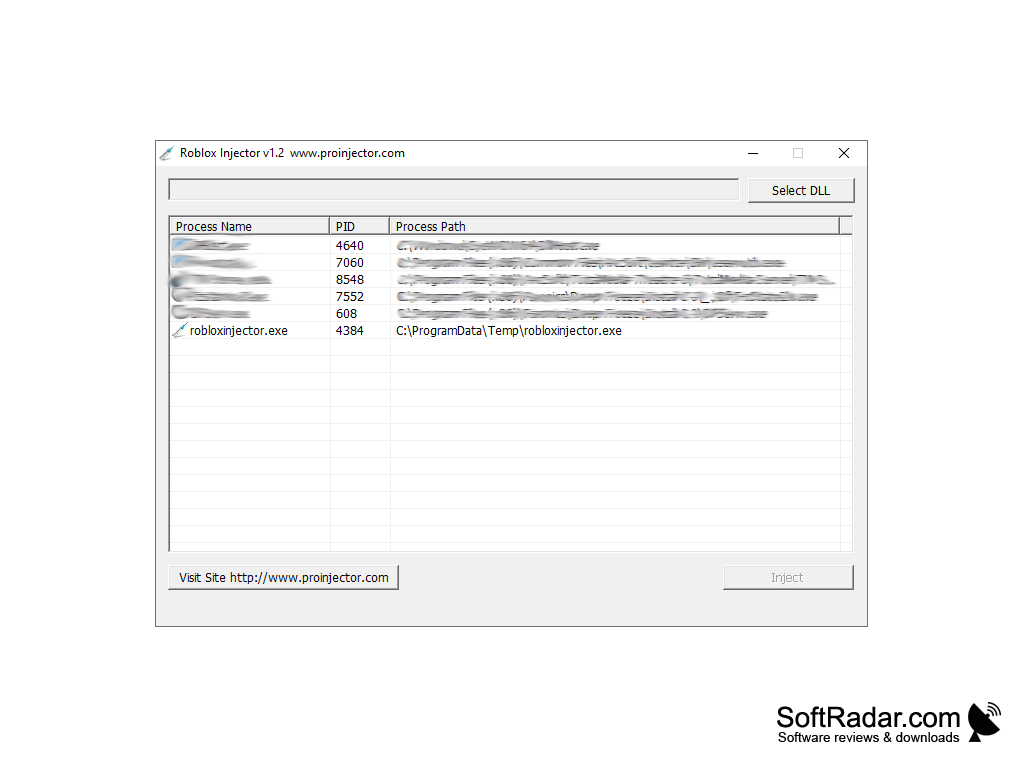
• Process list: Roblox Injector shows the running processes in a table with the process name, process ID (PID) and the full path to the executable file.
Roblox Injector loads a chosen DLL file into the Roblox process in one click, without any installation.
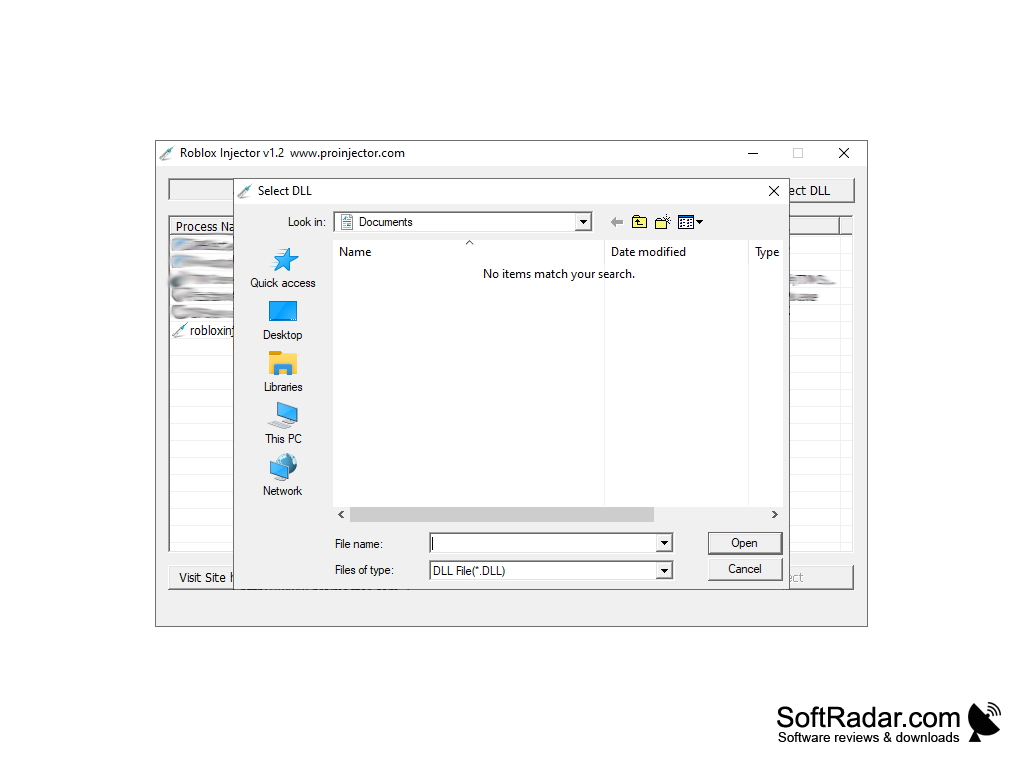
• DLL selection: the Select DLL button opens a standard Windows file dialog filtered to DLL files, so the user can pick the library to be injected.
• One-click injection: after a process and a DLL file are selected, the Inject button loads the library into the target process.
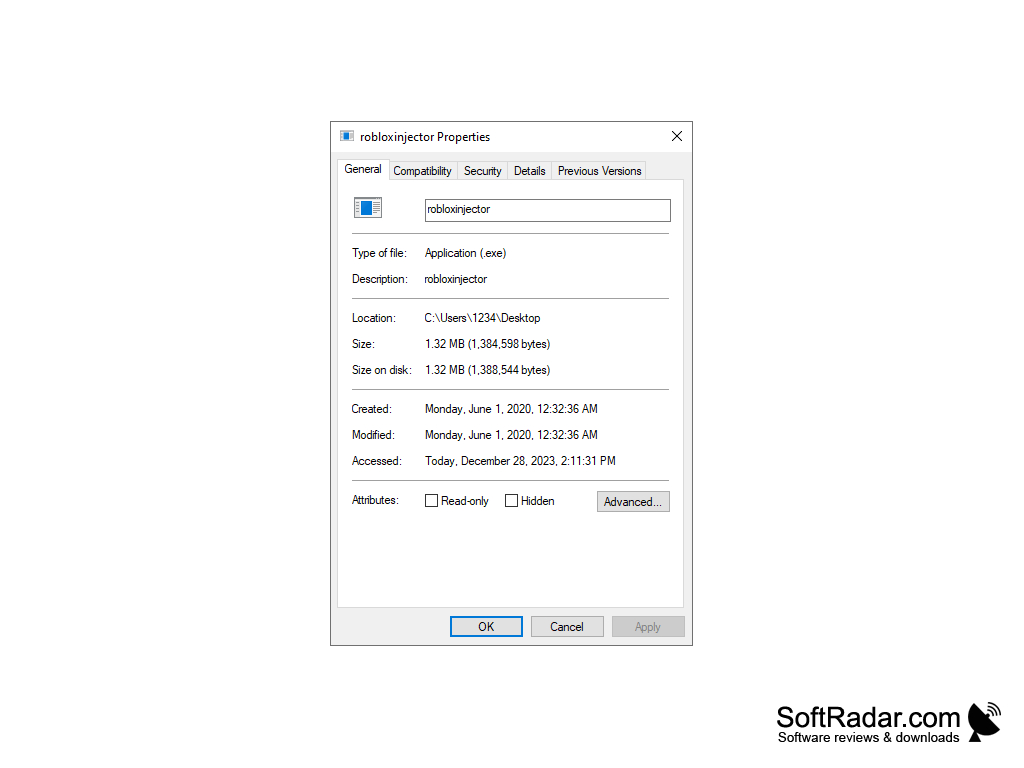
• Portable: the program runs from a single executable file of about 1.3 MB and does not need to be installed.
• Simple interface: the whole program consists of one small window with the process list, the DLL path field and a few buttons, including a link to the developer's website. The window title shows the program version and the address of the developer's site.
• Free: the tool was offered free of charge, and the developer asked users for voluntary donations.
• Windows only: the injector works with Windows processes; there are no versions for Mac, Linux or mobile devices.
• Status: the program is no longer developed, and the original Pro Injector website no longer offers it.
Roblox Injector should be used with care. Injecting third-party code into the Roblox client violates the Roblox Terms of Use and can lead to a permanent account ban, and DLL files downloaded from unknown sources often contain malware. Antivirus programs may also flag injectors, because the same technique is used by malicious software. In addition, the current Roblox client for Windows has used the Hyperion anti-tamper system since 2023, so old injectors of this kind generally do not work with it any more. Players who want to add their own scripts to games in a legitimate way should use Roblox Studio, the official free development environment, where game scripts are written in the Luau language.
Roblox desktop client
A DLL file to inject
PROS
Portable, runs without installation.
Free of charge to download and use.
CONS
Potential exposure to malware or other security threats.
Does not work with the current protected Roblox client.


