RWEverything
Allows for accessing hardware manually
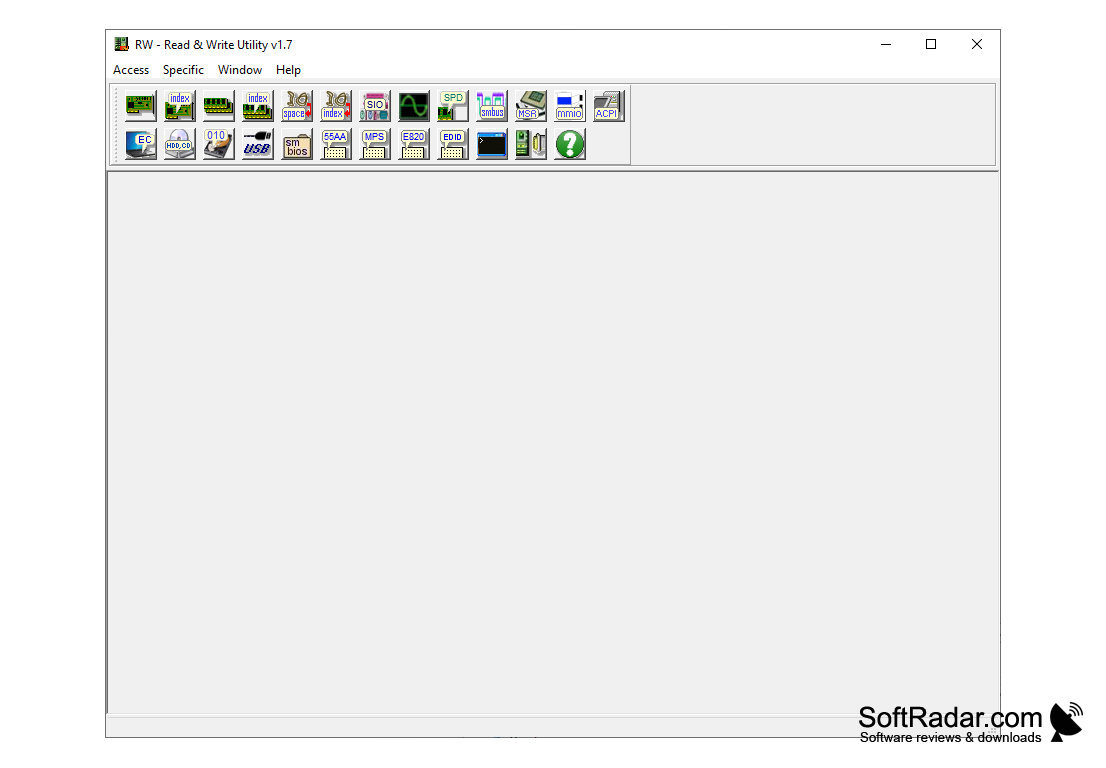
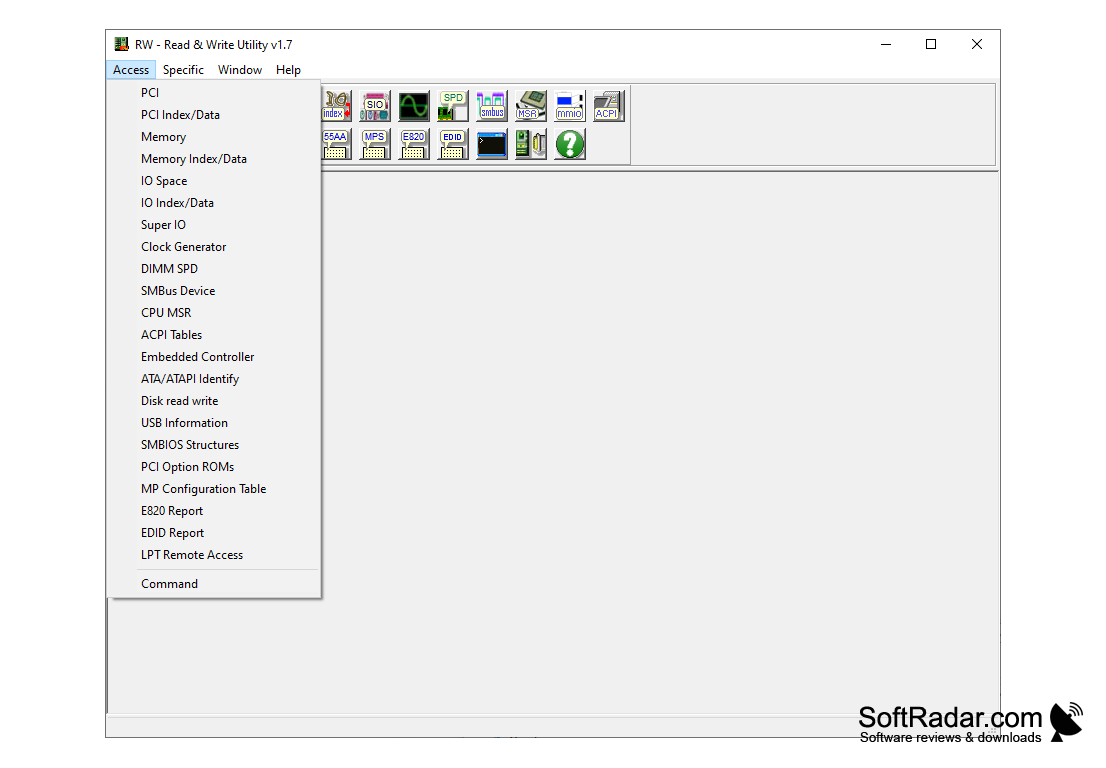

RWEverything is a small utility designed to provide service access to a variety of system equipment. The list of the latter includes: PCI Index/Data, PCI (PCI Express), Index/Data, I/O Index/Data, I/O Space, Clock Generator, SMBus Device, DIMM SPD, Super I/O, CPU MSR, Disk Read Write, ATA/ATAPI Identify, Embedded Controller, PCI ROM, MP Configuration Table options, ACPI, EDID, and E820 table dumps. In addition, the program allows you to select the remote access parameters and can work in the command line mode.
Usually this program is used by software developers, BIOS firmware developers, QA department employees, testers and other specialists. But there are several functions in RWEverything that can be useful for ordinary users. For example, with the help of this program you can retrieve the Windows key "sewn" in the BIOS. With this key you can, for example, legally upgrade from Windows 8 to Windows 8.1. It also displays other information about the system and components that can be useful in everyday use.
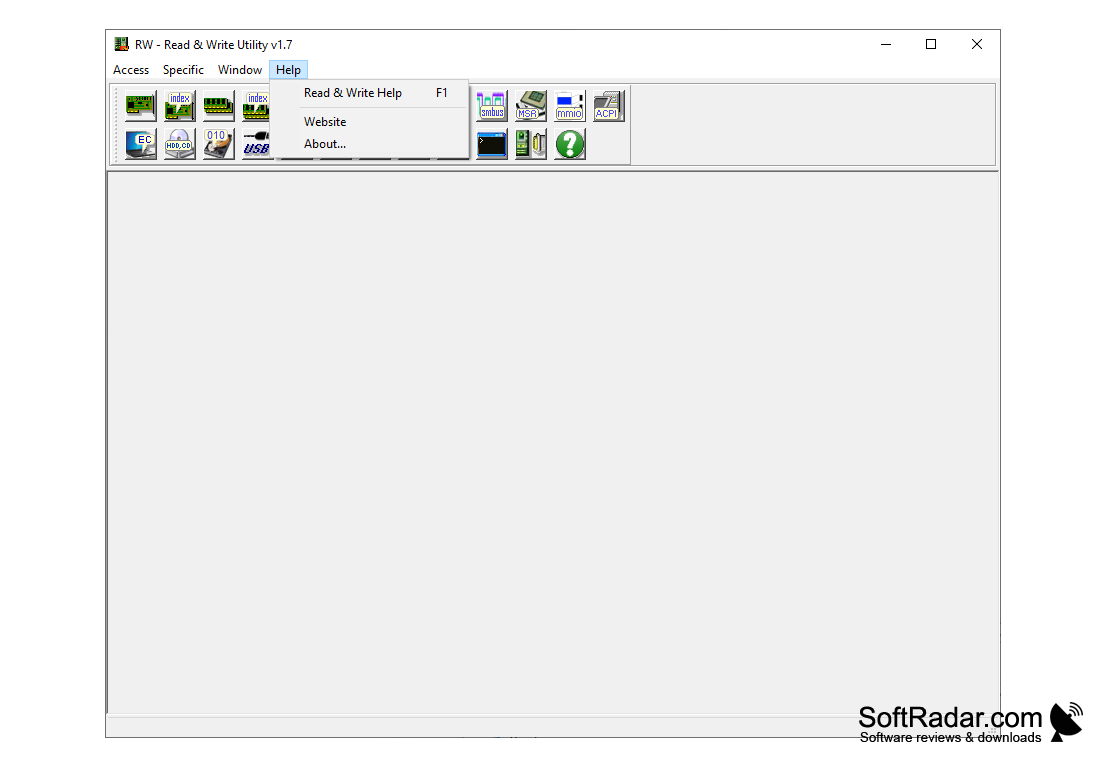
The graphic shell of RWEverything consists of a main window with a toolbar and windows with technical data that open inside this main window. The program is distributed absolutely free in the form of usual and portable versions for 32-bit and 64-bit Windows systems. To run the latest versions of the "operating system" from Microsoft, the program requires the user to have administrator rights.
RWEverything provides comprehensive system information, which is beneficial for software developers and ordinary users for troubleshooting and system upgrades.
- serves to provide service access to system equipment;
- can be used to retrieve the Windows key "stitched" in the BIOS;
- is intended for testers, as well as developers of drivers and BIOS firmware;
- is distributed as a regular and portable version;
- is completely free.
PROS
Supports various formats for data export.
It's lightweight and doesn't consume much system resources.
CONS
Lacks user-friendly interface and intuitive design.
Limited customer support and guidance for troubleshooting.