
S Note
An application which allows you to efficiently create, edit and manage notes
S-Note is a note manager who can synchronize with the Samsung Galaxy Note series and also helps to download data from EverNote.
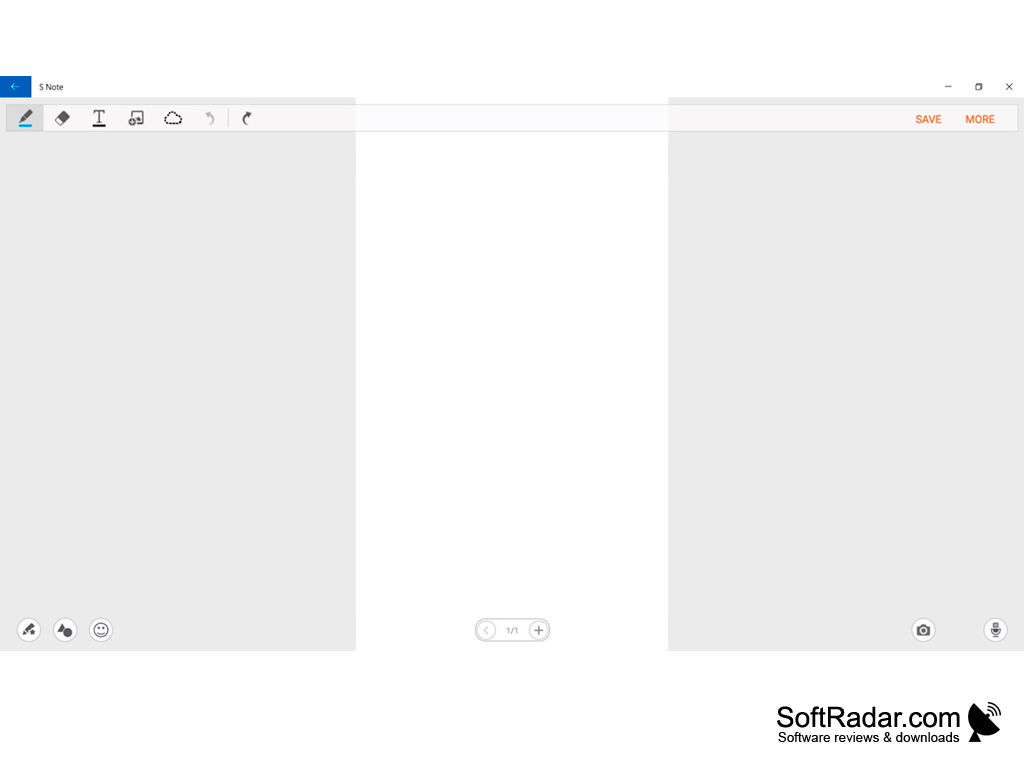
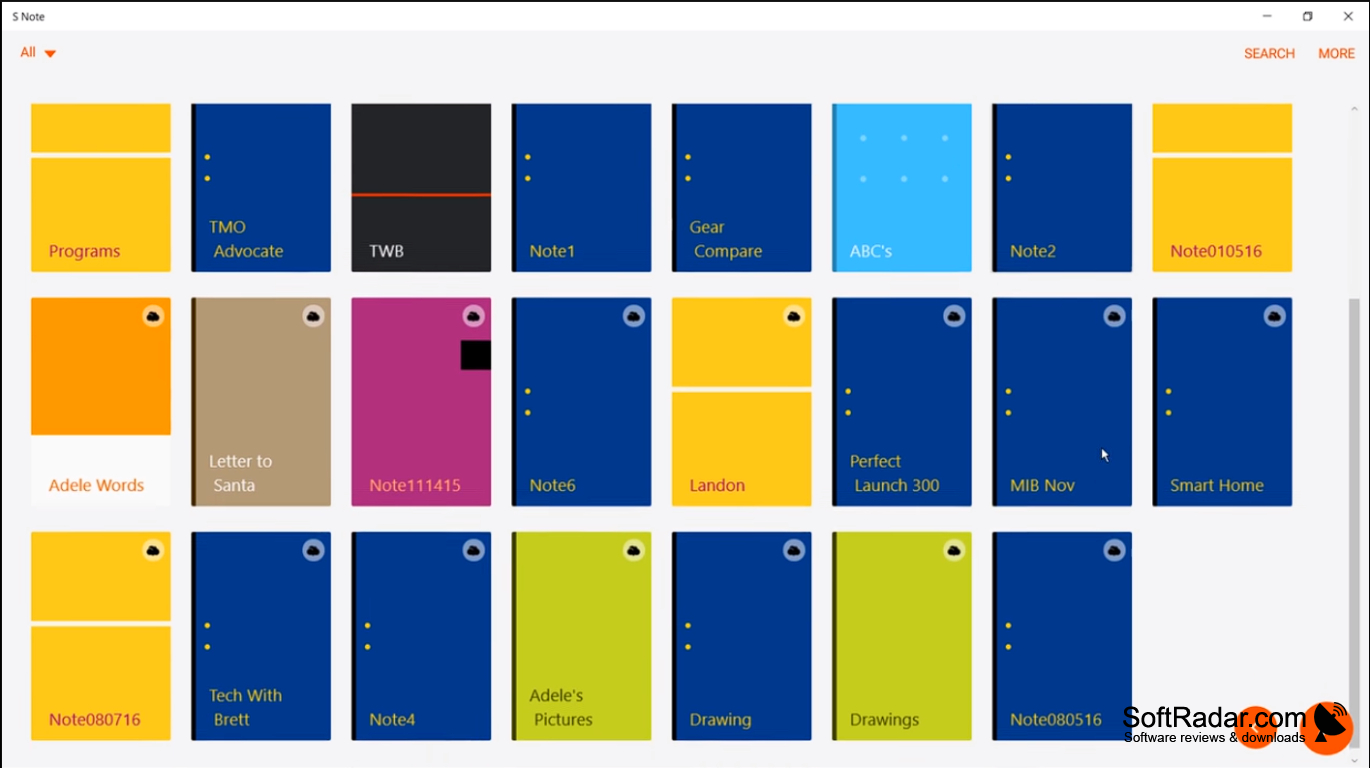
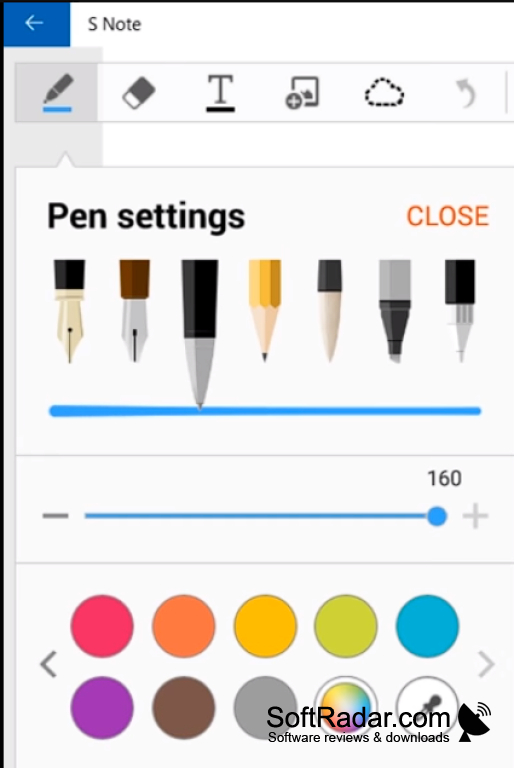
All notes created or uploaded to S-Note have a visual presentation in the form of tablets and are sorted into categories that can be changed or new ones created if necessary. Also for easy navigation there is an advanced search and tagging support. All the changes are made in a special editor in which the creation of notes is something similar to the creation of presentations in the corresponding programs. You can add photos, text, draw lines, and there are several tools in the editor, such as a pencil, brush, calligraphy brush, and so on. Rectangular and random selection tools and the ability to remove small artifacts are also available to the user.
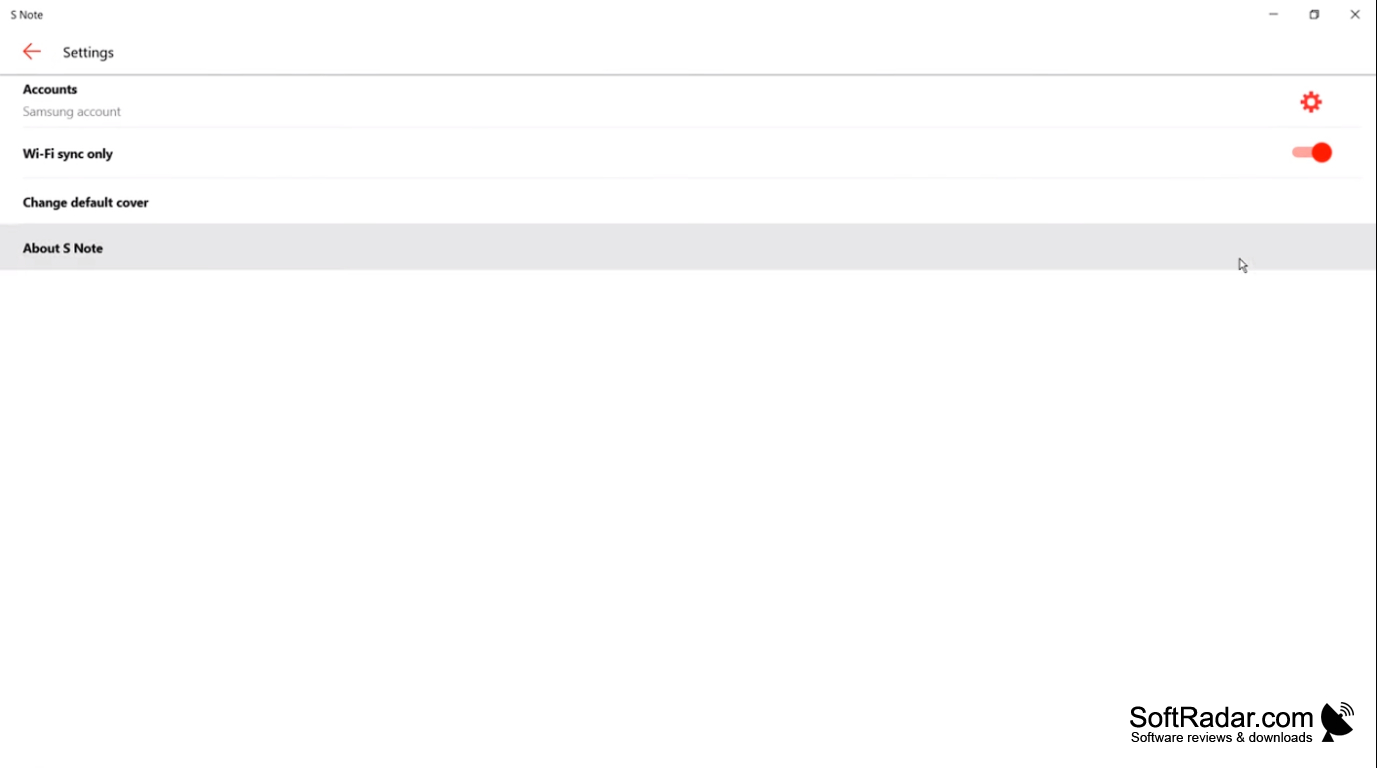
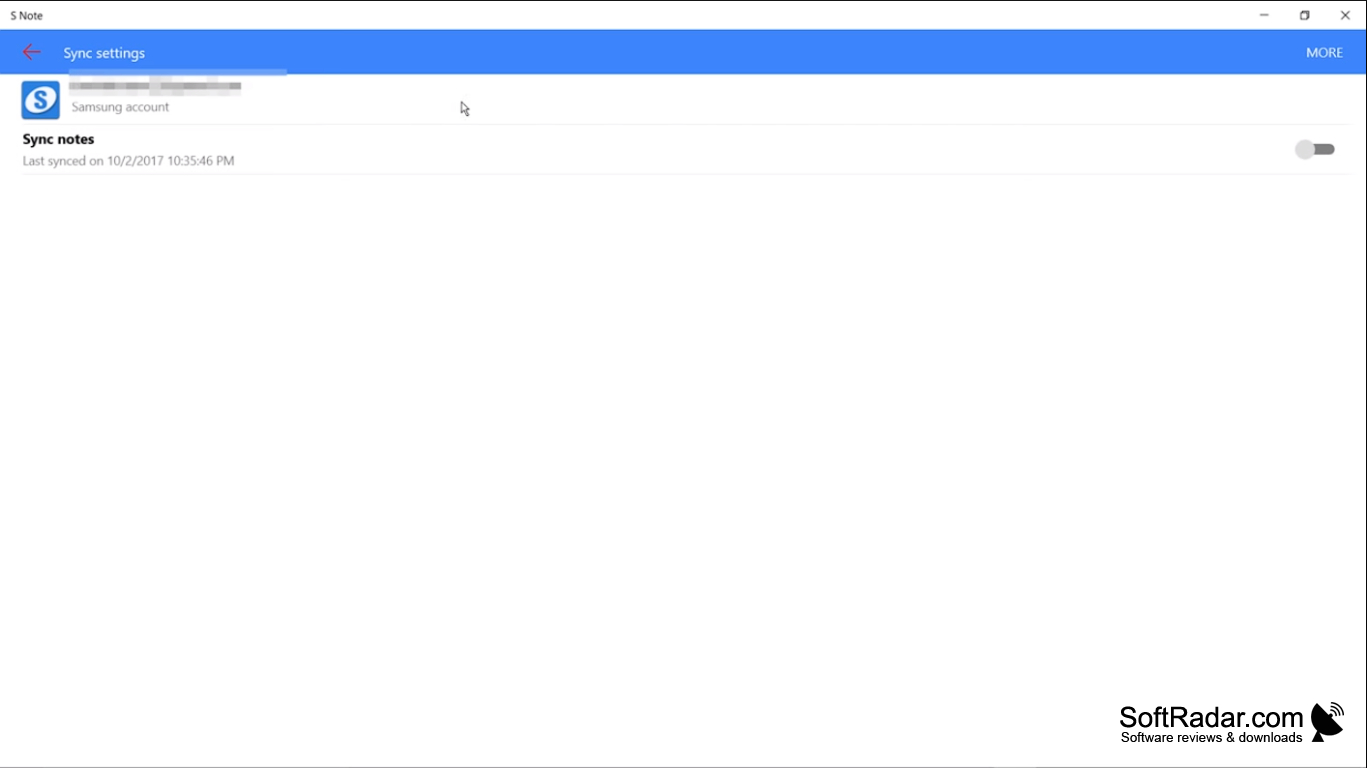
All changes will be available on your phone as soon as the files are updated. It is possible to automatically or manually synchronize notes, and you can also save them in your own SPD format or export them to JPEG and PDF images.
S-Note allows seamless synchronization of notes across devices with advanced editing options, providing visually organized, easily searchable content.
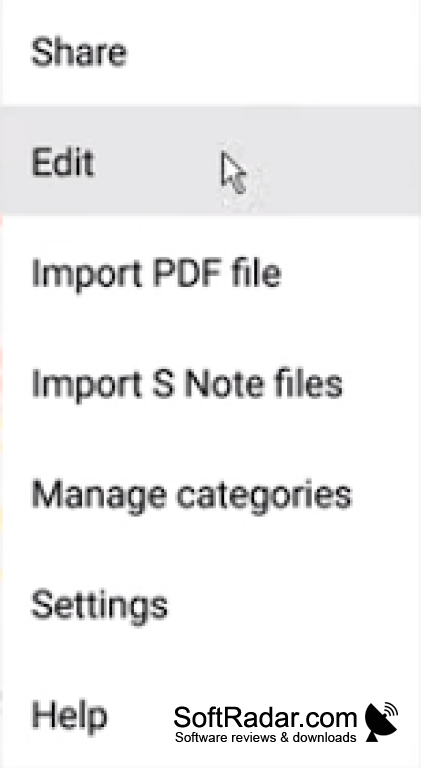
- synchronize notes and support EverNote;
- convenient note cataloguing;
- Export to JPG and PDF;
- a simple interface.
PROS
Offers handwriting recognition for easy transcription.
Syncs notes across multiple devices.
CONS
Requires time to learn and navigate.
No cross-platform availability, restricted to Samsung devices.