
ScanScore
ScanScore is a digital music scanning software that turns printed sheet music into editable notation.
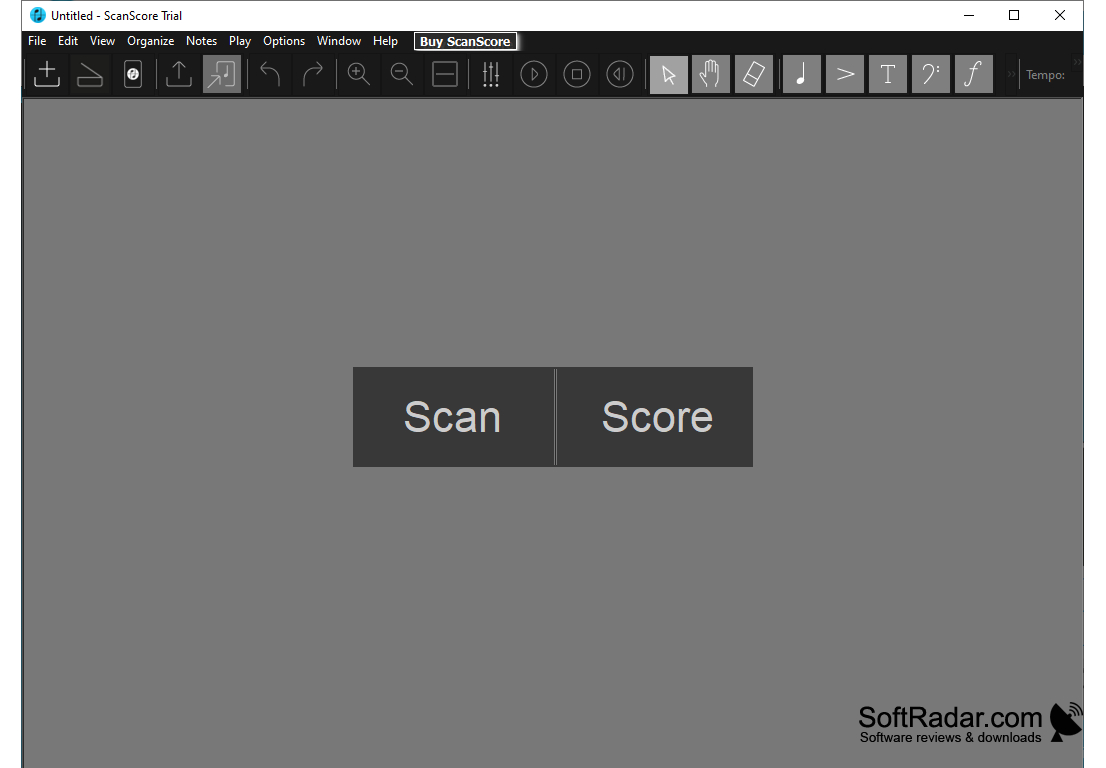
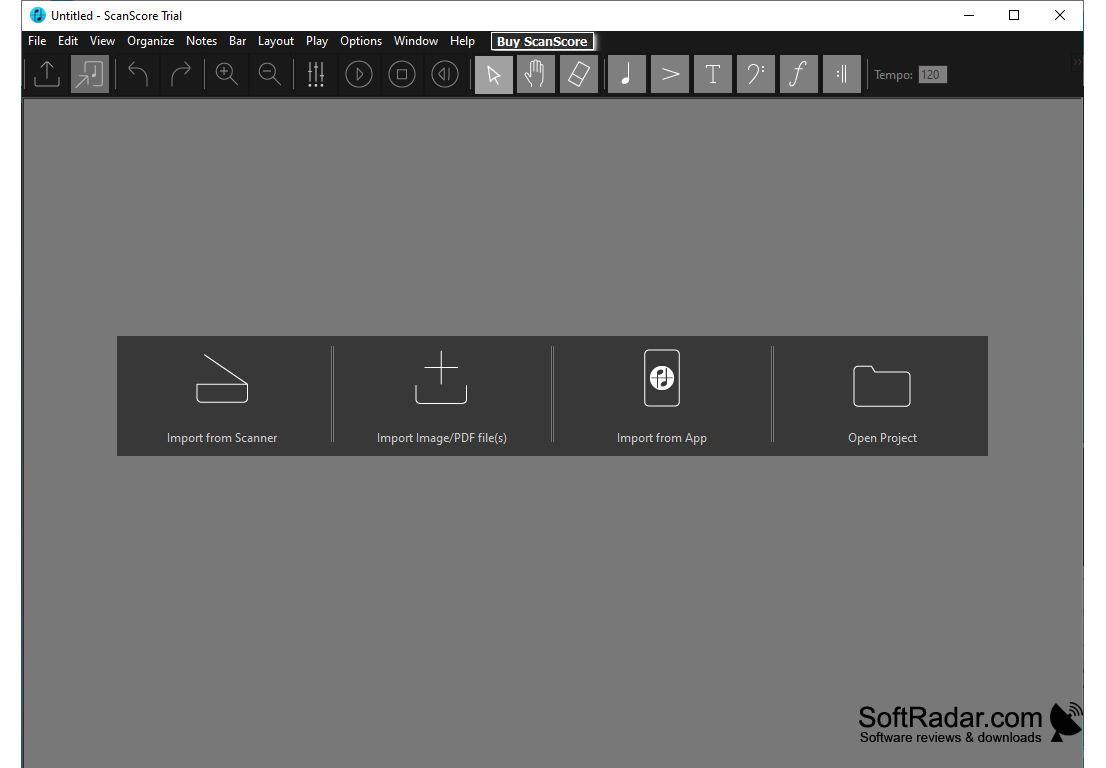
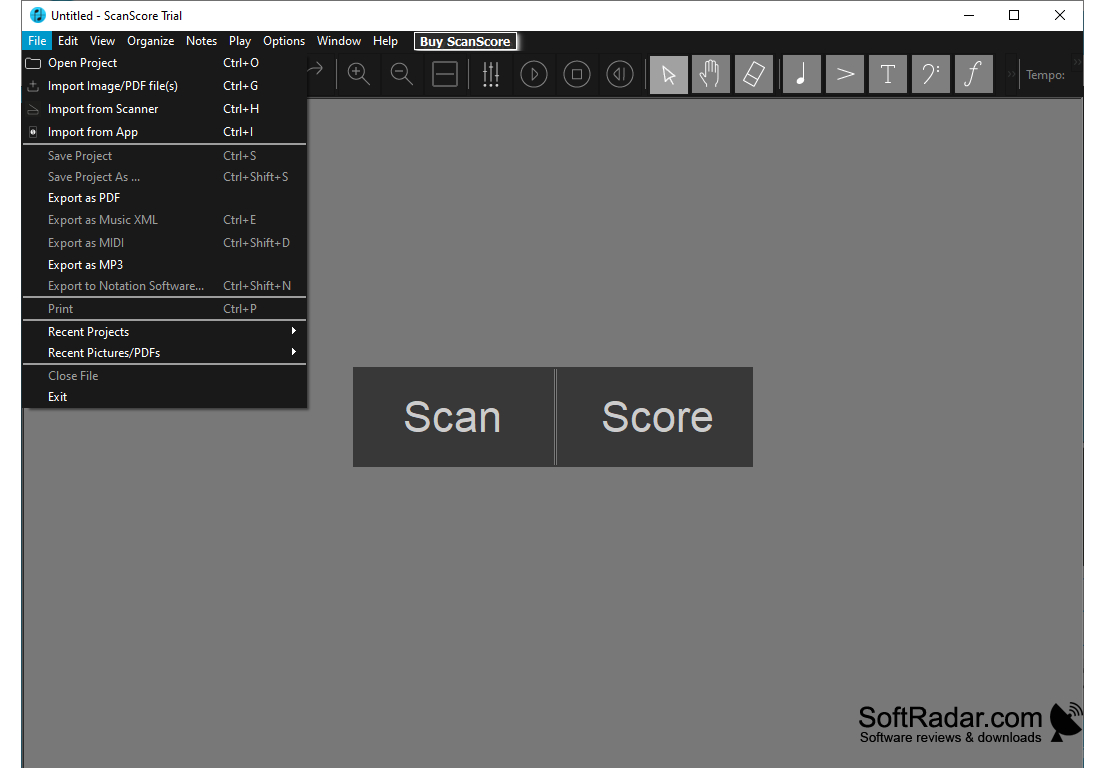
ScanScore is a music scanning and recognition program for musicians, arrangers, and educators. It converts scanned or photographed sheet music and PDF files into editable notation that can be corrected, played back, transposed and exported to other notation programs. It is a practical tool for learning and preparing music for performance, and it runs on Windows and macOS.
ScanScore provides an easy and accurate way to scan and transcribe sheet music into a digital format.
Features:
• Automatic Music Recognition: ScanScore recognizes notes, rests, lyrics and chord symbols in your scanned images and PDF files and converts them into editable notation. You can import from a scanner, from image or PDF files, or from the ScanScore Capture smartphone app.
• Transpose and Adjust Music: Transpose the whole score, single staves or selected notes to another key, and adjust the tempo, key signature, time signature, and more.
• Correct and Arrange: Fix recognition errors and edit all musical elements, then rearrange staves and add instruments to create your own arrangements.
• Export Music Files: Export your music in various formats, including MusicXML, MIDI, PDF and MP3 audio.
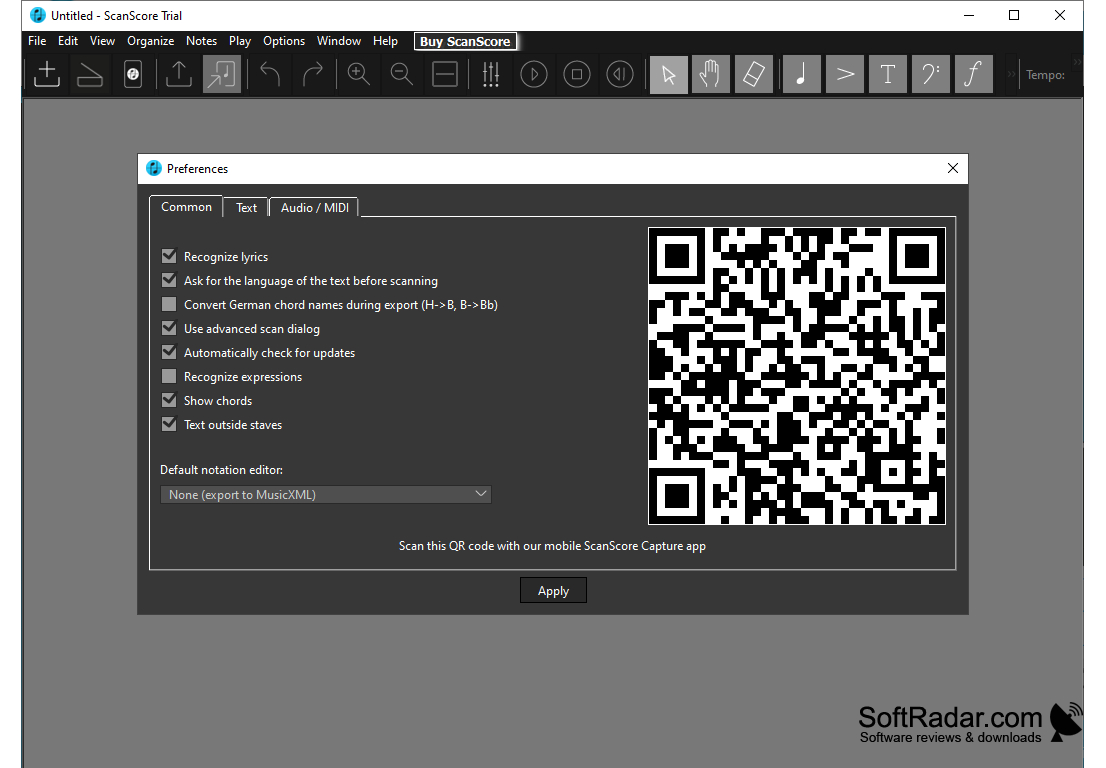
• Notation Software Compatibility: MusicXML files open in MuseScore, Dorico, Sibelius, Finale, Notion, Capella, FORTE and other notation programs, and a default notation editor can be set in the preferences.
• Note Input Tools: A toolbar with note, articulation, text, clef and dynamics tools lets you enter missing symbols by hand.
• Lyrics and Chords: Lyrics and chord symbols are recognized even outside the staff, and German chord names can be converted during export.
• Playback Control: Play the recognized score back to check it by ear, with the tempo set in the toolbar.
• Scan Editions: The Melody edition reads one staff per system, Ensemble up to four staves and Professional an unlimited number of staves.
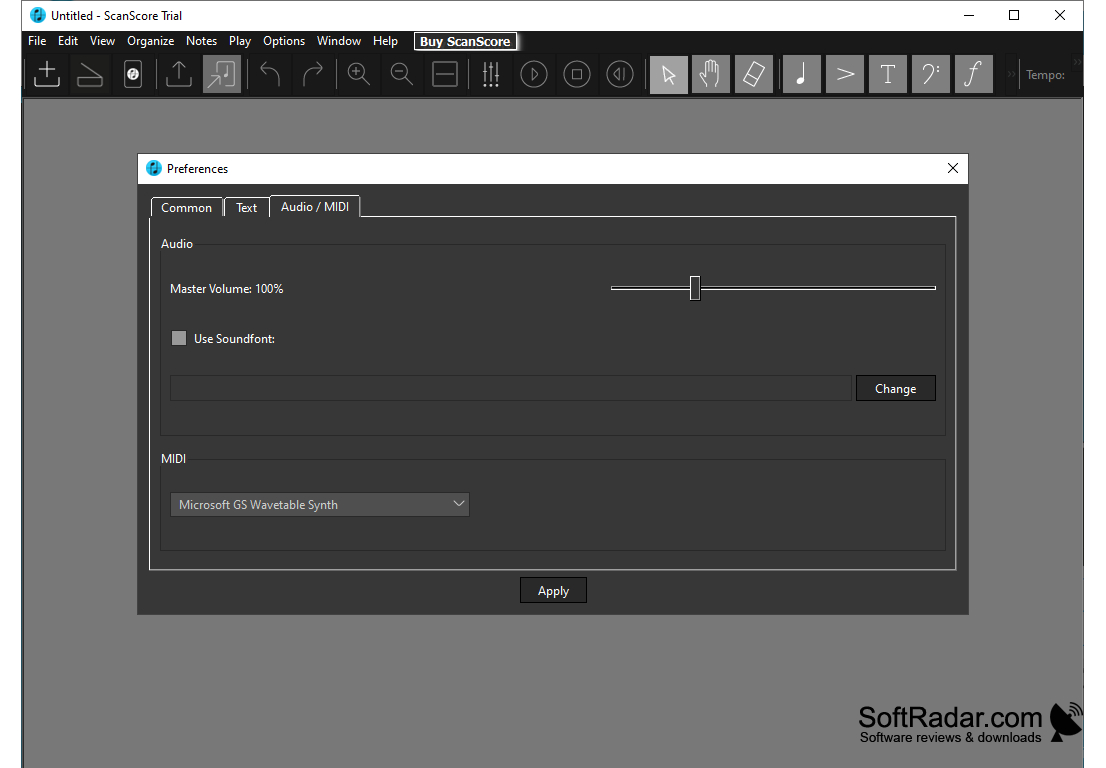
• Audio and MIDI Settings: Set the master volume, load your own SoundFont and choose the MIDI output device for playback.
• Notation Editor: The notation editor allows you to add dynamics, accents and other symbols to your music.
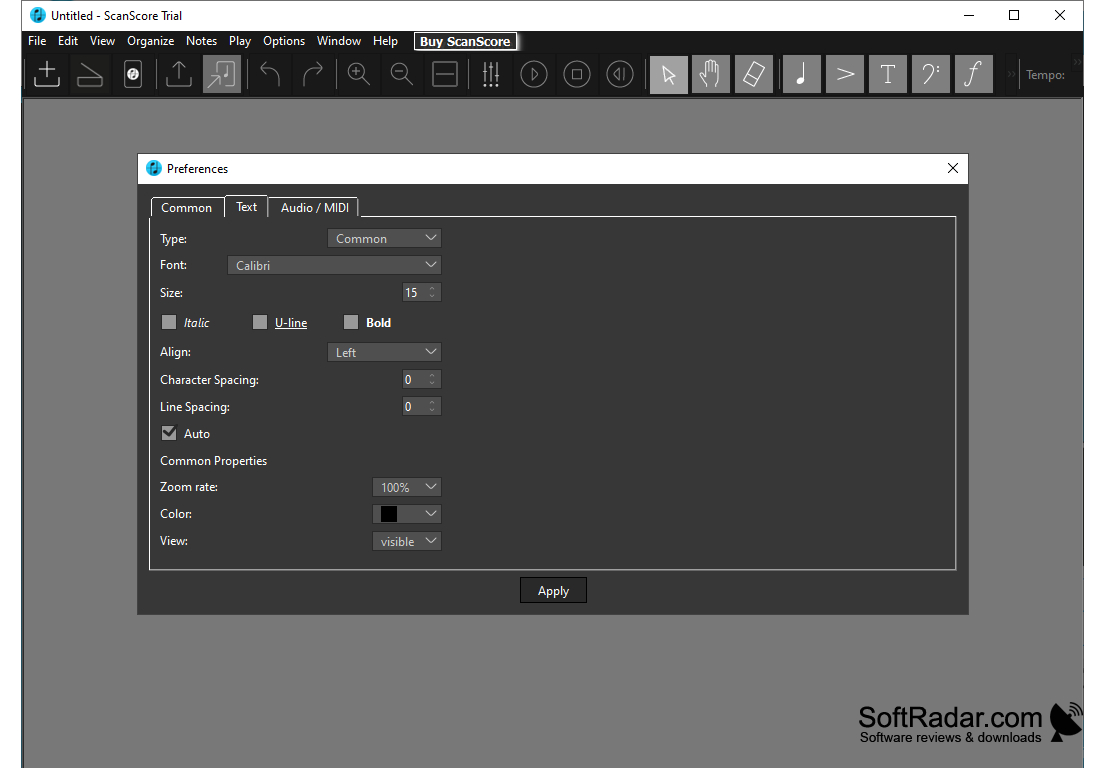
• Text Formatting: Fonts, sizes, alignment and spacing of text elements can be adjusted in the preferences.
• Advanced Score Mode: ScanScore also lets you rearrange complete scores, add instruments and adjust the layout of bars.
ScanScore is a useful tool for musicians, arrangers, and educators who need printed music in digital form. Whether you're digitizing a simple melody or a full ensemble score, the recognized notes can be checked, corrected and passed on to your notation software. It is sold as one-year licences in the Melody, Ensemble and Professional editions, and a free trial lets you test recognition with limited export and playback. The program runs on Windows 8 or later and on macOS.
A scanner or smartphone to capture printed music
PROS
Supports scanning printed and digital sheet music.
Easy to use interface with helpful features.
CONS
Licences are sold as yearly subscriptions only.
Requires high-quality original sheet for best results.