
SiSoftware Sandra Lite 2020
Effective system benchmark and analyser used
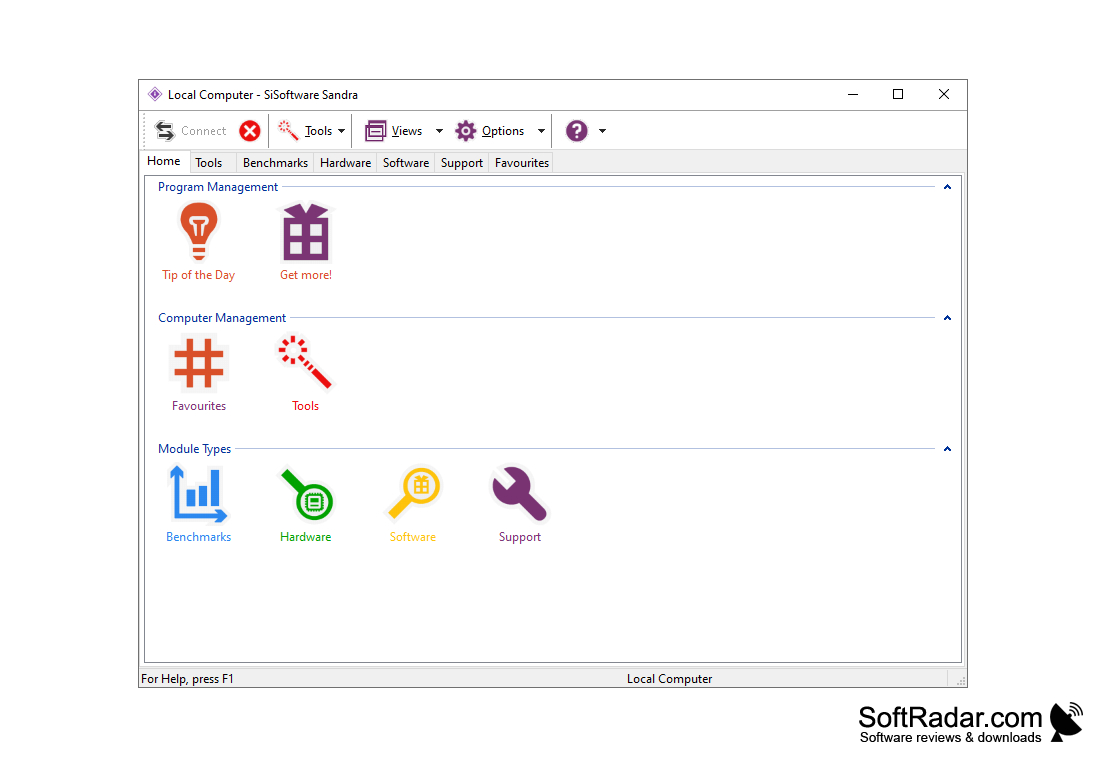
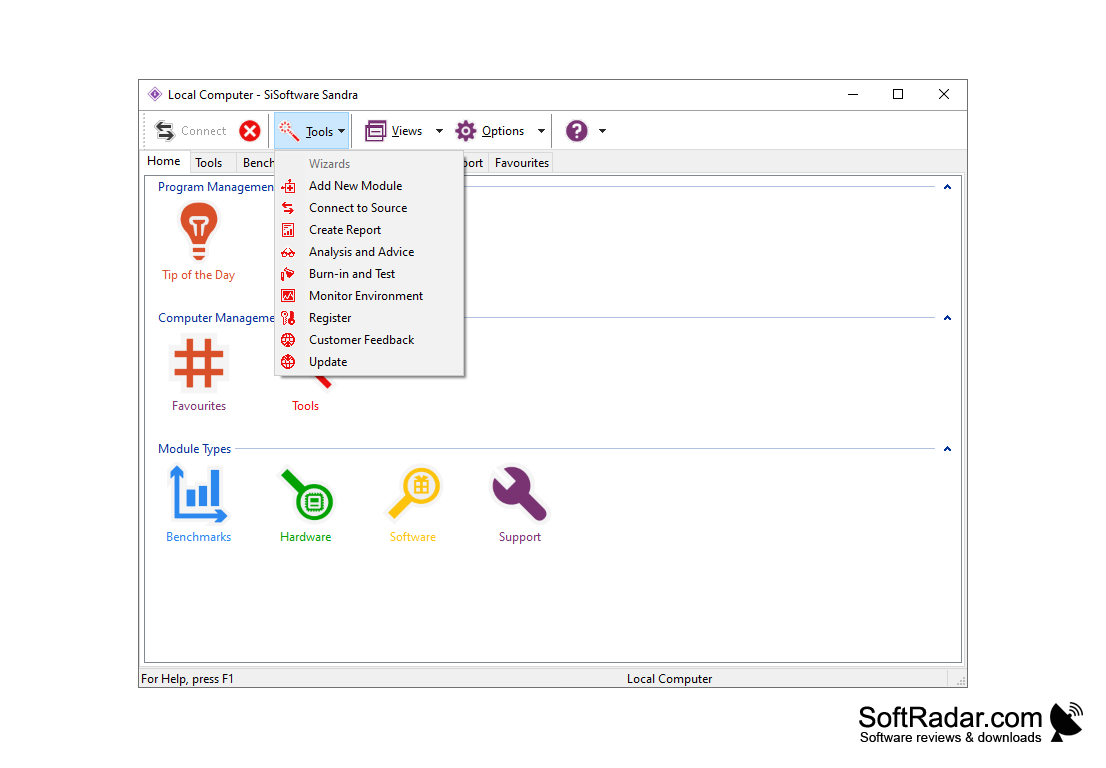
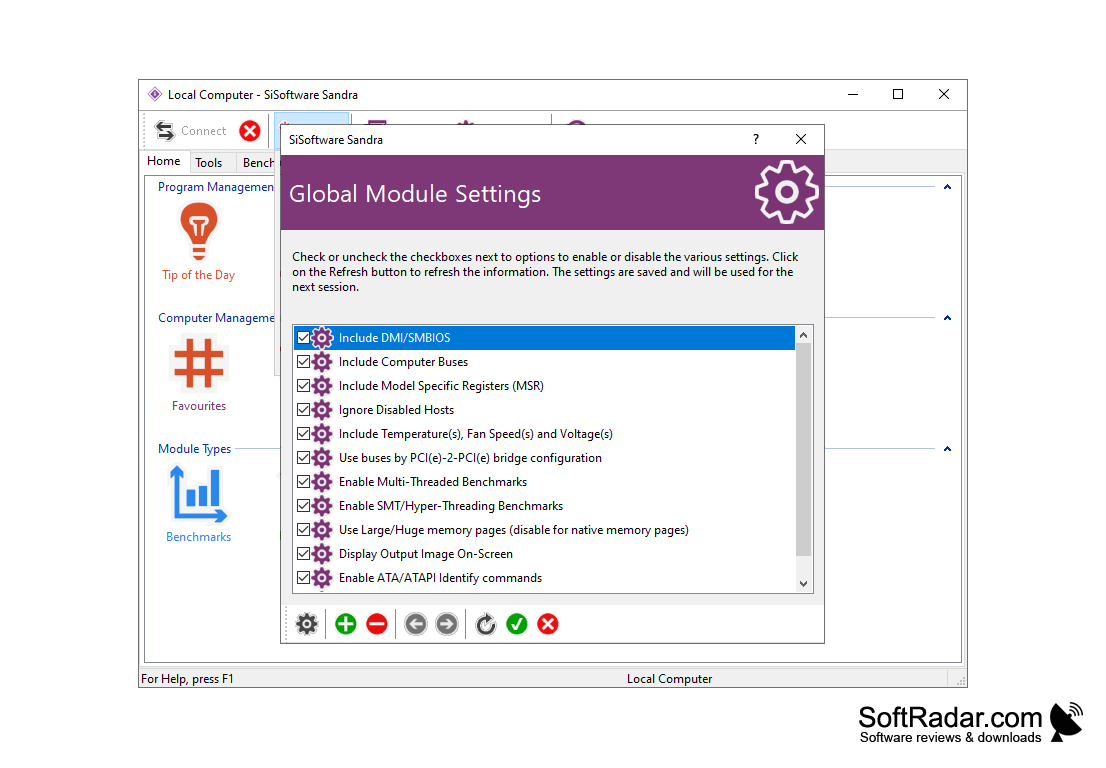
SiSoftware Sandra provides a wealth of information you need to know about your computer's components (including undocumented ones), software and other components.
The utility works in the same way as other utilities to get information about the system, but it is the utility that shows the most detailed information. It provides information about the CPU, chipset, video adapter, ports, connected external devices and printers, system memory, network, AGP, PCI, PCIe slots, ODBC, USB2, 1394/Firewire connections, and much, much more.
The programme is continuously being developed, and improvements to each new version are limited to the implementation of the following four points:
SiSoftware Sandra Lite 2020 provides detailed and comprehensive insights into your computer's components and software, enhancing your understanding and control of the system.
SiSoftware Sandra includes the latest analysis and benchmarking technologies;
Increase in the number of supported software and hardware;
Improve and simplify the user interface for more efficient work with the program;
Add new features and fill gaps in current implementations to better meet user needs.
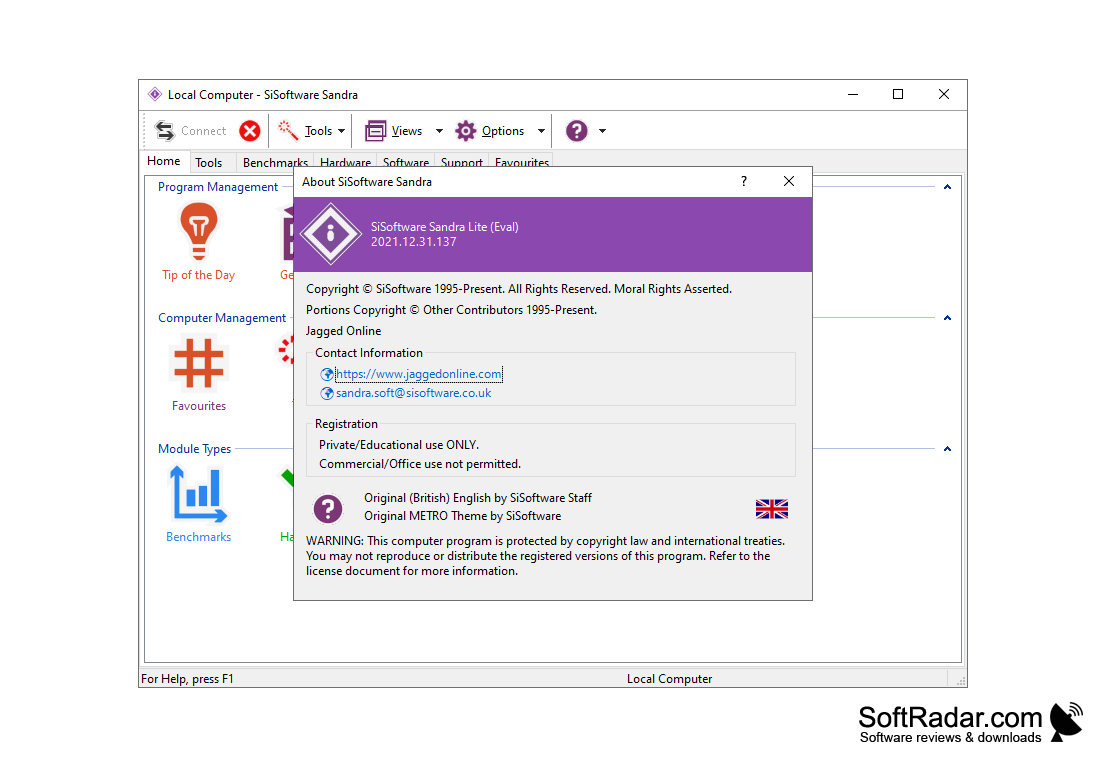
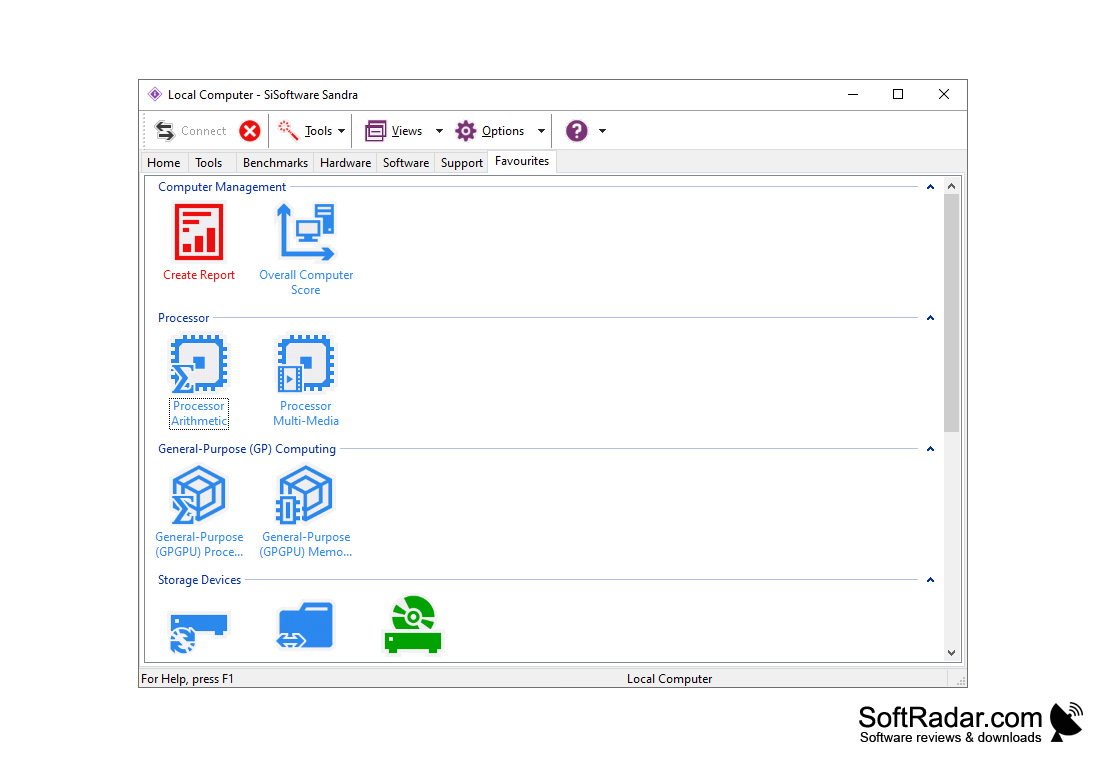
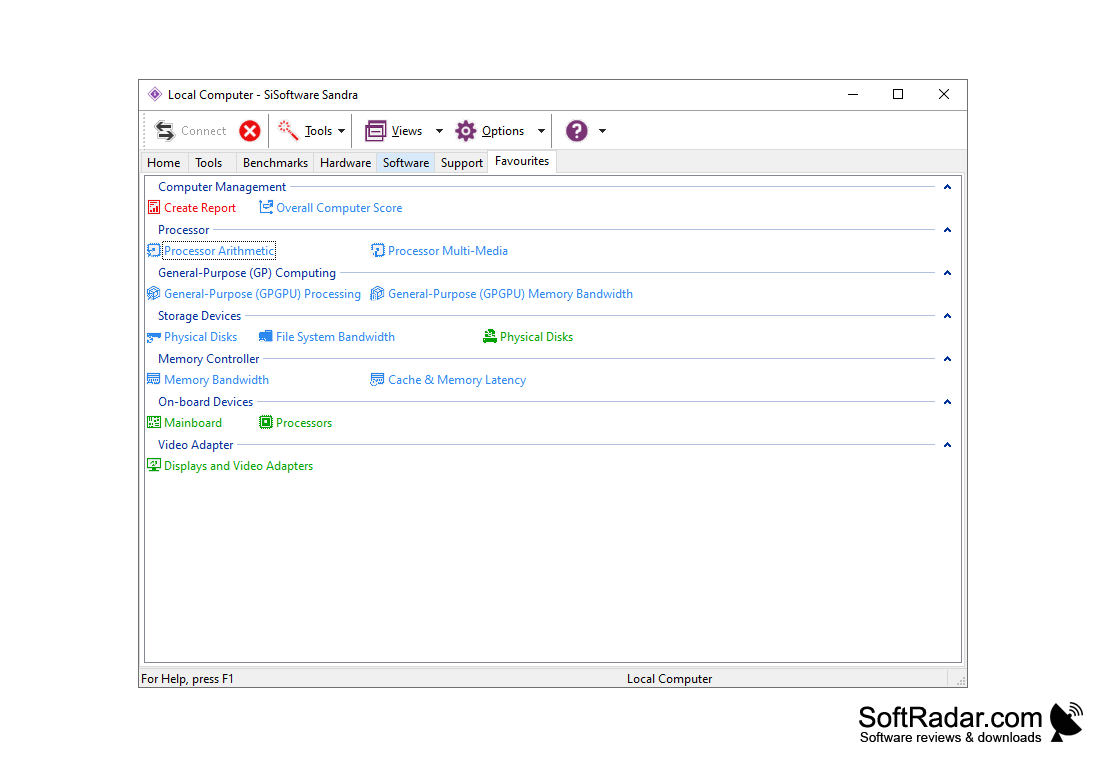
- Graphics (GPGPU) Processing: GPGPU Performance Analysis. This kind of operation is useful for scientific programs, graphic editors, video format converters, games, etc;
- Graphics (GPGPU) Bandwidth: Analysis of the GPU memory bandwidth and the conductor that connects it;
- Video (GFX) Rendering: Analysis of graphics adapter performance. Shows how your GPU displays the image compared to other typical GPUs;
- Video (GFX) Memory: A study of the bandwidth of the video card memory and explorer through which it is connected;
- Cryptographic Performance: Analysis of the cryptographic capabilities of modern processors that support cryptographic hardware. The most common encryption algorithms (AES128, AES256) and hashing algorithms (SHA1, SHA256) are supported.
PROS
Offers detailed reporting on hardware and software performance.
Free to use with regular updates.
CONS
Requires frequent updates for optimal performance.
Complex interface may confuse beginners.


