SlimPDF Reader
A tiny PDF reader that takes up hardly any space on your hard drive, but still allows full functionality
Operating system: Windows
Publisher: CAD-KAS GbR
Release : SlimPDF Reader 4.0
Antivirus check: VirusTotal report
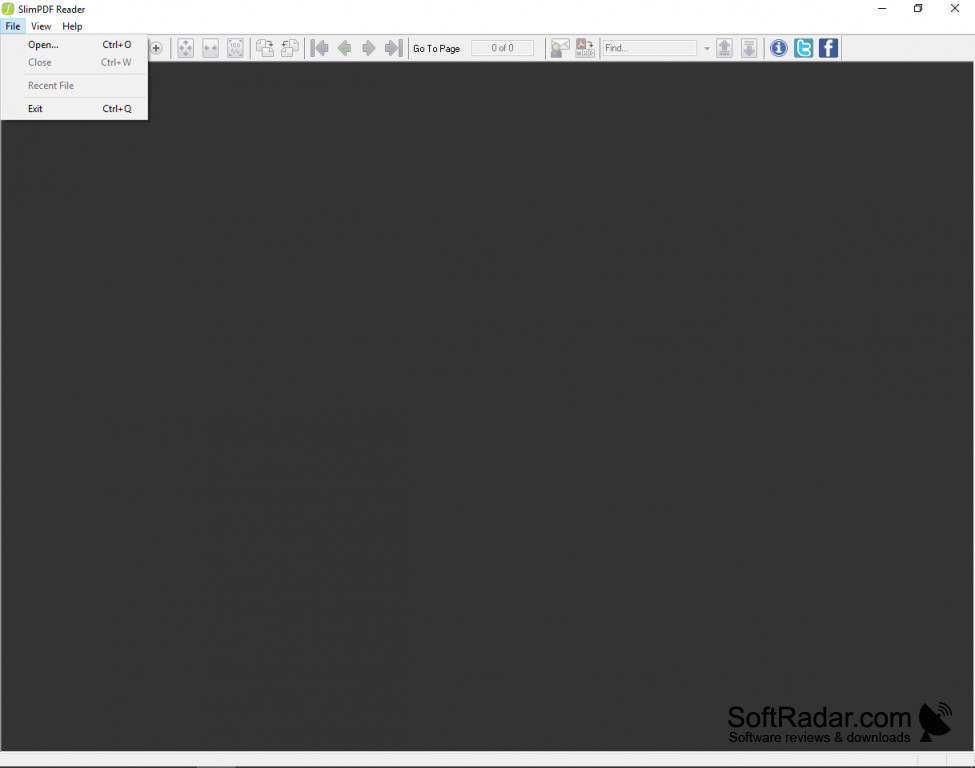
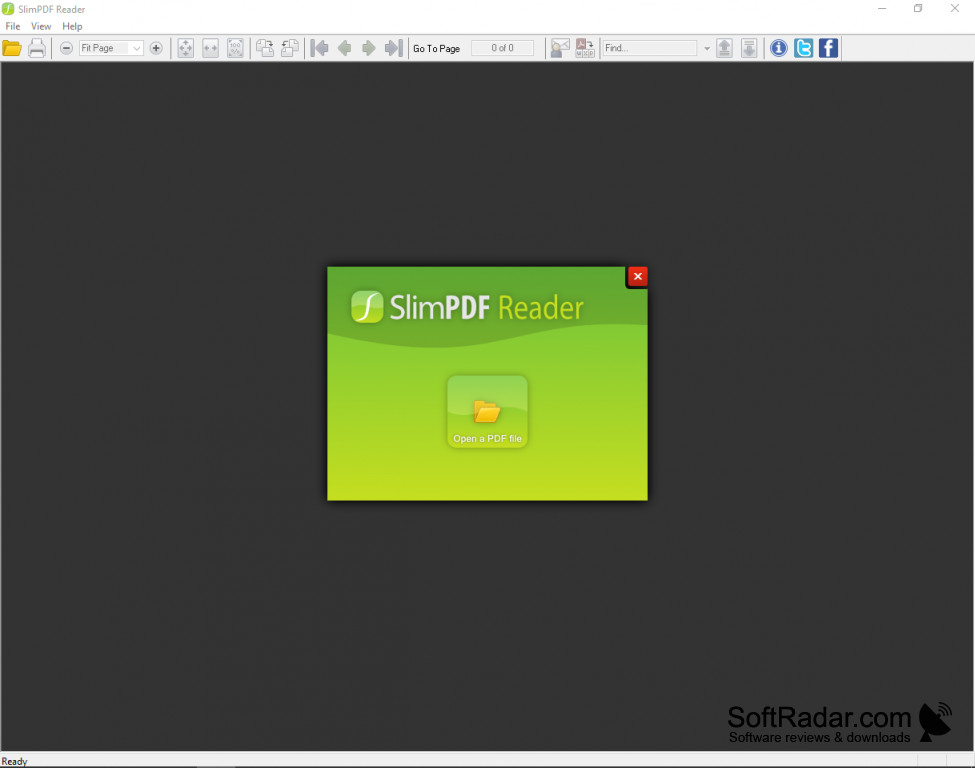
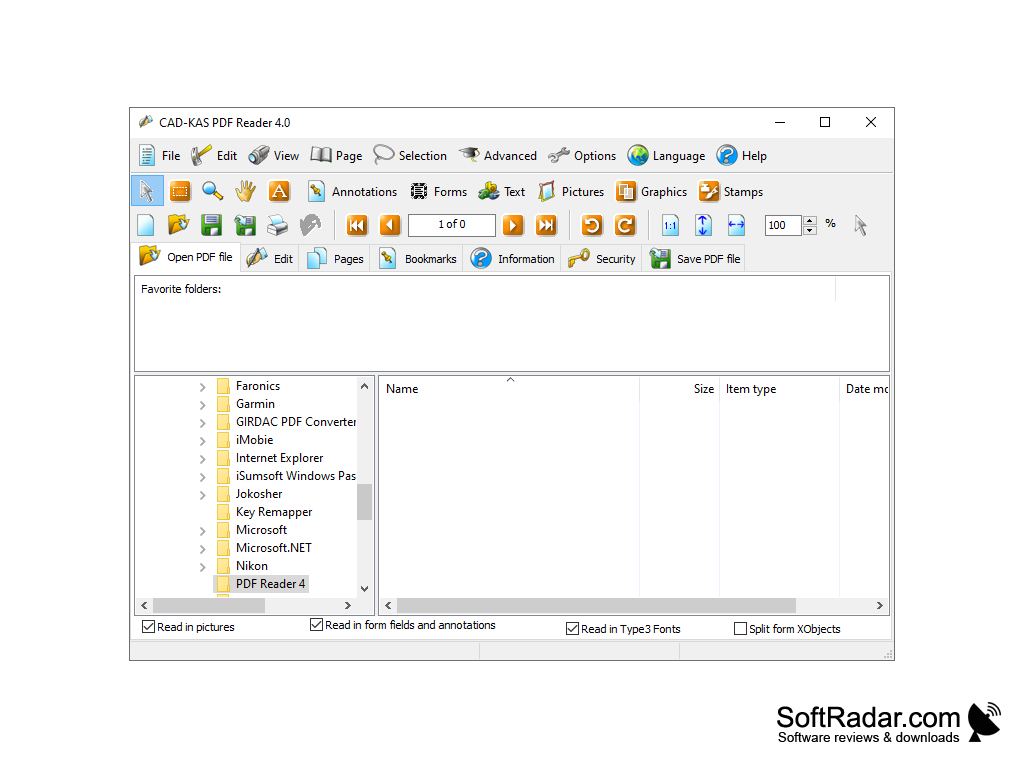
SlimPDF Reader is a fast and efficient replacement for Adobe Reader, designed for the minimalist who does not need all the extra tools that Adobe provides. SlimPDF allows the user to perform essential functions such as reading a document, without bogging down the computer with extra editing tools and design interfaces that clog up and slow down resources. For speed, efficiency, convenience, and minimalism, SlimPDF is an exceptional choice and can arguably replace Adobe reader for those who do not need to make use of all the extra tools featured by Adobe.
Features:
- Much smaller than most standard PDF readers, at a mere 1.43MB
- Simple and clean navigation features
- Allows for printing, rotating, and reading PDF documents
- Provides a simple search tool to find words and phrases
- No complex toolbars and icons to confuse
- Tools for magnification to provide better viewing
SlimPDF Reader takes up just 1.43MB, making it one of the tiniest PDF readers on the market.
SlimPDF Reader is a very efficient and simple tool for users who merely want to read a PDF file. While it still allows the user to perform simple tasks such as searching for words and phrases, printing, and rotating a PDF, it doesn’t bog down the system and resources with a bunch of unnecessary and unused features. SlimPDF Reader does provide several simple tools such as the magnification tool and rotation tool to allow for better ease of use and reading. It also has the capability to convert a document to a Word document that can be edited, although this requires the download of additional software. It’s not necessary to do this is one doesn’t need to use this feature.
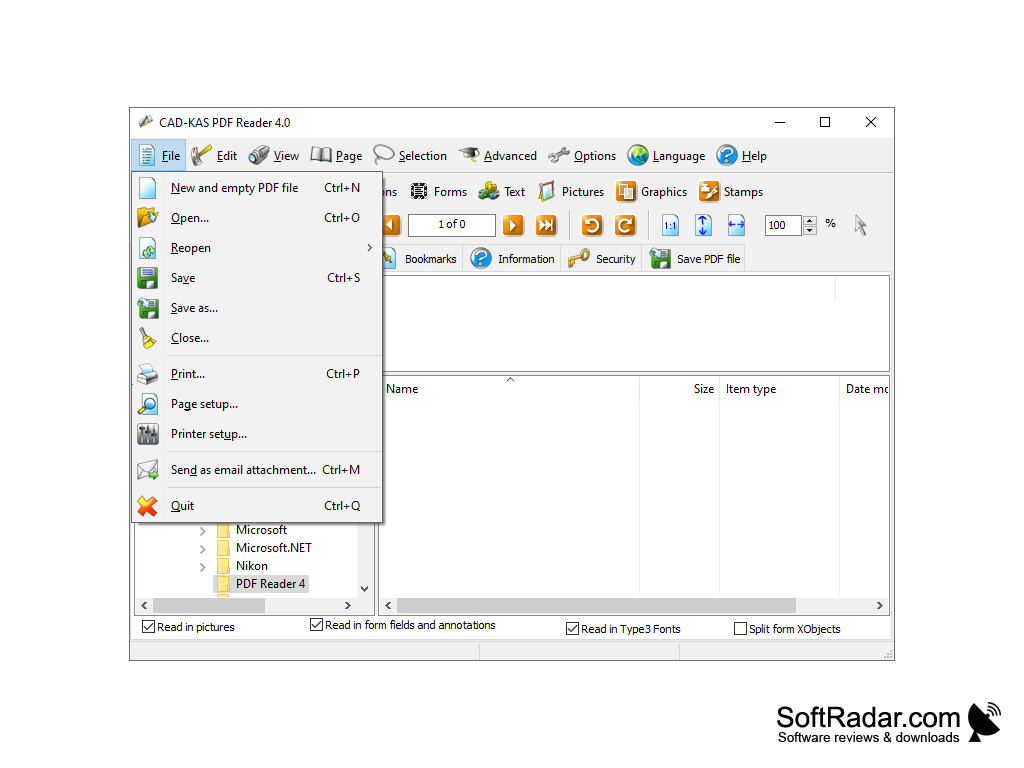
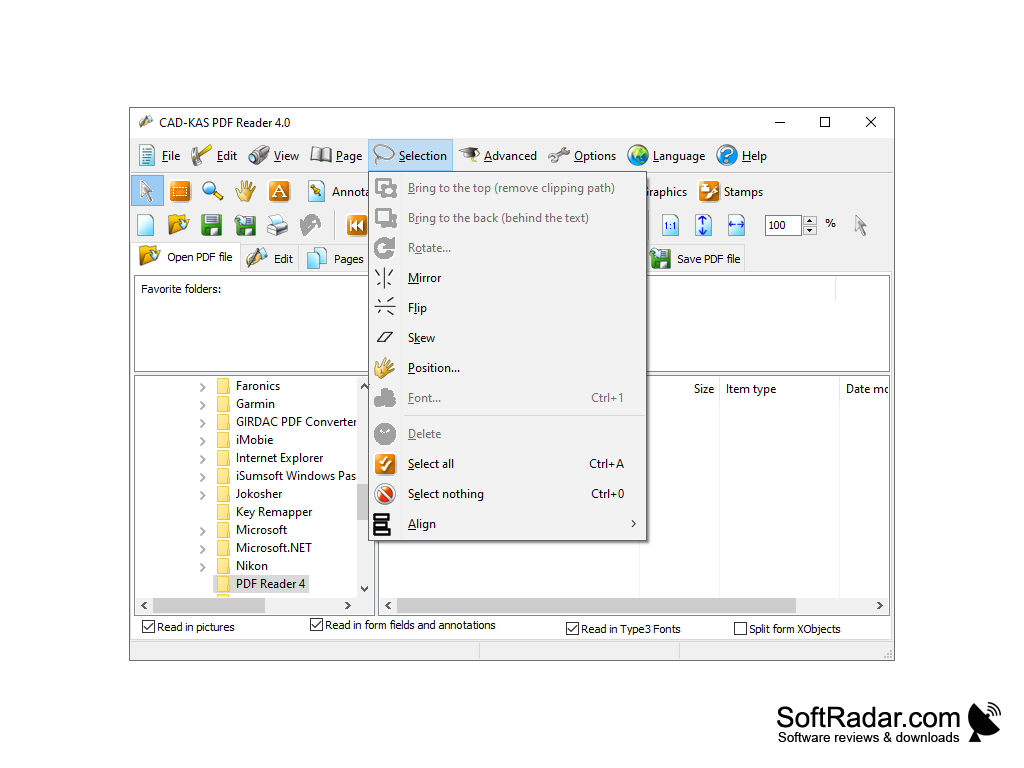
SlimPDF Reader also allows the user to print documents if needed. The menu provides access to simple tools and is highly user-friendly and easy to use. If you don’t need to make annotations or do complex editing of your PDF, then SlimPDF Reader is a very effective option to consider. SlimPDF Reader can be downloaded for free online for Windows.
At least 5MB of free disk space
Minimum display resolution: 800x600
PROS
Offers straightforward, intuitive user interface.
Free to use without any hidden costs or subscriptions.
CONS
No option for editing PDF files.
Cannot view multiple documents simultaneously.