
Snapseed
Simple and affordable image editing software
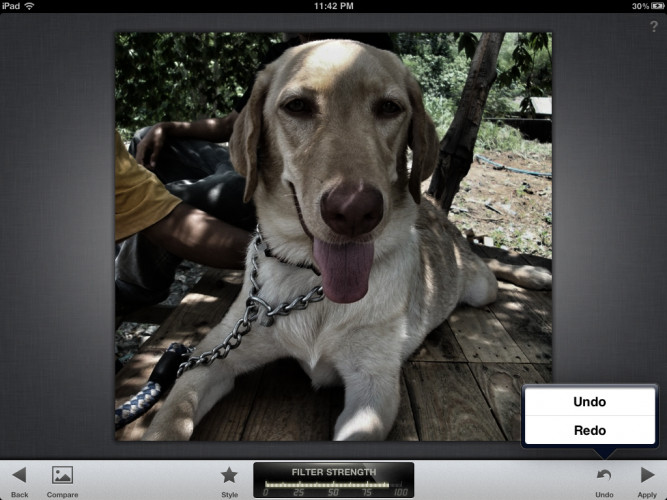
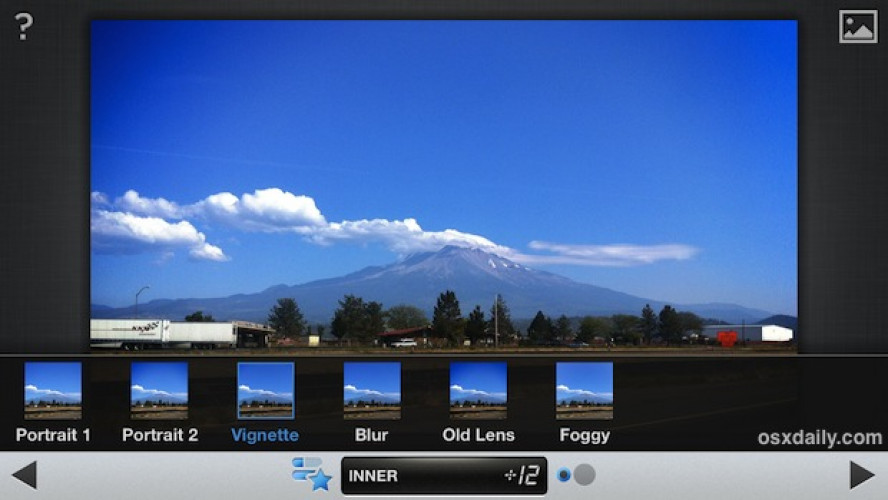
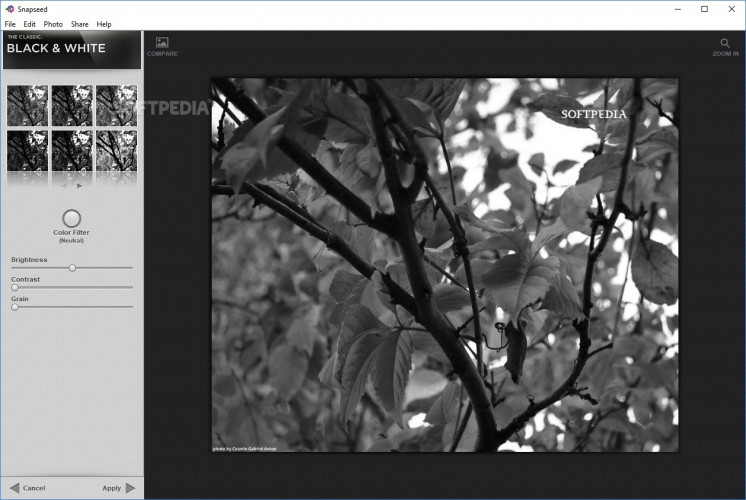
Snapseed is an image editing software, developed by Nik Software, that is intuitive and easy to use compared to some of the other software available. It allows users to edit and enhance photographs using the various tools and filters included in the software. It also has a tablet version, which is slightly different from the desktop version, but once you know how to use one, you will be able to figure out the other. The features are more or less the same in both versions. Another advantage is the affordable pricing of Snapseed that makes it even more attractive.
Features:
- User Interface. The user interface is simple and uncluttered. The image that you are working on is displayed in one panel while the filters and other creative controls are grouped into a sidebar. The controls are further divided into basic adjustments and creative adjustments.
- Basic Adjustments. Basic adjustments have three filters called Tune Image, Crop and Straighten, and Details. The Tune Image filter allows you to modify the basic parameters of the image like brightness, saturation, contrast, warmth (or color balance), and shadows. Selective brightening and darkening of certain areas of an image are also supported. Crop and straighten allows you to use different aspect ratios, crop a part of the image, and also straighten elements in the picture that are slanted. Details filter enables you to sharpen the image by various amounts depending on your preference.
- Creative Adjustments. There are seven creative adjustment filters:
- a black and white filter allows you to try different shades of gray or monochrome for your image
- center blur filter allows you to add bokeh, blur or a foggy or vintage look to your photos
- drama filter enables you to experiment with the saturation of your images, giving them an oversaturated or HRD look
- frames filter as the name suggests allows you to add frames
- grunge filter allows you to try some of the preset styles that experiment with colors, vignette, and focus
- the vintage filter adjusts colors to give the image a retro look
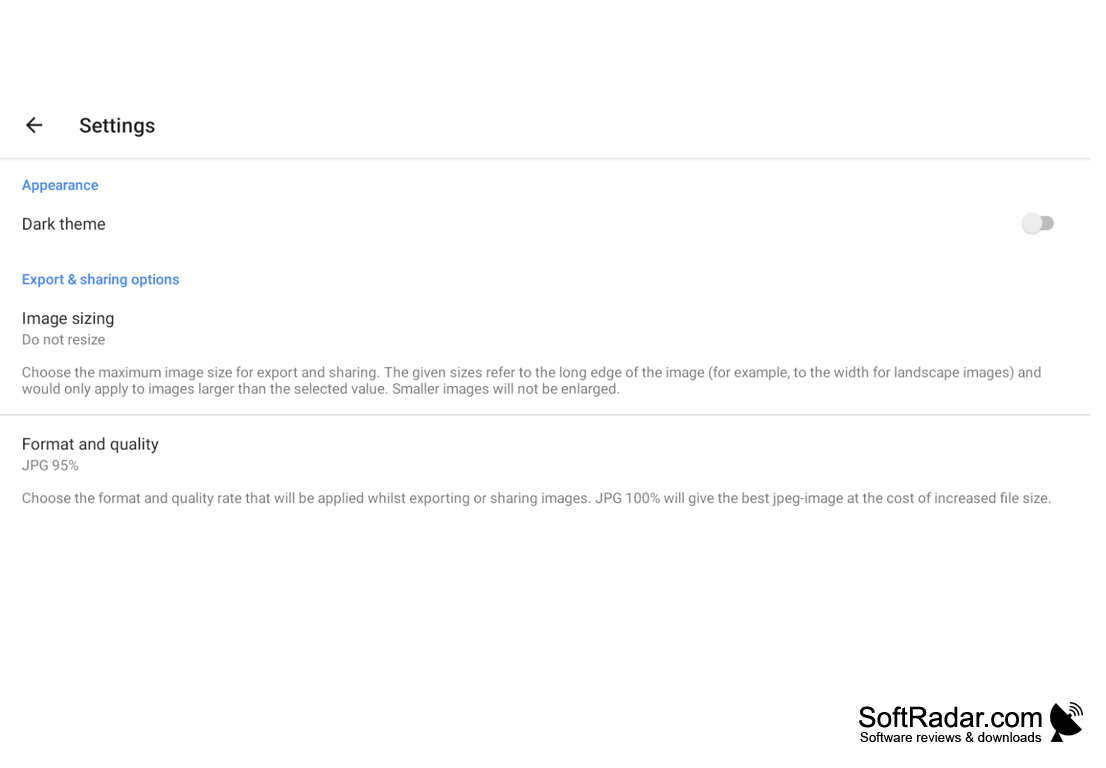
- tilt-shift filter allows you to adjust your focus to specific areas. - Share, Print, and Export. Snapseed allows you to share your edited photos to any of the social media websites, print them off or export them to your desktop. It retains the original EXIF information even after editing.
Snapseed packs a punch as an affordable, yet powerful, image editing application that is easy to use for everyone. Beginners can use it without spending hours trying to figure out what each button does, and people looking for more control have powerful filters and tools at their disposal to take their creativity to new heights.
Ease of use and affordable pricing

System requirements: 2GB RAM or more recommended, with 256 MB video RAM, GPU recommended, Windows XP, Vista, 7, 8, or 10 with dual-core processors or higher.
PROS
User-friendly interface with intuitive design.
Free to download and use with no in-app purchases.
CONS
Cannot manage and organise photos.
No available version for desktops or tablets.


