
Soda Player
A Multi functional video player
Operating system: Windows
Publisher: Freedom Privacy
Release: Soda Player 1.4.2
Antivirus check: VirusTotal report
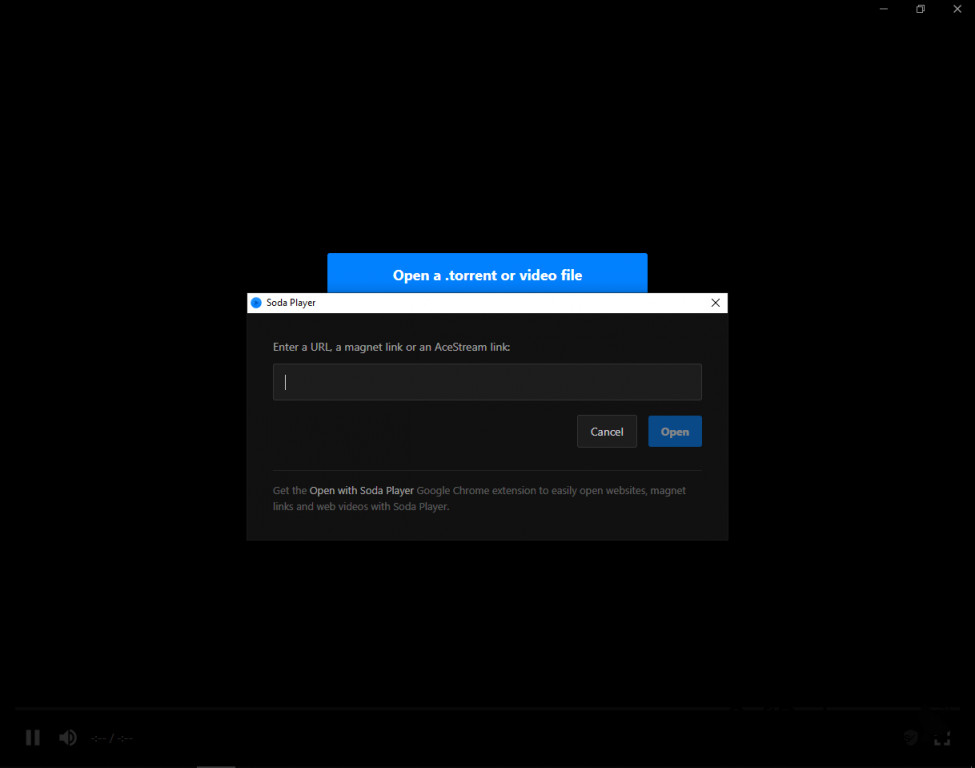
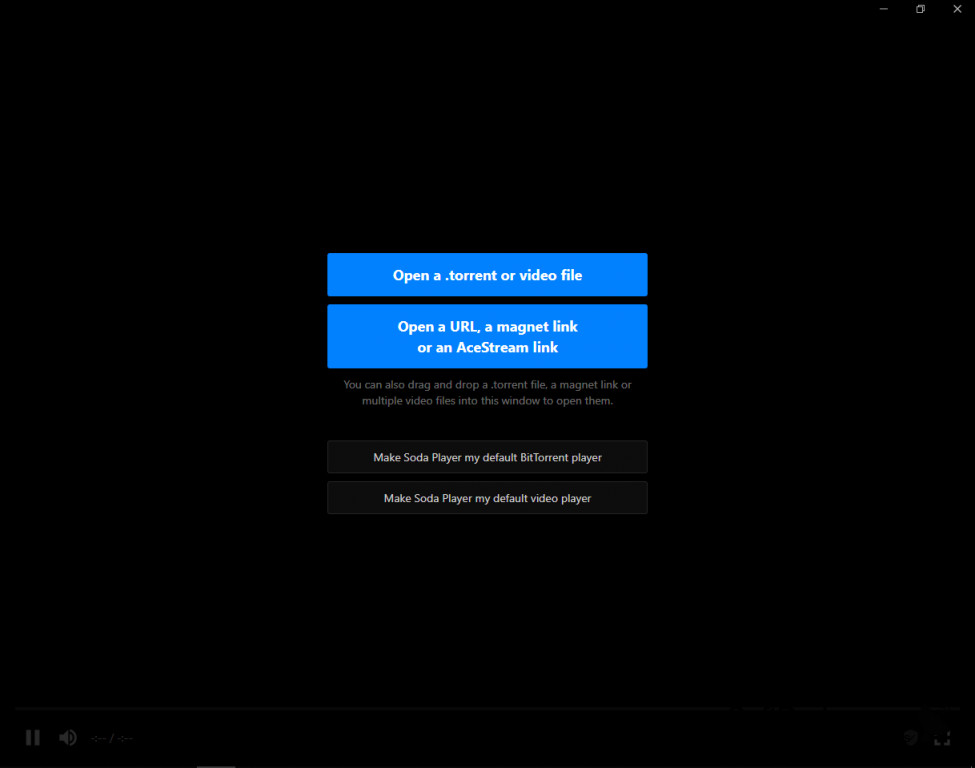
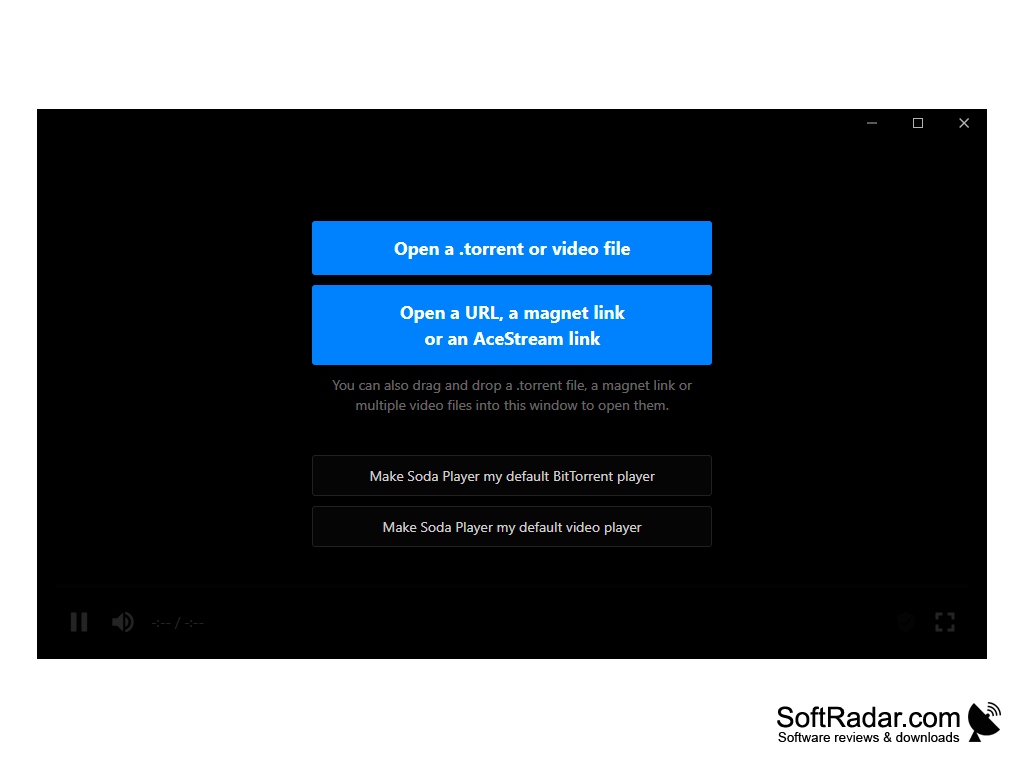
Soda Player is a multifunctional free video player for Windows, It is a flexible drag and drops app that operates on WYSIWYG pattern. One of the best video player that supports all file sharing applications, capable of playing stream torrent magnet movies in real time while searching for subtitle files to add if necessary in your preferred language. This feature packed app that has been downloaded more than 13305 times. The latest version, (Version 1.4.1 since June 2018 ) update on performance improvement reduces rebuffering during streaming and Fix the auto-subtitles finder not working with most torrent sites.
The video and video playback quality and default zoom settings are awesome, AirPlay is built right into the player window controls enabling the handy AirPlay controls
It opens and plays torrent files in real time
Features:
- Opens and plays torrent files instantly. Usually, files take time to download on torrent sites depending on the size of media but SodaPlayer plays the files in real time
- Ability to read private files in case you encrypted some file and having a problem accessing them
- It supports multiple video formats and codecs, supports streaming playback on Chromecast, Apple TV, AceStream, support, fast SOCKS5 proxy, and subtitles support. If you are having trouble playing some files with your local media player,
- Did I mention that it supports multiple audio tracks so can play almost any kind of audio format in sync with the video format of the existing file without the need to download another app or working manual
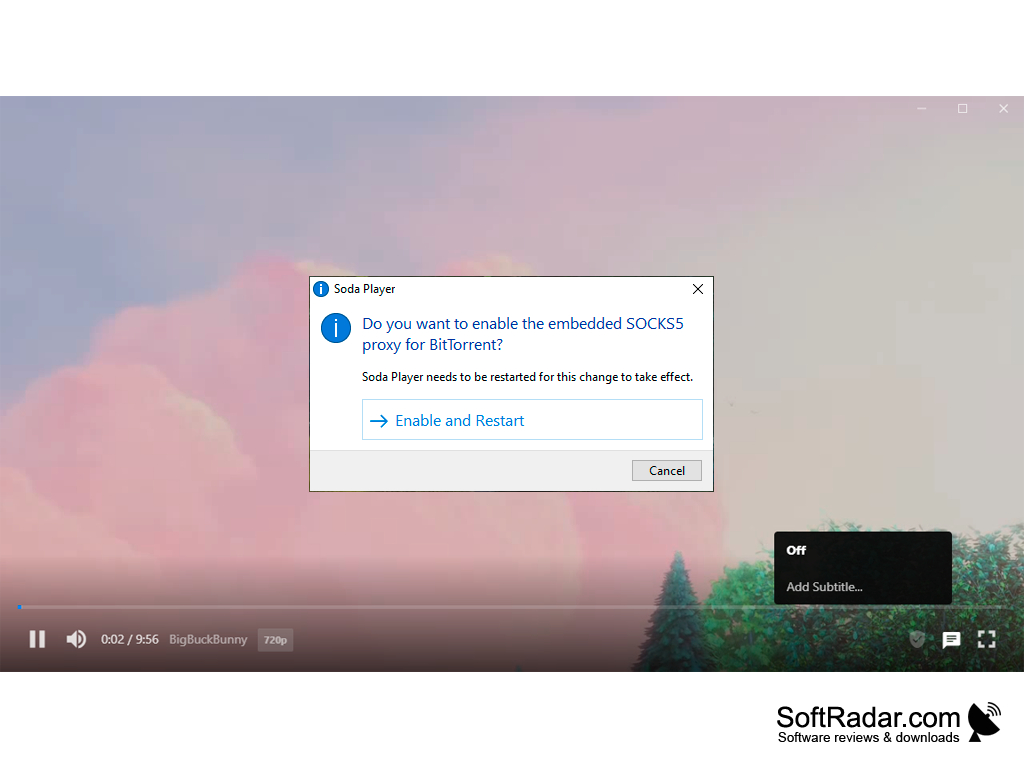
- One of the special features is that it protects your privacy by hiding your IP from other peers and agents on the BitTorrent network during streaming
This is one of the best apps out there
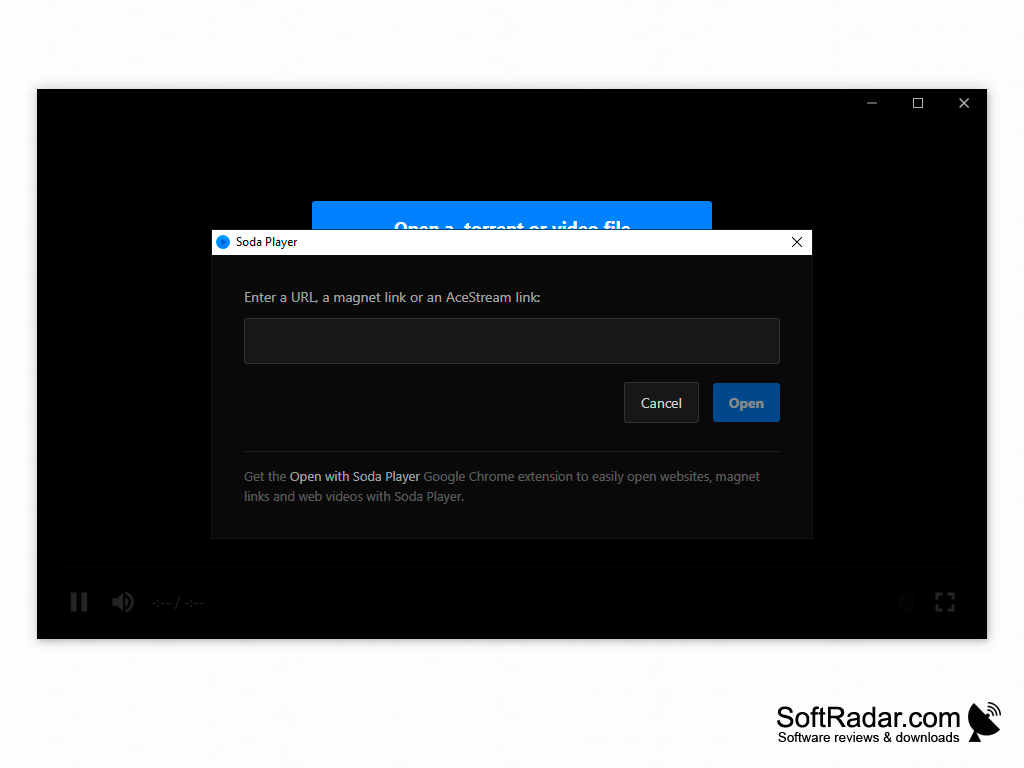
Requirements for Soda Player
Win 10 / 8 / 7 / Vista / XP
Intel, 64-bit processor
OS X 10.9 or later
This video player is different from other apps due to its multi versatility and ability to support multiple codecs.
PROS
Simple user interface enhances user experience.
Integrated with BitTorrent protocol for streaming purposes.
CONS
Occasional issues with video buffering and lagging.
Inconsistent updates and bug fixes.