
Songr
Free music player that searches, streams and downloads songs from online MP3 search engines and YouTube
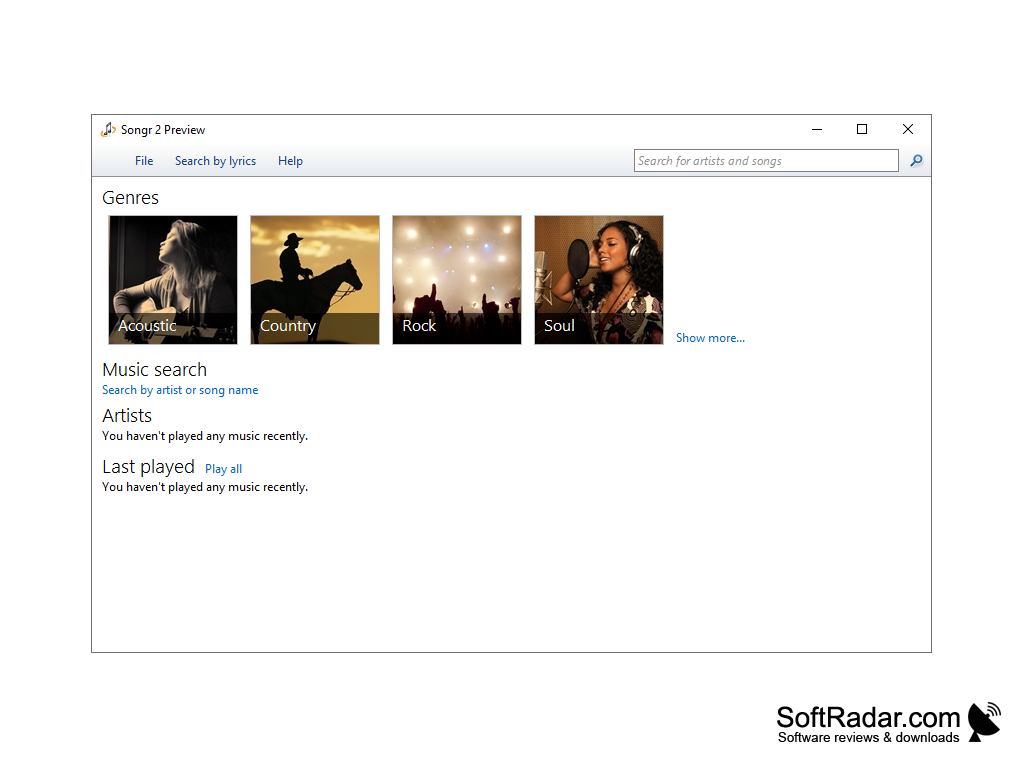
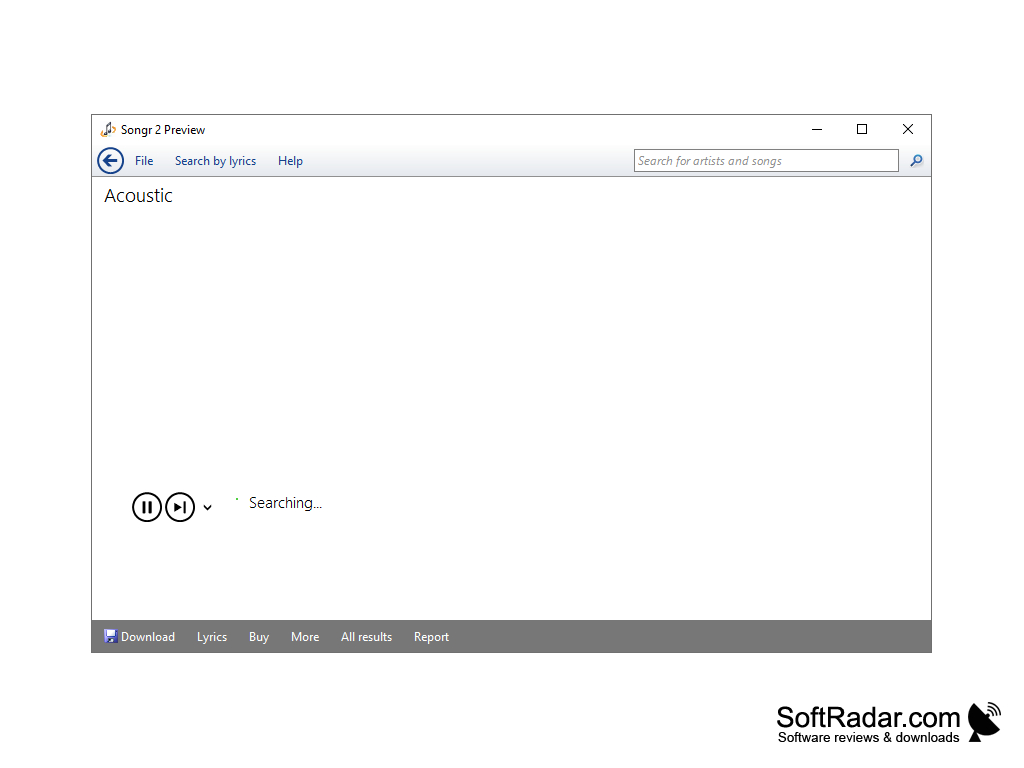
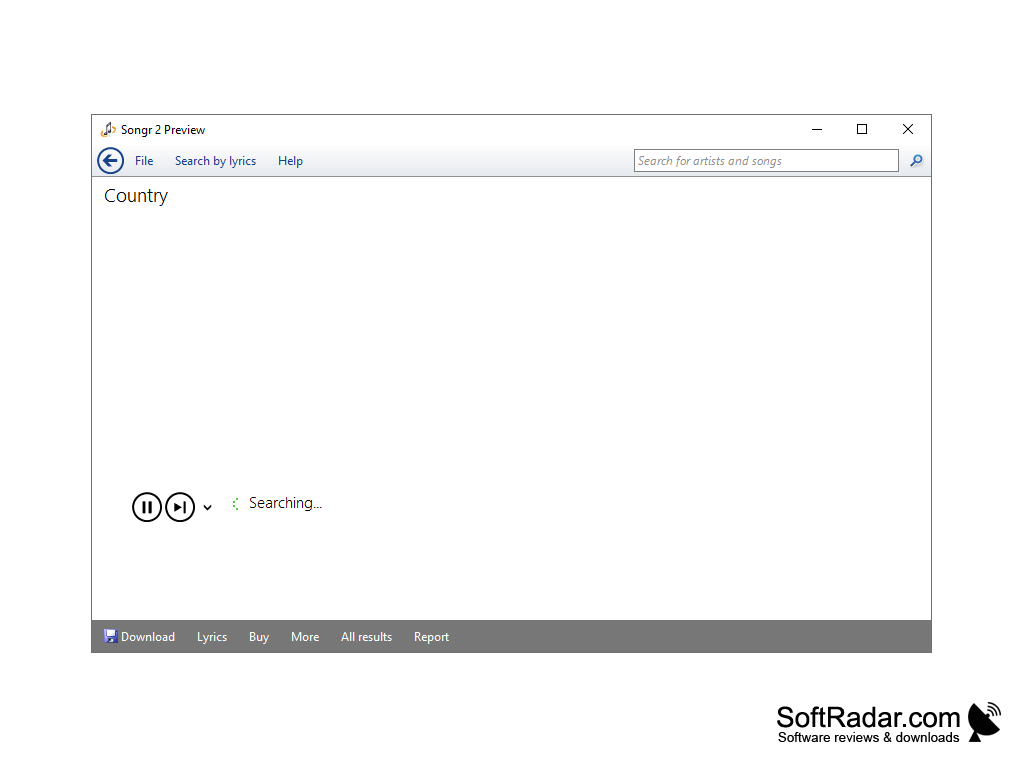
Songr for Windows is a free music player that can not only play music on your computer, but can also stream music from web services. The software acts as a desktop interface between you and third-party online sources like YouTube, Grooveshark, Prostopleer, MusicSearch and others; Songr itself does not host or index any MP3 files.
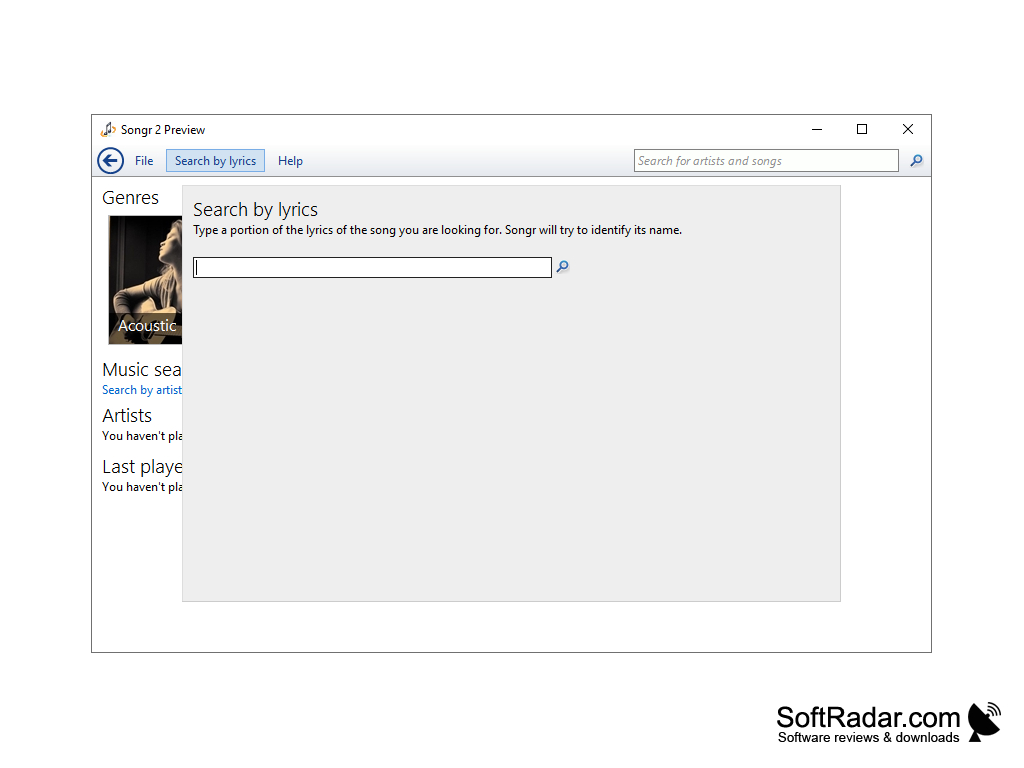
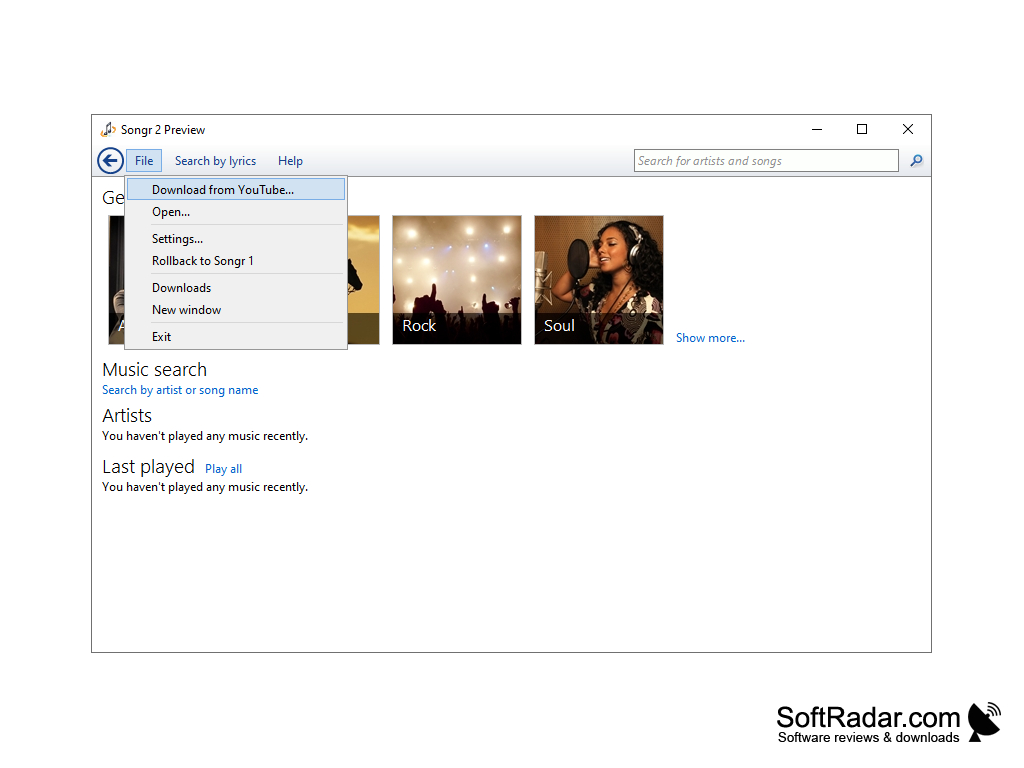
Songr will allow you to quickly access and stream the music on third-party sites, but will also allow you to download and save music from YouTube as audio files. The user interface is intuitive and straightforward, making it much easier to find what you are looking for than using a web browser and Google. Search many MP3 search engines at once by artist, title, album or keywords, or find a song by typing a few words of its lyrics (the lyrics search is powered by Bing). Results are sorted so that high-quality MP3 files appear at the top, while low-bitrate preview files are grayed out.
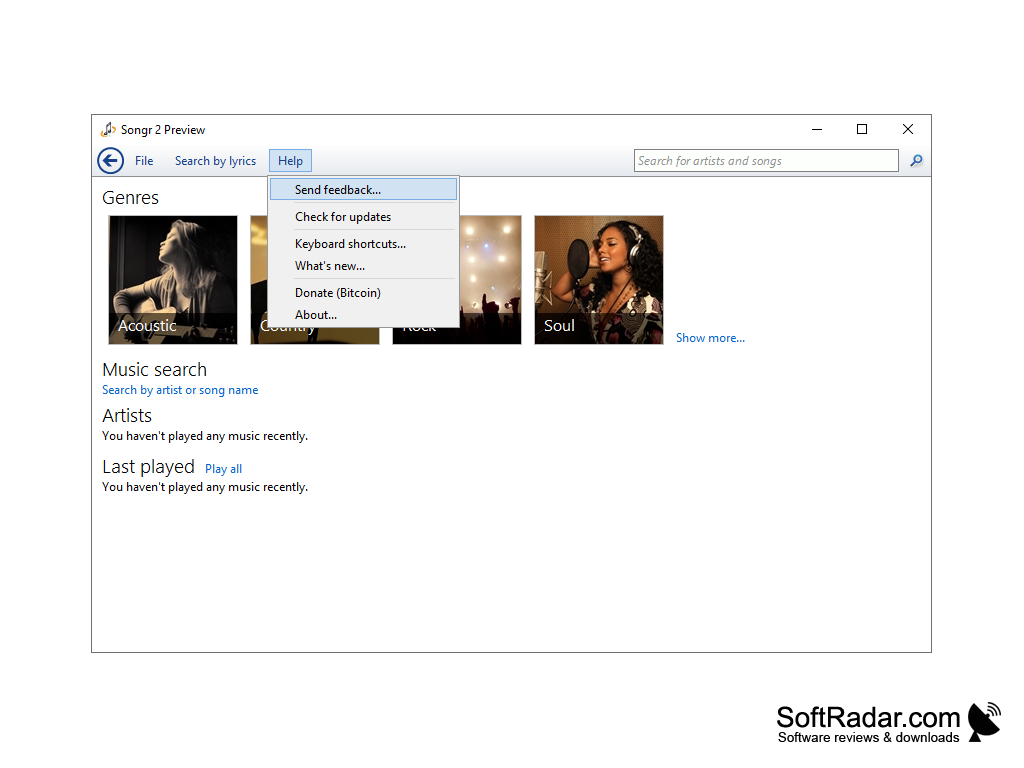
With Songr, you can play songs in the background while you simultaneously browse or search for other songs. The home page offers music genres such as Acoustic, Country, Rock and Soul, along with recently played artists and songs. If you find a song you like, you can preview it, play it or download it, and a separate downloads window keeps track of current and finished downloads.
Songr is not a Peer-2-Peer network or a BitTorrent client: files are downloaded directly from web servers and are not shared with other users. Downloaded music is saved as MP3 files, and YouTube videos can be saved in HQ/HD quality or converted to MP3. The program is freeware without ads, but it is no longer developed, and many of the services it relied on, including Grooveshark, have been shut down, so several search sources no longer work.
Stream your favorite cloud music and download your favorite YouTube content as audio files.
Features:
- Stream favorite music
- Download YouTube content
- Playback of local music files
- Search tracks by lyrics
- Built-in player
- Extract the audio track of YouTube videos as MP3
- Connectors for Grooveshark, Prostopleer, MusicSearch, YouTube and other MP3 search engines
32-bit or 64-bit system
PROS
Simple interface, easy to navigate.
Finds songs by a few words of their lyrics.
CONS
Many of its music sources have been shut down.
Available for Windows only, with no Mac version.


