
Spotify
The software is for playing music from Spotify
Operating system: Windows
Publisher: Spotify
Release: Spotify 1.3.3.264.gdaf3b824
Antivirus check: VirusTotal report

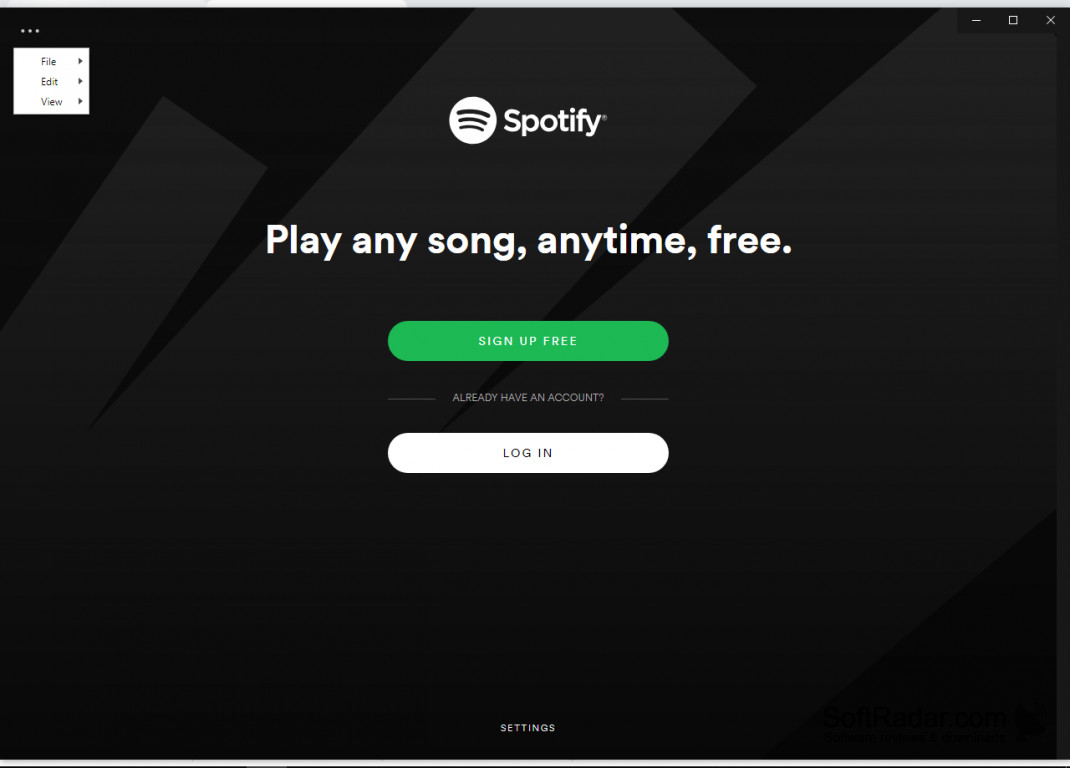
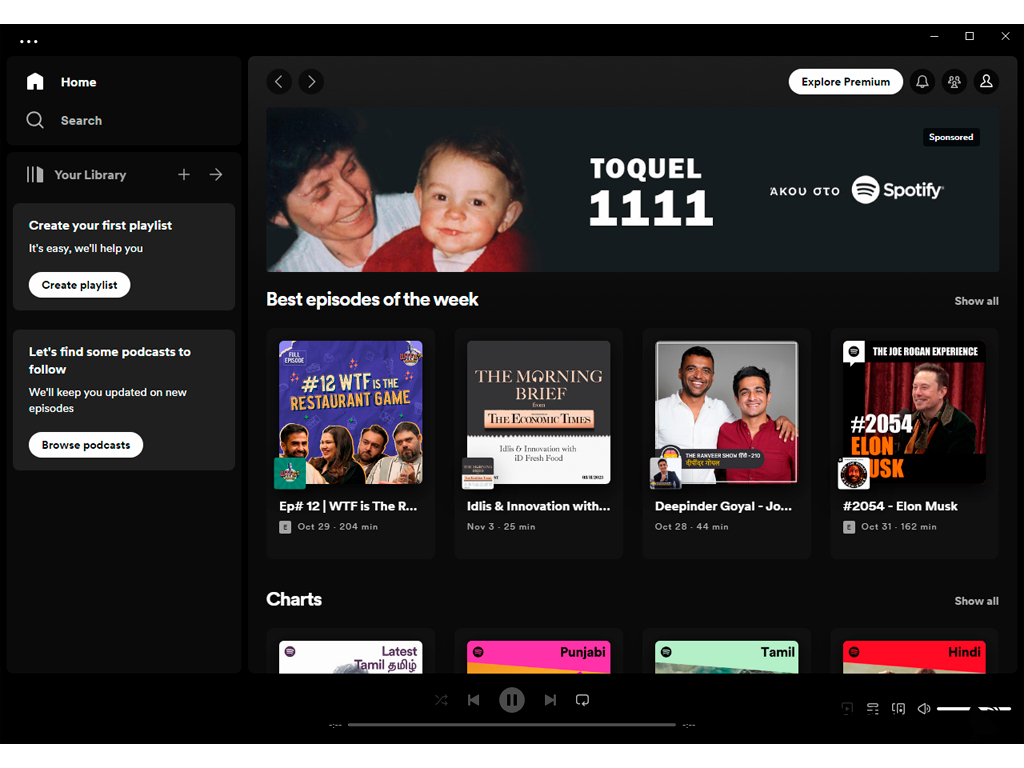
The software is like all other music-playing apps that are online right now. It plays a variety of artists and musicians and you have the ability to pay for the service, which will remove the ads that are embedded. The player also includes a lot of non-music extras, per se, such as podcasts, speeches, and lectures. If you pay for the premium service, this also allows you to bump up the quality of audio that plays - which is set at 160kbs on the standard player but can be increased to 320kbs when the premium is paid for. While this is a small feature, this is crucial for people who have premium headphones or speakers. Further, Spotify premium allows you to skip songs as much as you'd like - without the cap that the free version limits you to.
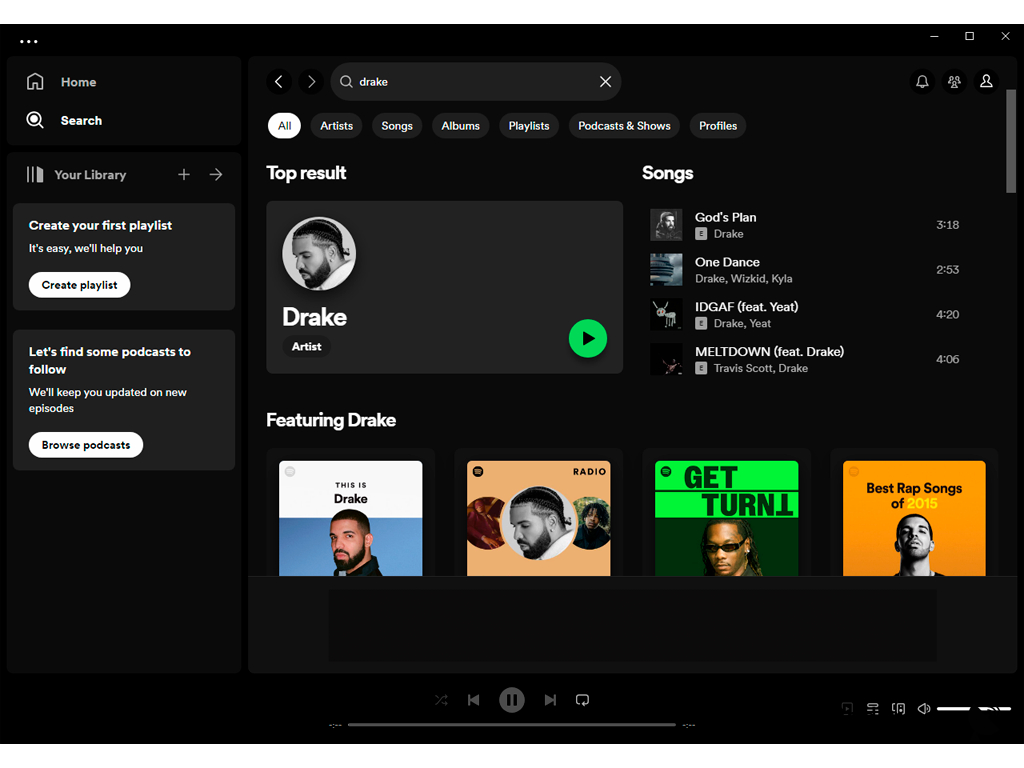
On the topic of artists, nobody beats Spotify. With the expansion of popularity of Spotify - especially with users and premium users - more artists have begun to use it as the basis for their popularity. One of Spotify's biggest hits is the ability to get recommended playlists and find new artists based on what you already listen to and like. I have noticed that it also integrates with most bands' concerts - you can find out when they are touring, where they are touring, and when they are coming near you. This can be one of the best features, as you grow the number of artists you regularly listen to and no longer need to subscribe to all of their mailing lists or follow them on every social media platform, that Spotify will email you a list of concerts near you that are by artists you enjoy listening to.
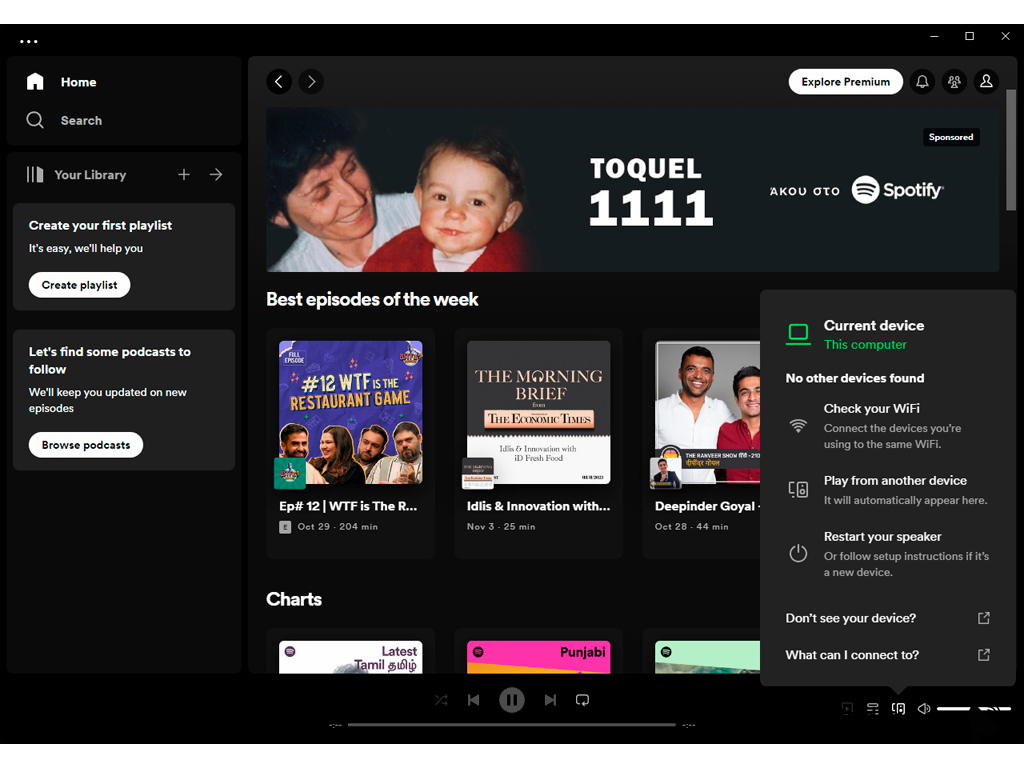
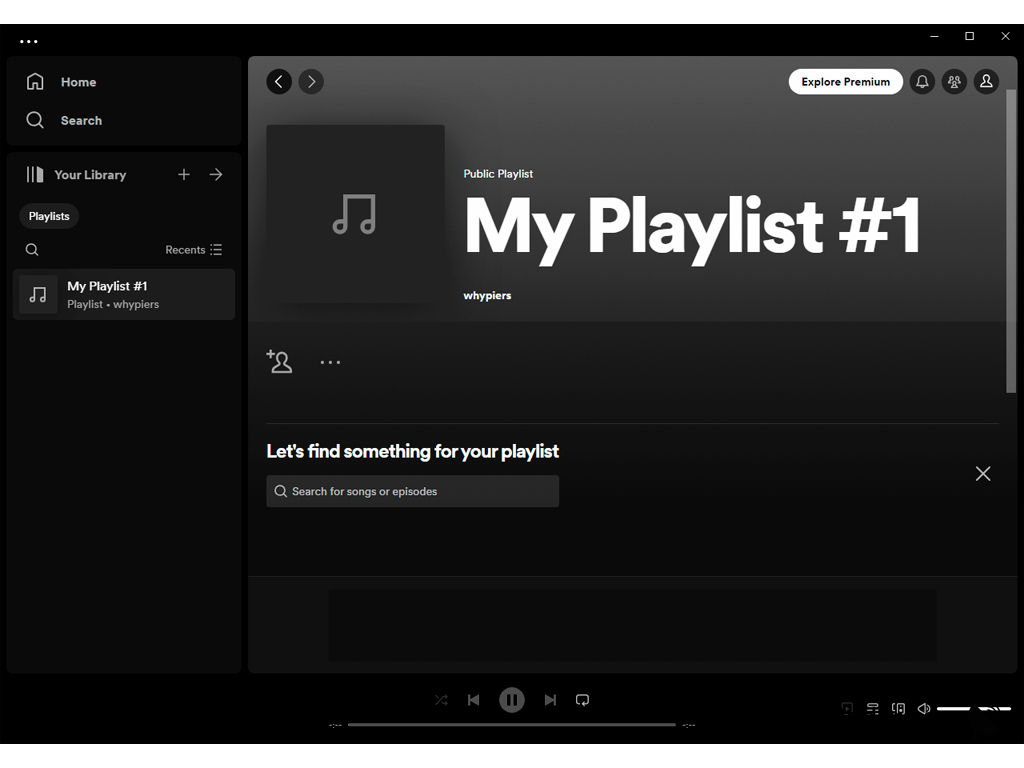
The software provides a user-friendly interface for the spotify player. It's significantly better than the web player
Features:
- Large list of musicians and artists available
- User-friendly interface
- New music every week
- Concert notifications
At least 4GB of free storage space
Premium headphones or speakers for maximized audio quality
Operating system: Windows 7 or higher, or Mac OS X 10.10 or higher
PROS
Allows offline listening.
High-quality audio streaming available.
CONS
Downloading songs requires premium subscription.
No lyrics displayed during song playback.


