
SRS One Click Root
A one-click phone rooting tool with multiple exploits
Operating system: Windows
Publisher: One Click Root
Release : SRS One Click Root 1.0.0.3
Antivirus check: passed
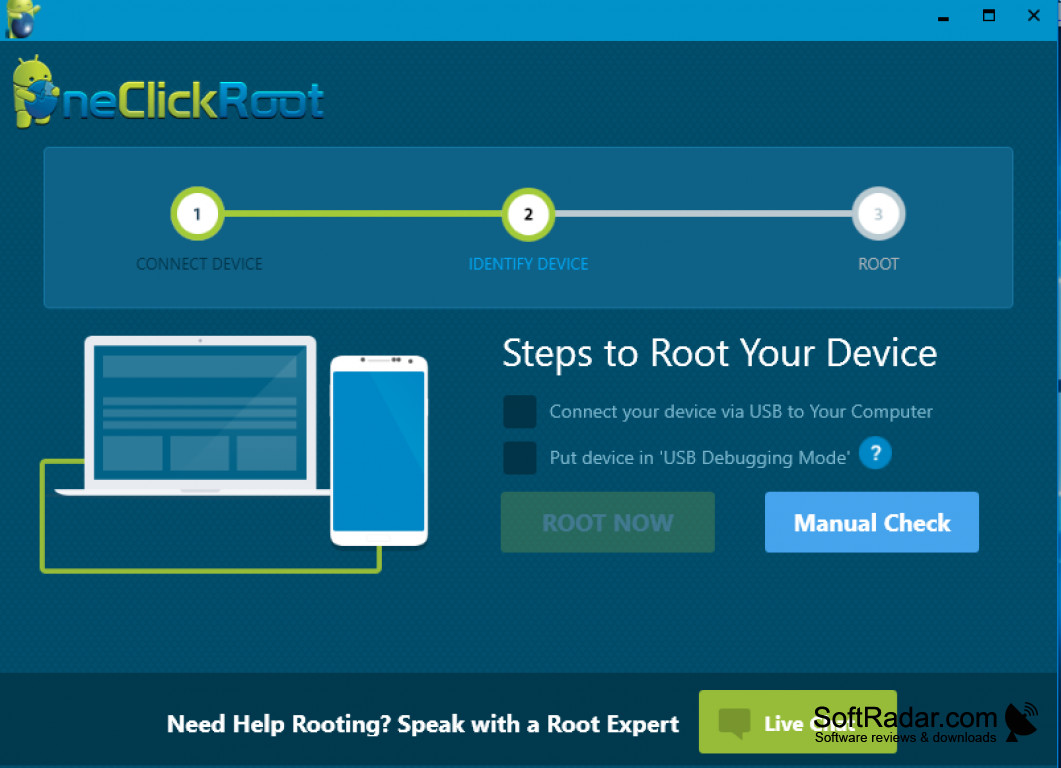
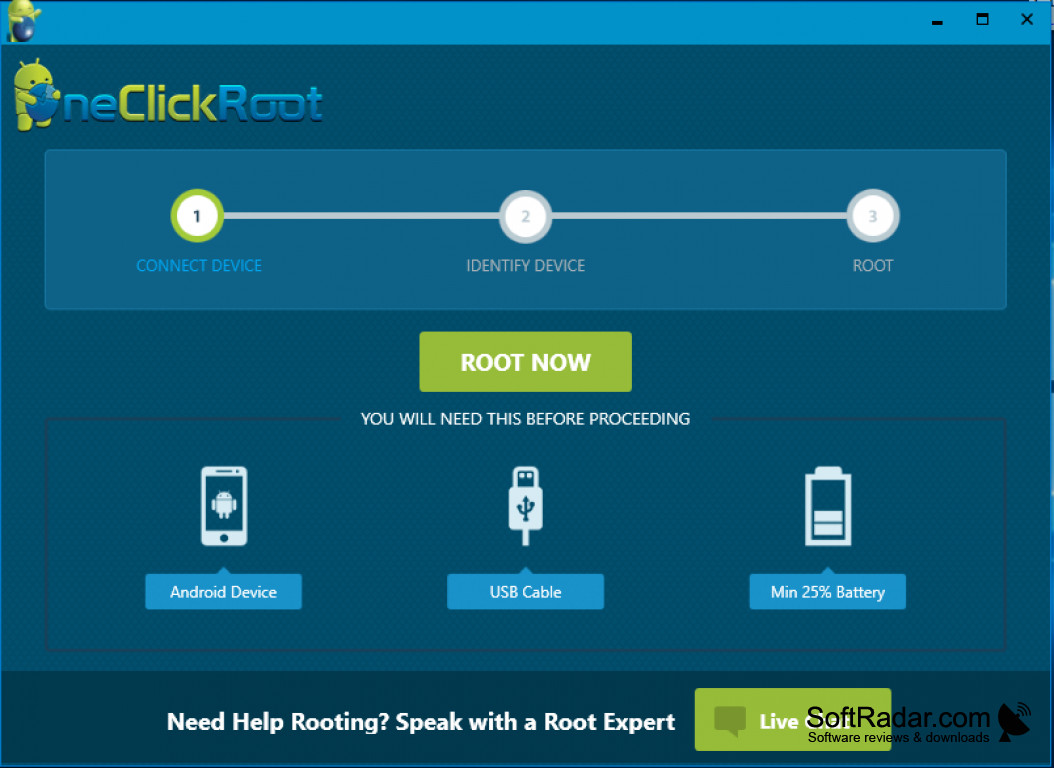
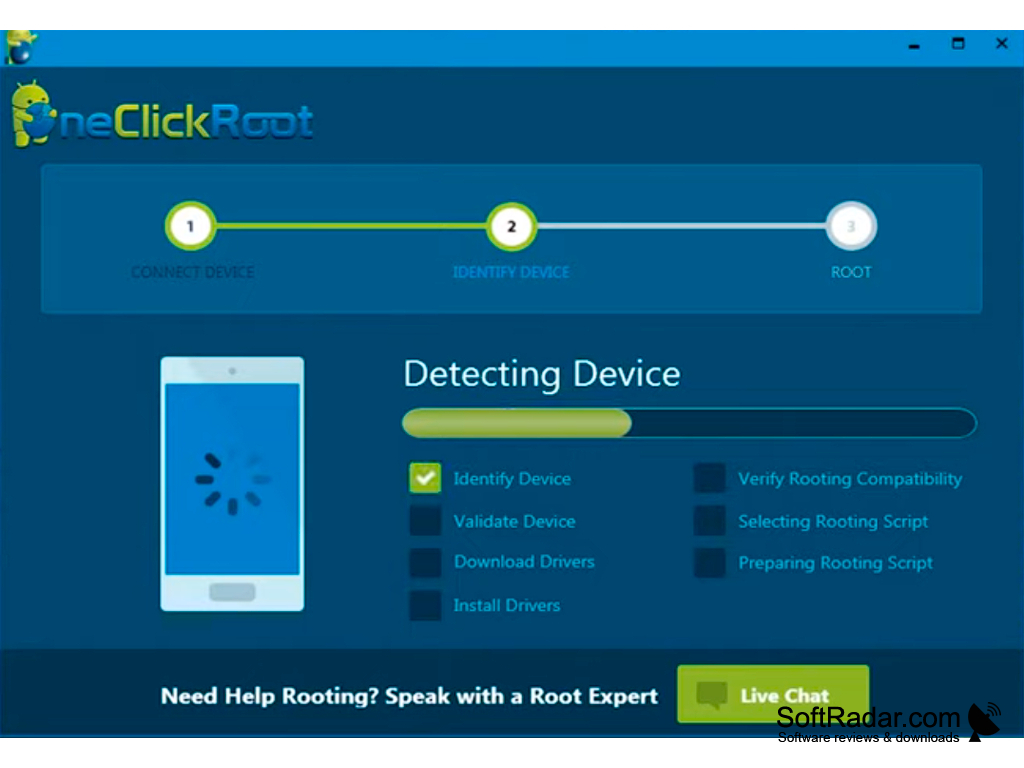
SRS One Click Root is an intuitive application filed as a mobile phone tool, created by UnlockSamsungOnline, available for Windows, and provided with an English interface. It is sized as 7827775 bytes (7.82 MB), requiring very little space in comparison with its counterpart tools. SRS One Click Root is highly downloaded and used in the United States, Indonesia, and India.
Features:
- One-Click Rooting Tool
- SmartRoot
- ADB Toolbox
- Easy Unroot
- Easy installation with no configuration
- Powered by SRS Server *Safe Rooting
- User-friendly for all users
- Support for Windows XP/Vista/7/8/10 with 32-bit and 64-bit operating systems
- Supports Android versions 1.5, 2.1, 2.2, 2.3, 3.1, 3.2, 4.0, 4.1, 4.2
- Root latest models like Samsung Galaxy S2 / S3, Note / Note2
SRS One Click Root is a licensed portable freeware without any restriction that is very easy to use, provides Android data on the computer, and administers full control in a few clicks of the mouse. It can also be used as permanent function thou may be irreversible.
An application that provides full access to Android data on a Computer with root priviledges
SRS One Click Root begins its function on a computer through a simple and dynamic installation process which unlocks an advanced feature for additional modifications. This tool requires no configuration as it basically shows the information on the phone on a computer. Thereafter, the Android device(s) is/are connected to the computer making sure that the USB debugging option is activated and the main rooting commences.
SRS One Click Root can root any Android device, be it smartphones or tablets, in as much as Android is the gadget's operating system. Its Smartroot feature is an advanced feature that helps in determining the most efficient method to root a device. The ADB Toolbox is used as the reset function for operations on user lock, gesture lock, Gmail, etc. While the easy unroot feature is an easy way for unrooting the rooted Android device previously rooted on the computer.
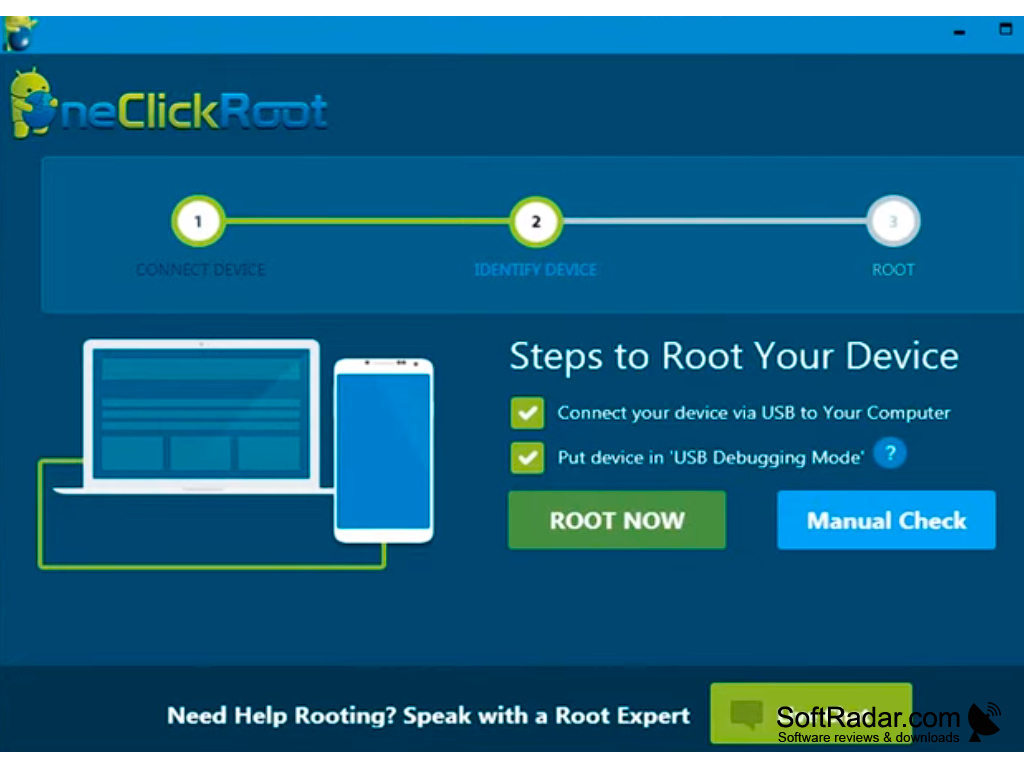
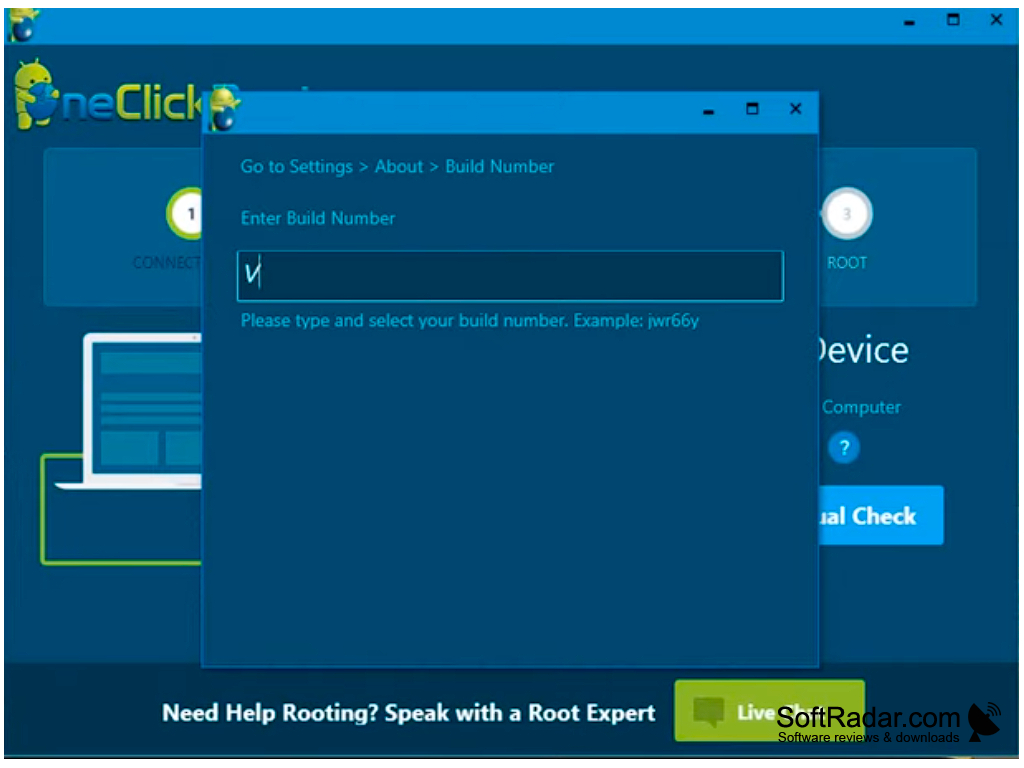

Rooting any phone, tablet or device leads to the void of the gadget's warranty. Thus, a user takes full responsibility once rooting is activated.
PROS
Offers unrooting feature for reverting changes.
Supports a wide range of devices.
CONS
Limited compatibility with different device models.
Technical support is not very responsive.


