
Talking Clock
Talking Clock is a free Windows desktop gadget that shows the time and announces it by voice every 15 minutes, 30 minutes or hour.
Operating system: Windows
Publisher: Igor "Igogo" Bushyn
Antivirus check: VirusTotal report
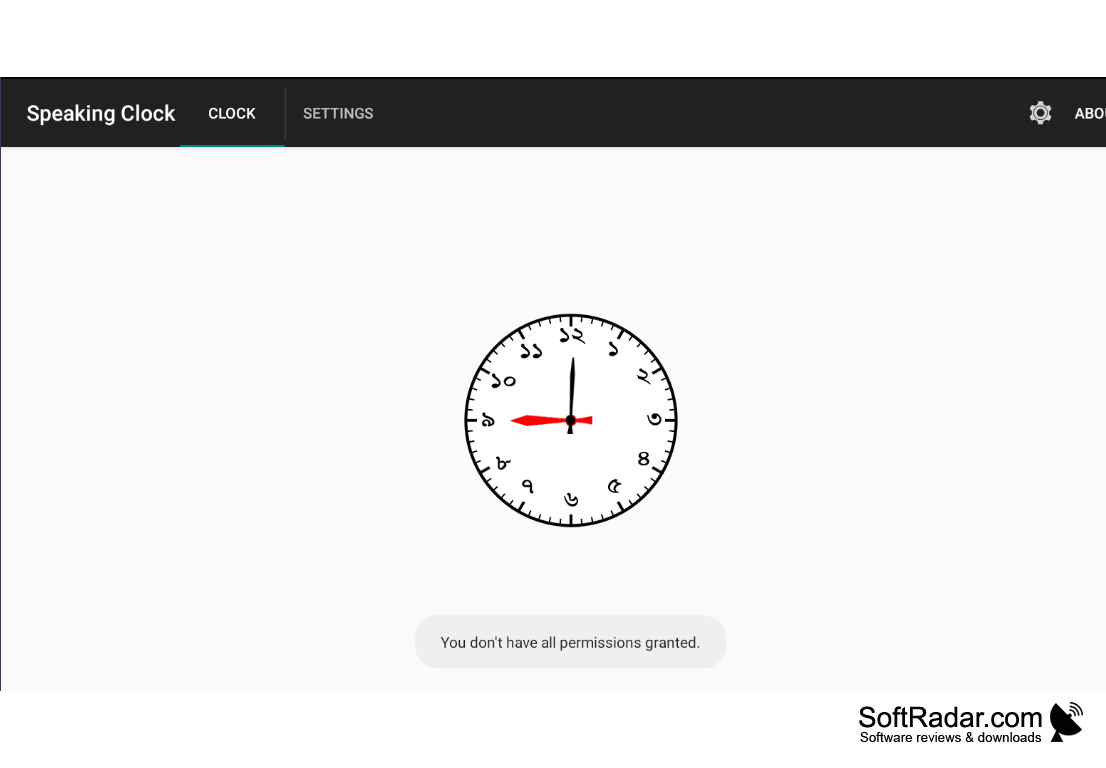
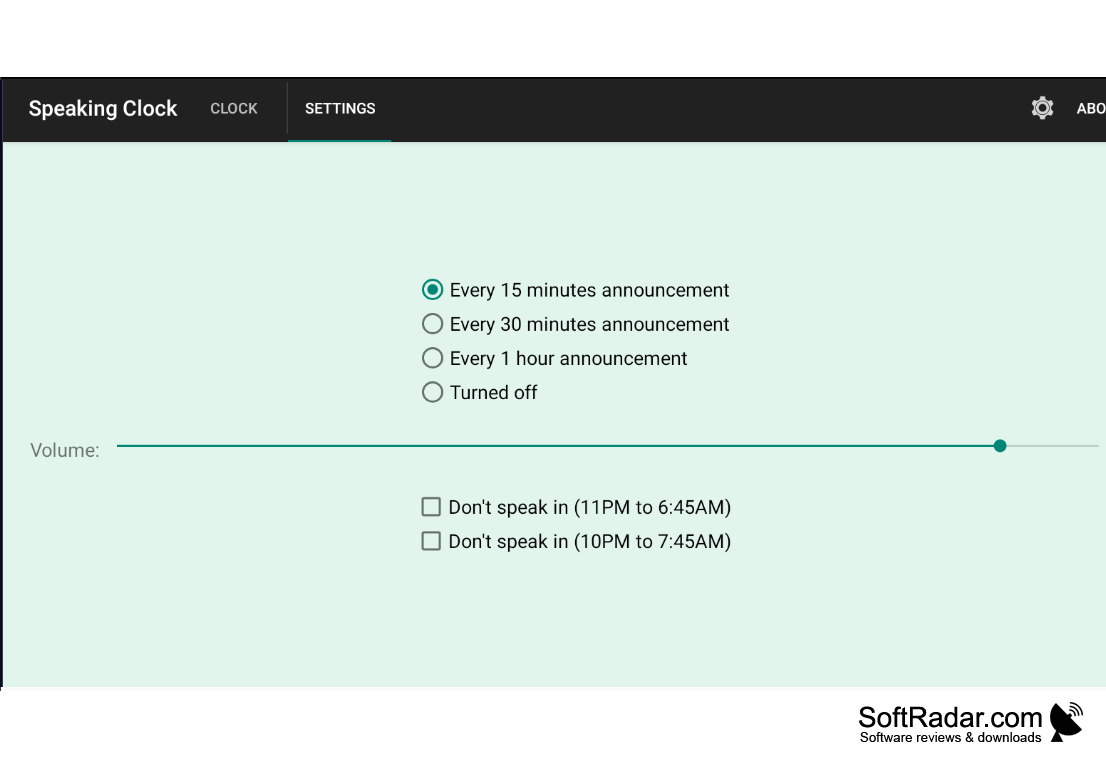
Overview
Talking Clock is a free gadget for the Windows 11 and Windows 10 desktop that displays the time and also tells it by voice. It is made by Igor "Igogo" Bushyn and published on his Windows gadgets website. The gadget is meant for people who work long hours at the computer and lose track of time: it can remind you when it is time to take a break or when a deadline is getting close, and it suits anyone who prefers to hear the time instead of looking at the clock. The voice features are optional, so it also works as a plain digital clock.
A talking clock provides an audible reminder of the time, allowing users to easily keep track of their day.
Features
The Talking Clock combines a digital clock with spoken announcements and simple alarms.
• Spoken Time: The gadget says the current time aloud in English using the Microsoft voices available in Windows.
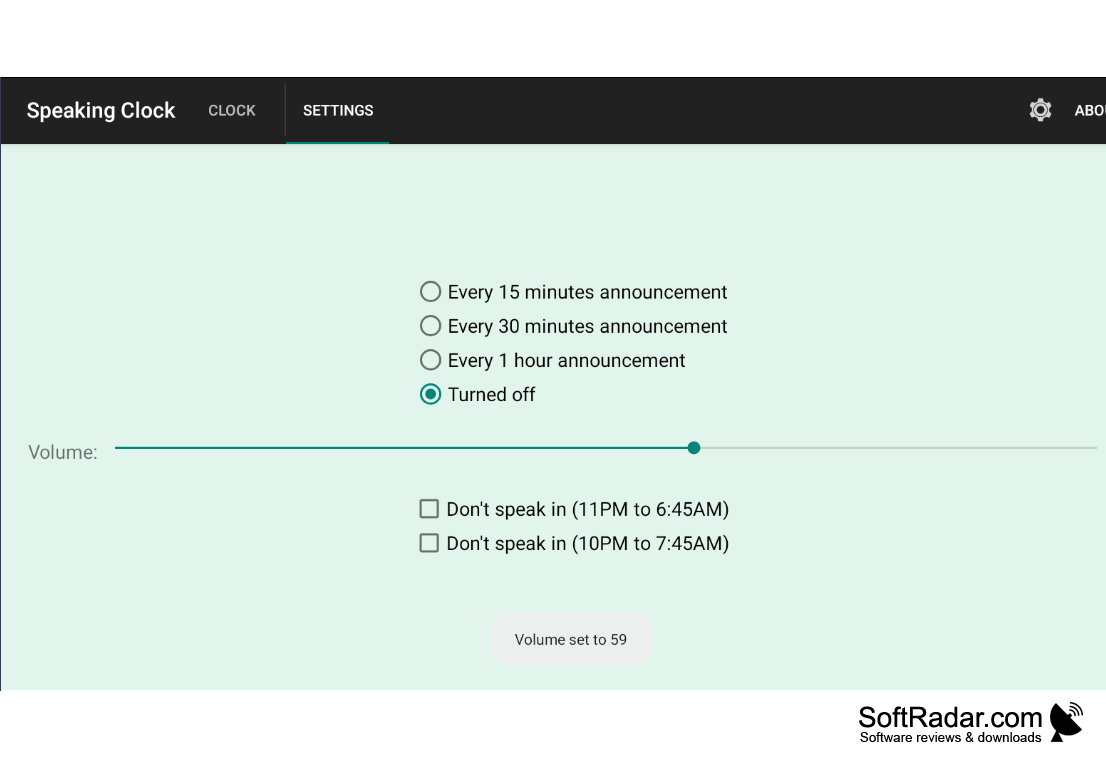
• Announcement Interval: The time can be announced every 15 minutes, every 30 minutes, or every hour.
• Voice Settings: You can choose one of the installed Microsoft voices and adjust the speed of speech, the pitch, and the volume.
• Alarms: You can create one-time, daily, and weekly alarms, pick the days of the week, and type the text the voice should say for each alarm.
• Speaker Icon: A click on the speaker icon makes the gadget announce the current date and time at any moment.
• Silent Mode: A silent mode turns the speech off, and a separate setting can still allow alarms to play in silent mode.
• Short Announcements: An option lets the voice skip the time units, so it says only the numbers instead of hours and minutes.
• Date Information: Besides the time, the gadget can show the day, the week number, and the quarter; the 24-hour format is supported.
• Custom Look: The color scheme can be changed, and a double-click on the gadget background opens the Windows date and time settings.
Conclusion
The Talking Clock is a simple, free way to hear the time without looking at the screen. Version 3.4, released in 2020, is the latest one. Because Windows 10 and Windows 11 no longer include desktop gadgets, it needs a gadget host, and the author explains how to bring gadgets back on his website. If you only want a visual clock, the voice features can be turned off completely. The gadget is freeware, and the author accepts donations to support the development of his free gadgets and website.
Desktop gadget host (Windows Sidebar replacement)
Microsoft speech voices for announcements
PROS
Customizable voice and time announcement.
Free, with spoken daily and weekly alarms.
CONS
May unintentionally interrupt during important tasks.
Needs a gadget host on current Windows versions.


