
TinyWall
TinyWall is a free, lightweight firewall designed to harden and secure your computer from malicious network traffic.
TinyWall is a free, lightweight firewall controller designed to protect your computer from unwanted network traffic. It builds on the firewall included in Windows and blocks all programs that you have not allowed, while being lightweight, open source and free of annoying popups.
Features:
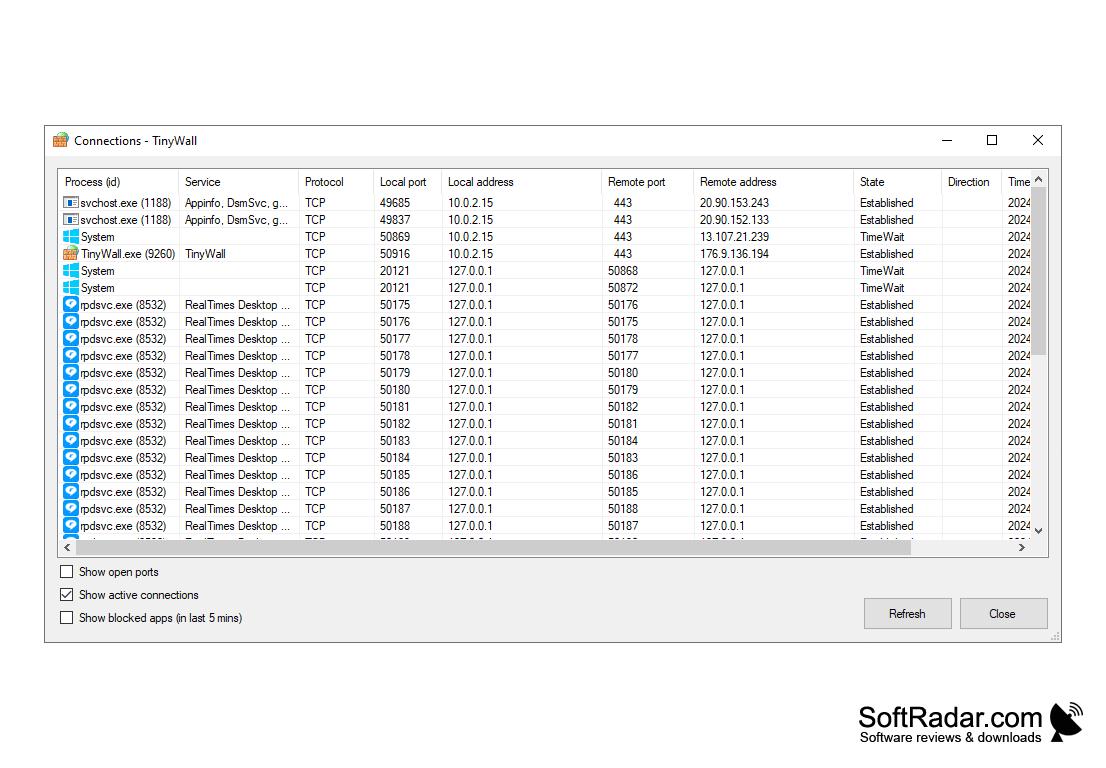
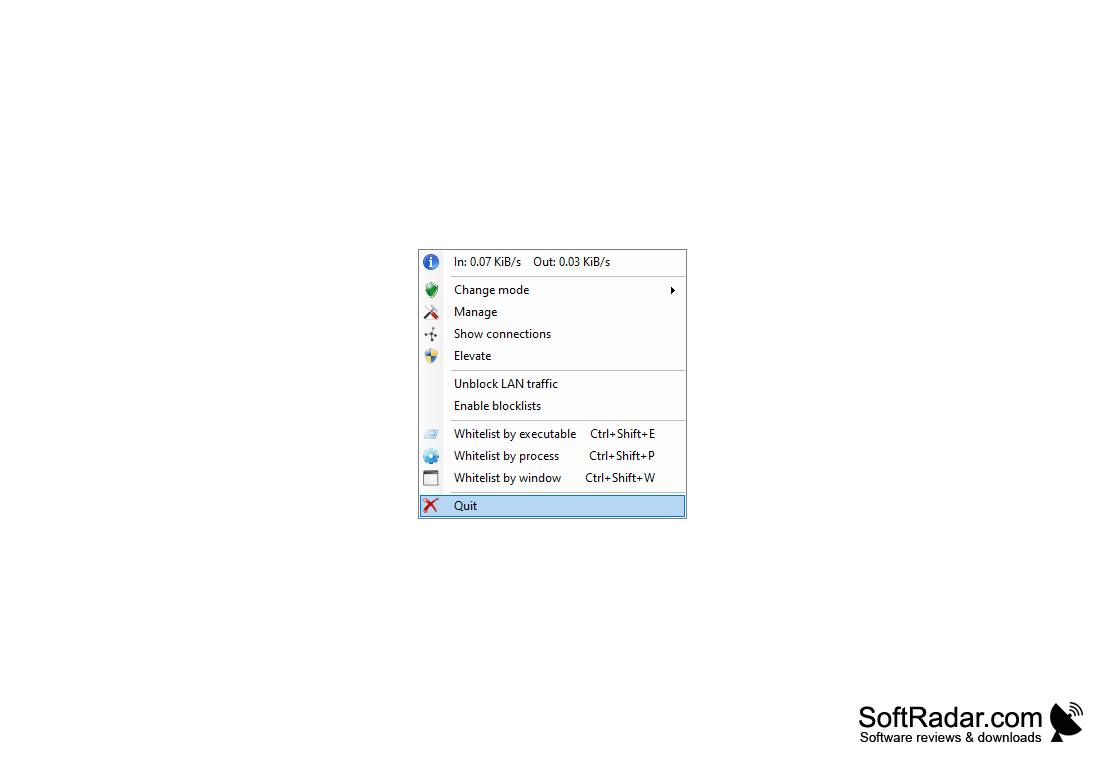
1. Connection Monitor: TinyWall shows established connections and open ports with process, protocol, local and remote addresses, and can list the applications that were blocked in the last five minutes.
TinyWall provides an easy-to-use, fully-featured firewall solution that increases your computer's security.
2. Advanced Firewall: TinyWall's firewall provides an extra layer of protection against malicious threats, by blocking inbound and outbound connections.
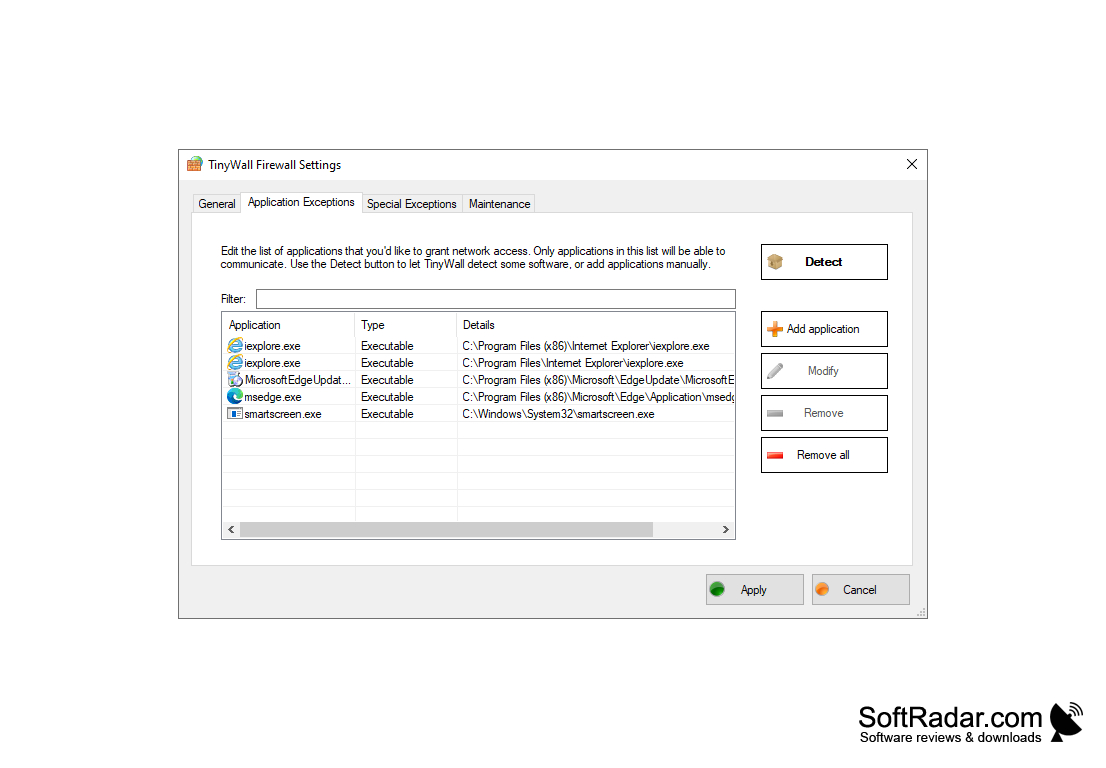
3. Application Control: TinyWall allows you to control which applications are allowed to access the internet, giving you full control over your computer's security.
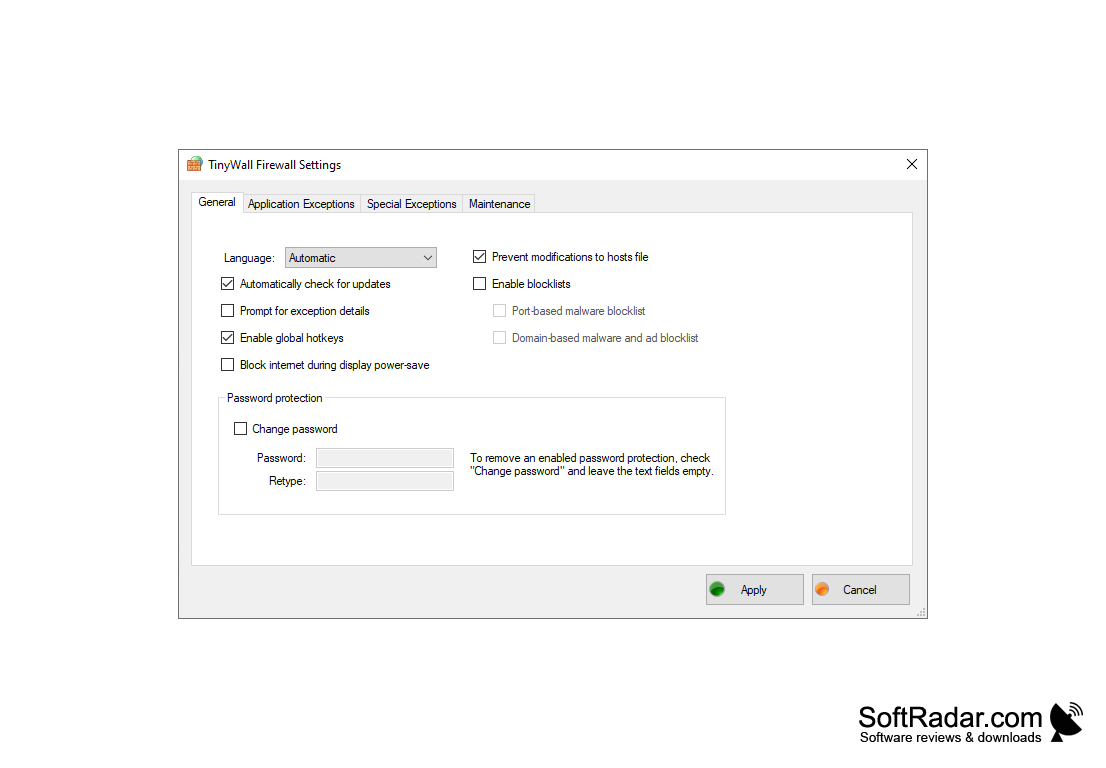
4. Blocklists: TinyWall includes optional blocklists, a port-based malware blocklist and a domain-based malware and ad blocklist, which can be switched on in the settings.
5. Hosts File Protection: TinyWall can prevent modifications to the hosts file and protects the Windows Firewall settings from being changed by other programs.
6. Password Protection: TinyWall includes a password lock for its own settings, so that other users cannot change your firewall configuration.
7. Easy Whitelisting: programs can be allowed by executable, by process or by clicking on their window, also with global hotkeys, and TinyWall suggests related files.
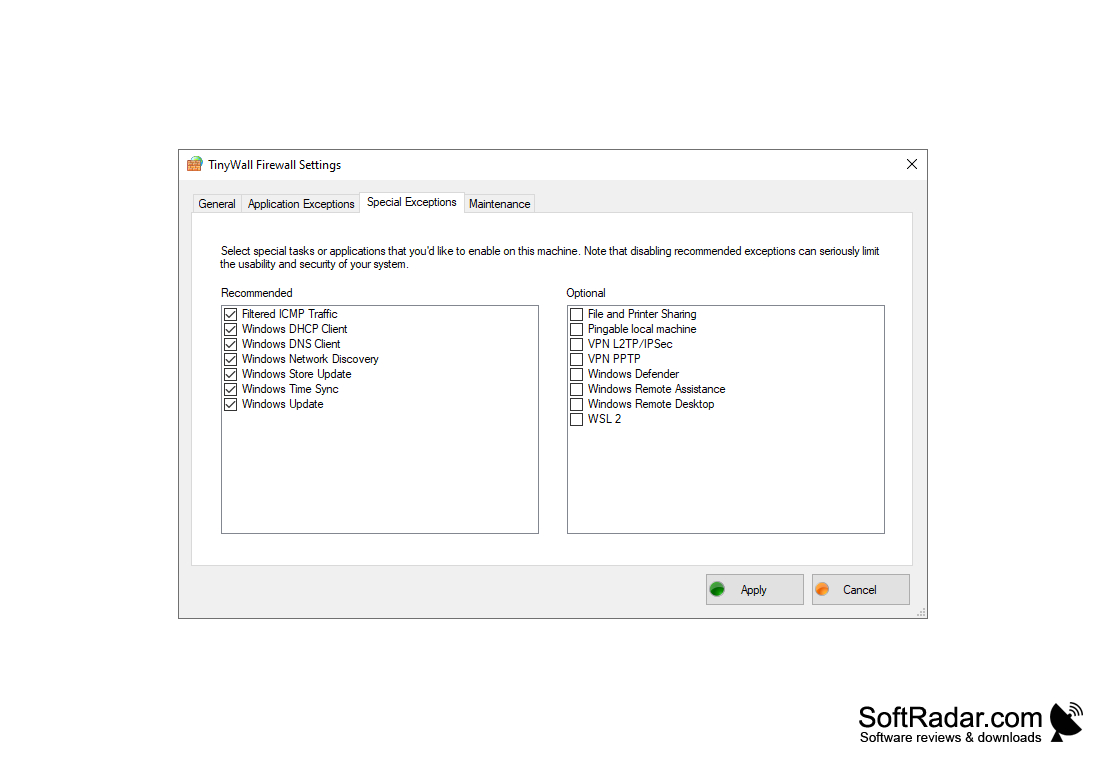
8. Network Control: TinyWall can always allow traffic within your LAN, restrict an application to local networks only, and offers modes such as block all or allow outgoing.
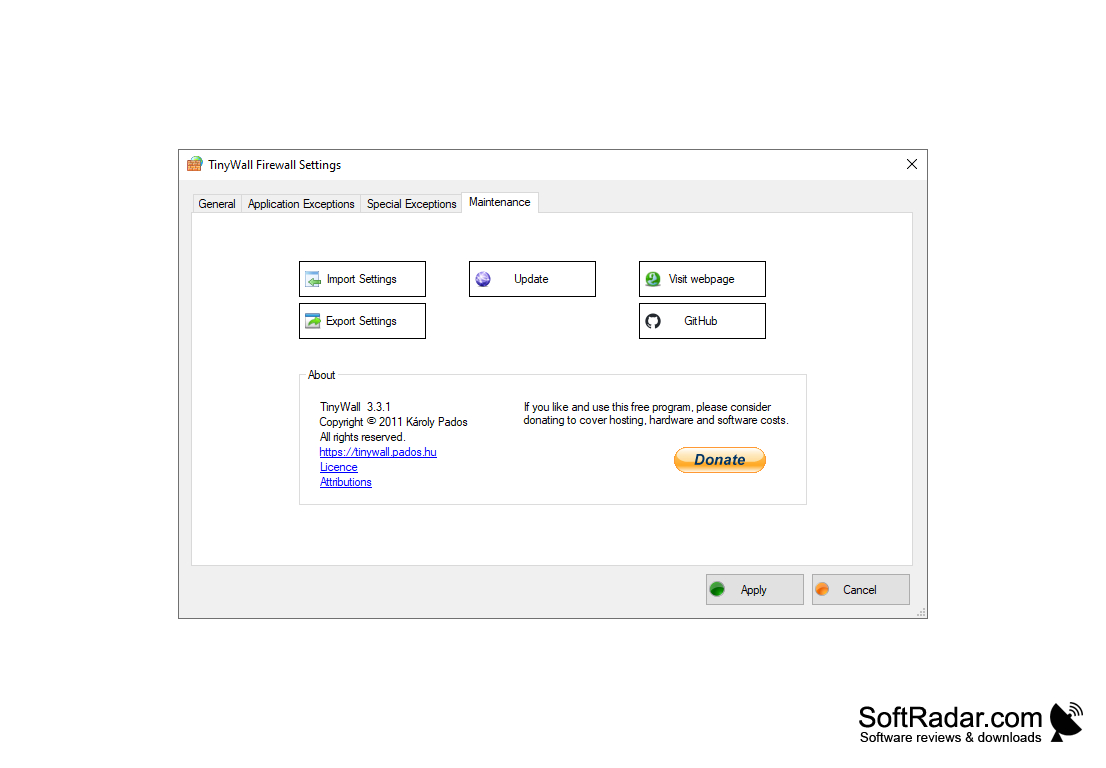
9. Customizable Settings: TinyWall allows you to customize rules by direction, port, protocol or Windows service, set temporary rules and export or import settings.
10. Easy to Use: TinyWall is designed to be easy to use, and the user interface is simple and intuitive.
Older version 3.2.5 for Windows 7, 8 and 8.1
PROS
Lightweight, doesn't slow down system performance.
Supports whitelist function for trusted applications.
CONS
New programs are blocked until you whitelist them.
No antivirus or web filtering, it is purely a firewall.